Film Effect Photo
AI prompts for creating photos with analog film grain, light leaks, and faded warm tones.
2026.07.07
把「Film Effect Photo」做成你想要的样子做一个你自己的「Film Effect Photo」
用大白话说出来就行——Carat 会为你生成合适的图片和视频。

每天 100 免费积分,现在就开始

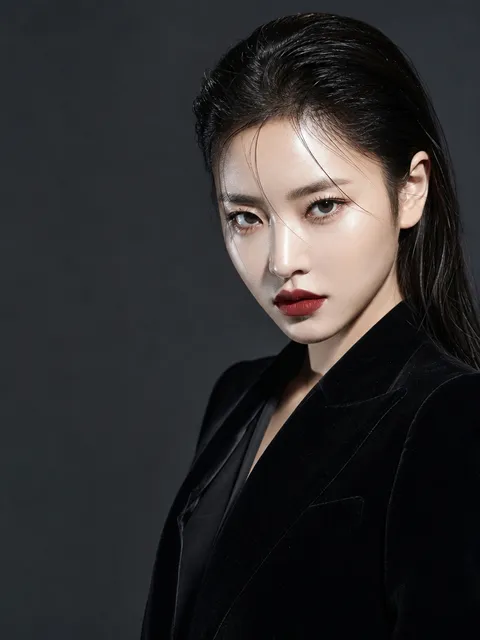
Editorial Film Portrait
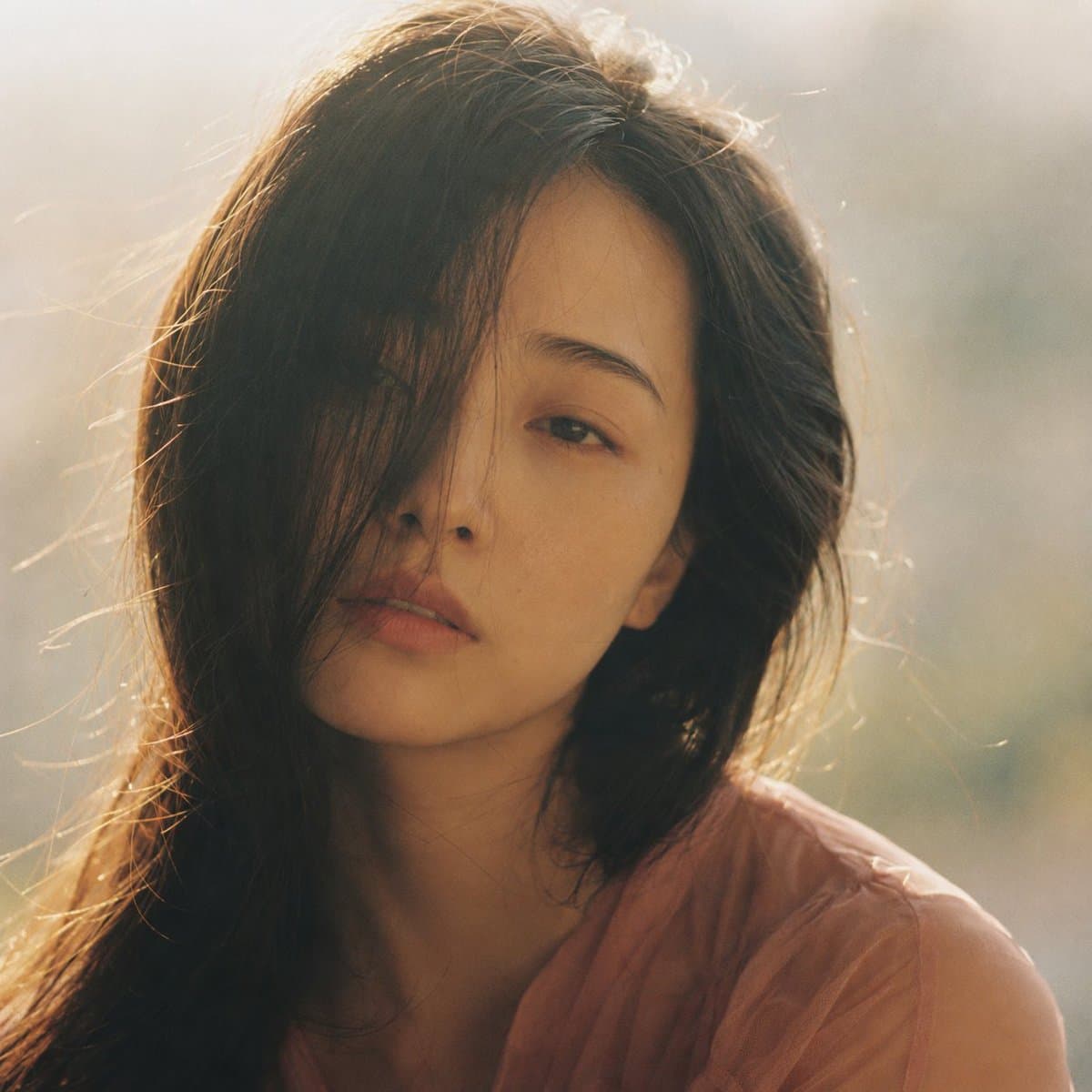
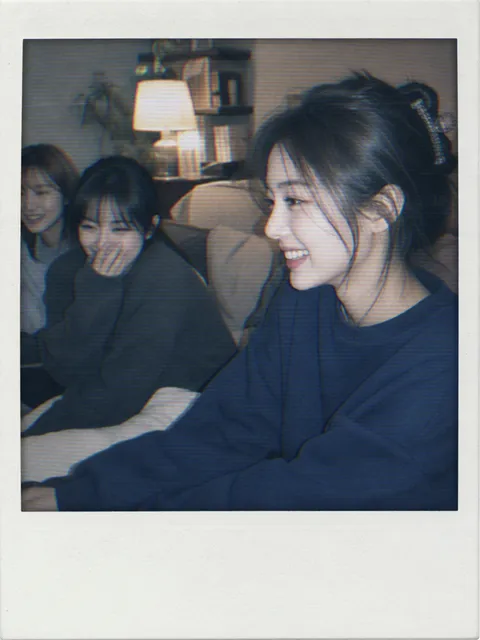
Light Touches What It Can
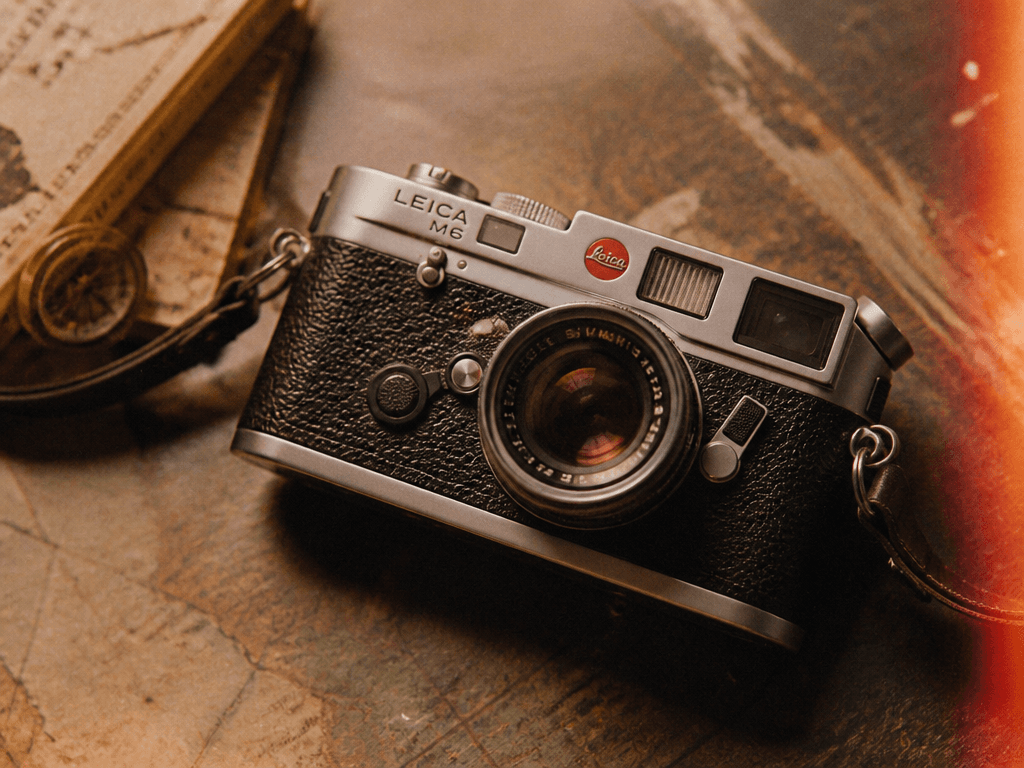
Film-Effect Photo
What Are Film Effect Photo Prompts?
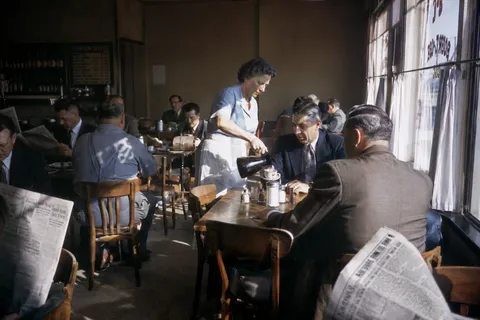
Film effect photo prompts help you create images with the texture and atmosphere of analog film using AI. By describing film grain, light leaks, faded warm tones, and 35mm film look in a short sentence, GPT Image 2 generates photos with a built-in retro aesthetic. These prompts are ideal for Instagram mood photography, blog thumbnails, website backgrounds, vintage-style product photos, and card news backgrounds.
Key Use Cases
- Instagram mood photography and blog thumbnail images
- Vintage-style product photos and lookbook visuals
- Retro-themed website backgrounds and hero images
- Travel and lifestyle photo thumbnails with emotional tone
- Card news and infographic background images
Why This Tag Is Useful
The film effect adds both retro charm and emotional depth to photos, making it a popular technique. However, applying grain, light leaks, and color fading in editing apps requires extra steps and an eye for detail. With AI prompts, you can generate photos that already have the film effect baked in, eliminating post-processing. You can specify the subject, lighting, film type, and color palette in text to quickly get the exact atmosphere you want.
Related Prompts
Prompt Composition Tips
- Define the subject first: portraits, still life, landscapes, or products establish the central composition.
- Specify the film look: "35mm analog film," "Polaroid," "Super 8" for different textures and grain patterns.
- Describe effects concretely: "film grain texture," "light leaks," "faded warm tones" for a clear film aesthetic.
- Set color tone: "warm brown tones," "cool blue tones," "sepia" for retro, emotional, or vintage moods.
Try generating multiple versions with different film looks and color tones to find the perfect atmosphere for your content.
常见问题
You can create photos with 35mm analog film look, Polaroid style, vintage warm tones, and other film effects. Specifying the subject and film look in the prompt produces retro-atmosphere photos matching your vision.
Yes. Including "film grain," "light leaks," or "analog look" in the prompt generates photos with the effect already applied, eliminating the need for post-processing.
These prompts are designed for GPT Image 2. Text descriptions alone produce photos with the film effect applied.
Yes. The film effect creates a retro, emotional atmosphere ideal for Instagram, blog thumbnails, and website backgrounds. Specifying a color tone that matches your SNS aesthetic makes them even more natural.
Yes. Specifying "35mm analog," "Polaroid," or "Super 8 film" in the prompt changes the texture and color rendering. Try generating multiple looks for comparison.
Yes. Placing the product at the center with a film effect creates vintage-style product photos suitable for lookbooks or premium brand content.
You can copy film effect photo prompts from the Carat prompt gallery for free. However, generating actual images from those prompts requires credits or a paid plan.