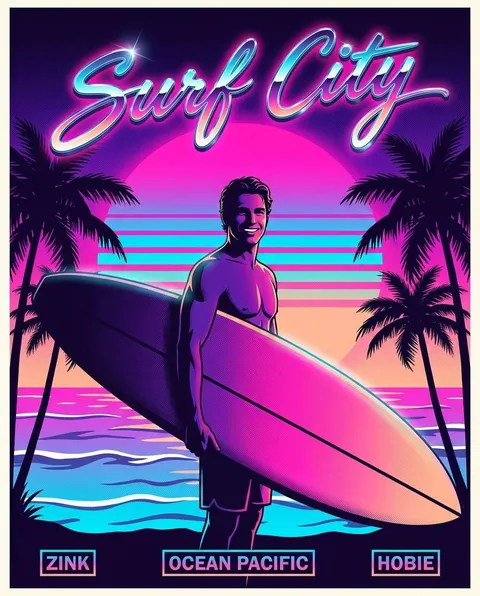
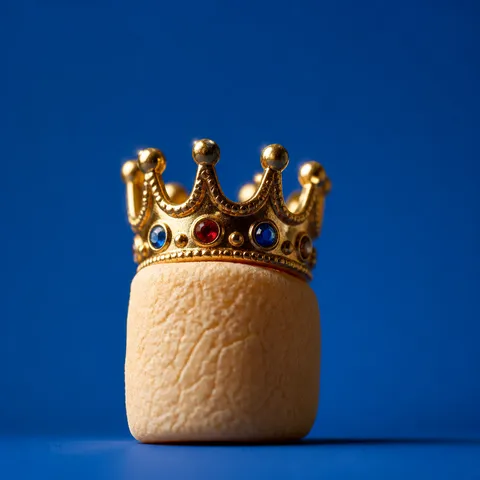
Funny Poster
Practical AI image prompts for funny poster design and promotion.
2026.07.15
把「Funny Poster」做成你想要的样子做一个你自己的「Funny Poster」
用大白话说出来就行——Carat 会为你生成合适的图片和视频。

每天 100 免费积分,现在就开始
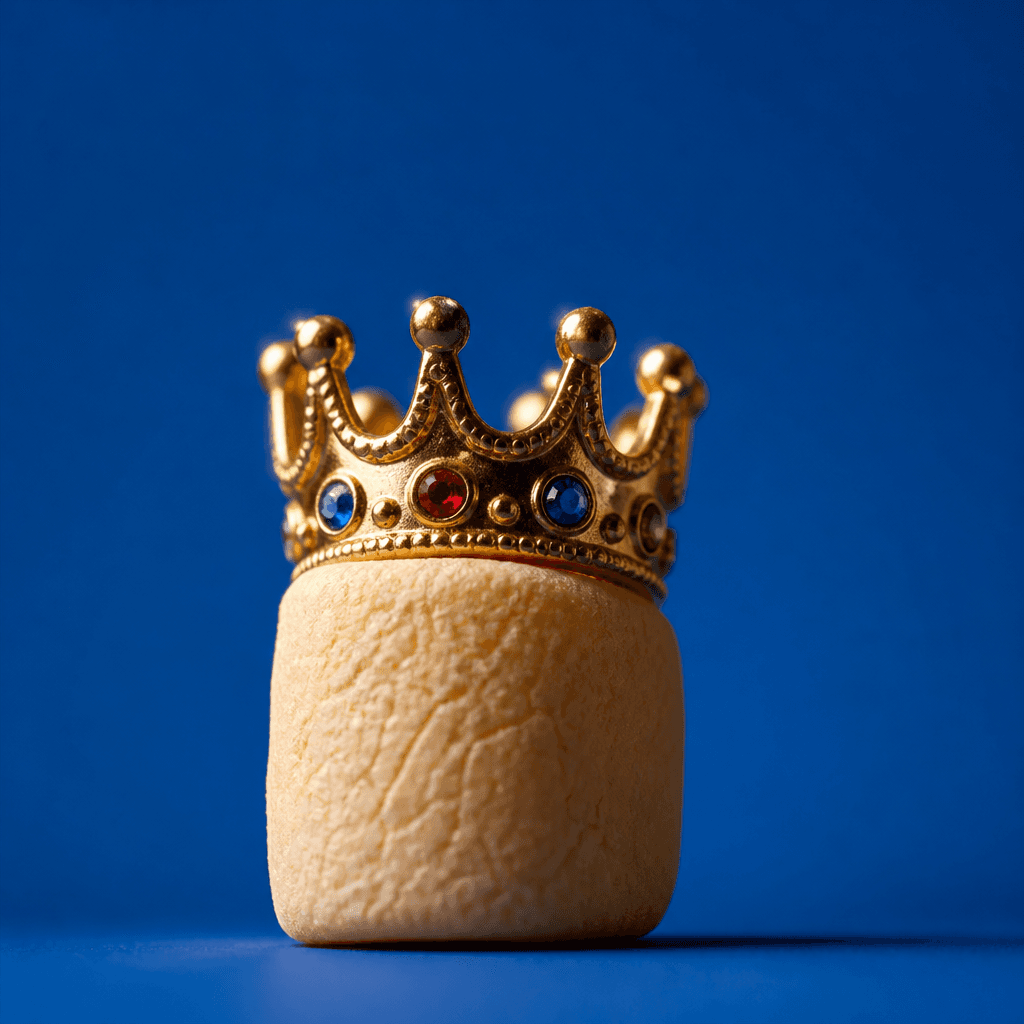
The World's Most Trivial Meme
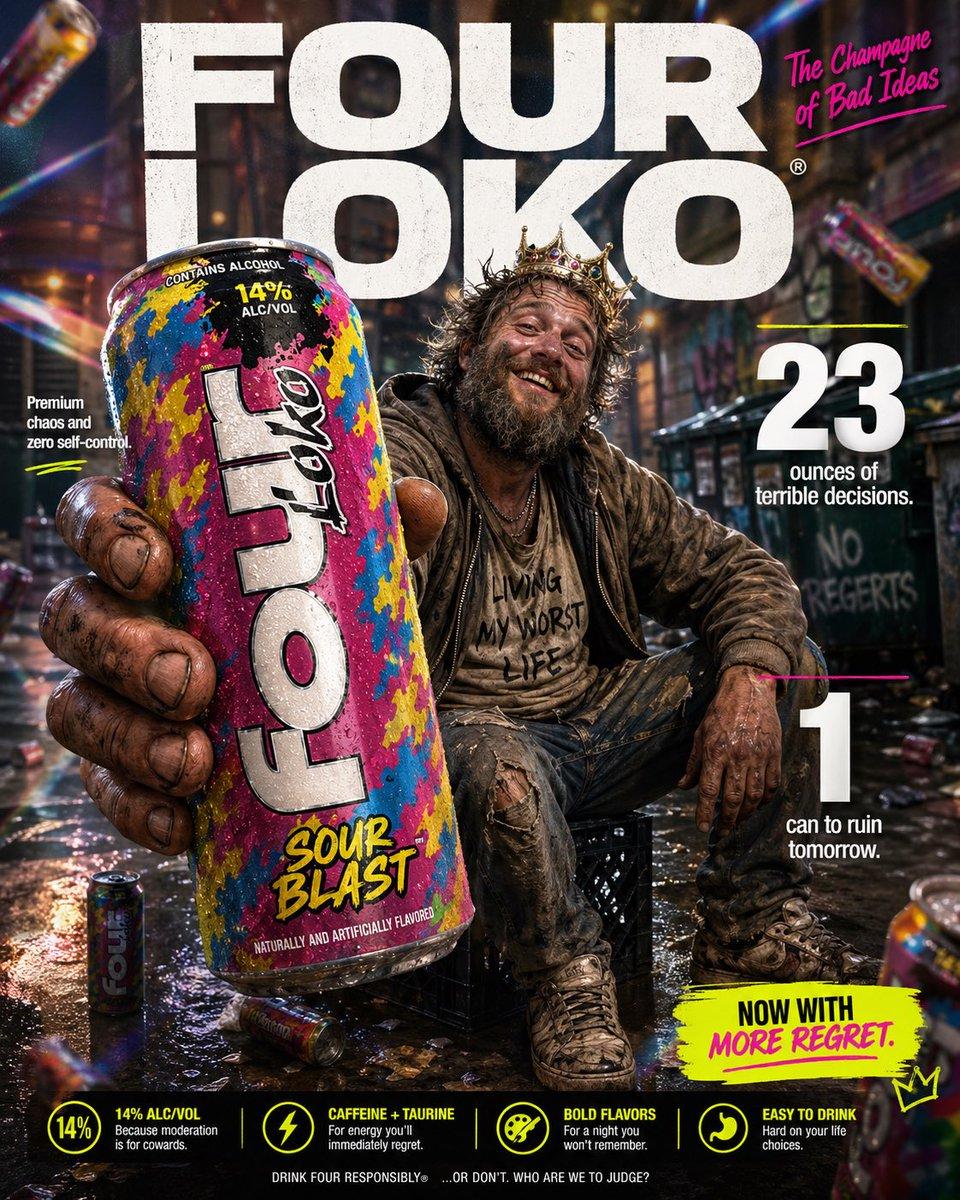
High-impact Parody E-commerce Infographic for “Four Loko” Malt Beverage

Funny Celebration Meme
What Is a Funny Poster AI Prompt?
A funny poster is 웃긴 포스터는 행사, 콘텐츠, 브랜드 메시지를 유머와 반전 있는 시각 언어로 전달하는 홍보 이미지. A useful prompt defines more than a topic name: it specifies the audience, viewing context, first-read message, visual hook, palette, and available space for text. Existing examples help you compare compositions and choose a direction that fits the intended channel.
Visual Elements and Hierarchy
Start with 과장된 표정, 예상 밖의 조합, 짧은 카피, 만화적 장면처럼 한눈에 웃음 포인트를 파악할 수 있는 요소. Keep one hero element at the center, then separate the title and supporting details through scale, placement, and spacing so the message survives at thumbnail size. Limit decoration to what reinforces the idea and preserve a deliberate area for important wording.
Practical Uses
It can support 코미디 행사, 동아리 이벤트, 밈 기반 SNS 콘텐츠, 신제품의 가벼운 캠페인, 친구 모임 초대장. When adapting one concept for feeds, stories, posters, and banners, keep the core palette and hero visual consistent while reducing information to suit each ratio.
Prompt Construction Tips
Begin with 웃음의 원인을 한 문장으로 정한 뒤 표정, 소품, 색상, 타이포그래피 중 두세 가지에만 집중. Then add the illustration or photography treatment, light direction, camera angle, background texture, typography zone, and output ratio. Since generated lettering may be inaccurate, plan to replace critical names and numbers in an editing tool.
Final Review
Reduce the result to its real display size and check whether the title and hero visual lead the reading order. Do not rely on color alone; use scale, spacing, lines, and icons as additional signals. For print, verify bleed and safe margins. For online use, avoid areas covered by interface controls. Before release, check spelling, schedules, prices or venues, contact information, QR codes, and image rights. This process turns an attractive draft into a dependable funny poster for its real audience.
常见问题
A funny poster communicates the main idea quickly. It can support social promotion, event notices, printed materials, or in-store and community announcements.
Place the primary title or message first, then provide action details such as dates, prices, locations, or ordering information in a clear reading order.
Specify the subject, hero visual, mood, palette, aspect ratio, hierarchy, whitespace, and intended text zones so the model has an observable layout target.
Use the result as a visual draft and replace critical titles, prices, dates, and proper nouns with accurate editable text layers.
Portrait works well for stories and mobile notices, while landscape suits walls, menus, and web banners. State the destination before choosing the ratio.
Copy the prompt into your working draft, then adapt its subject and composition constraints to your medium. Actual image generation may still use credits or incur charges depending on the service you choose.
Check spelling, dates, venue, prices, contact details, QR readability, image rights, final dimensions, and safe margins before release.