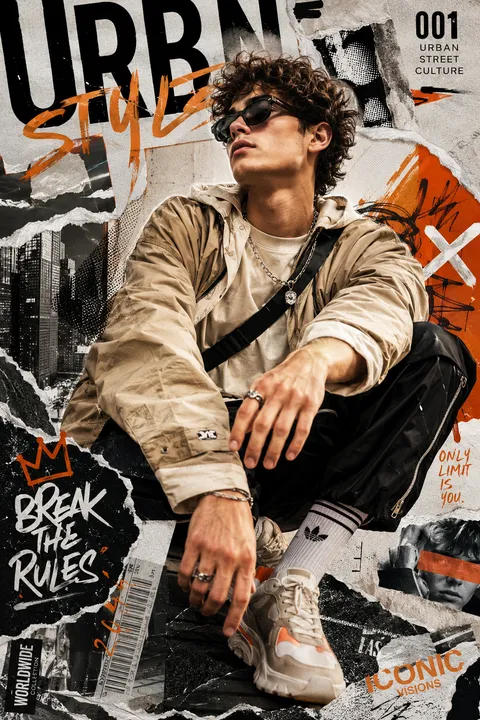
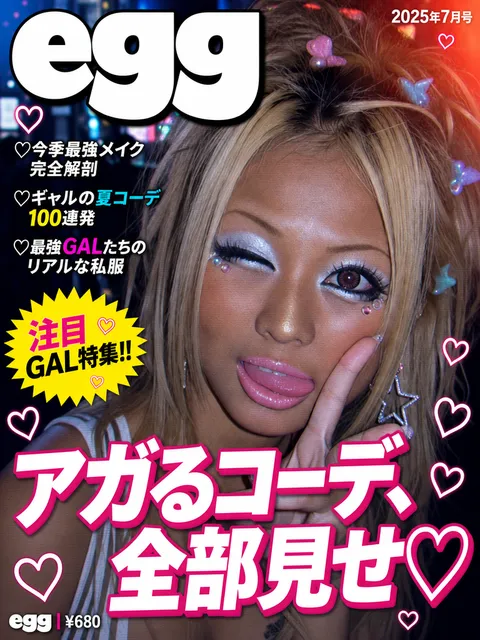
Magazine Mockup
Magazine mockup prompts for presenting cover and editorial layouts as realistic printed publications.
2026.07.17
把「Magazine Mockup」做成你想要的样子做一个你自己的「Magazine Mockup」
用大白话说出来就行——Carat 会为你生成合适的图片和视频。

每天 100 免费积分,现在就开始
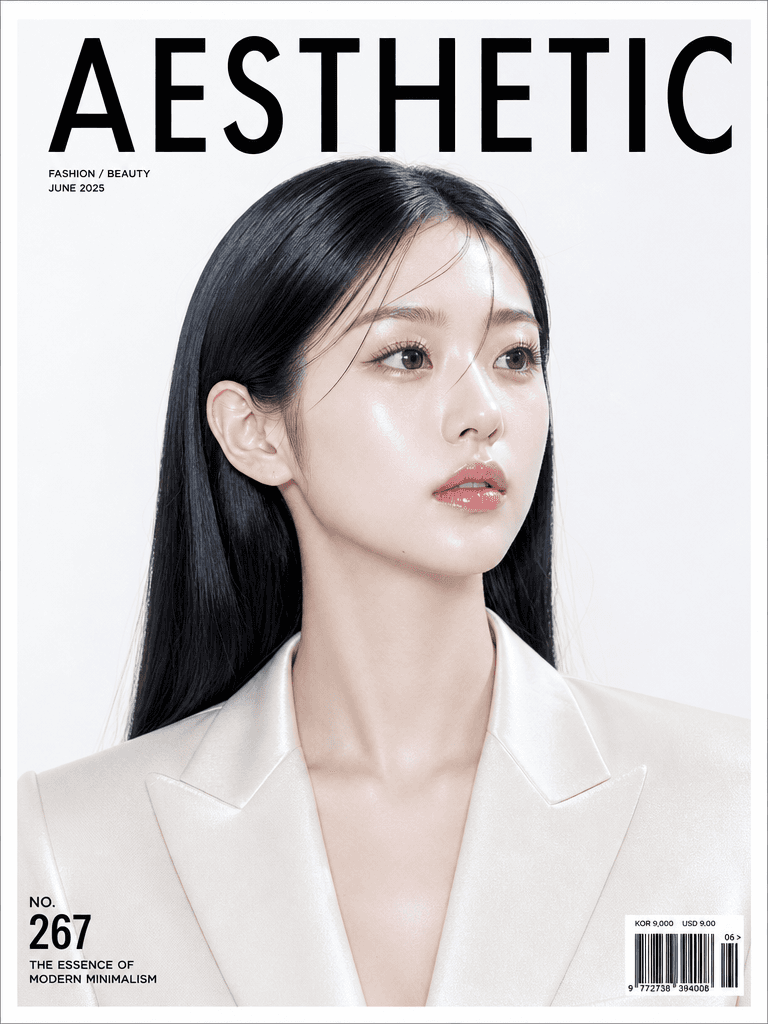
Magazine Cover
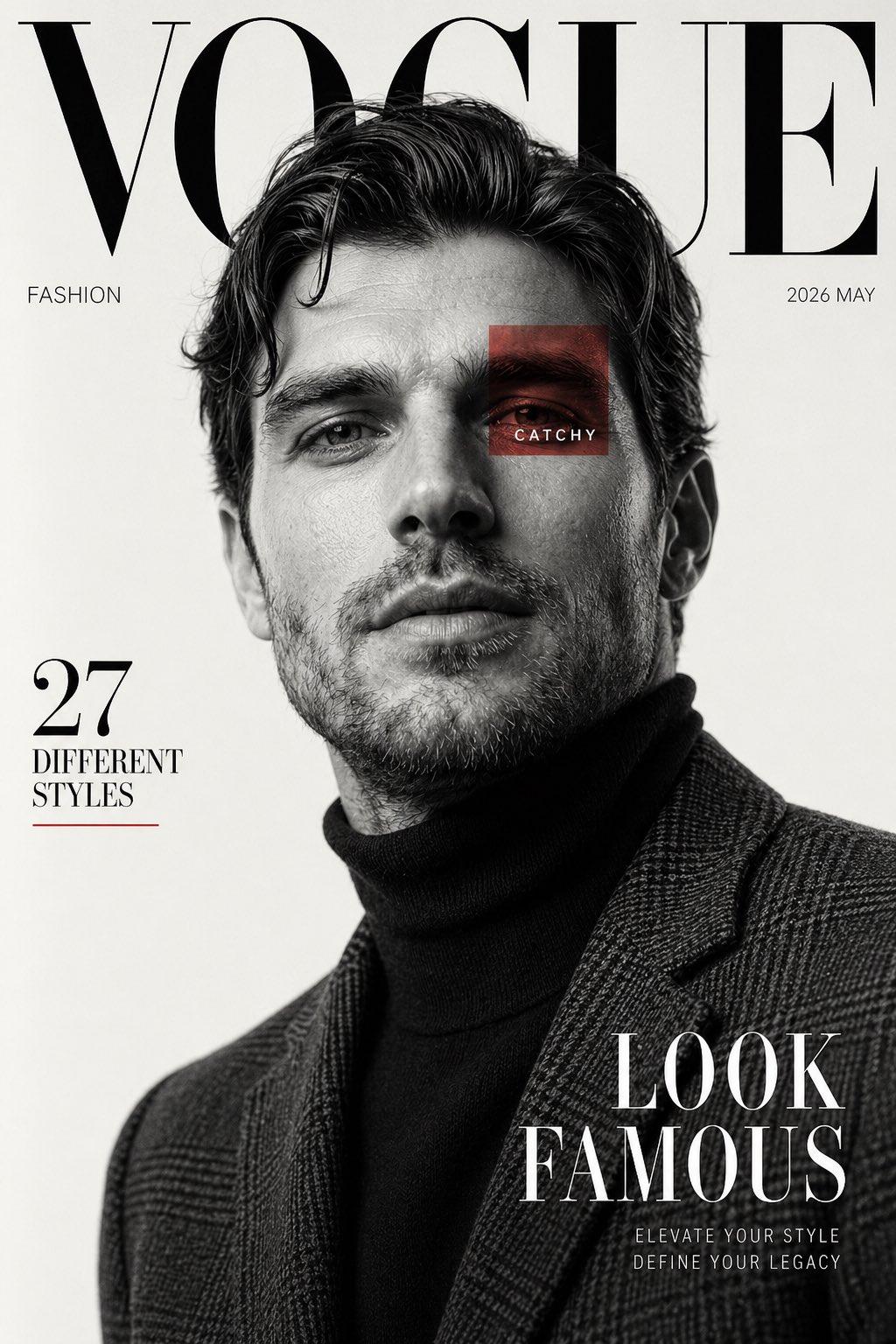
High Fashion Editorial Magazine Cover Inspired by Luxury Fashion Publications
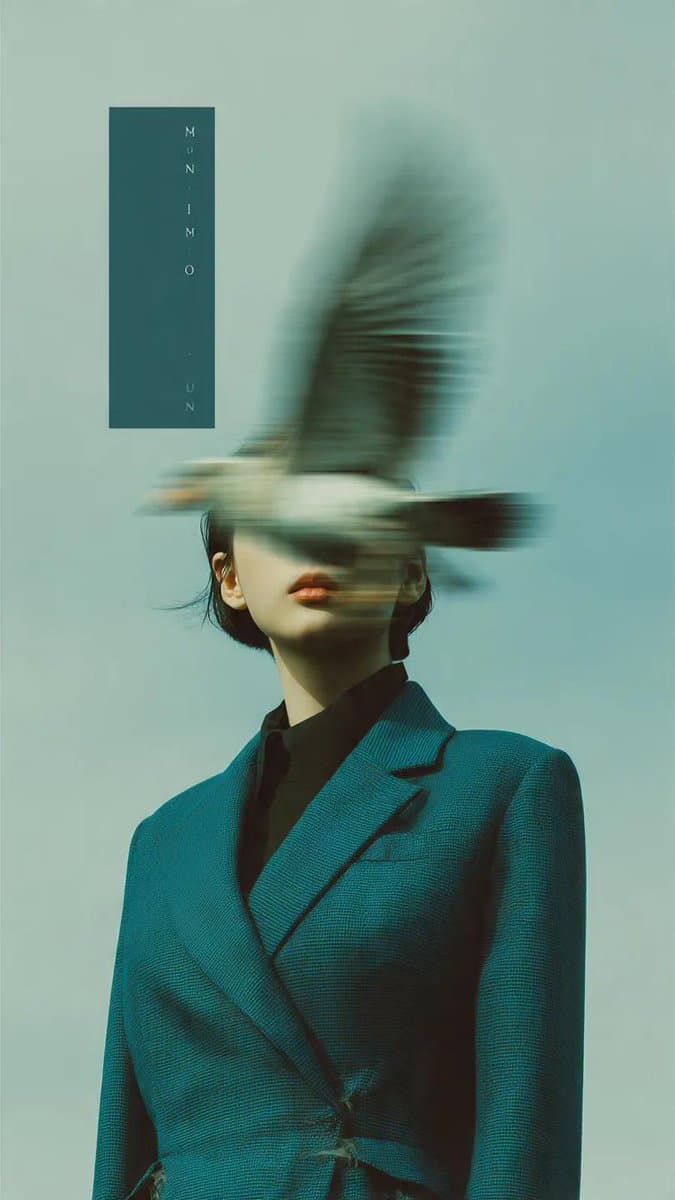
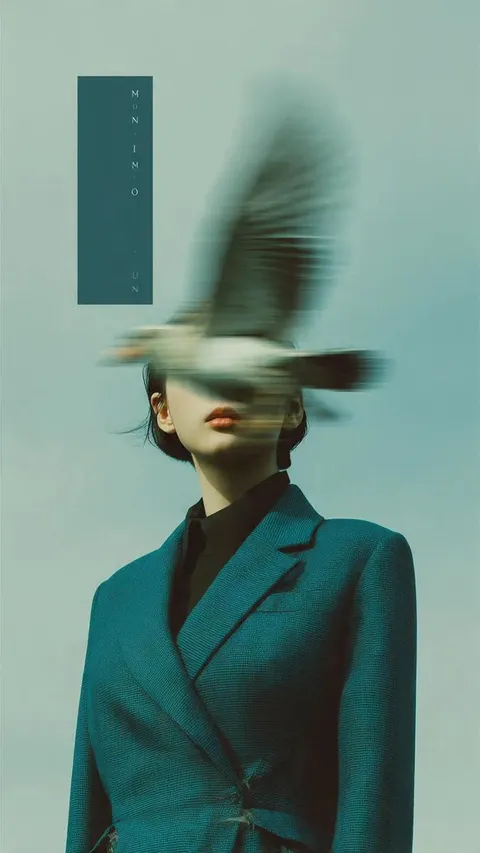
Bird Motion Blur Magazine Cover
What are magazine mockup AI prompts?
A magazine mockup presents cover or interior artwork as a physical publication so a team can judge scale, depth, paper response, and page movement. It reveals details that a flat cover file cannot show, such as the spine, folded spread, surface reflections, and the relationship between the magazine and its setting. A strong prompt specifies the format, orientation, finish, paper tone, open-page angle, background, and camera position.
Useful applications
Use magazine mockups for publishing proposals, fashion and lifestyle editorials, internal publications, portfolio case studies, and cover redesign reviews. A clean cover view helps compare the title, image, and color system. A stack or tabletop scene communicates a broader editorial identity, while an open spread is better for discussing margins, image crops, and the balance between copy and visuals.
Prompt planning
Describe the approximate size, portrait or landscape orientation, matte or gloss finish, spine visibility, page thickness, and the angle of the open spread. Keep cover headlines and issue details short as placeholders because generated typography is not reliable. Choose props that relate to the editorial topic but keep their scale and focus subordinate to the publication.
Composition and mood
Soft studio shadows clarify the edges and paper volume. A desk, shelf, or reading table can make the result feel like a real editorial environment. When showing an open spread, keep the center fold away from a face or critical line of copy. For comparing covers, use the same light and camera angle across versions. Replace vague style labels with concrete color, material, type density, and lighting instructions.
Review before publishing
Treat all cover headlines and interior copy in the generated image as layout placeholders. Compare the result with the source file for format, spine width, crop, margins, and color expectations. Review image and type licenses when the publication contains third-party material. For web use, confirm that the cover remains intact and that the title is readable at a small display size.
常见问题
It gives cover and editorial artwork physical scale and depth, making publishing proposals and portfolio explanations more convincing.
Yes. Request a cover view and an open-spread view separately, or describe a scene where both the front cover and interior are visible.
State portrait or landscape orientation, approximate dimensions, page thickness, and whether the spine or a folded spread should be visible.
Long headlines and small issue details may be distorted. Use the image to assess layout, then add final copy in an editing tool.
A clean studio or desk works for a publishing proposal, while a limited set of topic-related props can support a lifestyle editorial.
Yes. Keep the camera, lighting, and object placement consistent while changing only the cover artwork for a fair comparison.
Compare format, crop, spine, margins, color, source artwork, and usage rights, then check that the cover survives a mobile thumbnail view.