Makeup
뷰티 룩과 화장법을 구체적으로 만드는 Makeup AI 프롬프트. 속눈썹, 애교살, 블러셔, 글로시 립, 아이섀도, 피부 표현까지 원하는 메이크업 이미지를 만들 수 있습니다.
2026.05.28
把「Makeup」做成你想要的样子做一个你自己的「Makeup」
用大白话说出来就行——Carat 会为你生成合适的图片和视频。

每天 100 免费积分,现在就开始
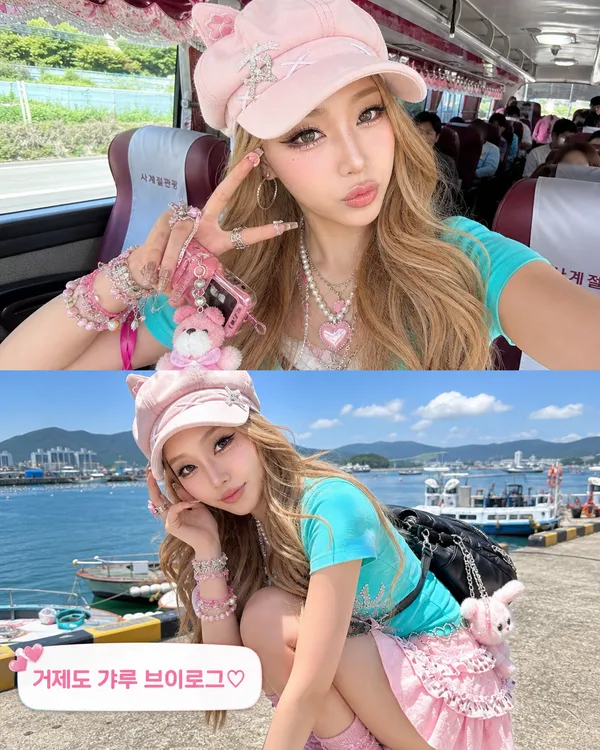
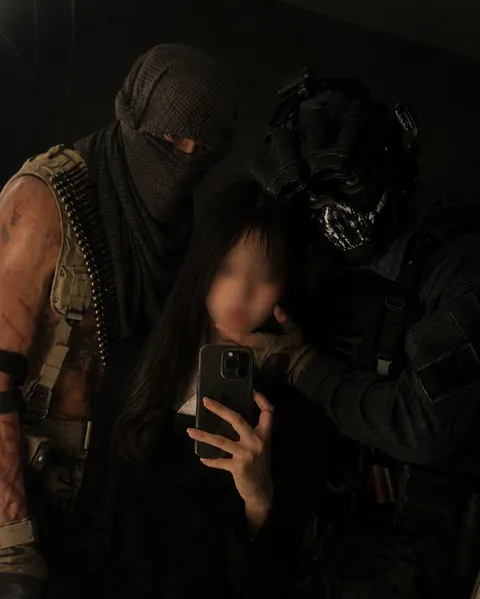
Geoje Gyaru Vlog Screenshot
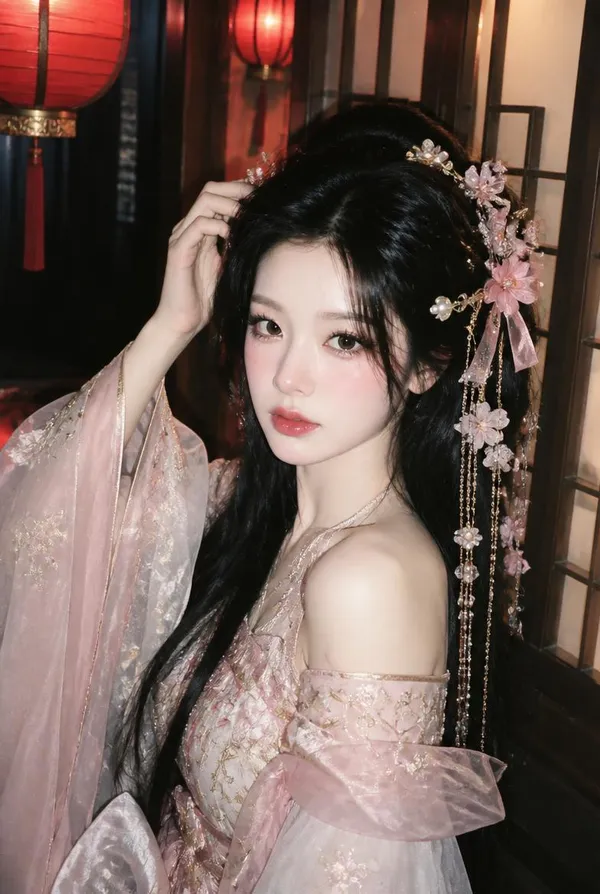
Imperial Glam Wanghong Portrait
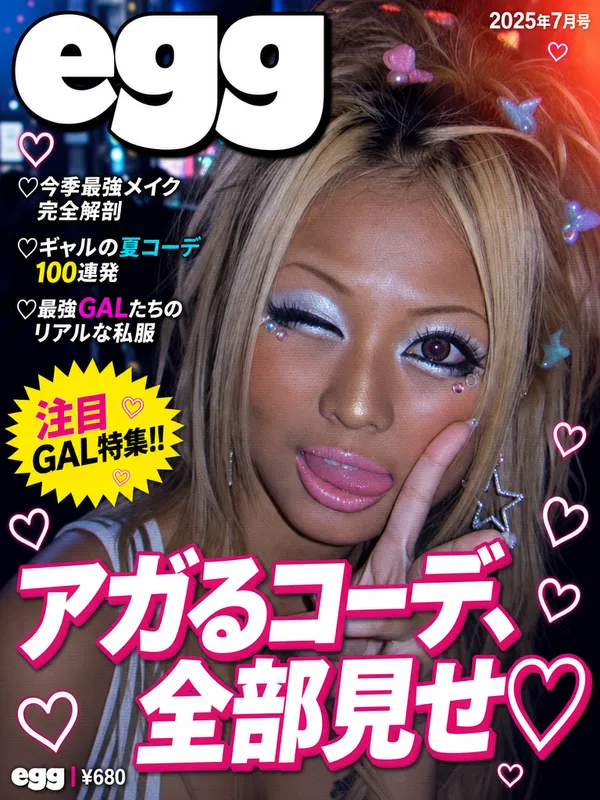
egg Gyaru Magazine Cover
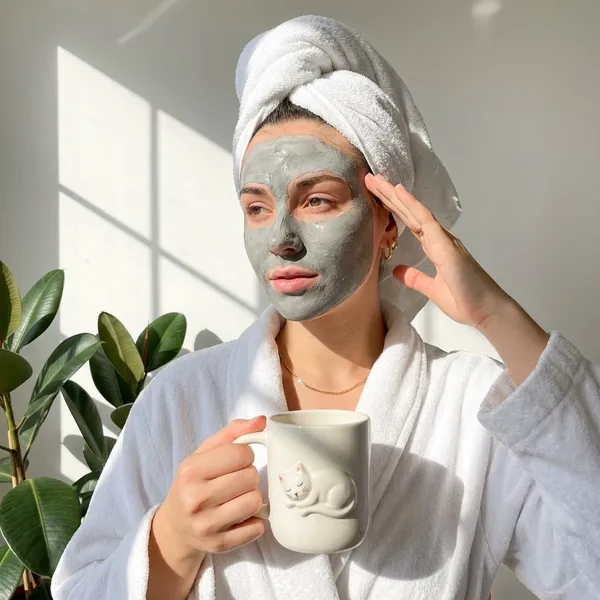
Spa Clay Mask Self-Care Portrait
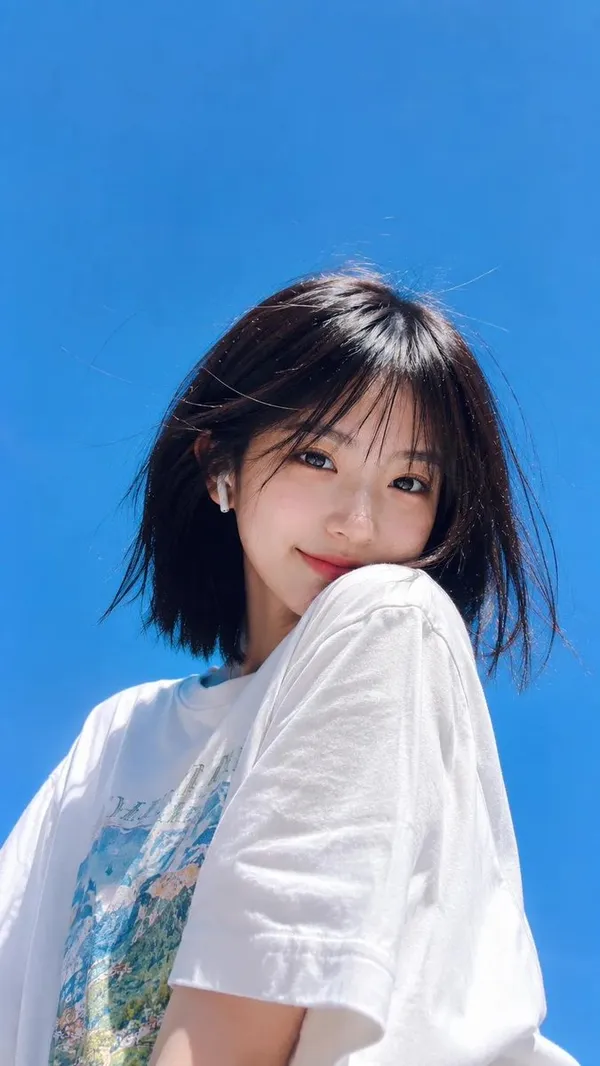
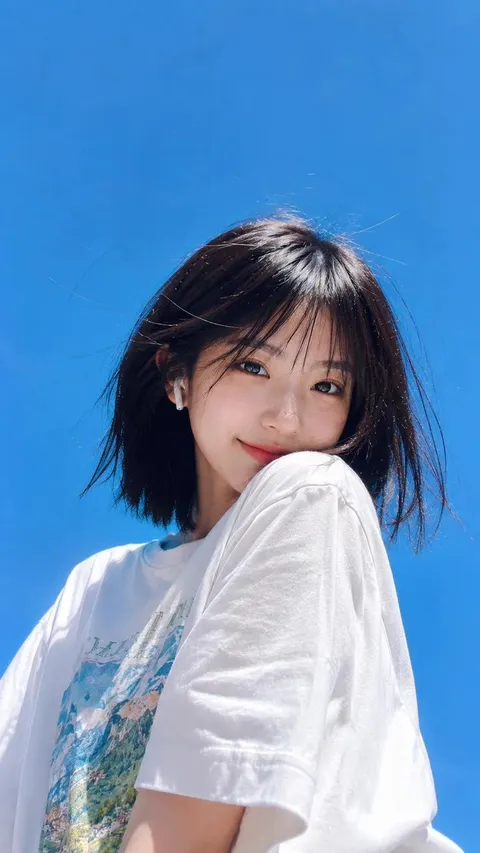
Summer Low-Angle Lifestyle Portrait
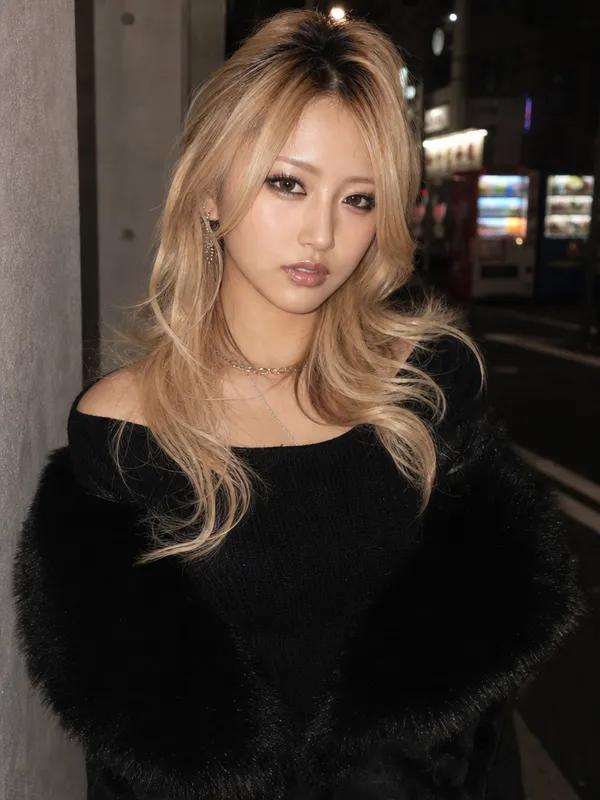
Onegyaru Glam Style Transformation
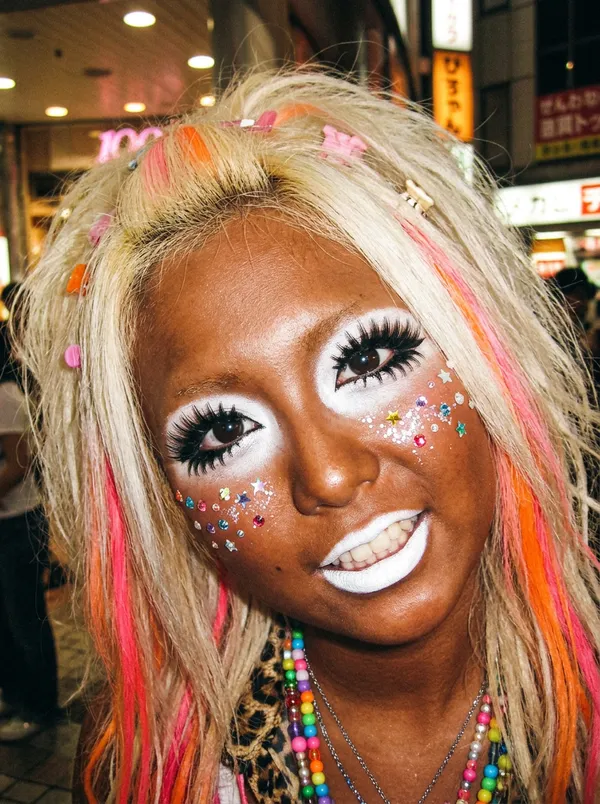
Ganguro Manba Gyaru Transformation
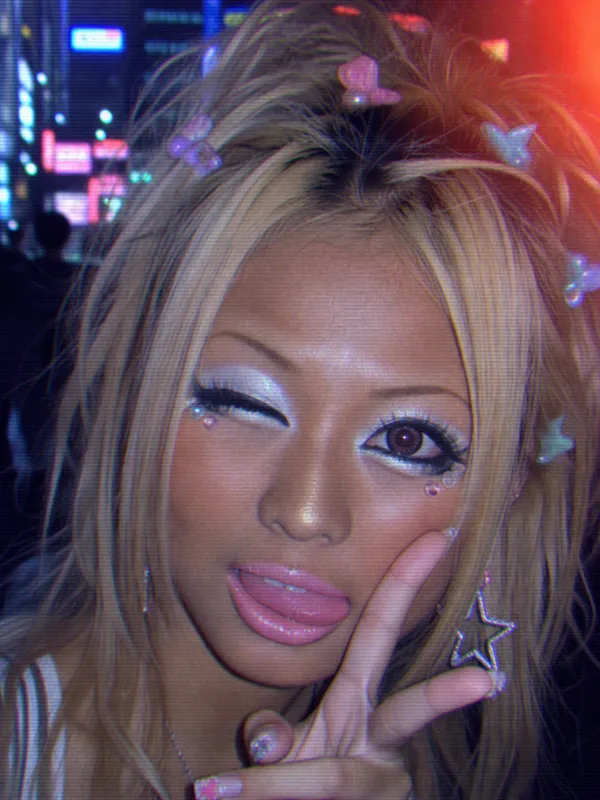
90s Kogal Style Transformation
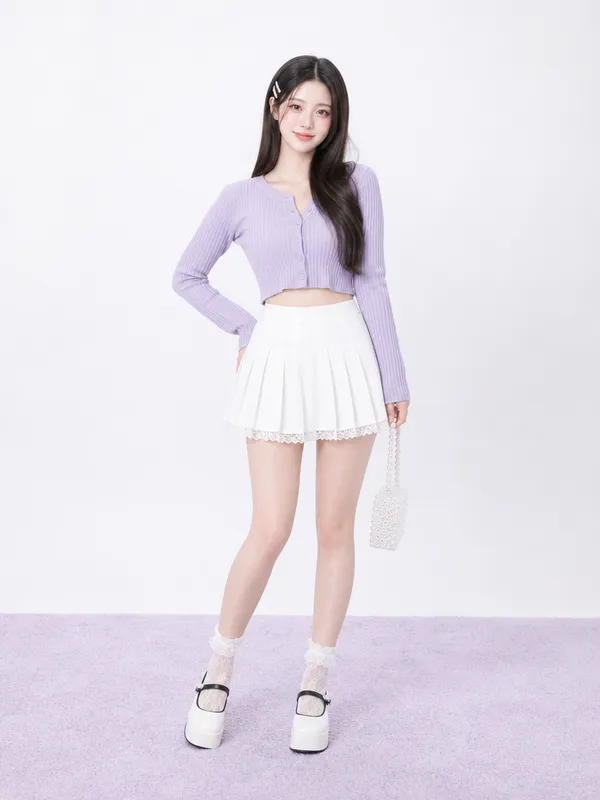
Balletcore Fashion Model
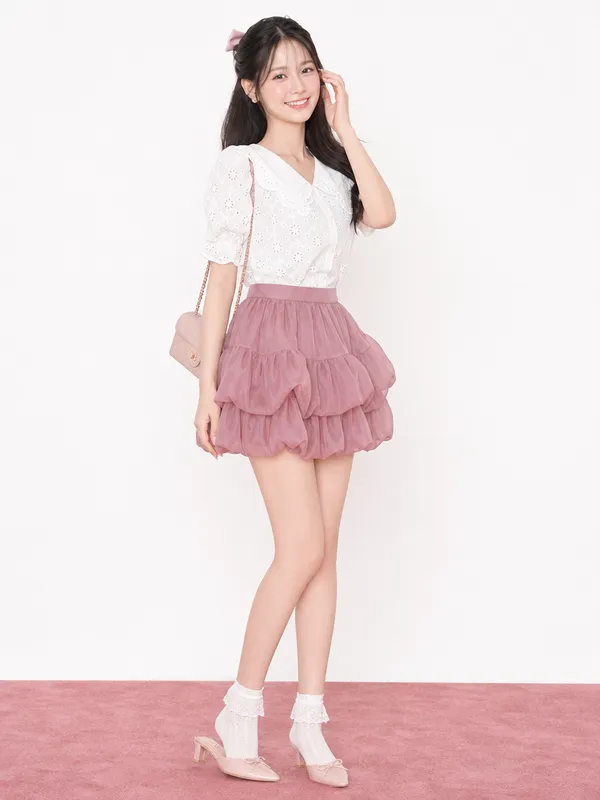
Balletcore Pink Ribbon Look
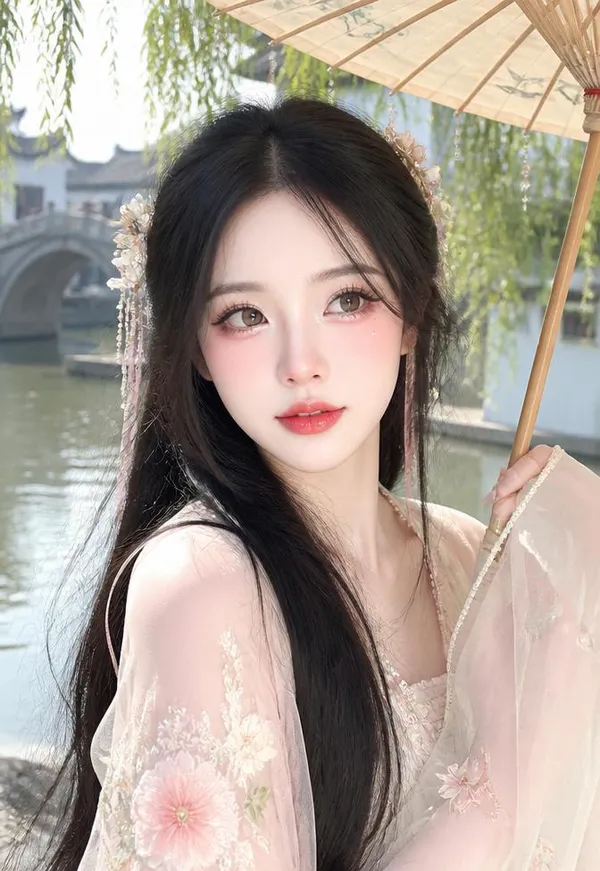
Water Town Daylight Wanghong Snap
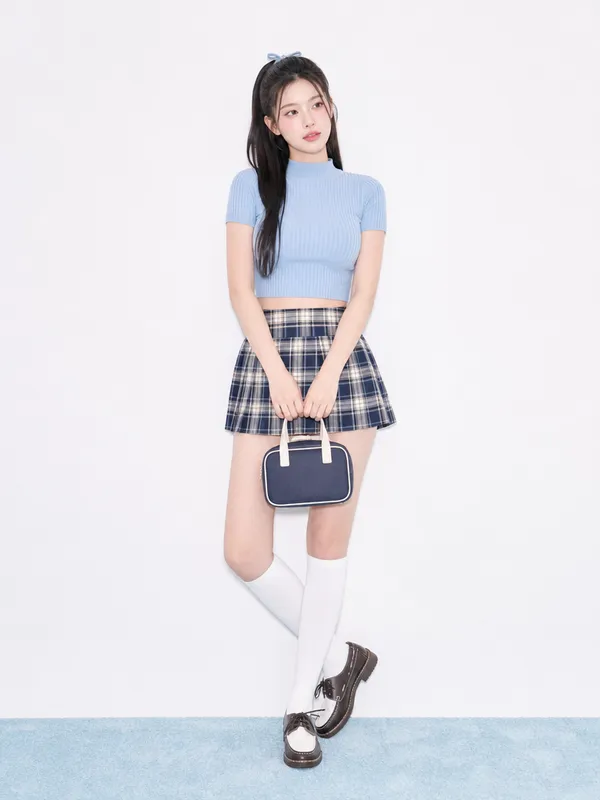
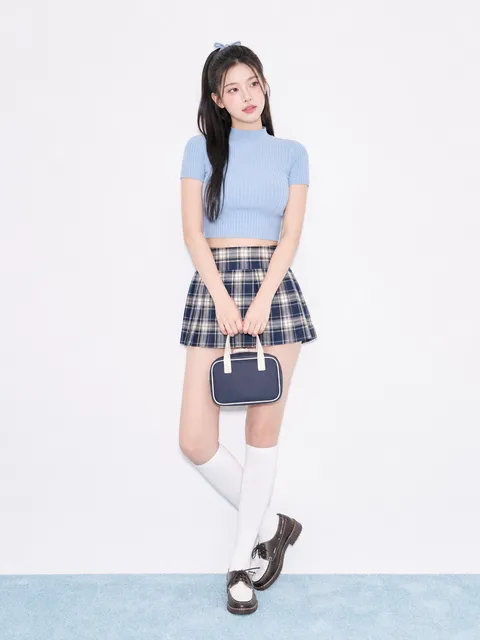
Balletcore High-Teen Blue Look
What Are Makeup AI Prompts?
Makeup AI prompts generate beauty images where the cosmetic details matter: eye shape, lashes, aegyo-sal, blush, lip finish, and skin texture. They reproduce trend looks such as gyaru, wanghong, balletcore, and Y2K gloss with clear, observable instructions instead of vague mood words. In Carat you create a beauty image with GPT Image 2, then refine only the parts you want, like lip color or eye makeup, without regenerating the whole image.
Where You'll Use It
- close-up beauty portraits and makeup references
- trend looks such as gyaru, wanghong, K-beauty, or editorial glam
- product campaign visuals for lip, eye, cheek, or base makeup
- character styling sheets with consistent beauty details
- social thumbnails and before/after concepts
Why This Tag Is Useful
Makeup falls apart when you describe it as "pretty makeup." Split the look into eyes, cheeks, lips, skin, and hair and write each as a visible detail, and the model reproduces it far more reliably. Because many of these prompts use an uploaded reference, you can also keep the same face and swap only the makeup, ideal for before/after looks.
Tips for Crafting Prompts
- Separate eye, cheek, lip, skin, and hair details so the model does not blur them together.
- Define finish words: glossy, matte, satin, glitter, wet-look, frosted, or dewy.
- Specify lighting, since makeup shifts under flash, daylight, or a studio softbox.
- Mention face angle and crop: extreme close-up, selfie, mirror shot, or ad framing.
If one element comes out too weak, ask for that feature alone to be intensified instead of starting over, for example stronger lower lashes or a cleaner lip line. In Carat you can keep iterating on the same image until the look is exactly right.
常见问题
They are used to generate beauty-look images such as gyaru, wanghong, balletcore, and K-beauty. You specify eye, cheek, lip, skin, and hair details to reproduce a specific makeup concept as an image.
Not always. If you upload a face photo, the model keeps the same person and changes only the makeup. Without one, it generates a new subject with the requested look. Prompts that mention an uploaded or attached photo require an input image.
Avoid vague phrases like 'pretty makeup.' Split the look into eyes, cheeks, lips, and skin, and write visible details such as winged liner, thick lower lashes, aegyo-sal glitter, or glossy overlined lips so the model can reproduce them.
Most prompts in this tag were made with GPT Image 2. It works well for face-preserving edits and for cover-style images that include text.
Yes. Ask for a single feature to be intensified, such as brighter aegyo-sal, warmer blush, or a cleaner lip line, and refine that part without regenerating the whole image.
Yes. You can set ratios like 4:5 for Instagram or 16:9 for thumbnails, and continue with follow-up work such as background removal or upscaling in Carat.
You can use them for concept images, marketing mockups, and social assets. Just verify real people, logos, copyrighted material, and product-efficacy claims before publishing.