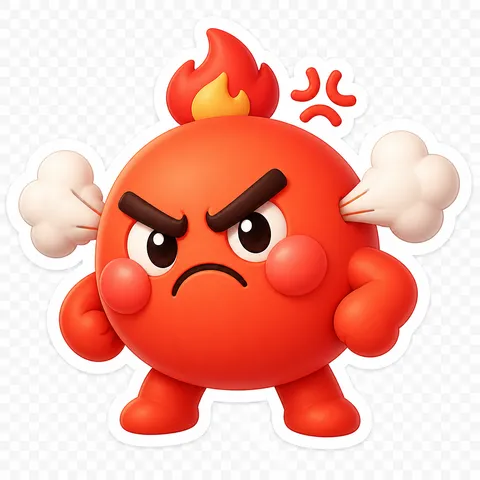
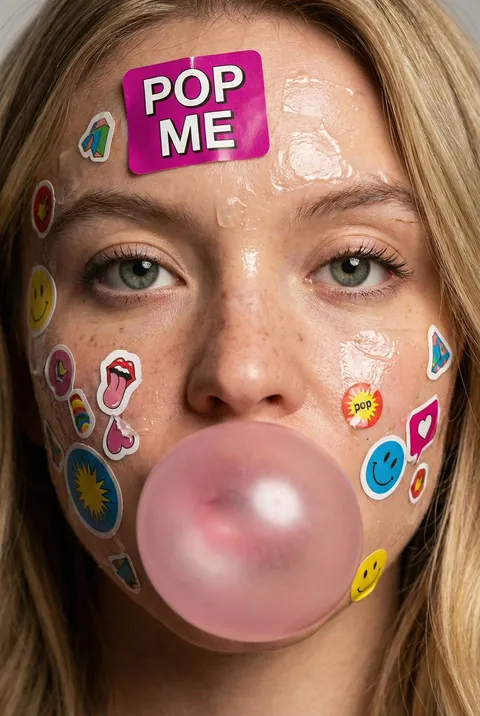
Person Emoticon
Create cute person face emoticons and character stickers with GPT Image 2 AI prompts. Perfect for messaging apps and social media stickers.
2026.07.07
把「Person Emoticon」做成你想要的样子做一个你自己的「Person Emoticon」
用大白话说出来就行——Carat 会为你生成合适的图片和视频。

每天 100 免费积分,现在就开始
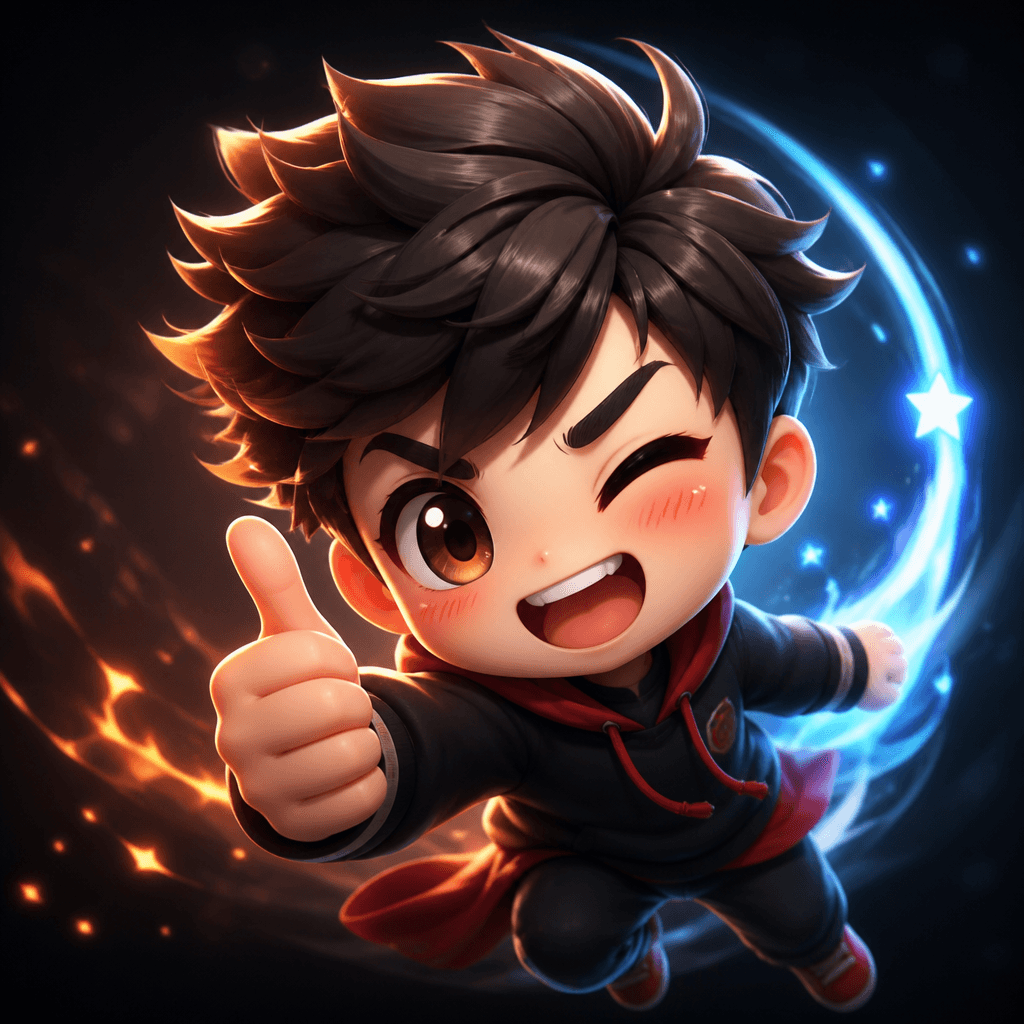
Person Emoticon
What Is a Person Emoticon AI Prompt?
A person emoticon AI prompt generates expressive character stickers featuring human faces and emotions in a cute, exaggerated style. By describing the emotion, character design, and visual style, you can create chibi-style emoticons with big eyes, small bodies, and oversized expressions using GPT Image 2. These stickers are ready to use in messaging apps like KakaoTalk, LINE, Discord, or as Instagram story stickers.
Common Use Cases
- Emotion expression stickers for KakaoTalk, LINE, and Discord
- Cute face stickers for Instagram stories
- Character reaction emoticons for blog and YouTube thumbnails
- Custom couple and friend chat stickers
- Sticker shop product prototypes and merchandise design
Why This Tag Is Useful
Emoticons are the most intuitive way to convey emotions in digital communication. But creating them from scratch requires character design, facial expression acting, coloring, and transparent background processing - a high barrier to entry. With a person emoticon AI prompt, you only need to describe the emotion and style, and the model handles the rest. Chibi-style character emoticons are versatile enough for personal messaging and commercial sticker shop prototypes alike.
Related Prompts
Prompt Crafting Tips
- Describe the emotion specifically. Instead of "happy," write "smiling broadly with sparkling eyes after seeing a friend" for more natural results.
- Specify character features. Hairstyle, clothing, and accessories create a distinctive character.
- Use style keywords like "chibi style," "big head small body," and "exaggerated expression" to capture the cute proportions typical of emoticons.
- Generate on a white background, then remove the background for a transparent PNG sticker ready for messaging apps.
If the expression doesn't feel right, try varying the emotion description across multiple versions. Creating a series with the same character showing joy, sadness, and anger makes a versatile emoticon set.
常见问题
The prompts in the gallery are free to copy and use. However, generating actual images from those prompts requires credits in Carat.
Yes. By attaching a photo, the model can transform your facial features into a chibi character emoticon. Specifying hairstyle and clothing in the prompt produces a more recognizable result.
Generate the image on a white background, then use a background removal tool to create a transparent PNG sticker. This makes it ready for messaging apps.
Chibi style is the most popular for emoticons. Keywords like big head, small body, and exaggerated expression produce KakaoTalk-style results. You can specify 3D render, flat illustration, or watercolor styles.
Each prompt generates one emoticon. To create a series, run separate prompts for each emotion - joy, sadness, anger - while keeping the same character description for a consistent set.
Usage rights for generated images follow the model and platform's licensing policy. For commercial purposes, check the terms of service for the model you use.
Simplify the prompt. Add keywords like simple lines, minimal colors, and 2-3 color palette for a cleaner result. Removing unnecessary background elements also helps.