Pixel Art
Pixel art AI prompts that turn your photo into a MapleStory-style dot character. Quickly create game avatars and chibi sprites.
2026.06.30
把「Pixel Art」做成你想要的样子做一个你自己的「Pixel Art」
用大白话说出来就行——Carat 会为你生成合适的图片和视频。

每天 100 免费积分,现在就开始
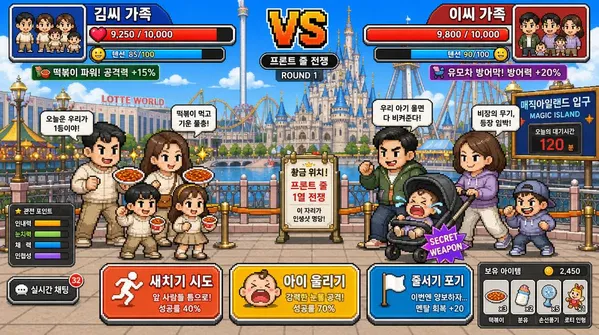
Tokyo DisneySea Front-Row Battle UI
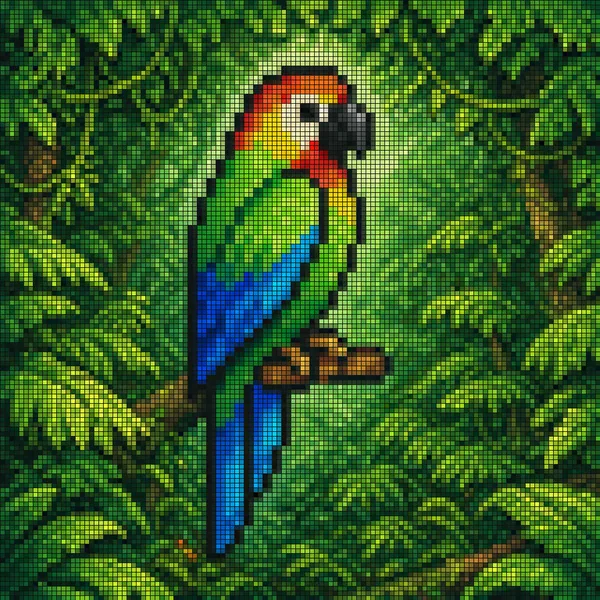
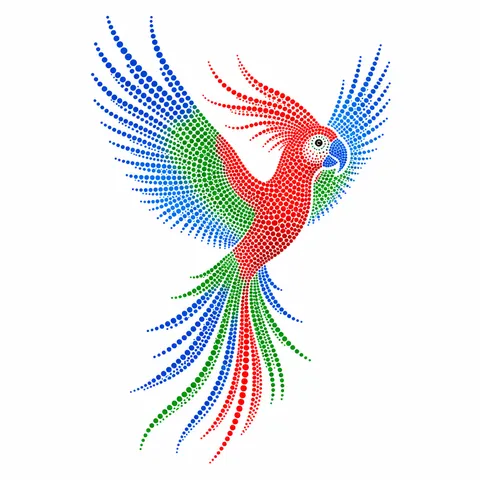
Vibrant Pixel-art Style Mosaic of a Tropical Parrot Perched on a Small Brown Branch in
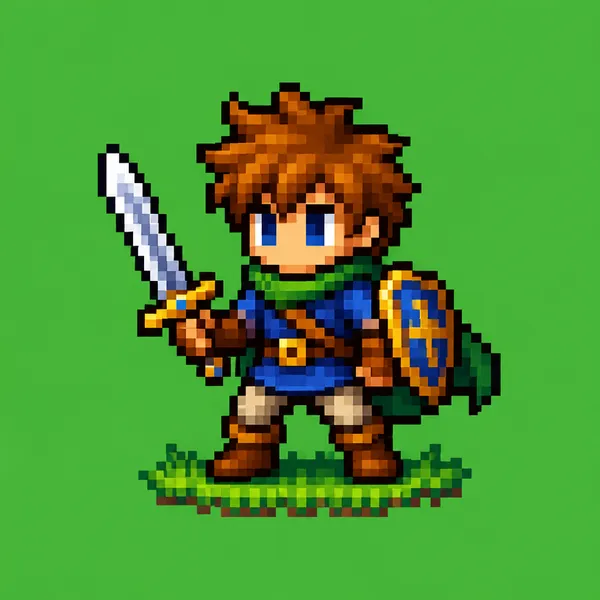
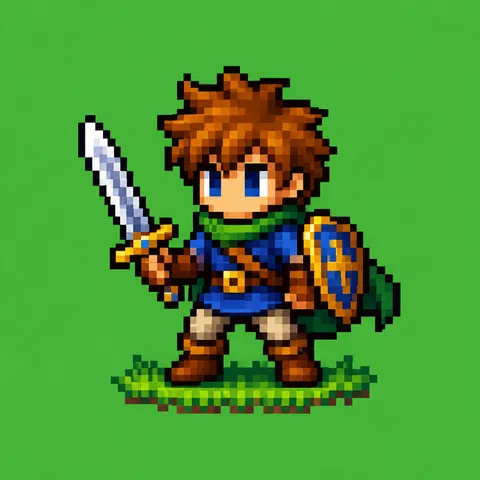
Pixel Art Character
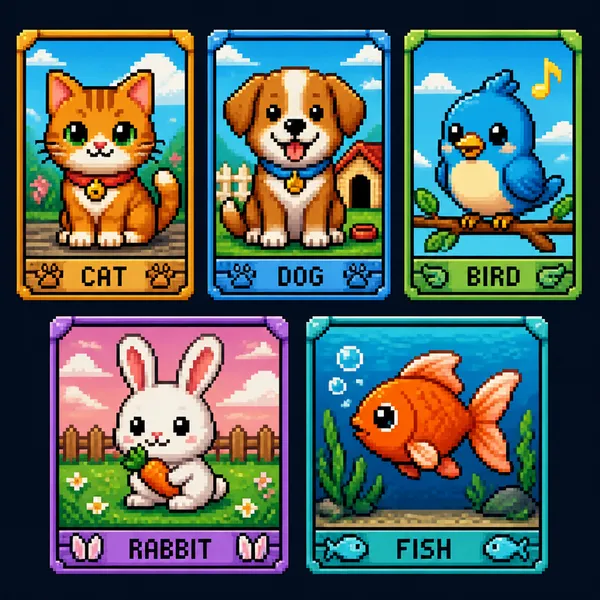
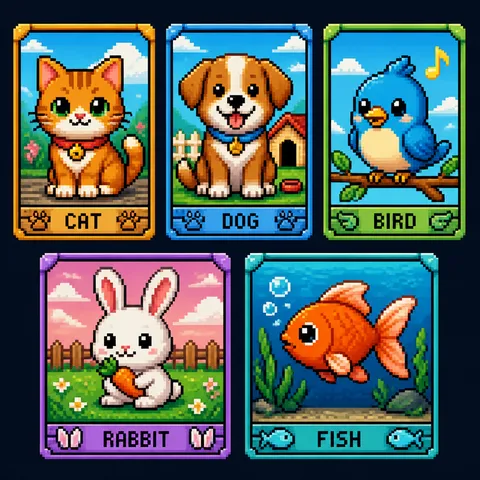
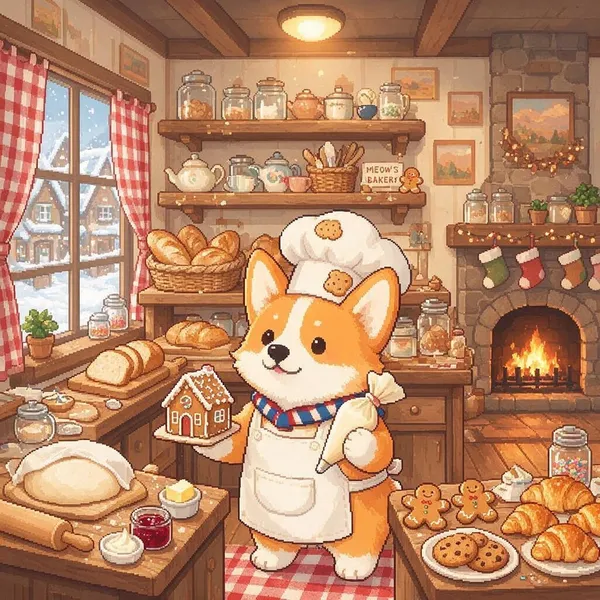
Pixel Art Animal
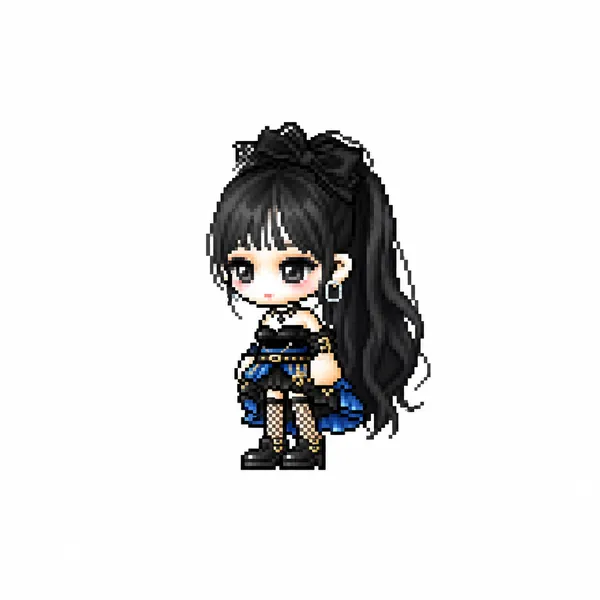
MapleStory Chibi Character
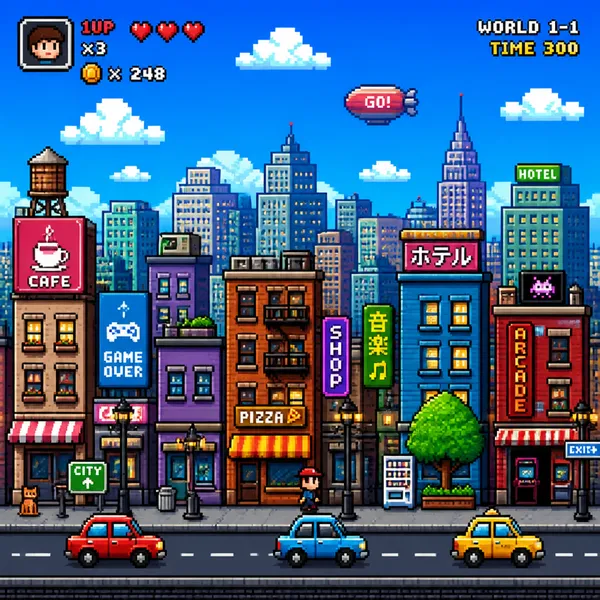
Pixel Art City
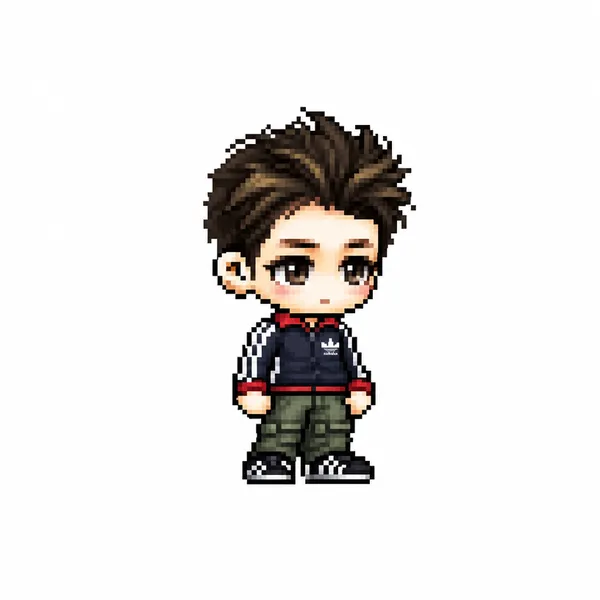
MapleStory Pixel Avatar
What Are Pixel Art AI Prompts?
Pixel art AI prompts turn a photo of a person or a character image into a dot (pixel) style game character. They analyze key visual traits such as hairstyle, hair color, eye color, signature outfit, and accessories, then convert them into a 2D game avatar sprite in the style of games like MapleStory. With GPT Image 2, you attach a full-body photo and add the prompt to get an adorable pixel character in seconds, without any manual dot work.
Where You'll Use It
- Turning your own face into a MapleStory-style pixel avatar
- Reimagining a favorite anime or game character as a dot sprite
- Creating character icons for profiles, Discord, or chat apps
- Drafting character sprites for an indie game
- Making retro game-style chibi characters from friend or couple photos
Why This Tag Is Useful
Drawing pixel art by hand has a high learning curve, requiring familiarity with color palettes and pixel-by-pixel work. With AI prompts, you only need to provide a photo of the subject, and the model handles the rest of the conversion. Because the output uses a familiar game style like MapleStory, the results feel intuitive and are ready to use for social profiles or game mockups without any dedicated design tools.
More Prompts to Explore
Prompt Building Tips
- Attach a full-body photo of the person or character so the hair, outfit, and accessories are clearly visible.
- Spell out the traits to preserve, such as hairstyle, hair color, eye color, signature outfit, and weapon.
- Specify the game style you want, like "MapleStory avatar sprite" or "dot pixel art."
- Set output conditions such as a white background and full-body front view so you get a clean, isolated character.
If the output lines look blurry, sharpen the outlines and tidy up the color palette to bring out a crisper dot-art look.
常见问题
The prompts are free to copy and use as-is. To actually generate an image from a prompt, you try it on Carat first and then use it through a paid plan.
Yes. Attach a full-body photo and the prompt analyzes traits like hairstyle, outfit, and accessories to convert them into a MapleStory-style pixel avatar.
The prompts under this tag are written for GPT Image 2. They use an image input (i2i) workflow where you attach a photo to convert.
These prompts convert from a reference photo, so an attached image is needed. To work without a photo, describe the character's appearance in detail and adapt the prompt.
Swap the game-style portion of the prompt for the name of another dot game or pixel art style to try a different look.
It works well for personal uses such as profile images and chat or Discord icons. Exporting on a white, full-body layout makes it easy to drop into many places.
After generating, sharpen the outlines and clean up the color palette to make the pixel look crisper. Adding conditions like a white background and front view in the prompt helps it come out cleaner from the start.