carat

Prompt Gallery

/

엽서 디자인

Login
Sign Up

엽서 디자인

엽서 이미지 제작에 바로 활용할 수 있는 AI 프롬프트와 구도, 조명, 디테일 작성 팁을 확인하세요.

2026.07.16

·
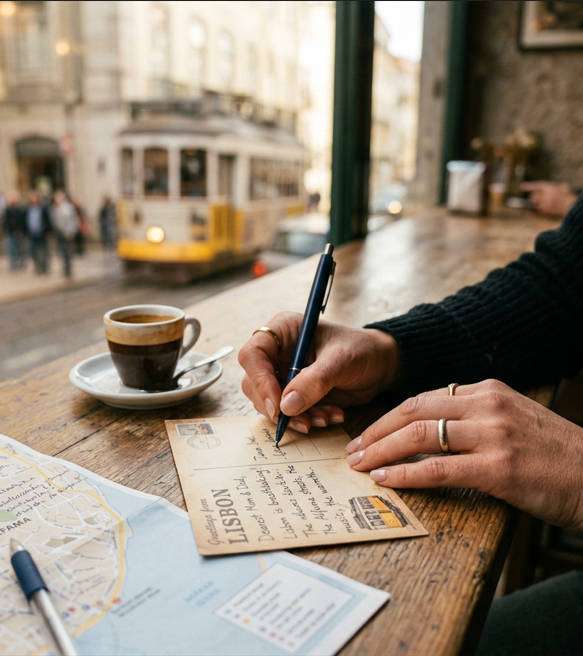
나노바나나 프로로 생성한 엽서와 손 디테일

엽서와 손 디테일

나노바나나 프로· Image
Close-up of a traveler’s hands writing a postcard on a cafe table, manicured nails, simple rings, leather watch, espresso cup and map beside, blurred street scene outside, soft window light, shot on Canon R5 with 50mm f/1.2, tight composition with shallow depth of field, intimate nostalgic mood, photorealistic skin texture and paper grain, professional lifestyle macro look, high resolution, warm film color grading --ar 4:5
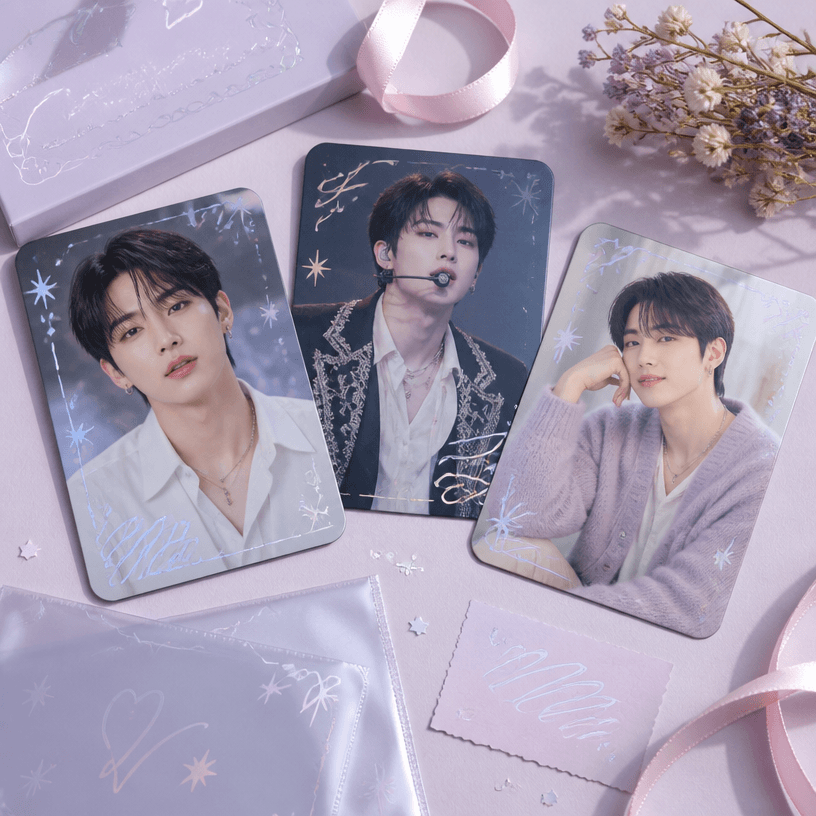
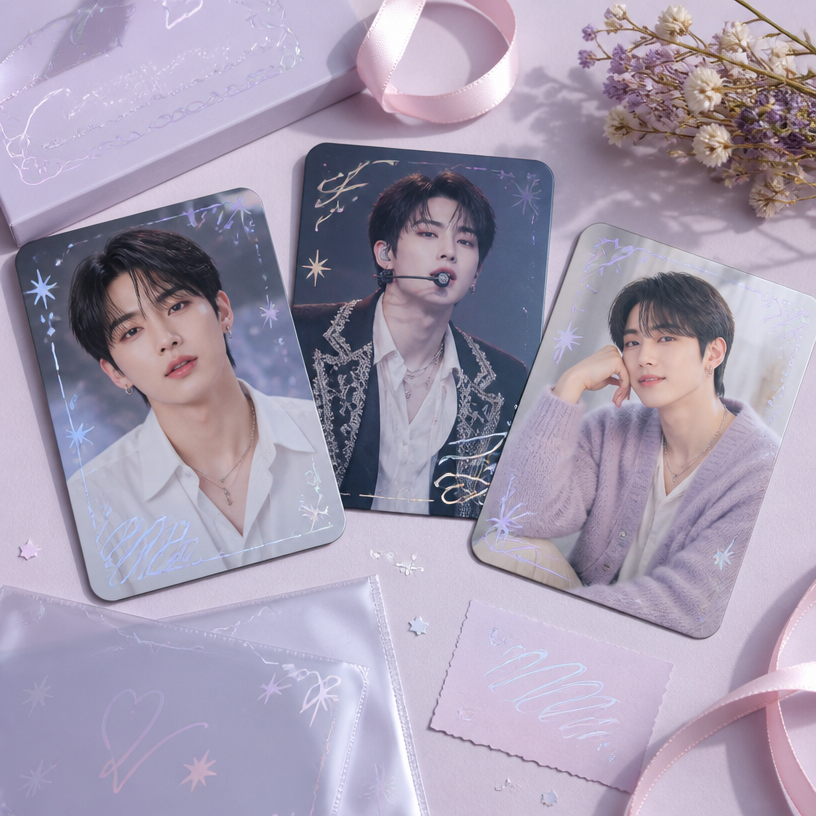
GPT 이미지 2로 생성한 아이돌 우편엽서

아이돌 우편엽서

GPT 이미지 2· Image
Square product flat-lay of a fan-made pop idol postcard set featuring the same fictional adult Korean pop singer, rounded corners, subtle holographic foil, pastel pink, silver and lavender palette. No real celebrity, no readable text, no logo, no watermark.
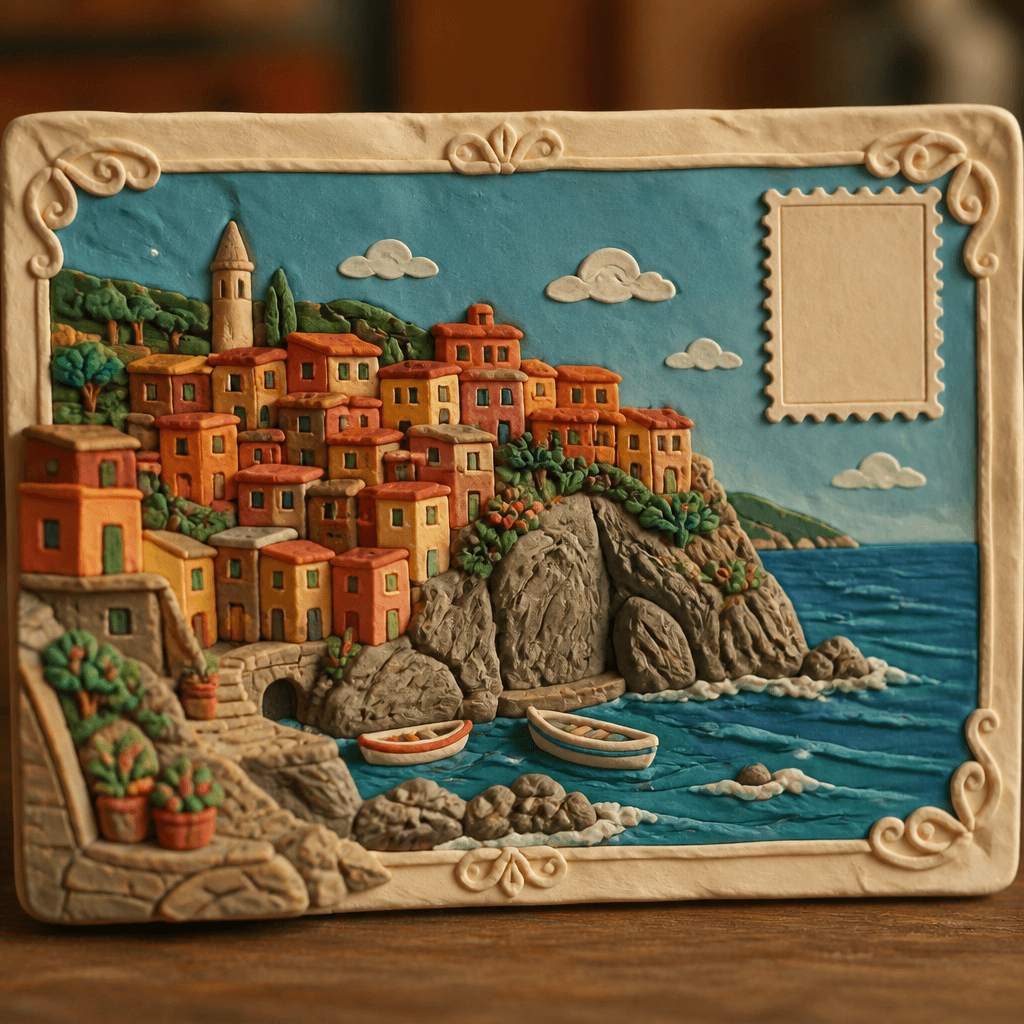
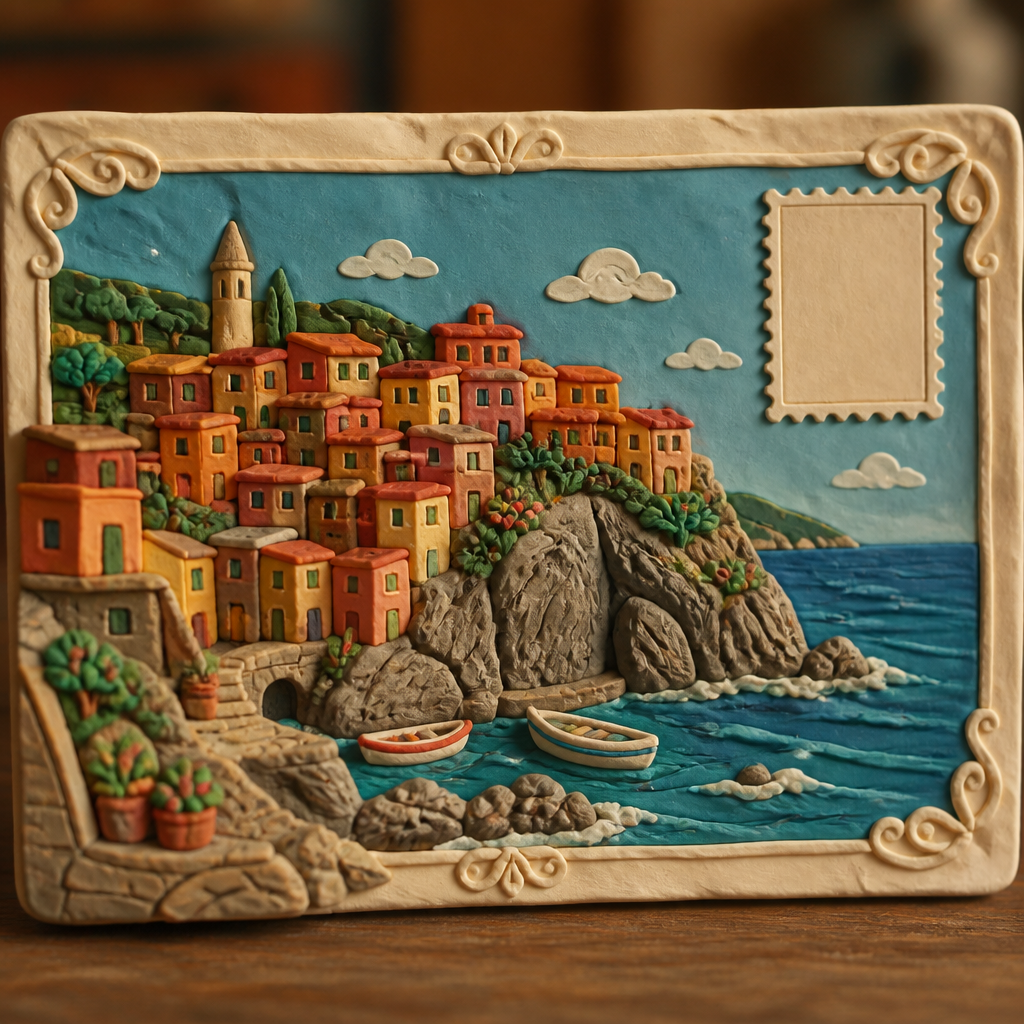
GPT 이미지 2로 생성한 엽서 디자인

엽서 디자인

GPT 이미지 2· Image
A beautifully designed travel postcard featuring a scenic coastal village with colorful houses on a cliff, stamp area in upper right corner, decorative border frame., Claymation-style 3D render, tactile clay texture, warm softbox studio lighting with visible fingerprints texture, whimsical, handmade, charming mood, saturated but slightly matte colors, fingerprint visible, eye-level close-up, shallow depth of field, No text, no watermark.

엽서 AI 프롬프트란?

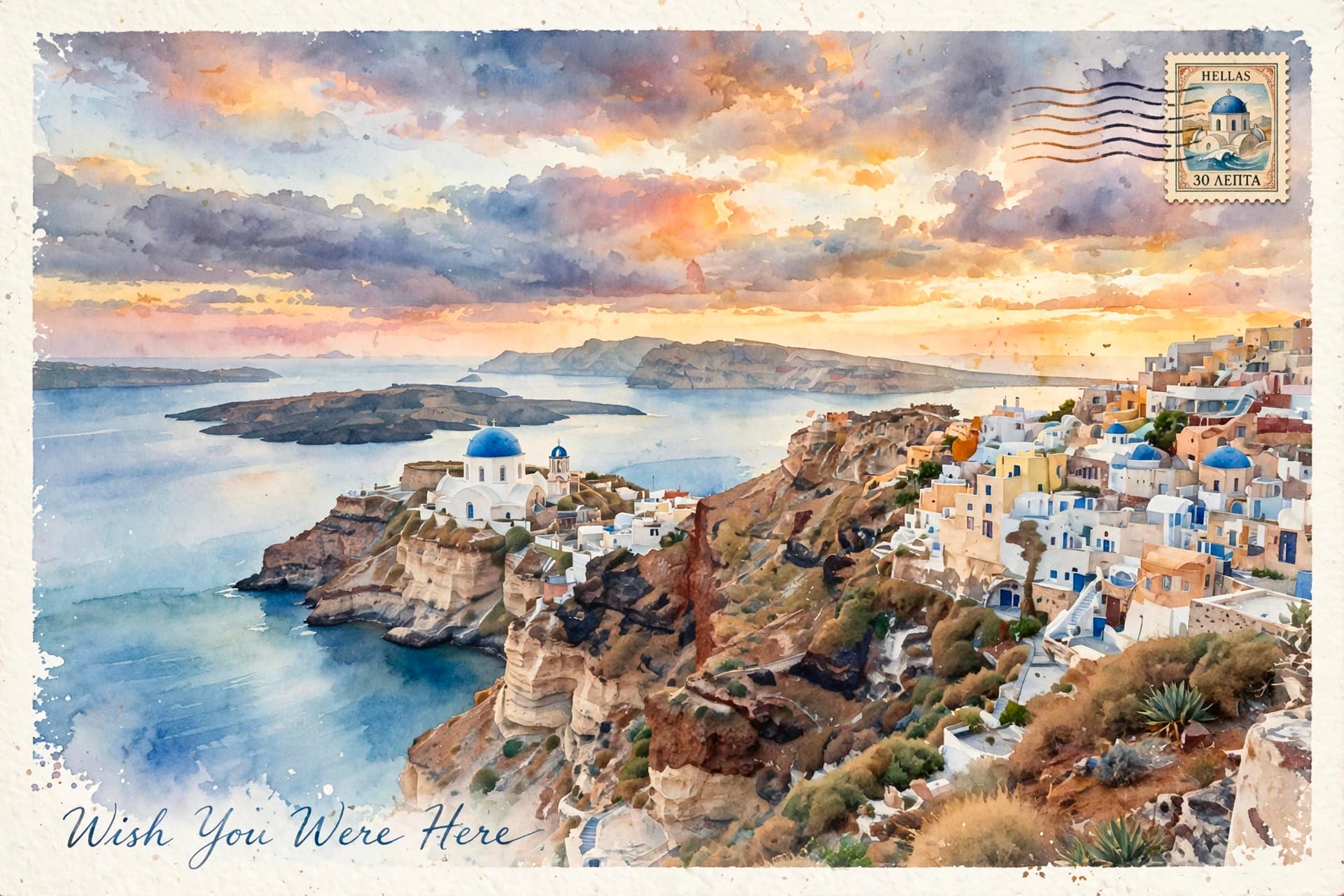
엽서 AI 프롬프트는 짧은 메시지와 이미지를 조화롭게 담은 엽서 디자인을 만들기 위한 구체적인 지시문입니다. 단순히 주제 이름만 입력하는 대신 앞면 이미지·메시지 여백·주소 영역·인쇄 질감·비율처럼 화면에서 확인할 수 있는 요소를 지정하면 결과의 방향이 또렷해집니다. 사용 목적과 화면 비율, 시점, 배경까지 함께 적으면 여러 시안을 생성해도 핵심 특징을 안정적으로 유지할 수 있습니다.

주요 활용 장면

  • 쇼핑몰과 예약 페이지의 대표 이미지 제작
  • SNS 카드뉴스와 짧은 영상의 첫 장면 구성
  • 블로그 후기와 가이드 글의 설명용 비주얼 제작
  • 제안서와 무드보드에서 스타일 방향 비교
  • 동일한 주제로 구도와 색상 변형 시안 탐색

이 태그가 유용한 이유

엽서 이미지는 작은 디테일과 전체 구도가 동시에 설득력 있어야 합니다. 프롬프트에 재료, 색 배합, 표면 질감, 카메라 거리와 조명을 나누어 적으면 수정할 지점을 빠르게 찾을 수 있습니다. 같은 지시문에서 한두 요소만 바꿔 비교하면 원하는 스타일을 고르기 쉽고, 브랜드나 채널에 필요한 일관된 결과도 확보할 수 있습니다. 실제 인쇄나 게시를 염두에 둔다면 글자가 들어갈 여백과 최종 크롭 비율도 미리 지정하세요.

관련 프롬프트 더 보기

  • anniversary-card 프롬프트
  • wedding-card 프롬프트
  • event-invitation 프롬프트
  • photo-zone-backdrop 프롬프트
  • oil-painting-style 프롬프트

프롬프트 구성 팁

  1. 핵심 피사체의 형태와 반드시 보여야 할 특징을 첫 문장에 씁니다.
  2. 앞면 이미지·메시지 여백·주소 영역·인쇄 질감·비율 중 중요한 요소를 우선순위대로 추가합니다.
  3. 정면, 탑뷰, 45도 시점처럼 카메라 위치와 렌즈 느낌을 지정합니다.
  4. 부드러운 창가 빛, 확산광, 따뜻한 실내광처럼 조명과 색온도를 명시합니다.
  5. 세로형은 숏폼, 정사각형은 상품 카드, 가로형은 배너처럼 용도에 맞는 비율을 선택합니다.

마지막으로 불필요한 문자, 워터마크, 왜곡된 손이나 반복 오브젝트처럼 피하고 싶은 요소를 제외 조건에 적으세요. 첫 결과에서 피사체 크기와 배경 복잡도를 확인하고 한 항목씩 조정하면 엽서의 특징을 살리면서도 실제 활용에 적합한 이미지를 완성할 수 있습니다.

Frequently Asked Questions

Related Prompts

입양행사

입양행사

10 prompts

천문관측

천문관측

10 prompts

화학실험

화학실험

11 prompts

서점

서점

12 prompts

Carat Prompt Gallery

Create trending AI prompts instantly

Prompts

  • Logo
  • PPT Design
  • Thumbnail
  • Poster
  • Web Novel Cover
  • ID Photo
  • Caricature
  • Product Detail Page
  • Banner

Models

  • GPT Image 2
  • Seedance 2.0
  • NanoBanana Pro
  • NanoBanana 2

Carat

  • Get started
  • About
  • Blog
  • Careers
  • Contact
  • Partnership
  • Terms
  • Privacy

© 2026 Paradot.Inc All rights reserved.