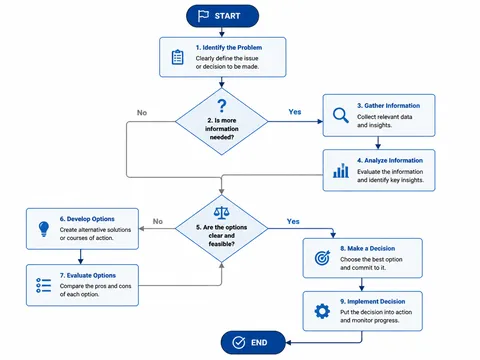
Process Diagram
Create business process flows, software development flows, and decision flowcharts with AI. Clean process diagrams with arrows, nodes, and icons.
2026.07.01
把「Process Diagram」做成你想要的样子做一个你自己的「Process Diagram」
用大白话说出来就行——Carat 会为你生成合适的图片和视频。

每天 100 免费积分,现在就开始
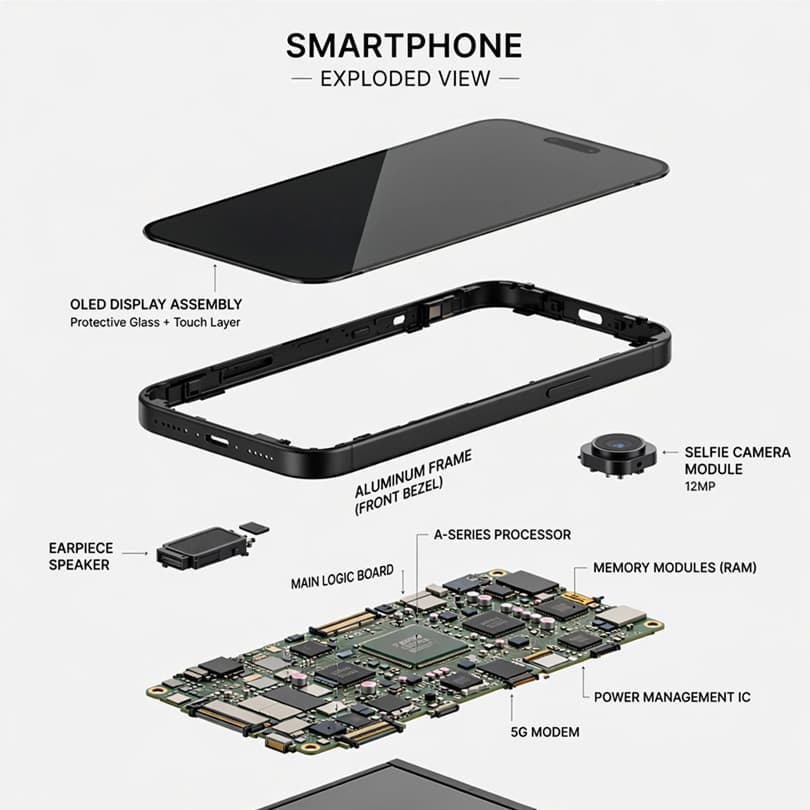
Smartphone Exploded View Diagram
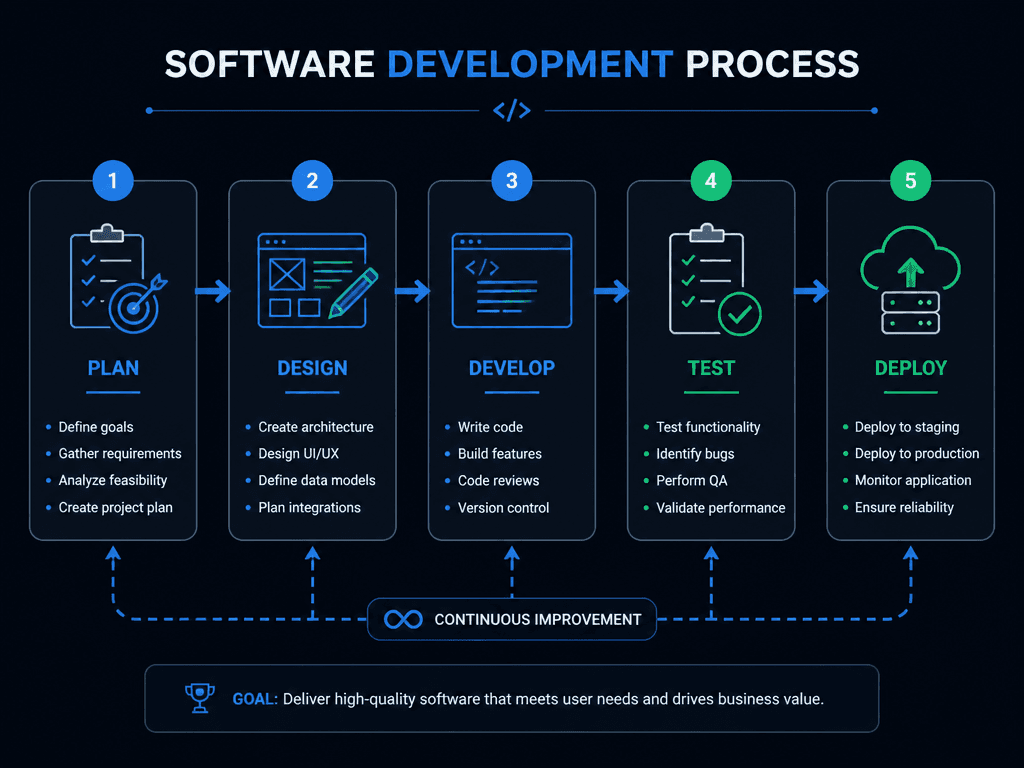
Software Development Workflow Diagram
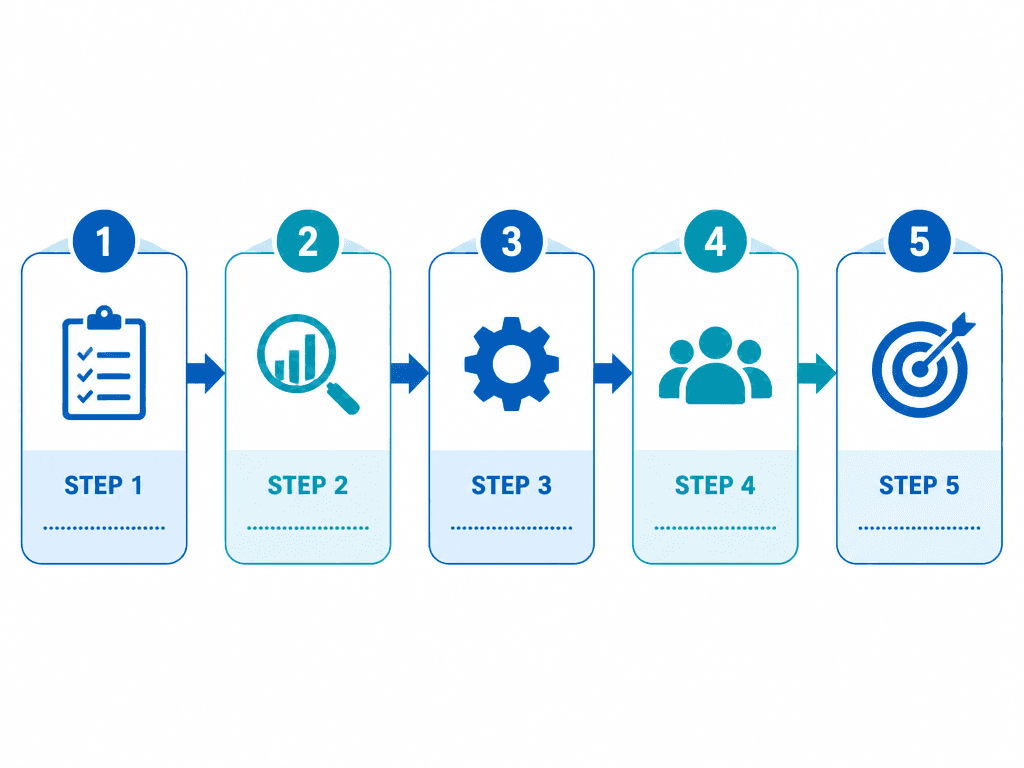
Business Process Flow Diagram
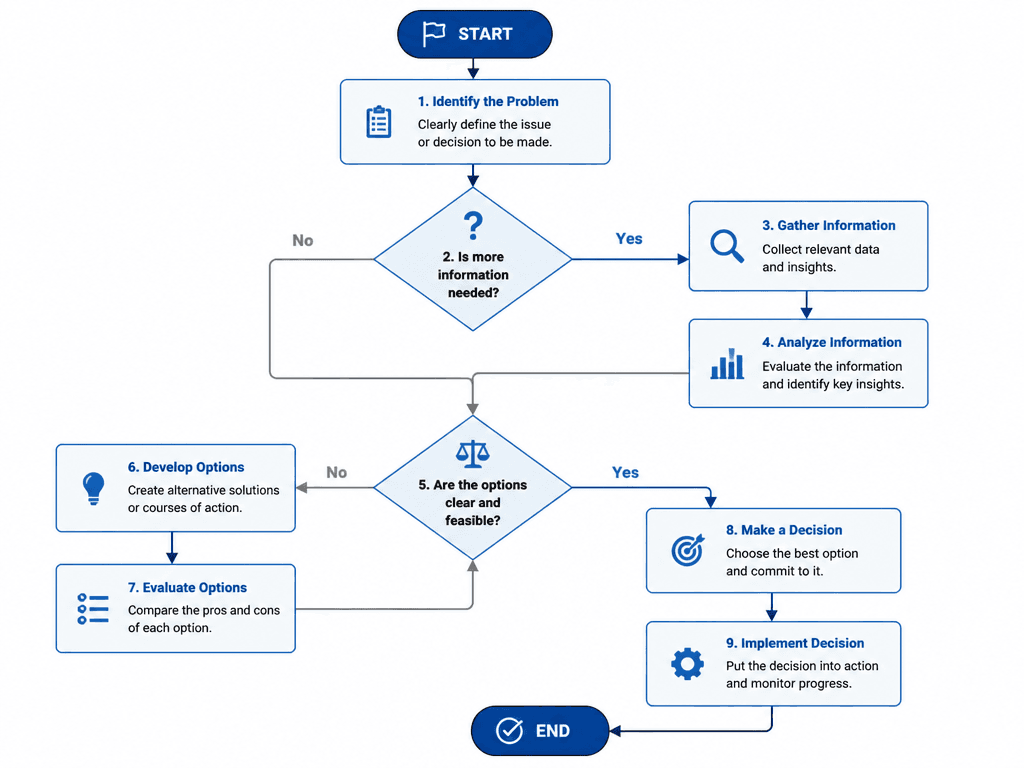
Decision-Making Flowchart
Process Diagrams — Create Workflow Visuals with AI
Process diagrams are essential tools for visualizing workflows, development, and decision processes. Carat's AI process diagram generator creates clean flowcharts with arrows, nodes, and icons.
Types of Process Diagrams
- Business Process: 5-step flow, icons, labels
- Software Development: Plan→Design→Develop→Test→Deploy
- Decision Flowchart: Diamond nodes, Yes/No branches
- Service Flow: Customer journey, service process
Process Diagram Tips
Specify number of steps, node shape (rectangle/diamond), color (blue/dark theme), and branching in your prompt.
Related Tags
常见问题
Business documents, educational materials, project management, system design, presentations.
Yes, specify 'decision nodes, Yes/No branches' for branching flowcharts.
Yes, specify 'dark theme, blue and green accents' in your prompt.