Product Hero Shot
Learn how to create high-quality product hero shots that maximize brand value using AI prompts.
2026.07.01
把「Product Hero Shot」做成你想要的样子做一个你自己的「Product Hero Shot」
用大白话说出来就行——Carat 会为你生成合适的图片和视频。

每天 100 免费积分,现在就开始
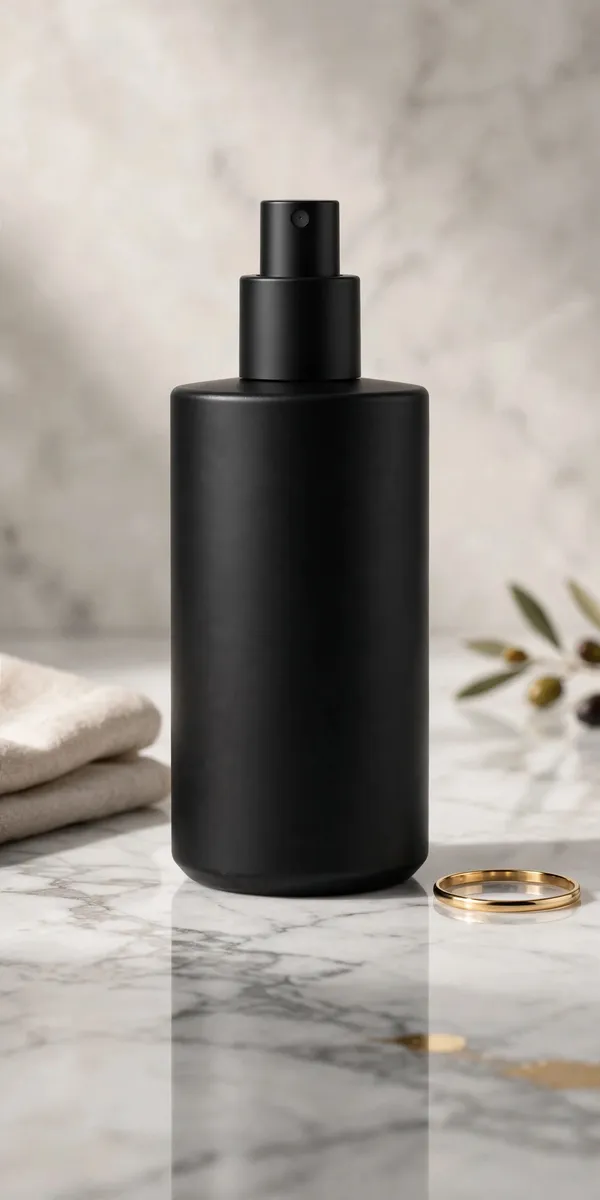
Luxury E-Commerce Hero Shot
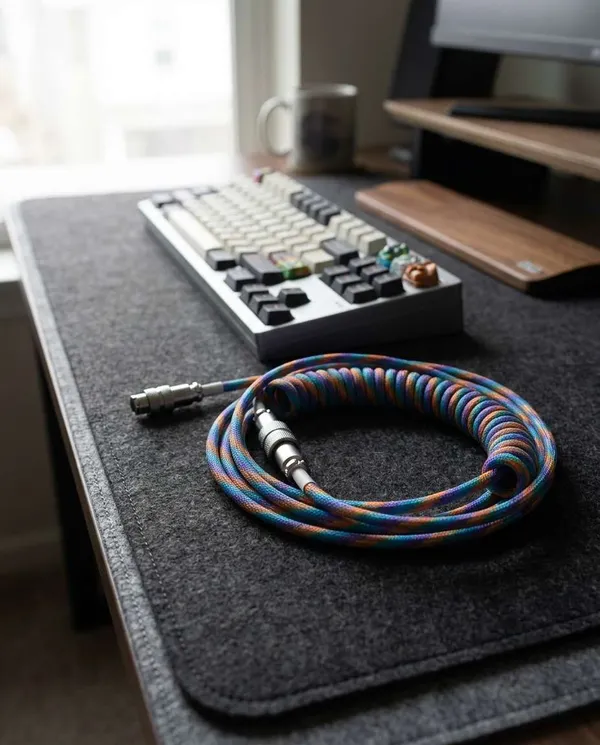
Coiled Cable Keyboard Product Photo
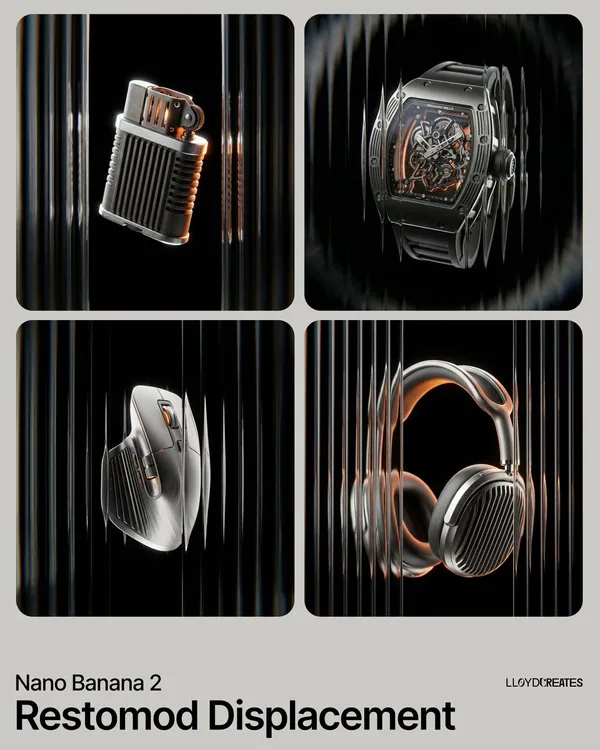
Product Hero Advertisement
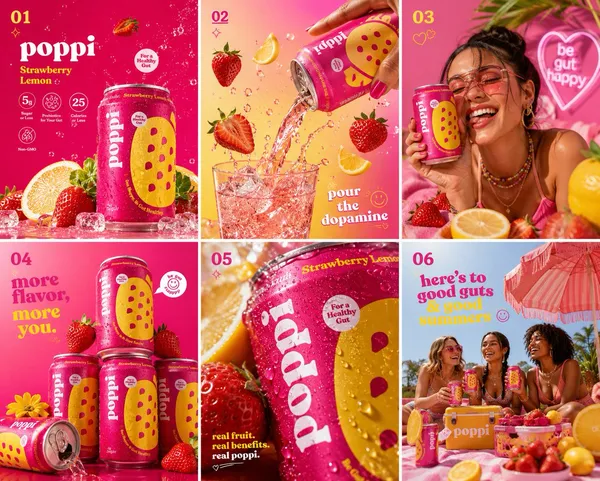
Poppi Strawberry Lemon Soda Hero Shot
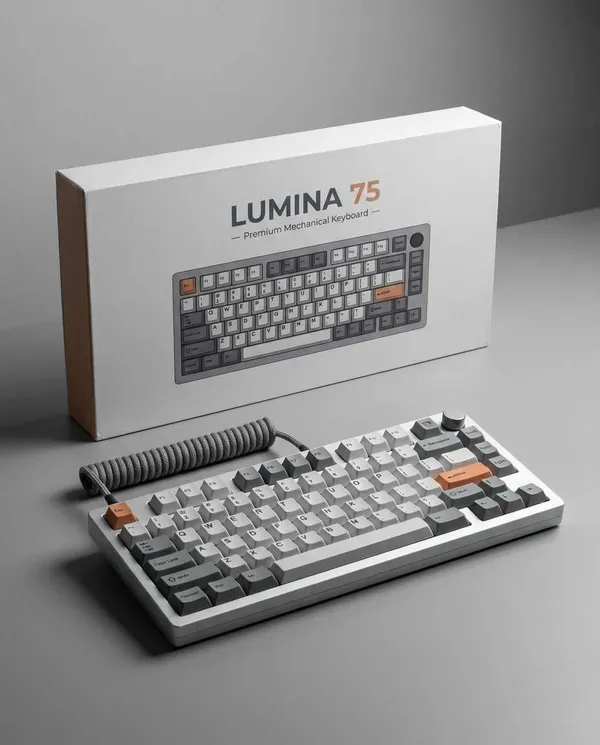
Keyboard Packaging Hero Product Photo
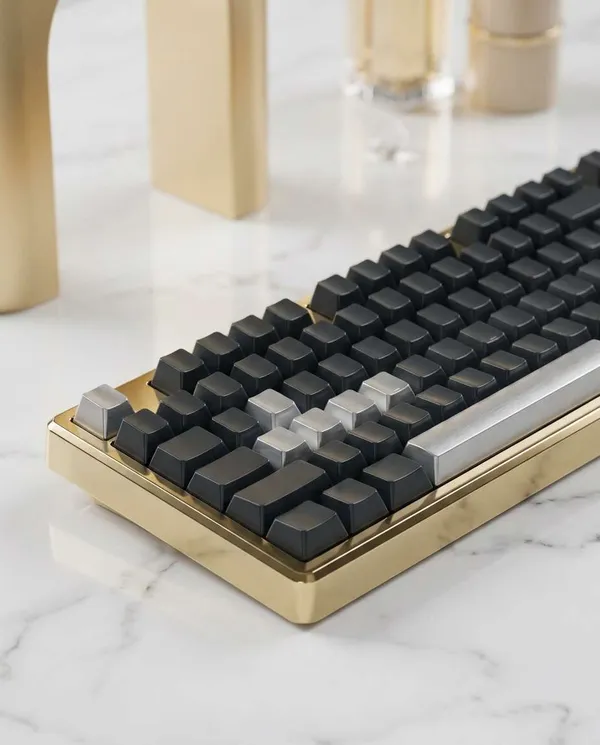
Luxury Marble Keyboard Product Photo
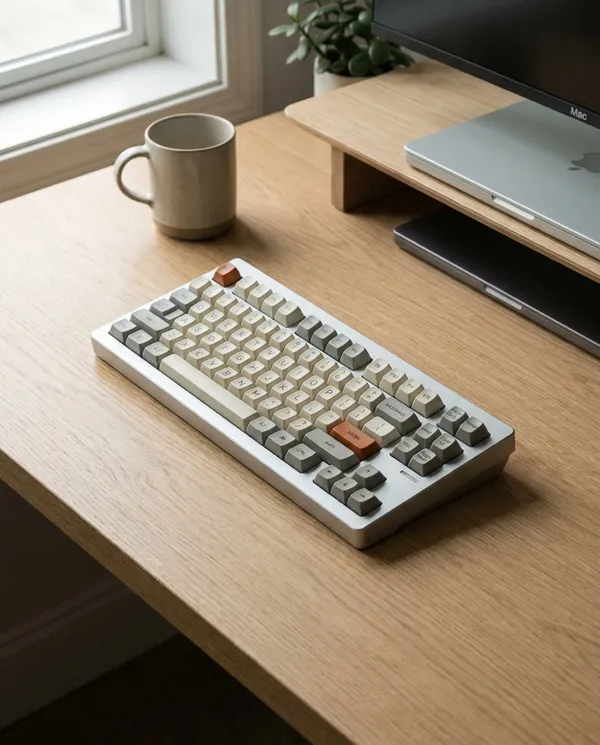
Minimal Desk Keyboard Product Photo
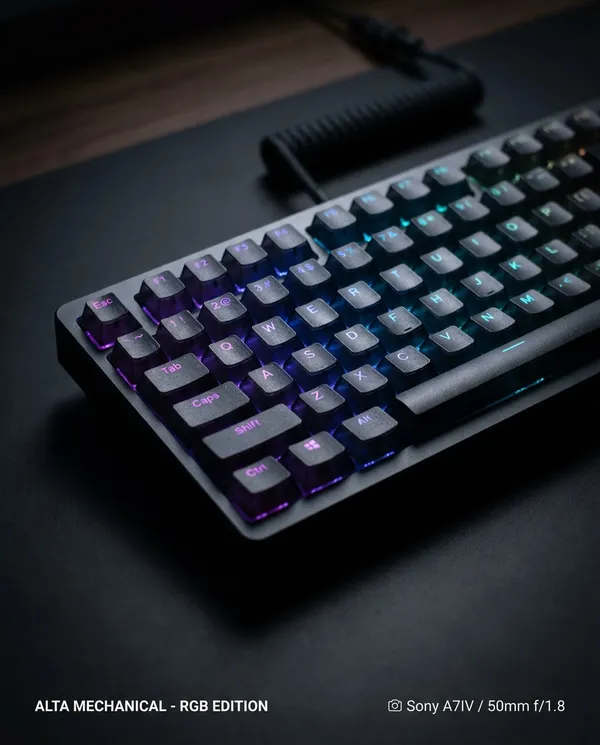
RGB Keyboard Close-Up Product Photo
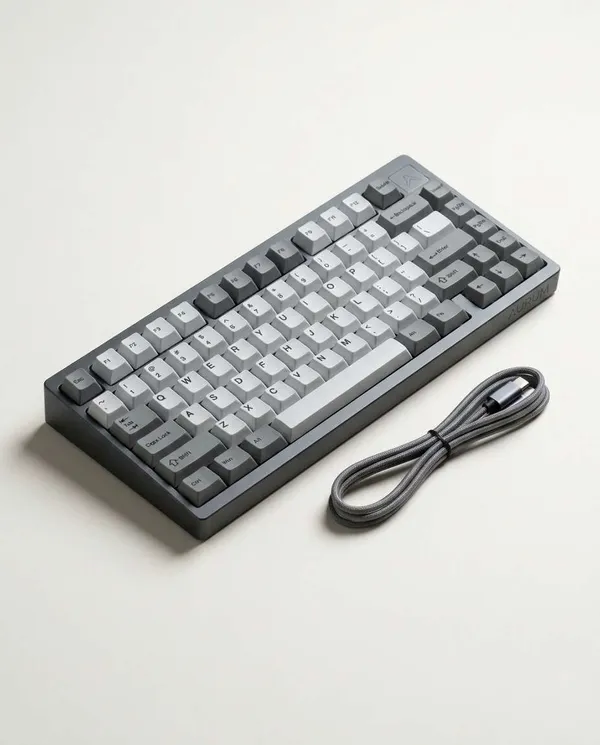
Mechanical Keyboard Studio Product Photo
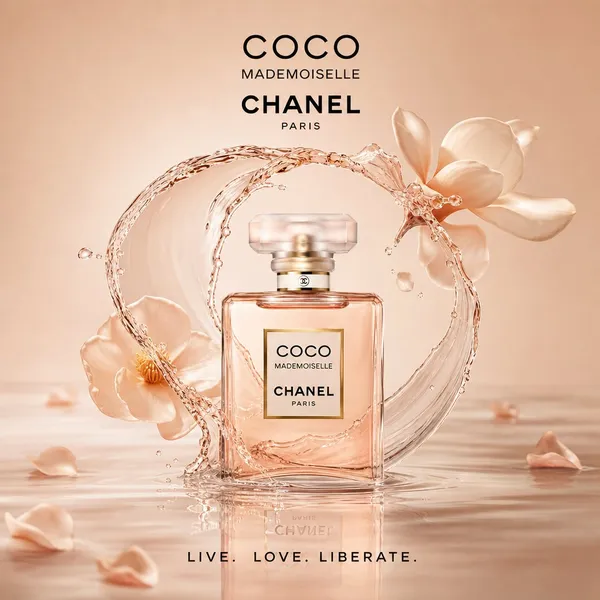
Surreal Product Hero Ad Template
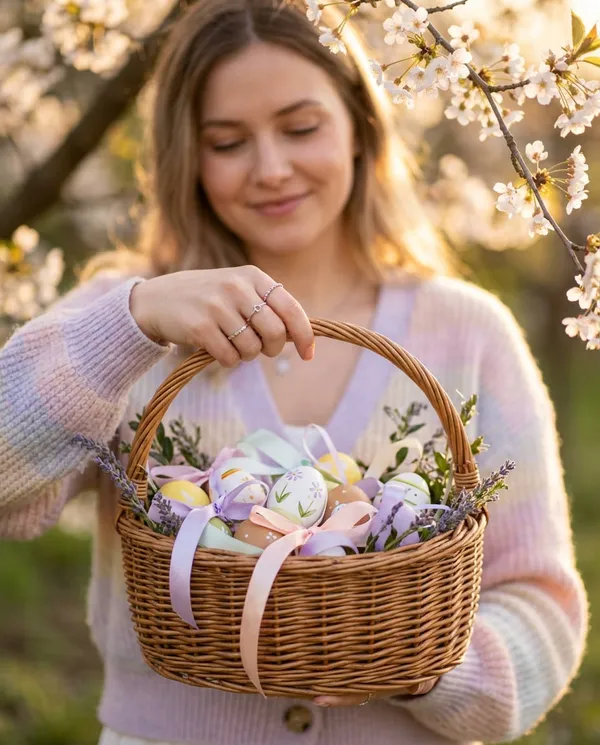
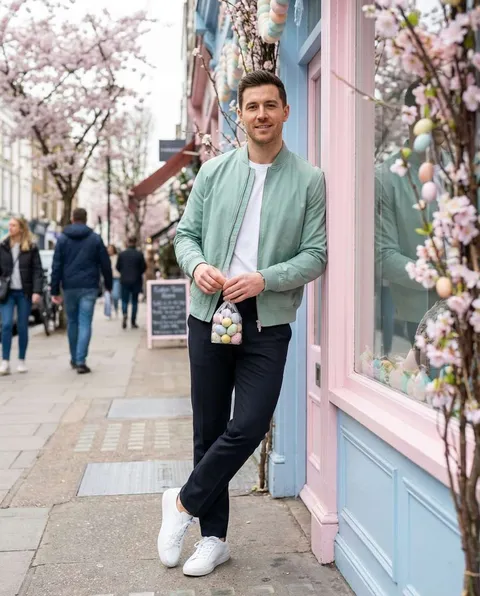
Easter Egg Basket Close-Up
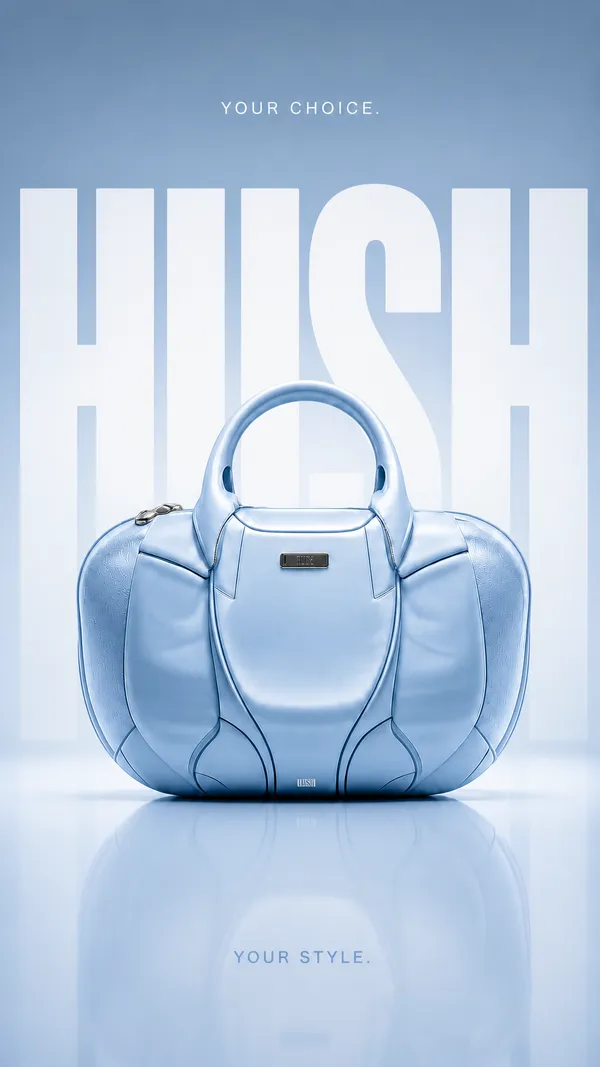
Luxury Handbag Hero Advertisement
What is a Product Hero Shot AI Prompt?
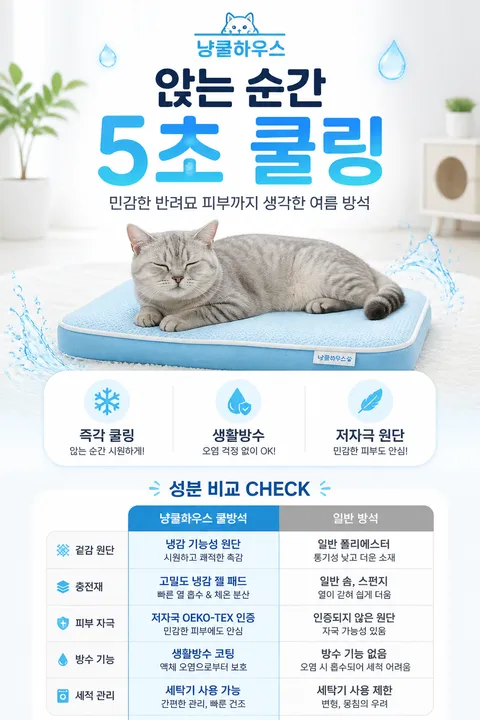
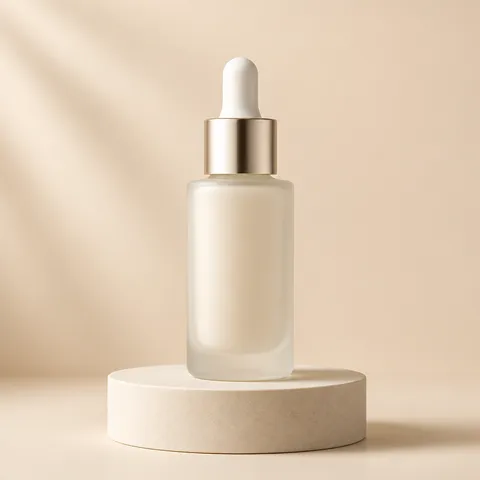
A Product Hero Shot AI prompt is a meticulously crafted sequence of instructions designed to generate high-resolution, advertising-grade images that showcase a product in its best light. It goes beyond simply depicting the object, translating the brand's desired emotion and value into a visual language understood by AI. By describing studio lighting techniques, camera lens characteristics, and carefully designed background setups, these prompts allow you to secure premium marketing assets without a physical photo shoot. Carat's hero shot prompts specifically focus on optimizing texture, reflections, and captivating compositions for maximum commercial appeal.
Key Use Cases
- Main banner images for e-commerce product detail pages
- High-impact content for social media advertising on Instagram or Facebook
- Representative section images for brand catalogs and lookbooks
- Promotional visuals for new product launches in newsletters and landing pages
- Marketing posters for physical store displays and pop-up events
Why This Tag is Useful
The Product Hero Shot tag provides immense efficiency by enabling the creation of premium imagery without professional photographers or expensive studio gear. What used to take days of planning and shooting can now be achieved in seconds with a single prompt. Furthermore, it allows for infinite flexibility to test multiple concepts by changing lighting angles or background colors, helping brands choose the final result that best fits their identity. This leads to significant marketing cost savings and the ability to react quickly to shifting trends.
Related Prompts
product-ad-image, cosmetic-detail-page, product-detail-page, luxury-ad, food-photo, beverage-ad, product-ad-grid
Tips for Crafting Prompts
- Be specific with light sources. Instead of 'studio lighting', use terms like 'rim lighting' or 'softbox lighting' to add depth and dimension.
- Focus on material description. Detail whether the product is metal, glass, or matte plastic to improve the accuracy of reflections.
- Specify the camera angle. Using a 'low angle' to look slightly up at the product adds a sense of authority and grandeur.
- Define the background's role. Simplify the background to make the product stand out or choose contrasting colors for high visual engagement.
By combining these elements, anyone can achieve professional-level hero shots effortlessly.
常见问题
Copying and using prompts from Carat is free. However, using Carat's AI features to generate or transform images directly consumes credits.
While basic text logos can be included in the prompt, for precise brand logos, it is best to composite them using image editing tools afterwards.
Generated images can be used commercially depending on the user's goals. However, please be careful not to infringe on existing brand copyrights.
We recommend the latest photorealistic models that excel at detailed depiction, which you can easily find via filters on Carat.
Yes, you can use Carat's background replacement feature or modify only the background-related keywords in the prompt.
It is more effective to list core visual elements clearly rather than providing an overly long and repetitive description.
Carat supports Korean input and optimizes it into English prompts internally to generate high-quality results.