Service Brochure
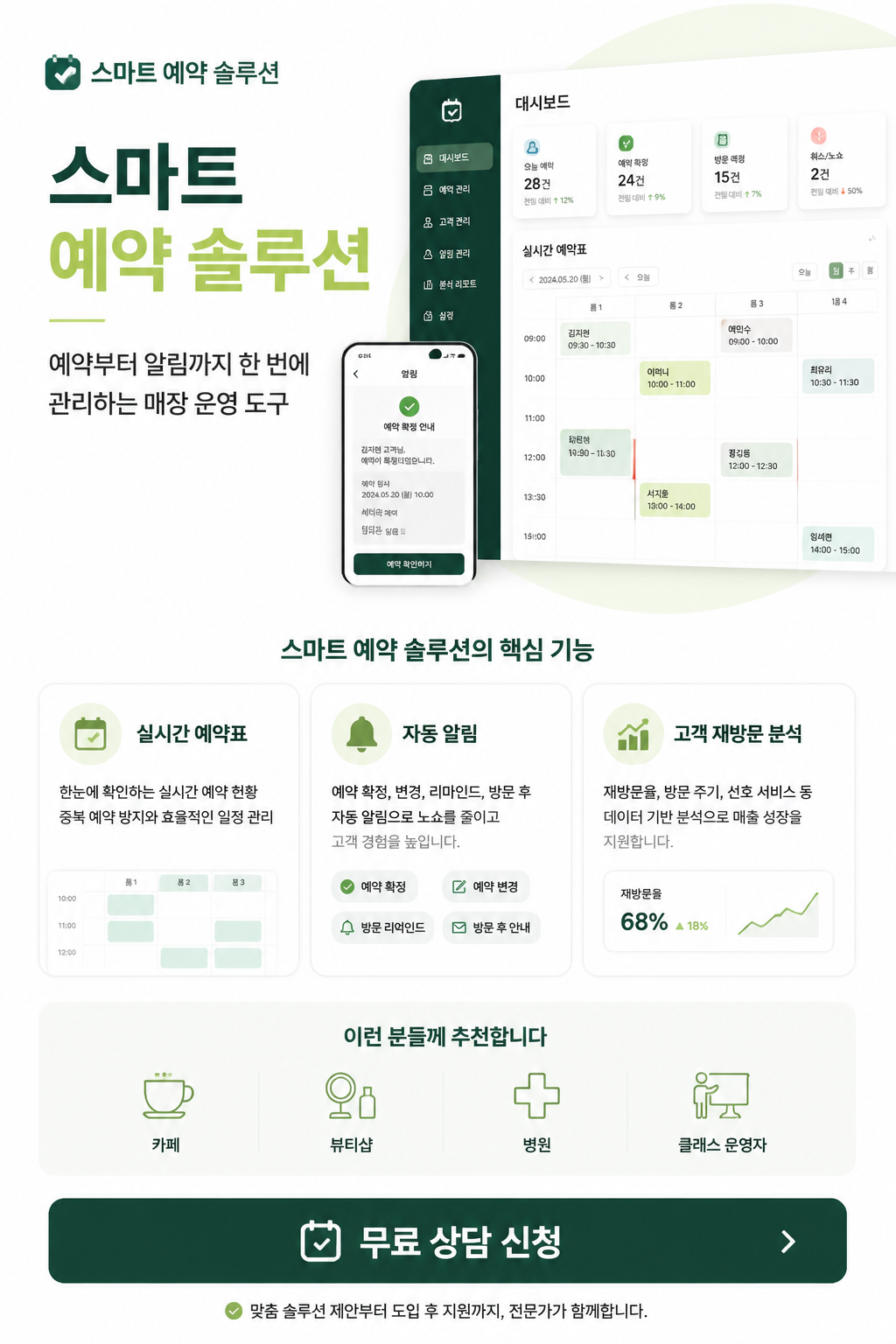
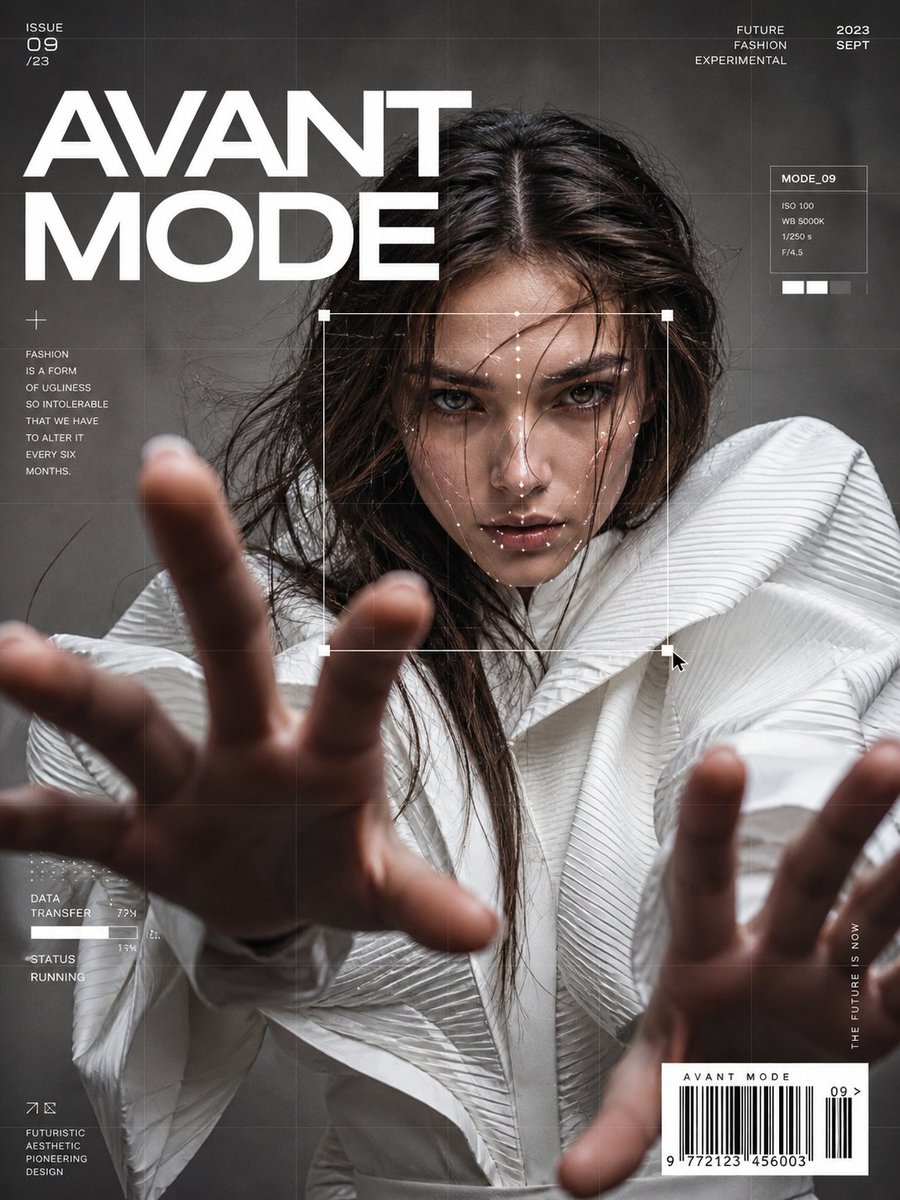
Service brochure design prompts for explaining a product or solution clearly and persuasively.
2026.07.17
把「Service Brochure」做成你想要的样子做一个你自己的「Service Brochure」
用大白话说出来就行——Carat 会为你生成合适的图片和视频。

每天 100 免费积分,现在就开始
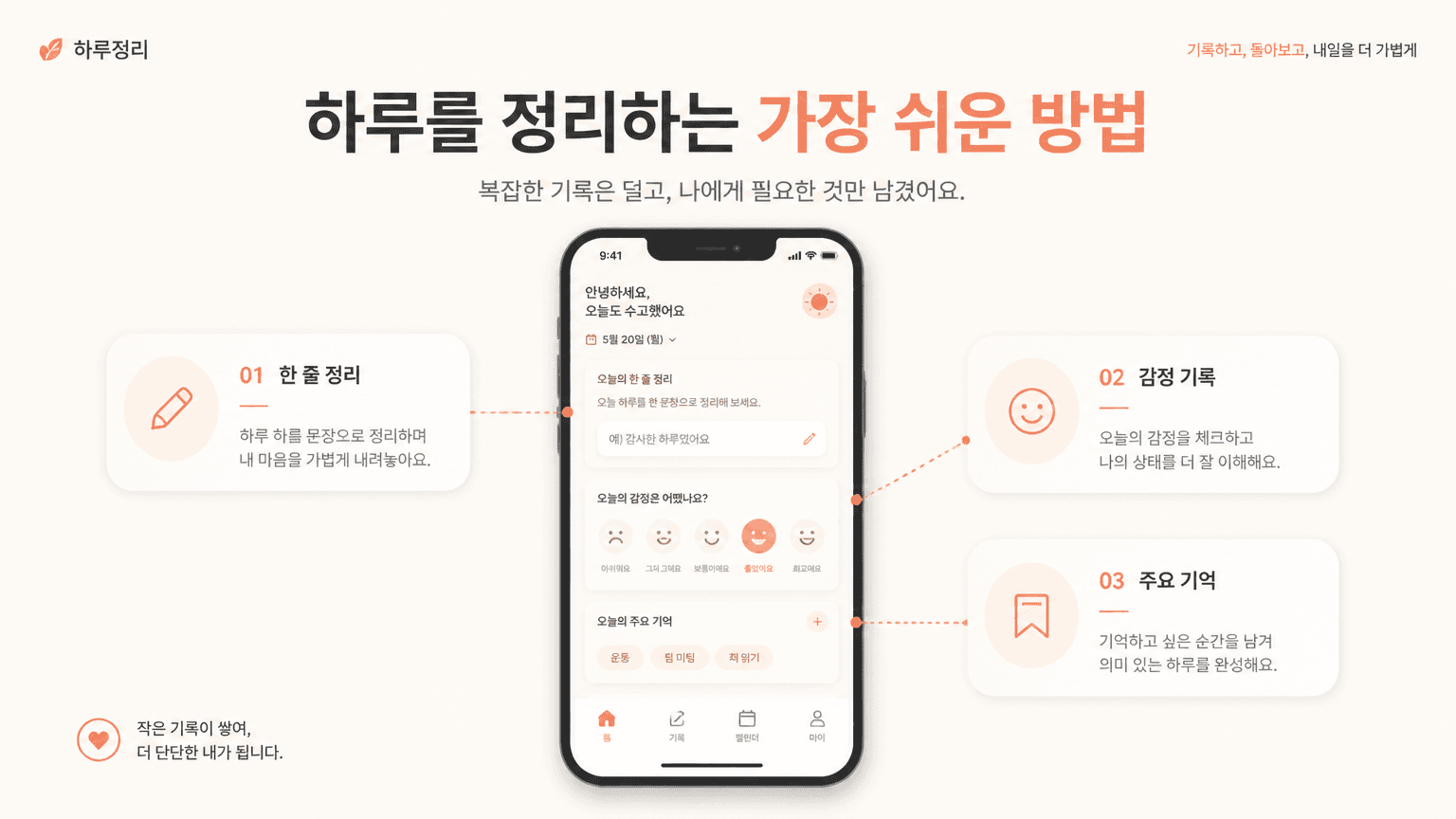
Service Introduction Slide

회사 소개서
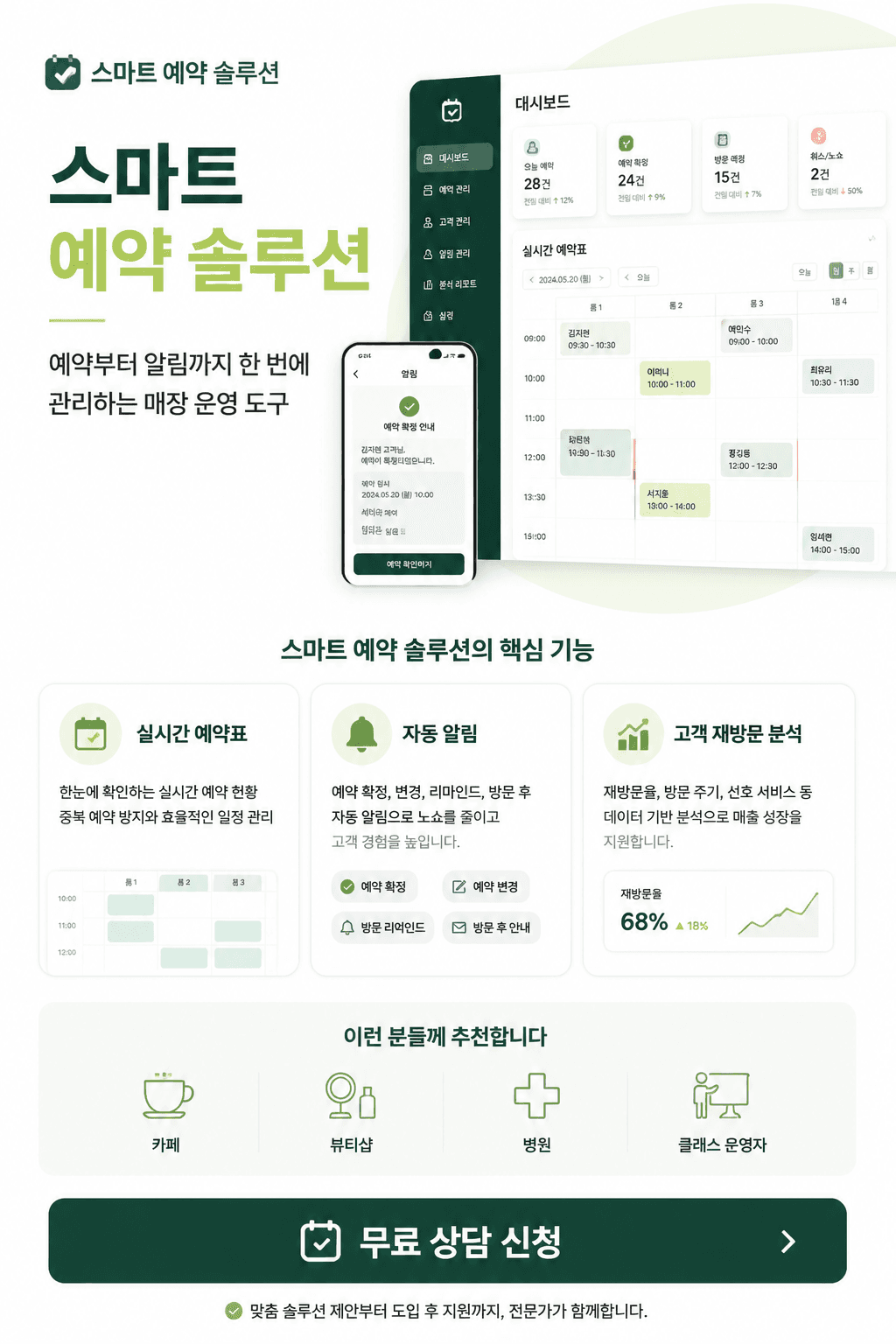
SaaS One Page Proposal
A service brochure turns a product, platform, or solution into a clear visual explanation that people can understand quickly. It can support sales meetings, product launches, investor presentations, onboarding, and landing page campaigns.
1. Define the message
Start with the service name, audience, and one concise value proposition. Then connect the audience problem to the proposed solution before introducing features. Showing a change in the user journey is usually more persuasive than listing every function.
2. Build an information hierarchy
Useful sections include an overview, audience, key benefits, feature flow, proof points, pricing context, and a clear next step. Keep one main message per page and use short labels, numbers, and visual grouping to reduce cognitive load.
3. Choose a visual system
Use brand colors as a controlled accent rather than filling every surface. Combine interface previews, diagrams, icons, and generous spacing so an abstract service feels tangible. Strong contrast between headings and body copy improves scanability.
4. Write an effective prompt
Include the industry, target user, core feature, tone, document format, and intended channel. Specify whether the result is for a one-page sales sheet, a pitch deck, or an onboarding guide so the layout and density match the use case.
5. Extend the result
The same direction can become a one-page overview, launch deck, proposal cover, or customer education kit. Before publishing, check logo placement, copy accuracy, visual hierarchy, and readability on small screens. Explore related inspiration here.