Shopping Bag Mockup
Shopping bag mockup prompts for presenting logos, packaging graphics, and materials in realistic brand scenes.
2026.07.17
把「Shopping Bag Mockup」做成你想要的样子做一个你自己的「Shopping Bag Mockup」
用大白话说出来就行——Carat 会为你生成合适的图片和视频。

每天 100 免费积分,现在就开始
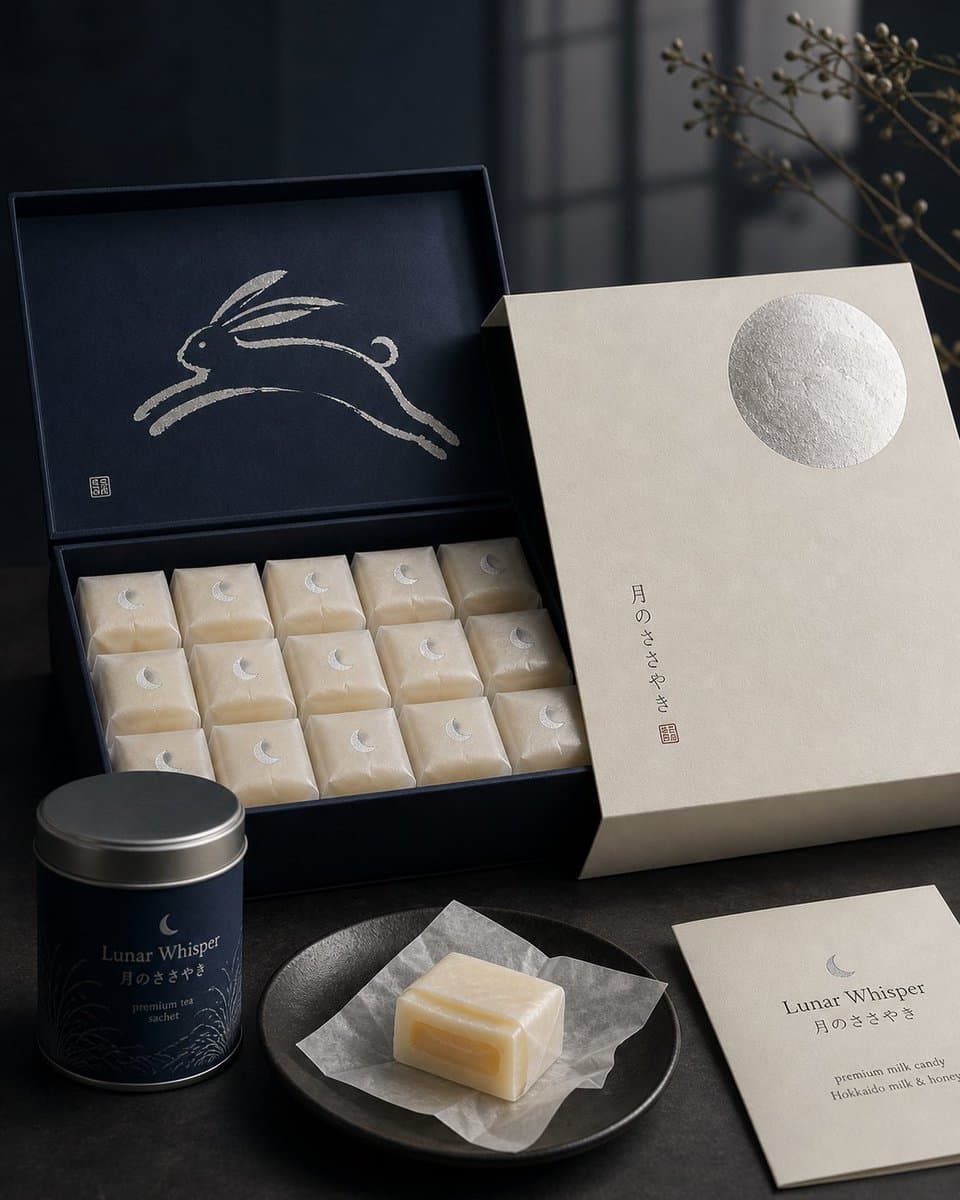
Japanese Confectionery Packaging

Inside Shopping Bag Ad Shot
What are shopping bag mockup AI prompts?
A shopping bag mockup shows how a logo, pattern, color system, or print area may appear on a physical paper bag. It helps teams review details that are difficult to judge in a flat artwork file, including the handle position, folded panels, side graphics, paper texture, and cast shadows. A useful prompt describes the bag shape, dimensions, paper stock, finish, handle material, environment, and camera angle instead of asking for a generic packaging image.
Practical use cases
Use the result for a store launch concept, packaging refresh, brand identity presentation, portfolio case study, or product page hero image. A clean front view is useful for checking the logo and color balance. A group of bags on a counter or a bag carried by a shopper can communicate the intended retail context. Keep supporting props relevant and restrained so the bag remains the visual subject.
Prompt details to specify
Mention the bag orientation, approximate proportions, handle type, print coverage, paper texture, gloss level, edge folds, and shadow softness. State whether the front and side panels share the same artwork and where the logo should sit. If the image is for a pitch deck, request a neutral background and an unobstructed product view. Generated typography and brand marks should be treated as placeholders and replaced with approved artwork during editing.
Styling and composition
A bright studio setup makes material and color comparison easier, while a retail counter or shelf suggests a real customer environment. Choose one or two props that support the category and avoid clutter around the printed surface. Front, three-quarter, and in-hand views serve different review goals, so separate them into distinct prompts when a project needs both presentation and production references.
Review before publishing
Compare the mockup with the dieline before approving print. Check the logo scale, bleed, safe area, folds, trim, color expectations, and handle attachment. Shadows and paper creases can change the apparent color, so final color decisions should use a proof rather than the mockup alone. Also review whether the background exposes third-party marks or claims that are not part of the approved campaign.
常见问题
It previews branding and packaging artwork on a paper bag for identity presentations, retail concepts, portfolios, and product pages.
Yes. Specify kraft, coated, recycled, textured, matte, or glossy stock and include the desired grain or surface response in the prompt.
Describe the handle material, color, width, and attachment style. Also state that it should not cover the primary logo or key artwork.
AI-generated logos and long text may contain errors. Use the result as a visual draft and replace the mark with approved artwork during post-production.
A front view supports artwork review, while a store or in-hand scene communicates how the packaging fits the customer experience.
Yes. Check that the bag silhouette, logo contrast, and main color remain recognizable at thumbnail size before publishing.
Compare folds, trim, bleed, safe areas, color expectations, and handle placement with the dieline and a physical proof.