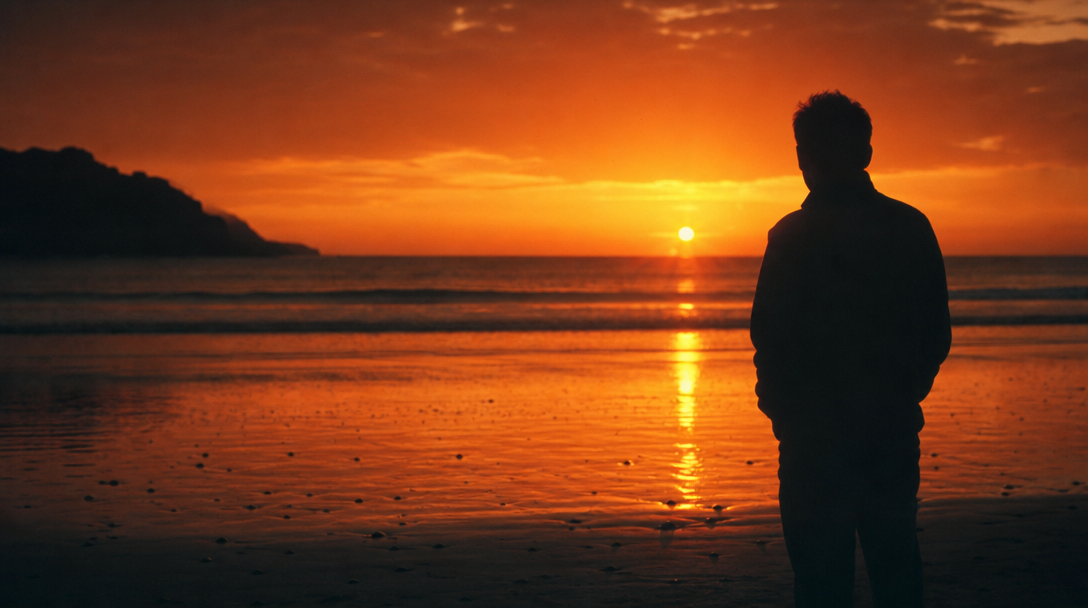
Silhouette Photo
Create silhouette photo visuals with editable AI image prompts and practical customization tips.
2026.07.02
把「Silhouette Photo」做成你想要的样子做一个你自己的「Silhouette Photo」
用大白话说出来就行——Carat 会为你生成合适的图片和视频。

每天 100 免费积分,现在就开始
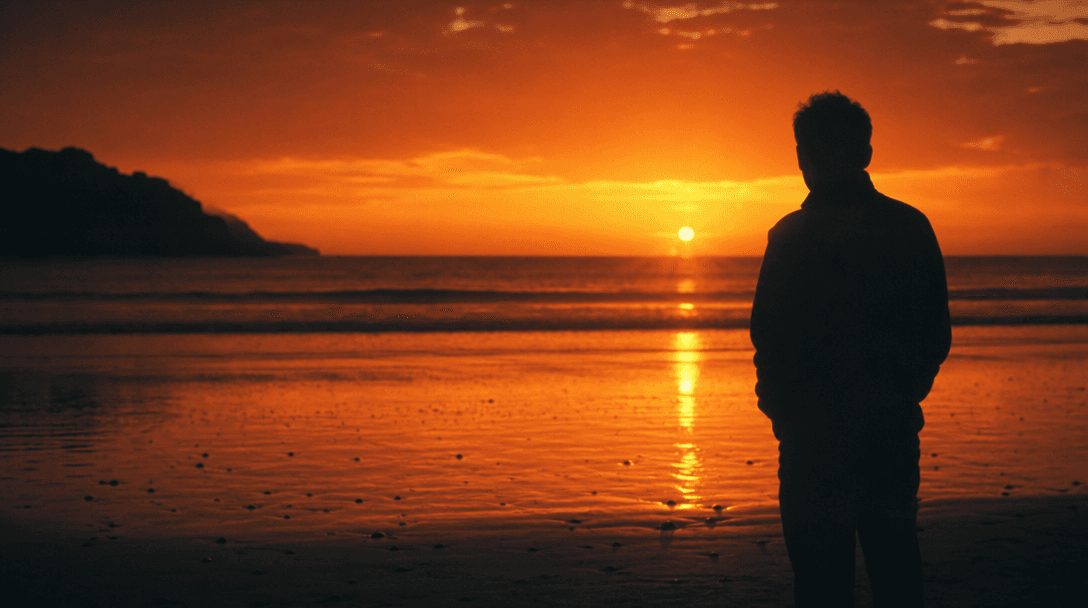
실루엣 사진
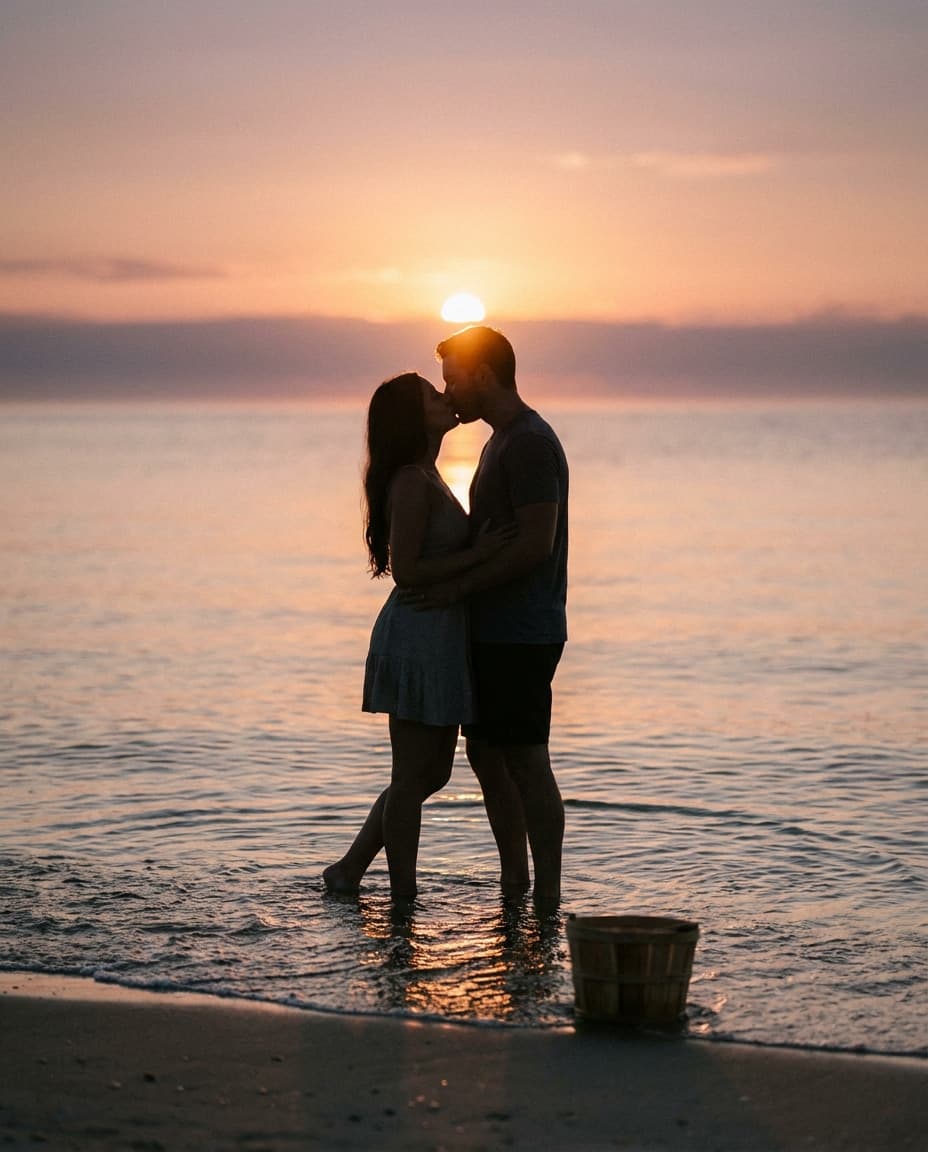
Beach Silhouette Kiss
Silhouette Photo Prompt Guide
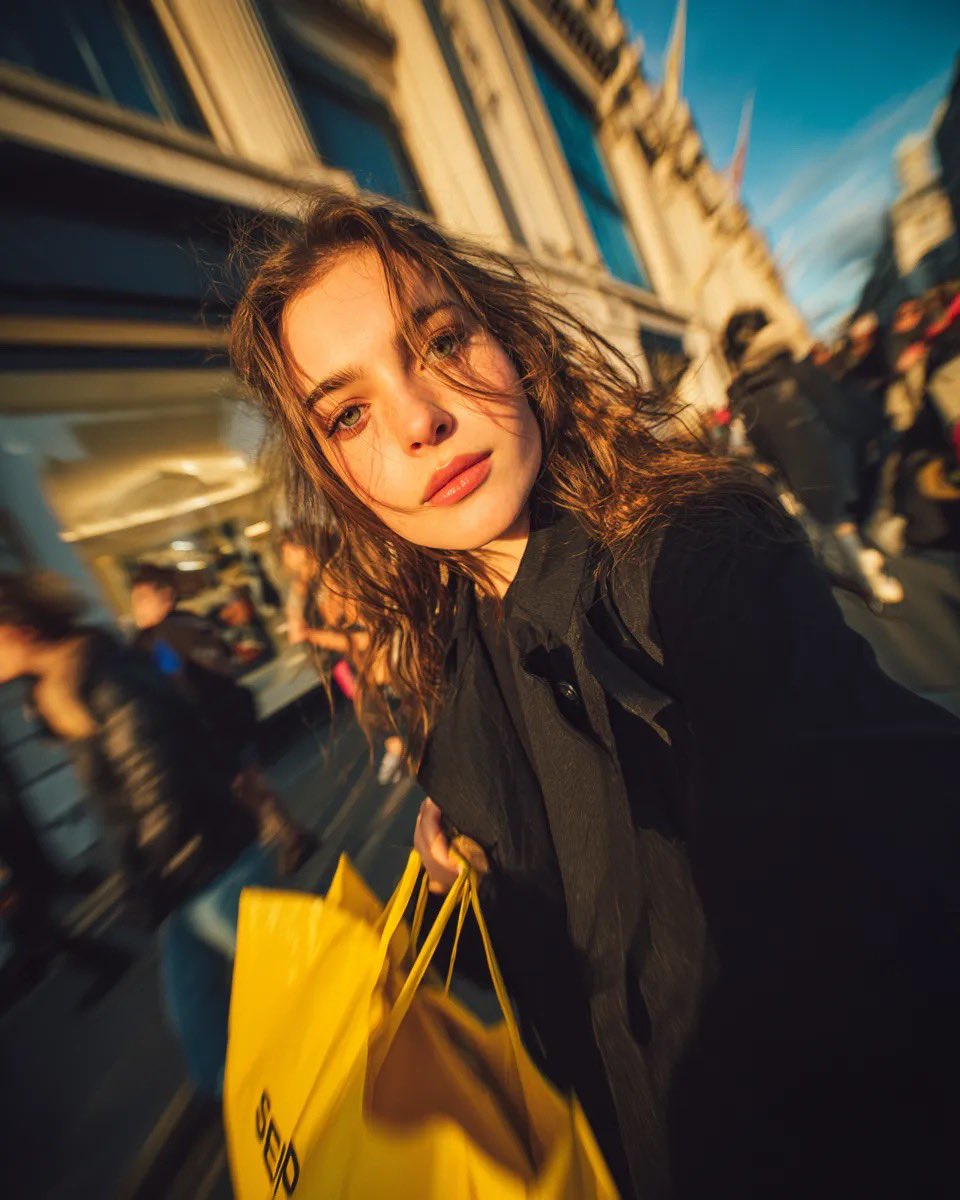
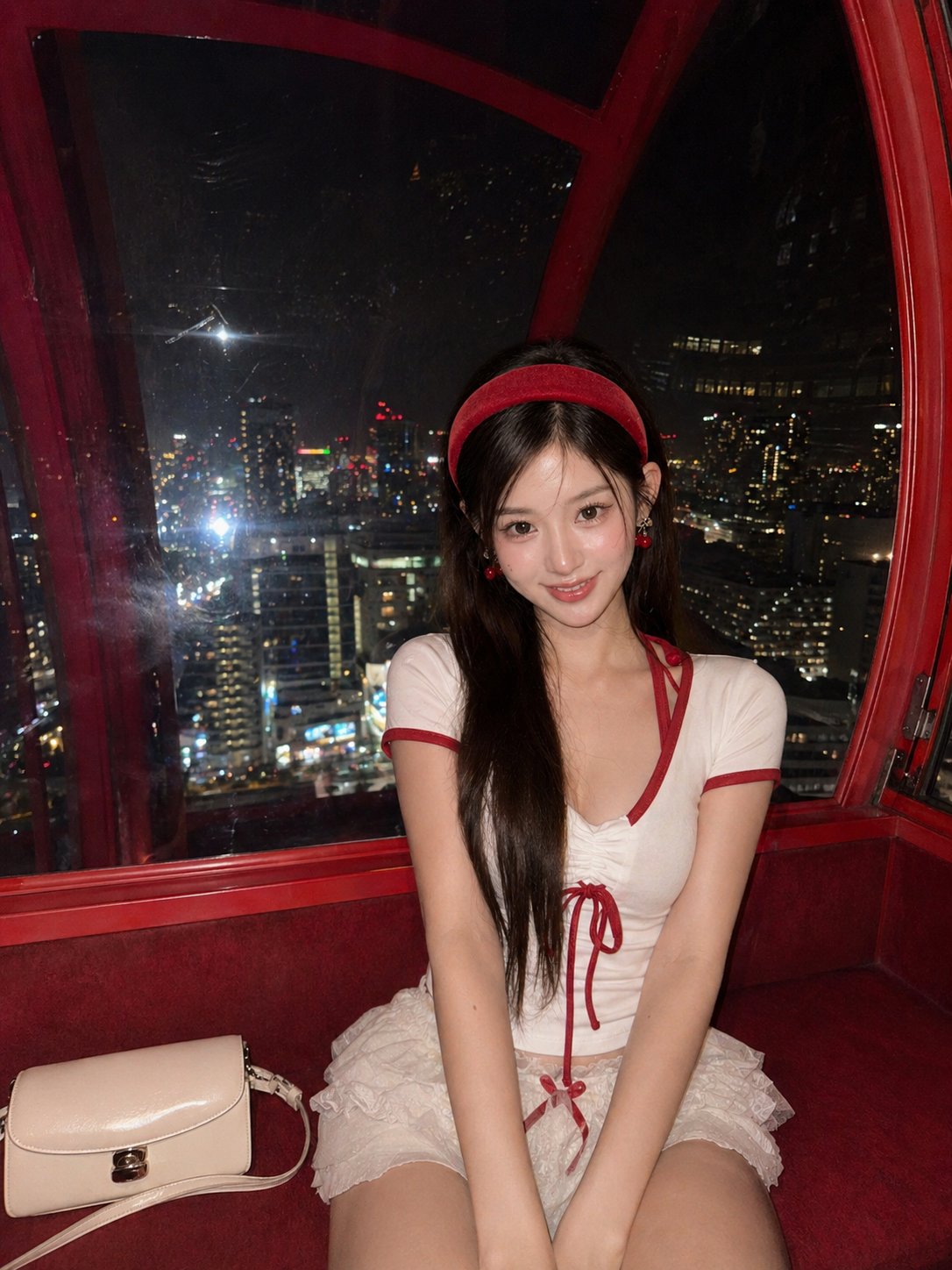
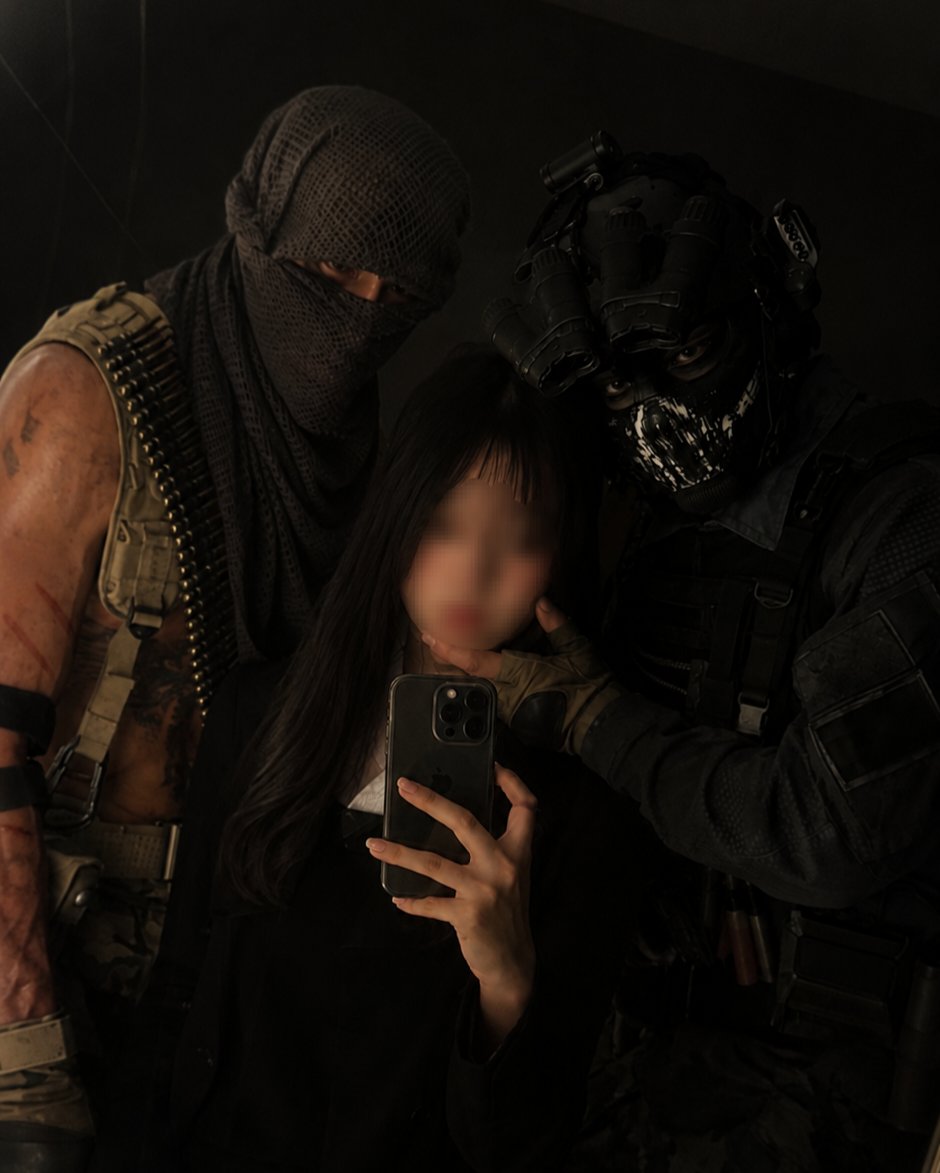
Silhouette Photo is useful when you need a strong first impression for profiles, communities, social posts, lookbooks, moodboards, and visual drafts. In Carat, you can copy a prompt and adjust the subject mood, facial expression, lighting, background, camera distance, and aspect ratio to fit your final use case. This page focuses on portrait photography, profile images, photography technique references.
What You Can Create
A strong prompt should define more than the topic. It should clarify whether the subject is a fictional person, original avatar, realistic photo, illustration style, or full body pose reference. For Silhouette Photo, adding constraints such as no readable text, no logo, and no celebrity resemblance helps create reusable gallery samples.
How to Customize
Start with the destination. Profile images work best with square format, centered face, and circular-safe composition. Pose or editorial images often work better in 4:5 or 16:9. Then adjust expression, hairstyle, outfit, background color, lighting, lens feel, and empty space.
Safe and Natural Prompting
Avoid referencing real individuals, celebrities, platform logos, or readable UI. Use fictional, original, generic, and no platform logos when you need safer output.
Best Use Cases
Silhouette Photo prompts are practical for community accounts, channel icons, personal branding, portfolio drafts, character references, and fashion shoot planning. Use the example as a base, then change the palette, background, outfit, expression, or camera angle to build a focused set of variations.