Storyboard
AI storyboard prompts you can use right away to map out scenes for video and ad planning. Quickly create shot breakdowns, camera directions, and storyboard sheets.
2026.05.22
把「Storyboard」做成你想要的样子做一个你自己的「Storyboard」
用大白话说出来就行——Carat 会为你生成合适的图片和视频。

每天 100 免费积分,现在就开始
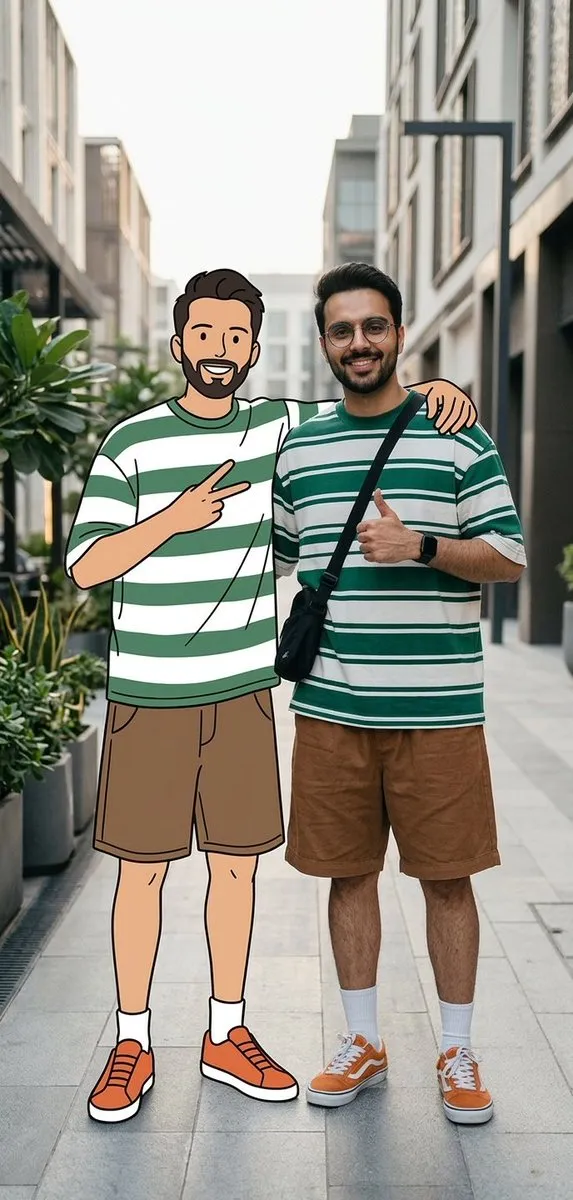
Real Person and 2D Character Street Scene
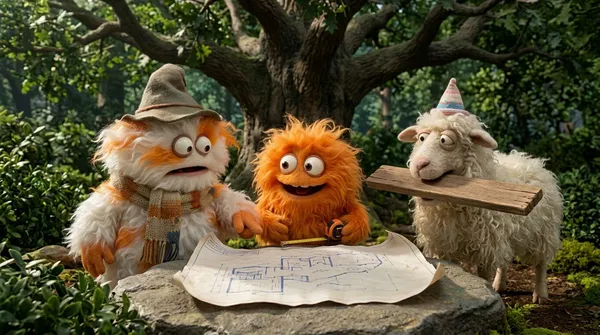
Fluffy Creatures 4-Part Story
Cinematic Storyboard Grid Prompt for Seedance 2 0
Storyboarding and Multi Perspective Video Generation
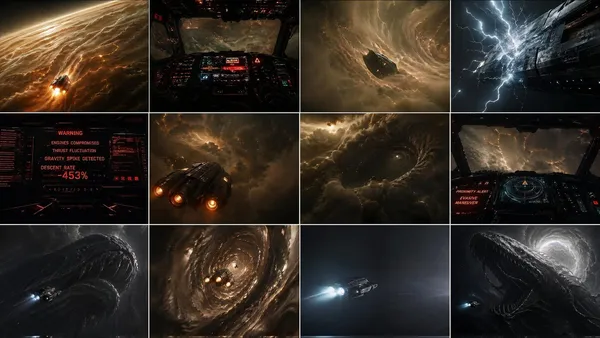
{"type":"cinematic Sci-fi Storyboard Contact Sheet"
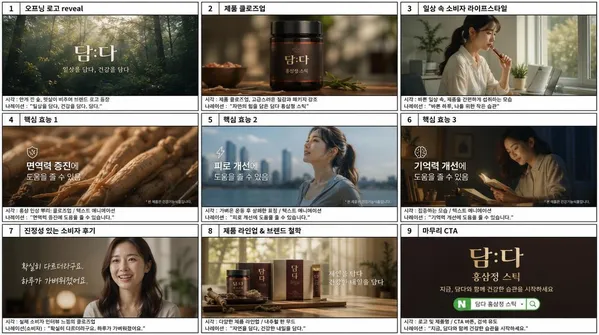
Panel Korean Product TVC Storyboard
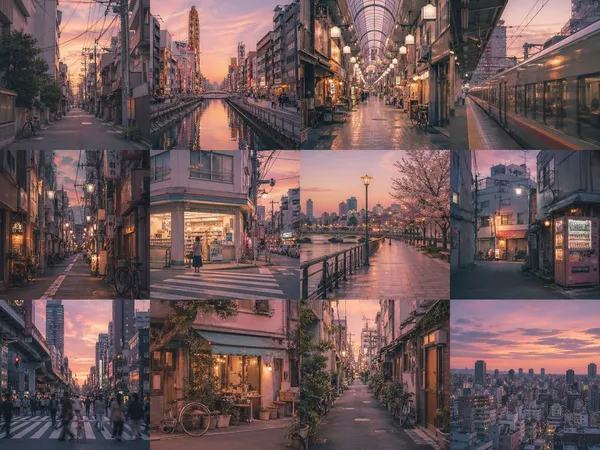
Multi-Panel Image Board Template
Chibi Boxer Doll Animation from Storyboard
Luxury Sedan Cinematic Commercial
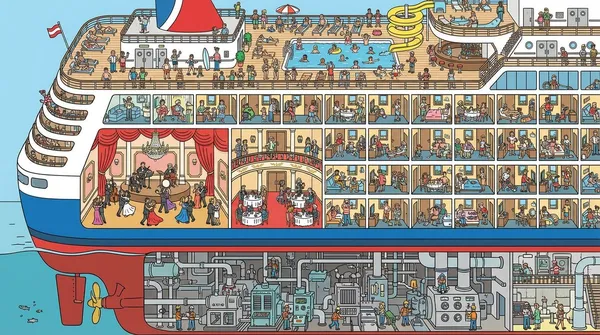
Cruise Ship Cutaway Illustration
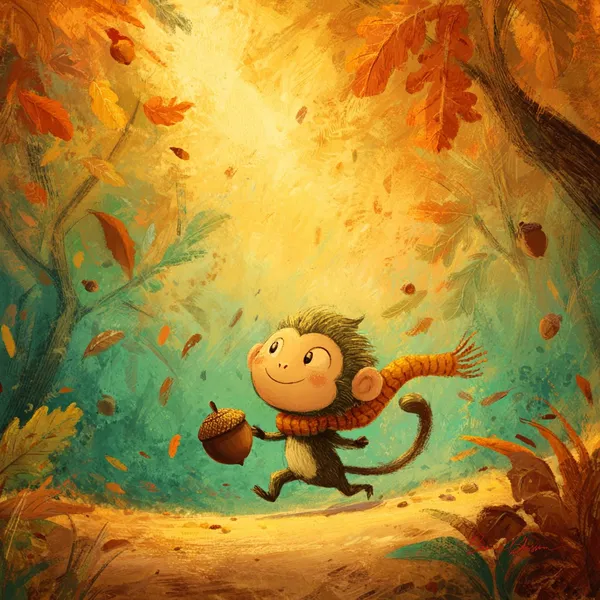
Tiny Monkey Rolling Acorn Storybook Illustration

Autumn Garden Badger Watercolor
What Are Storyboard AI Prompts?
Storyboard prompts are AI prompts for quickly visualizing scene flow and shot composition during video, ad, and webtoon planning. In Carat, you can generate storyboard sheets with models like GPT Image 2, then keep going with follow-up work such as editing the result, changing the aspect ratio, adding shots, or converting to video.
Where You'll Use It
- Video and ad storyboard sheets
- Shot-by-shot breakdowns
- Camera angle and blocking plans
- Webtoon and anime direction boards
- Visuals for pitches and proposals
Why This Tag Is Useful
A storyboard is less about one beautiful frame and more about how shots connect, the camera directions, and the order of scenes. When choosing a prompt, look first for examples that show the shot layout, aspect ratio, direction labels, and number of panels.
Tips for Building Your Prompt
- Decide the story, number of shots, and ratio first.
- For each shot, spell out the angle, blocking, character positions, and key action.
- If needed, separate out direction text, numbering, and caption areas.
- After generating, review the shot order, text errors, and consistency.
In Carat, you can add more shots from the board, or convert a scene you like into video to move into actual production.
常见问题
They're great for quickly mapping out shot composition and scene flow during video, ad, and webtoon planning. Use them for storyboard sheets, shot breakdowns, and camera blocking plans.
Yes. Enter the prompt in Carat to generate a board with a model like GPT Image 2, then continue with follow-up work like editing the result, changing the aspect ratio, adding shots, or converting to video.
Yes. Run an example prompt as-is, then just change the number of shots, scene content, and camera directions.
It's less about one polished frame and more about clearly writing how shots connect, the camera directions, and the order of scenes.
Yes. Specify the shot count (like 3 or 6 panels) and the aspect ratio (like 16:9 or 9:16) directly in the prompt.
It's well suited to ad and video proposals, pitch decks, and webtoon direction boards. That said, logos, real people, and copyrighted material need separate checks.
In Carat you can regenerate by changing the shot layout, angles, or scene order from the result.