carat

Prompt Gallery

/

타이포그래피 영상

Login
Sign Up

타이포그래피 영상

문자의 크기와 리듬, 색상, 움직임과 화면 전환을 설계하는 타이포그래피 영상 프롬프트입니다.

2026.07.21

·

우주 대서사 예고편

미니맥스 H3· Video
Keep the pace fast and the scale enormous without letting the edit drag. Use sharp hard cuts, a shaking command deck, white-hot flashes, split-second black frames, and a violent jump-to-warp impact. Title cards should use wide-tracked cinematic typography—not pure white—with restrained material texture, subtle illumination, and a faint edge glow. Animate the titles by emerging from deep-space shadow, catching a sweep of starlight, opening their letter spacing, leaving a slight afterimage, and flashing briefly against black.
@MiniMax_AI

빈티지 쌍안경 브랜드 필름

미니맥스 H3· Video
Use Images 1–4 as sequential keyframes, seen through a vintage binocular viewfinder searching for the MINIMAX installation. Open out of focus with subtle handheld shake, then push in quickly and rack focus onto Image 1. Between keyframes, use fast binocular-scan transitions with whip movement, motion blur, optical smearing, and brief exposure flicker. Cut at peak blur, then settle and snap back into focus. Keep the twin circular lens mask absolutely fixed throughout: identical position, scale, feathered black vignette, and edge softness, with no warping or drift. Only the image inside the mask may move. In Image 2, let the fabric move gently in the wind while the MINIMAX lettering follows the folds and remains legible. In Image 3, the subject should feel like a stylish passerby caught by chance, walking, turning, and swinging their arms naturally. In Image 4, the subject adjusts their glasses or lifts their chin slightly with a cool, effortless fashion-campaign attitude. Red typography should resolve with the focus: begin slightly blurred and at low opacity, then fade into clarity over 0.3–0.5 seconds. A subtle vertical slide or slight tracking expansion is allowed. Fade it out before the next transition or let motion blur carry it away. No spins, bounces, or large fly-ins/outs. Visual language: a voyeuristic, Wes Anderson-inspired 35 mm film look with fine grain, soft highlight halation, restrained color, and red typographic accents. Minimal, premium, lightly playful. Do not add people, vehicles, buildings, or logos. Preserve the core composition and the MINIMAX installation exactly.
@MiniMax_AI

회전하는 제품 페이지 인트로

미니맥스 H3· Video
Reveal the layout from top to bottom. Upper and center typography slides down; lower typography slides up. Once the central product appears, let it rotate subtly.
@MiniMax_AI

자동차 웹사이트 UI 애니메이션

미니맥스 H3· Video
Animate the website UI: the top headline slides down into place, the copy panel below slides up, and the car’s lights shift from dark to red.
@MiniMax_AI

랩 퍼포먼스 자막 영상

씨댄스 2.5· Video
A main character performs a rap song while “yes&” appears on the screen. 6-second video.
@yesand_ai
GPT 이미지 2로 생성한 타이포그래피 예시 2

타이포그래피 예시 2

GPT 이미지 2· Image
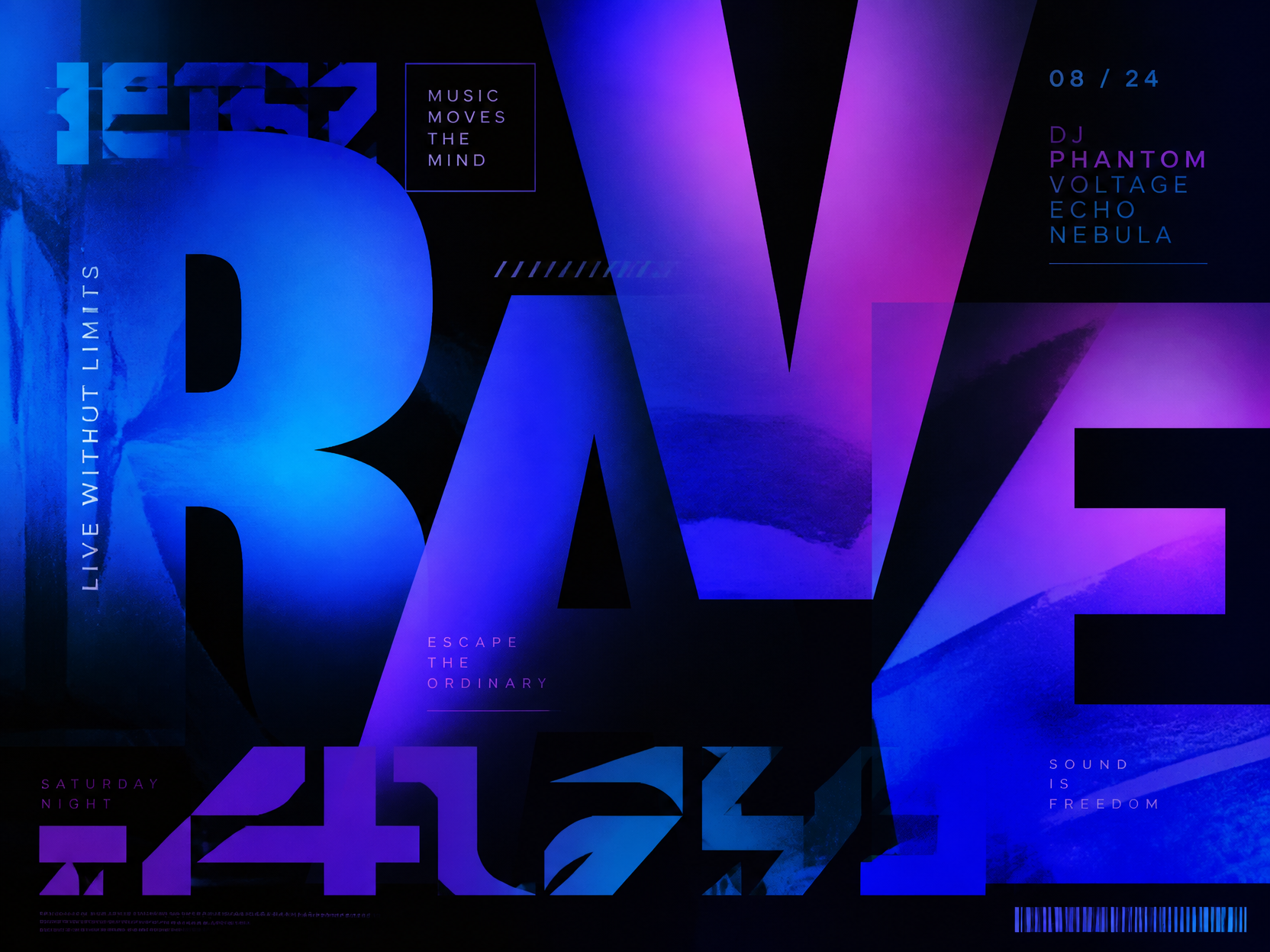
Kinetic typography design composition with layered oversized letters, gradient blue purple lighting, modern music poster mood, abstract unreadable text shapes.
GPT 이미지 2로 생성한 타이포그래피 예시 3

타이포그래피 예시 3

GPT 이미지 2· Image
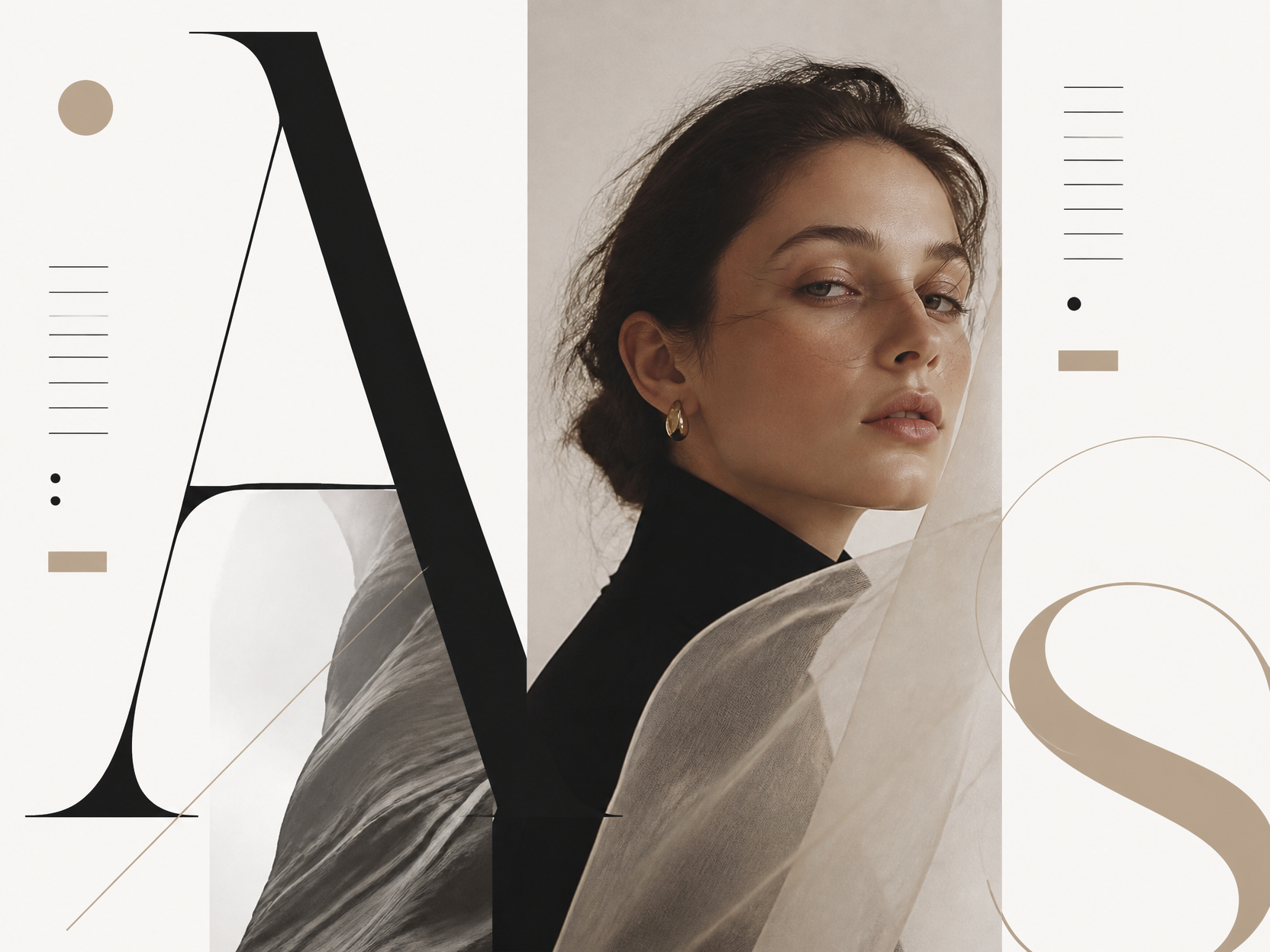
Elegant editorial typography layout, serif and sans serif letter shapes, generous white space, premium magazine cover style, no readable words.
GPT 이미지 2로 생성한 타이포그래피 예시 1

타이포그래피 예시 1

GPT 이미지 2· Image
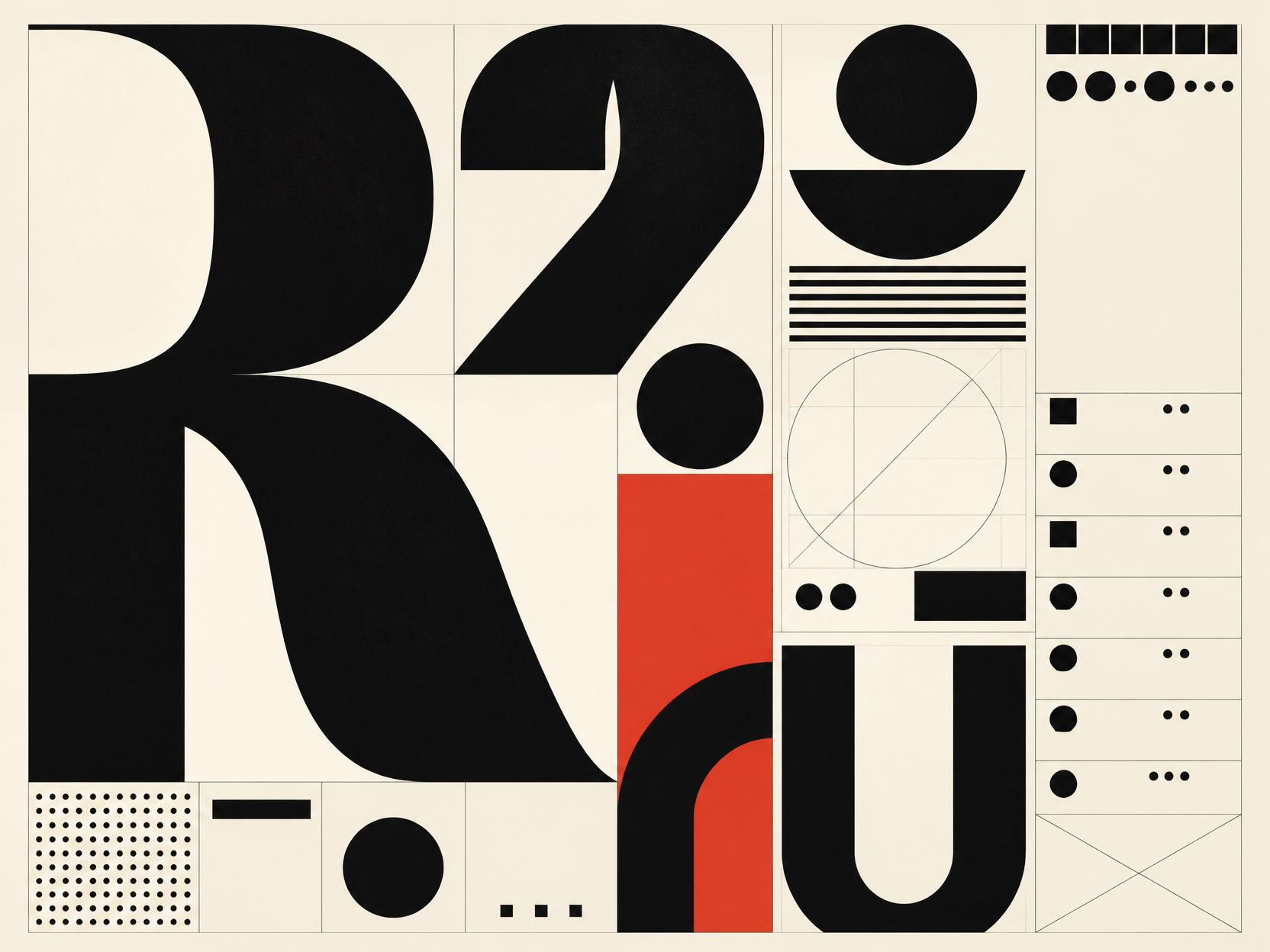
Experimental typography design poster, large abstract letterforms, black and cream palette with one red accent, Swiss grid layout, placeholder glyphs only, no readable words.

움직이는 갤러리 포스터

미니맥스 H3· Video
Animate the source artwork as a motion poster while preserving its white gallery border, inner frame, red/white/black palette, 3D collectible-figure look, and original layout. Add a light, playful type-on sound whenever text appears.
@MiniMax_AI

SF 미스터리 티저

미니맥스 H3· Video
Photoreal cinematic treatment, high-contrast lighting, and tight pacing. Use Image 1 for the overall mood and visual language; use Image 2 as the protagonist reference. Shot 1 — Ultra-wide establishing shot. A colossal circular cosmic gateway nearly fills the frame. The protagonist appears only as a tiny figure from behind, positioned low and slightly right of center. Wet ground reflects the light; the center of the gateway is pitch black. Slowly push the camera forward. A large title emerges from the edge of the darkness, resolving from soft blur into sharp focus: “THE STARS WERE LISTENING.” Set it in an extremely condensed, heavy, all-caps face, colored dark crimson and rust red, with light grain and mist-softened edges. Audio: a deep sub-bass pulse, distant metallic resonance, and one restrained hit as the title locks into focus. → Hard cut.
@MiniMax_AI

레트로 애니 범죄물 오프닝

미니맥스 H3· Video
Create a 15-second, 16:9 opening-title sequence for a stylish crime mystery. Draw from retro Japanese animation titles, hard-edged silhouettes, comic-book collage, asymmetric split screens, bold geometric color fields, English credit typography, sparse katakana accents, and a noir-jazz sensibility. Aim for 60% suspense and 40% jazz: mysterious, cool, agile, and urban—never horror, heavy drama, or a cheerful jazz music video. Build the sequence as motion-graphics collage: linework appears over black, split-screen boundaries snap into place, then color blocks and frames assemble piece by piece. Character silhouettes, prop close-ups, and English credits slide, pop, and reveal through masks on the beat. Keep it designed and graphic, not like conventional narrative animation. Credits must be clean and legible. Animate thin frames drawing on, names sliding in, letters appearing one at a time, or color blocks revealing type, then hold briefly. Do not introduce Chinese text, garbled characters, or misspellings. Each role and each name appears once only; do not assign multiple roles to the same name. Vary the transitions: circular vinyl-record wipes, vertical car-door cuts, long character shadows wiping frame, red-line slices, oversized letter masks, split-screen reconfigurations, hard color-block cuts, and tiled frames snapping into place. Keep every transition crisp, rhythmic, suspenseful, and collage-driven. No soft dissolves or fluid morphs. BGM: an original 15-second title cue, 60% suspense and 40% jazz. Use a low drone, tense string pizzicato, cool synth pulses, low kick, sparse brushwork, fragments of walking bass, short baritone-sax phrases, and clipped brass accents. Build suspense with low frequencies and hi-hat in the first 2 seconds; bring in the low beat at 3 seconds, jazz-bass movement at 6 seconds, and a short sax/brass riff at 10 seconds. Freeze the final 2 seconds on a tense chord and drum hit. Keep it mysterious and criminally cool, never upbeat, and do not imitate an existing melody.
@MiniMax_AI

스포츠 브랜드 상품 페이지

미니맥스 H3· Video
Create a dynamic product-landing-page UI/UX demo inspired by Nike’s digital language, built around the product in Image 1. Use oversized, bold, italicized sans-serif typography and backgrounds that combine speed-driven light streaks with dark carbon fiber or breathable performance-mesh textures. Show a smooth, fast, powerful scroll through the page, plus high-impact hover interactions with scale-ups and color inversion.
@MiniMax_AI

타이포그래피 영상 AI 프롬프트란?

타이포그래피 영상 AI 프롬프트는 글자를 단순한 자막이 아니라 장면의 주인공으로 다루는 시각 설계 문장입니다. 문장의 길이, 글자의 크기와 굵기, 등장 순서, 화면 안의 여백, 음악의 박자와 전환 속도를 함께 정하면 가사 영상, 브랜드 오프닝, 행사 티저와 같은 모션 그래픽 콘셉트를 구체화할 수 있습니다. 캐럿 갤러리의 타이포그래피 예시 이미지는 글자와 배경의 대비, 레이아웃, 색상 체계를 참고하는 출발점으로 사용할 수 있습니다.

주요 활용 장면

  • 노래 가사와 앨범 티저 영상
  • 브랜드 캠페인의 키 메시지 오프닝
  • 강연, 공연, 전시회의 행사 티저
  • 숏폼 콘텐츠의 강한 첫 장면
  • 제품 기능이나 숫자를 보여 주는 모션 그래픽

글자와 움직임의 관계

먼저 시청자가 가장 먼저 읽어야 할 한 문장을 정합니다. 그 문장을 크게 보여 준 뒤 보조 문구를 작게 배치하면 화면의 우선순위가 분명해집니다. 글자가 빠르게 튀어나오는지, 한 글자씩 쌓이는지, 화면을 가로질러 이동하는지에 따라 분위기가 달라집니다. 배경은 글자의 움직임을 방해하지 않도록 단순하게 유지하고, 색상은 핵심 단어를 강조하는 한두 가지 포인트로 제한하는 것이 좋습니다.

프롬프트 작성 팁

메시지, 글자 스타일, 화면 비율, 배경 질감, 등장 방식, 전환 속도, 카피를 넣을 여백을 순서대로 적어 보세요. 한국어 문장이 중요한 경우 모델이 정확한 글자를 만들지 못할 수 있으므로 짧은 문구와 넓은 빈 영역을 요청하고 최종 텍스트는 영상 편집기에서 넣는 방식이 안정적입니다. 음악에 맞춰 편집한다면 한 박자에 한 단어, 후렴에서 크기 확대처럼 시간 규칙을 함께 정하면 됩니다.

공개 전 확인할 점

가사, 인용문, 로고, 폰트의 사용 권리를 확인하고 실제 공개 문구와 생성된 글자가 일치하는지 검수하세요. 모바일 화면에서 글자가 읽히는지, 빠른 전환 때문에 핵심 메시지가 사라지지 않는지, 자막 안전 영역을 침범하지 않는지도 확인해야 합니다. 영상 속 숫자와 날짜는 반드시 원자료와 대조하고, 브랜드 색상과 금지 표현을 최종 승인받은 뒤 발행하세요.

Frequently Asked Questions

Related Prompts

모션그래픽 영상

모션그래픽 영상

11 prompts

키네틱 타이포그래피 영상

키네틱 타이포그래피 영상

4 prompts

모션그래픽 광고

모션그래픽 광고

4 prompts

UI 화면

UI 화면

38 prompts

Carat Prompt Gallery

Create trending AI prompts instantly

Prompts

  • Logo
  • PPT Design
  • Thumbnail
  • Poster
  • Web Novel Cover
  • ID Photo
  • Caricature
  • Product Detail Page
  • Banner

Models

  • GPT Image 2
  • Seedance 2.0
  • NanoBanana Pro
  • NanoBanana 2

Carat

  • Get started
  • About
  • Blog
  • Careers
  • Contact
  • Partnership
  • Terms
  • Privacy

© 2026 Paradot.Inc All rights reserved.