
Card Mockup
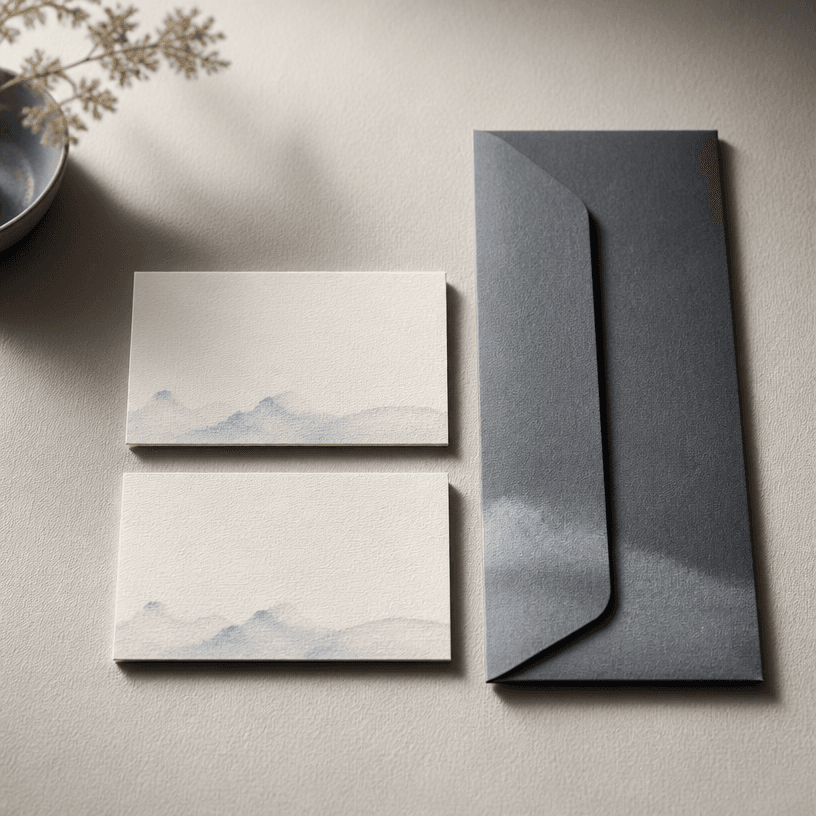
Card mockup prompts for presenting business cards and stationery as realistic printed products.
2026.07.17
Mach „Card Mockup“ genau so, wie du es willstErstell dein eigenes „Card Mockup“
Sag es einfach in deinen Worten – Carat generiert passende Bilder und Videos für dich.

Starte jetzt mit 100 kostenlosen Credits pro Tag
카드 목업
A card mockup presents a business card, invitation, membership card, coupon, or postcard as a tangible product photograph. It helps designers communicate a stationery concept before final production.
1. Choose the card type
Name the printed object first, then define its dimensions, corner shape, orientation, and whether an envelope or prop should appear. These details help the image match the intended use.
2. Describe paper and finishing
Mention ivory stock, matte coating, embossing, foil, rounded corners, thickness, and paper grain when they matter. Tactile specifications make the brand piece feel more physical and believable.
3. Plan the composition
Choose a top-down arrangement, a three-quarter product view, or a hand-held scene. State how cards overlap, where the envelope sits, and how much negative space should remain for later artwork.
4. Control light and surface
Soft side light and contact shadows reveal paper depth without creating harsh reflections. Keep the background within a restrained palette that contrasts with the card while supporting the brand tone.
5. Use the mockup well
The result can support an identity presentation, print proof discussion, portfolio, or ecommerce detail image. Add the final logo and name in an editor, then verify the real print dimensions separately.


