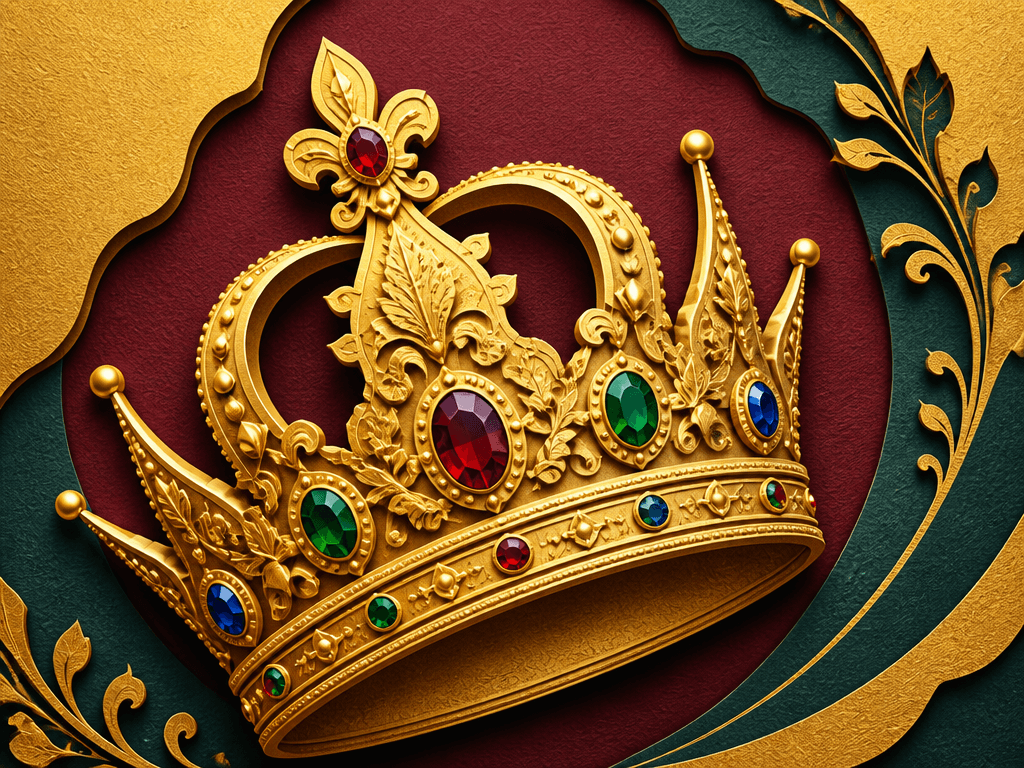
Crown Illustration
Generate ornate crown illustrations with jewels and decorative details using AI prompts.
2026.07.07
Mach „Crown Illustration“ genau so, wie du es willstErstell dein eigenes „Crown Illustration“
Sag es einfach in deinen Worten – Carat generiert passende Bilder und Videos für dich.

Starte jetzt mit 100 kostenlosen Credits pro Tag
Crown Illustration
What Are Crown Illustration AI Prompts?
Crown Illustration AI prompts let you create detailed, jewel-adorned crown artwork by describing the style, materials, and decorative elements to GPT Image 2. Whether you need a golden royal crown with rubies and sapphires, a delicate tiara for a wedding card, or a flat icon for a game reward, a few sentences produce a polished illustration. The prompt controls the metal texture, gem colors, ornamental motifs, and background to match any creative project.
Common Use Cases
- Birthday, graduation, and promotion celebration cards
- Event and promotion banner decorative elements
- Diary decoration (deco) and sticker sheet design
- Storybook and educational comic royal character decorations
- Mobile game and app reward icons
Why This Tag Is Useful
A crown symbolizes authority, celebration, first place, and reward, making it a versatile design element. But drawing one by hand requires intricate detail work that challenges beginners. AI prompts let you produce a crown with gemstone luster, metallic texture, and ornate filigree in seconds. Switching styles (realistic, flat, paper-cut) to generate multiple versions for different uses is equally fast.
Related Prompts
Prompt Crafting Tips
- Specify the crown type (tiara, full crown, wedding crown) to get the silhouette you want.
- List gemstone colors (ruby red, sapphire blue, emerald green) to add richness and variety.
- Describe the material and texture (solid gold, decorative metal, paper craft) to set the illustration's tone.
- Include a background (velvet, clean white, dark board) to control the overall presentation.
Häufige Fragen
Realistic metallic, flat vector, watercolor, paper-cut, and more. Adding style keywords to the prompt produces crown illustrations in your desired tone and aesthetic.
Specify 'celebration card main visual' and 'warm pastel tones' to get a crown illustration ready to place on a card. Adding 'Happy Birthday' text creates a finished card in one step.
AI-generated crown illustrations can be used in commercial projects. We recommend generating an original design that does not closely resemble any existing brand logo.
Add 'sparkling gemstone luster' and 'light reflection effect' to the prompt for natural-looking shine. Specifying gemstone colors individually (ruby, sapphire, emerald) yields more precise results.
Yes. Specify 'minimal icon', 'mobile game style', and 'transparent background' to generate a crown icon ready for game UI. A simple shape works best for thumbnail readability.
Use 'hand-drawn style', 'pastel colors', and 'white border' in the prompt for a sticker-feel crown. Requesting a transparent background makes it print-ready.
GPT Image 2 supports text rendering. Add phrases like 'Congratulations' or '1st Place' to the prompt, and the text will appear directly in the generated crown image.