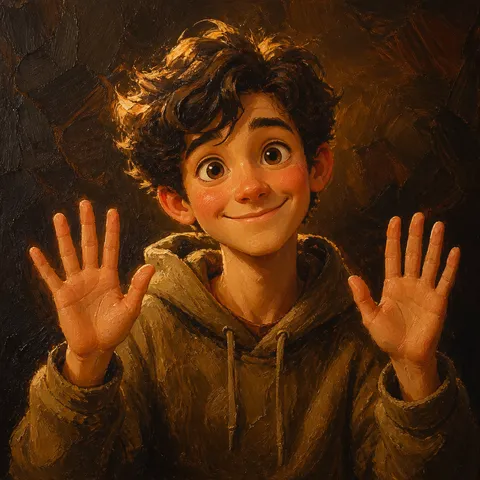
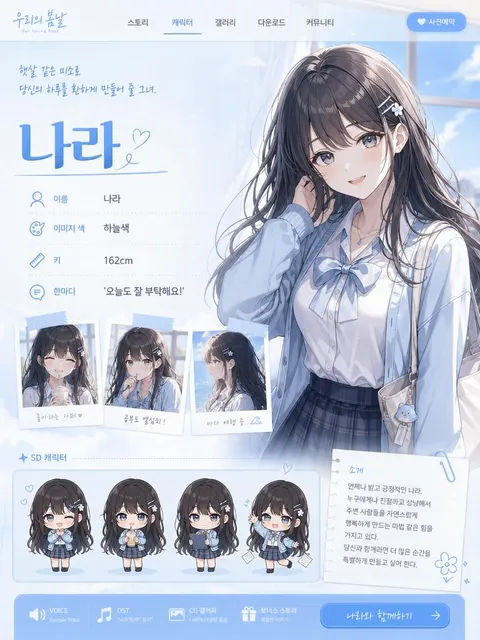
Kawaii
귀엽고 키치한 비주얼에 바로 쓸 수 있는 Kawaii AI 프롬프트. 파스텔 컬러, 하트 참, 동물귀, 둥근 타이포그래피, 말랑한 캐릭터 감성을 만들 수 있습니다.
2026.05.28
Mach „Kawaii“ genau so, wie du es willstErstell dein eigenes „Kawaii“
Sag es einfach in deinen Worten – Carat generiert passende Bilder und Videos für dich.

Starte jetzt mit 100 kostenlosen Credits pro Tag
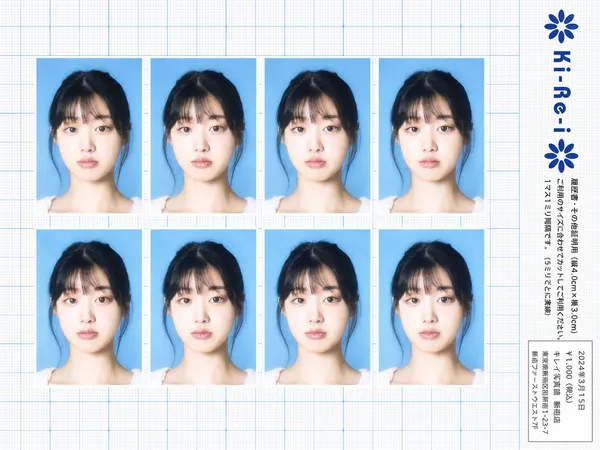
Ki-Re-i ID Photo Sheet
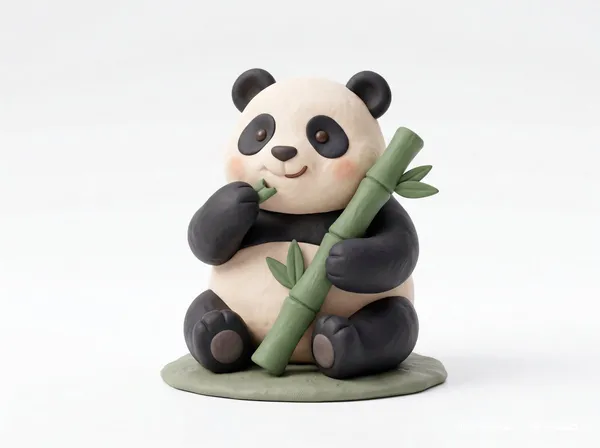
Clay Toy Icon Character
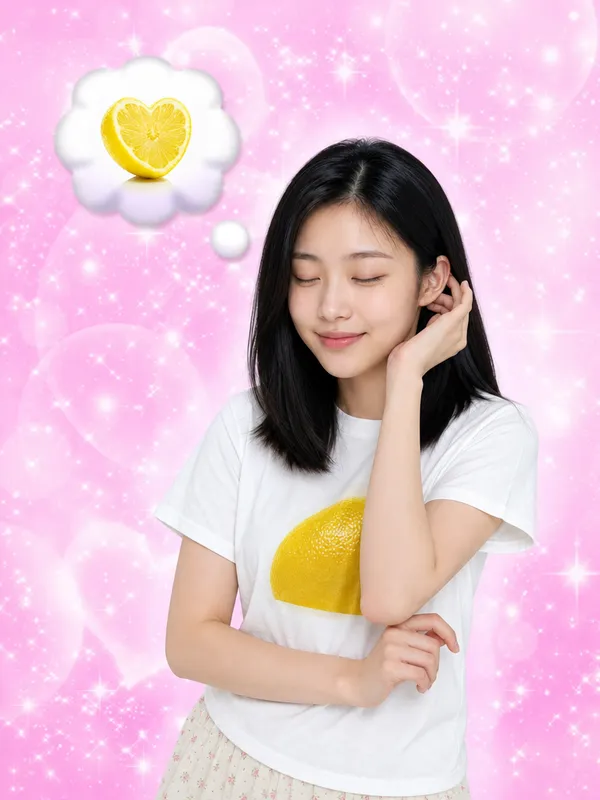
I Keep Thinking of Lemon
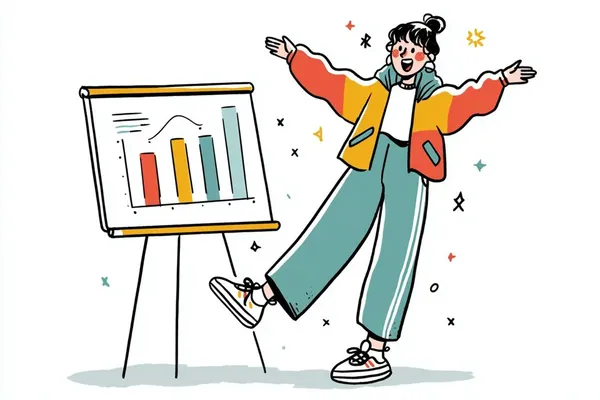
Hand-Drawn Quirky Character Illustration
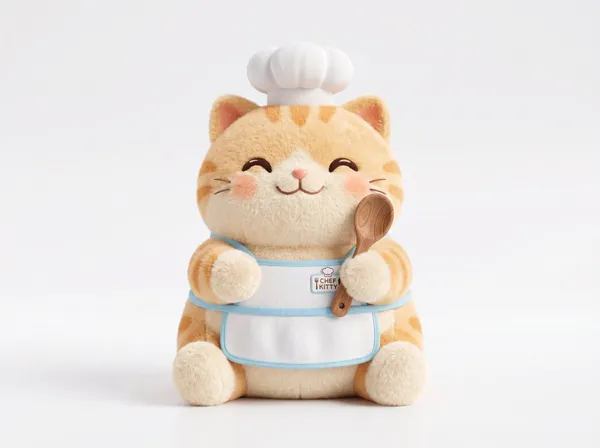
Plush 3D Model
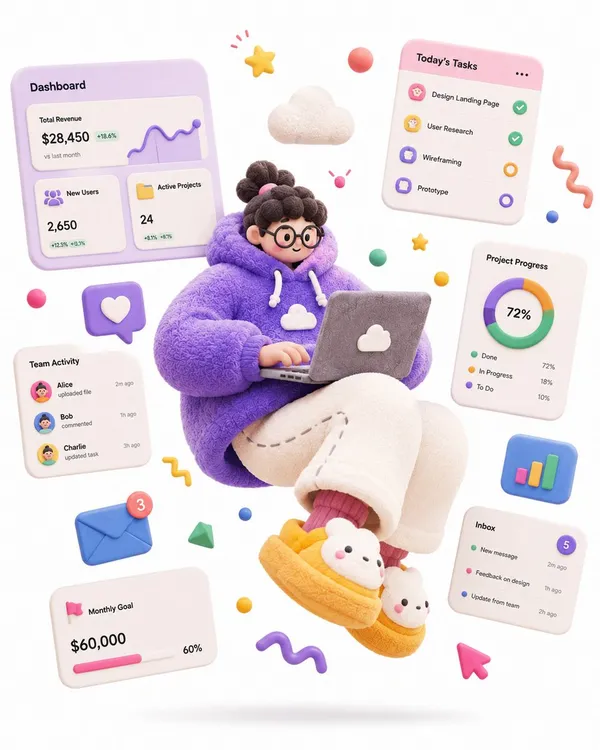
Soft Sculpture Jumping Character
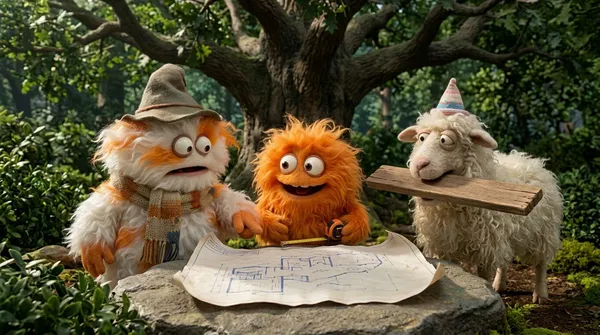
Fluffy Creatures 4-Part Story
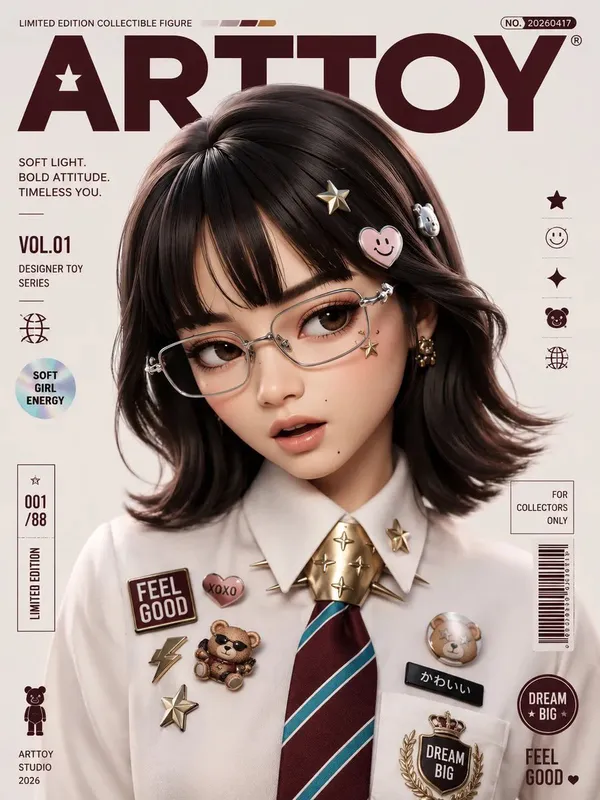
Designer Collectible Art Toy
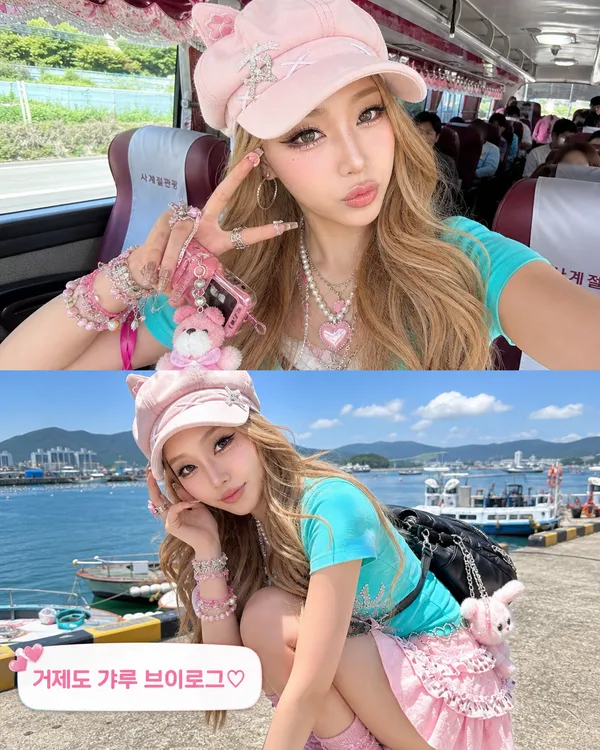
Geoje Gyaru Vlog Screenshot
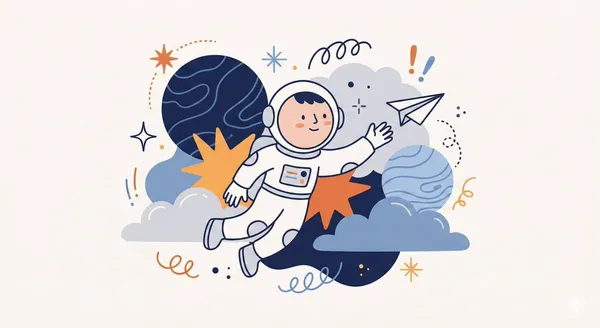
Whimsical Abstract Character Illustration
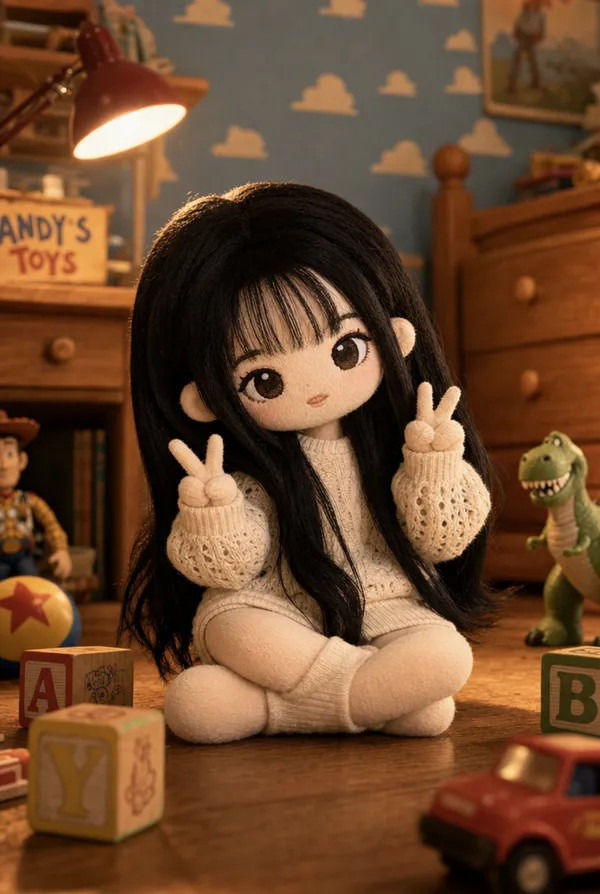
Toy Story Knit Plush Doll
Lovely Heart Sticker
What Are Kawaii AI Prompts?
Kawaii prompts create cute, soft, playful visuals built on pastel palettes, rounded forms, friendly expressions, and tiny decorative details. This tag covers a wide range of cuteness: chibi characters, plush and clay dolls, KakaoTalk emoticon sets, Sanrio and gyaru transformations, doodle illustrations, and pastel 3D characters. In Carat, kawaii prompts run on image models such as GPT Image 2 and Nano Banana Pro, and results carry into follow-up edits like background removal, aspect ratio changes, and upscaling.
Where You'll Use It
- Chibi, clay, and plush-style character portraits and mascots
- Turning your own face into KakaoTalk emoticons and sticker sheets
- Sanrio or Doraemon cosplay and plush-toy transformations
- Gyaru and Y2K style selfies and magazine-cover looks
- Hand-drawn doodles and pastel 3D character illustrations
Why This Tag Is Useful
Kawaii is not just "cute." The image needs a consistent softness across shape, color, expression, and detail density. Rounded typography, small hearts, plush textures, animal-ear accessories, and glossy highlights all support the same emotional tone. If one element becomes too sharp, dark, or realistic, the image loses the kawaii feeling, so a prompt that pins down a single consistent tone is what makes a charming result.
Tips for Crafting Prompts
- Define the cuteness type first: pastel, toy-like, plush, glossy, or cozy.
- Use concrete props such as heart charms, bows, lace trim, stickers, and mini plushies.
- Keep facial expressions simple: bright smile, pout, shy glance, or peace sign.
- Pick one soft palette and repeat it across outfit, background, and typography.
Many kawaii prompts here turn your own photo into a cute character, so treat it as a two-pass process: refine the character first, then add decorative props and soft textures, and simplify the palette in Carat whenever the frame feels cluttered.
Häufige Fragen
They quickly create cute-style images and social content such as chibi characters, plush and clay dolls, KakaoTalk emoticons, and Sanrio or gyaru transformations. You describe the scene, props, expression, and palette in text and generate it directly in Carat.
It depends on the prompt. Transformation prompts that turn your own face into a chibi or plush doll need a reference photo, while text-only prompts like clay icons or doodle characters can be created without any image.
You can use them for style practice or personal projects, but commercial use may infringe the original rights holders. For commercial work, reinterpret the look as your own original cute character rather than copying a specific IP directly.
Yes. You can lay out multiple expressions in a grid on a white background with short captions to build an emoticon or sticker set. Specifying white sticker borders and a soft palette improves the result.
Yes. Run an example prompt as-is, then adjust only the values you care about, such as props, palette, or facial expression, to steer it toward the look you want.
Items under this tag are mainly made with image models like GPT Image 2 and Nano Banana Pro. Since many prompts transform a reference face, models that preserve the subject's features work best.
You don't need to start over. In Carat you can refine just the composition, expression, props, or palette through follow-up edits, or expand the image into a different aspect ratio.