carat

Prompt Gallery

/

MS Paint 스타일

Login
Sign Up

MS Paint 스타일

MS Paint 스타일 스타일 이미지를 안정적으로 만들 수 있도록 구도, 조명, 질감, 분위기 키워드를 정리한 프롬프트입니다.

2026.07.03
·
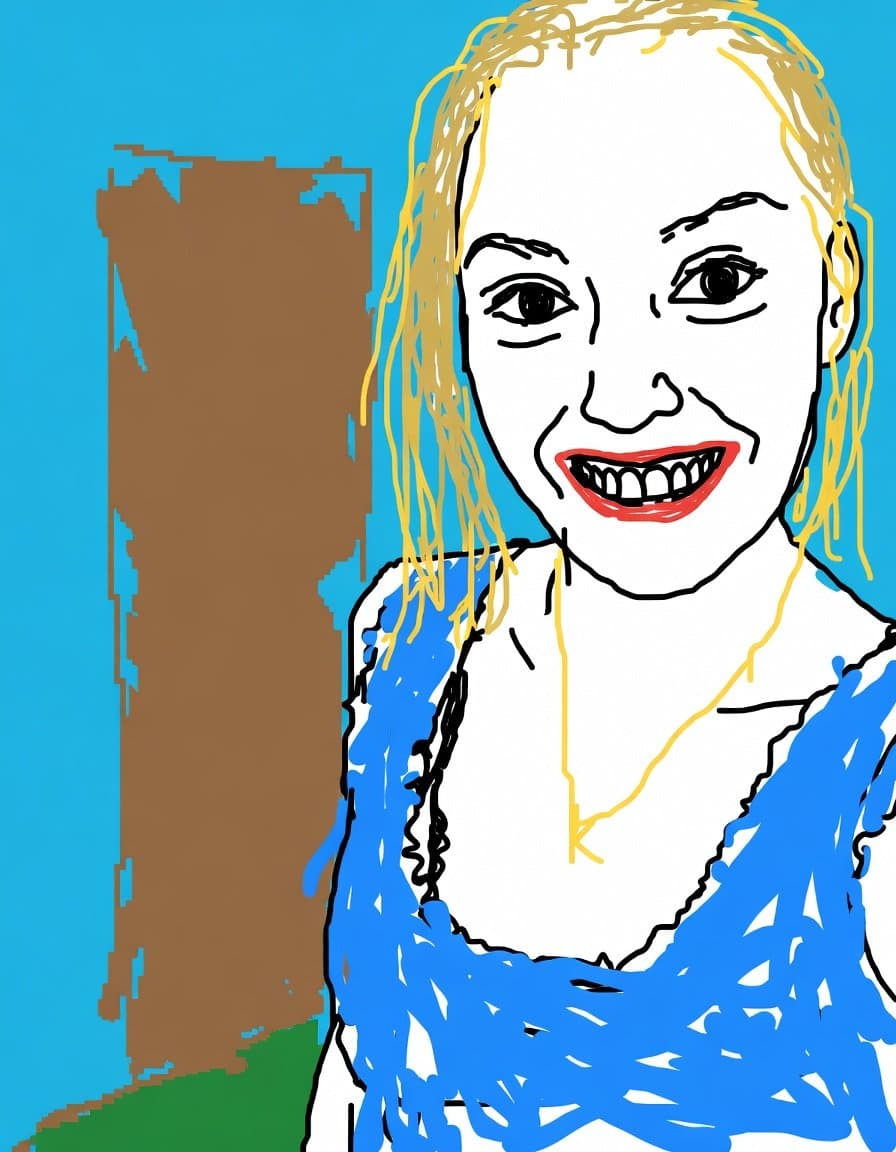
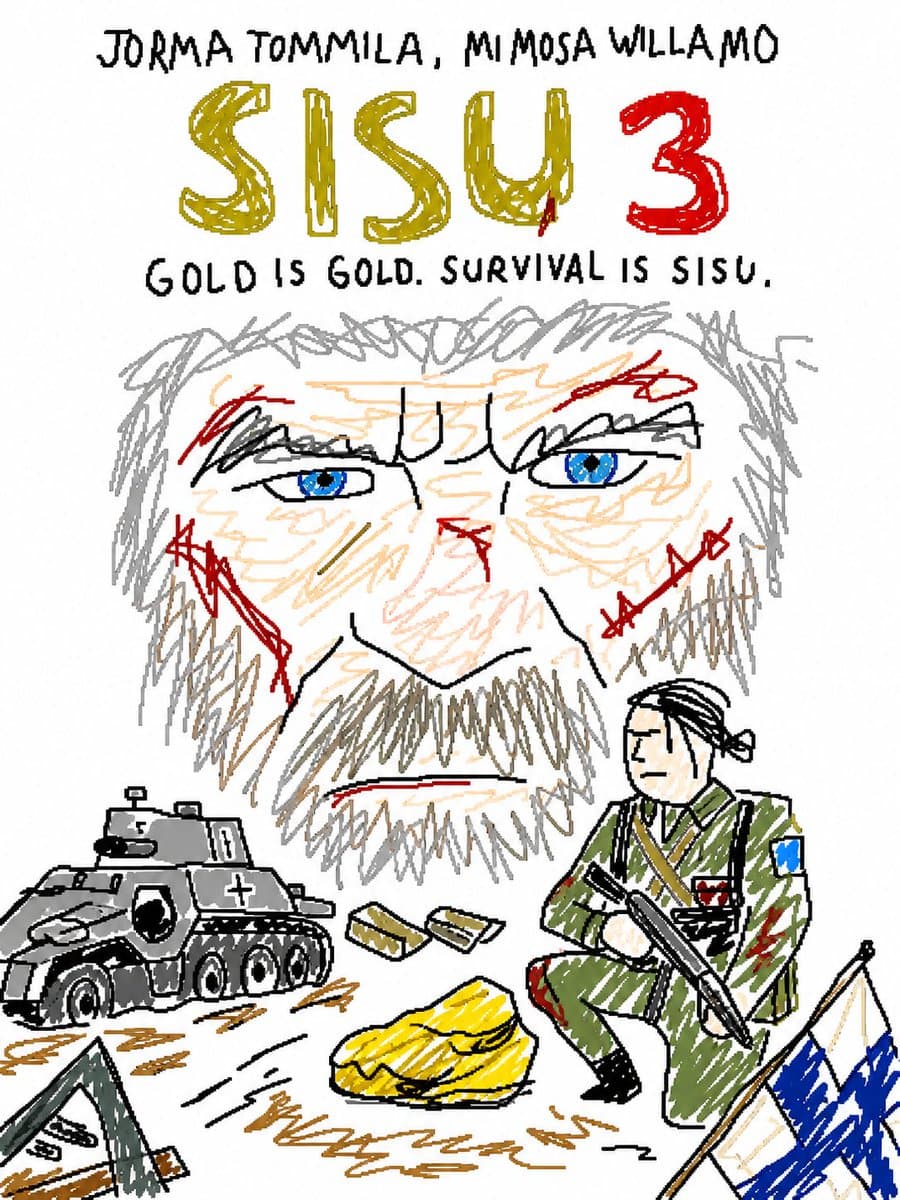
AI 생성 MS Paint 스타일 리드로우

MS Paint 스타일 따라 그리기

GPT 이미지 2· Image
Redraw the attached image in the most clumsy, scribbly, and utterly pathetic way possible. Use a white background, and make it look like it was drawn in MS Paint with a mouse. It should be vaguely similar but also not really, kind of matching but also off in a confusing, awkward way, with that low-quality pixel-by-pixel feel that really emphasizes how ridiculously bad it is. Actually, you know what, whatever, just draw it however you want.
@jzaib4269
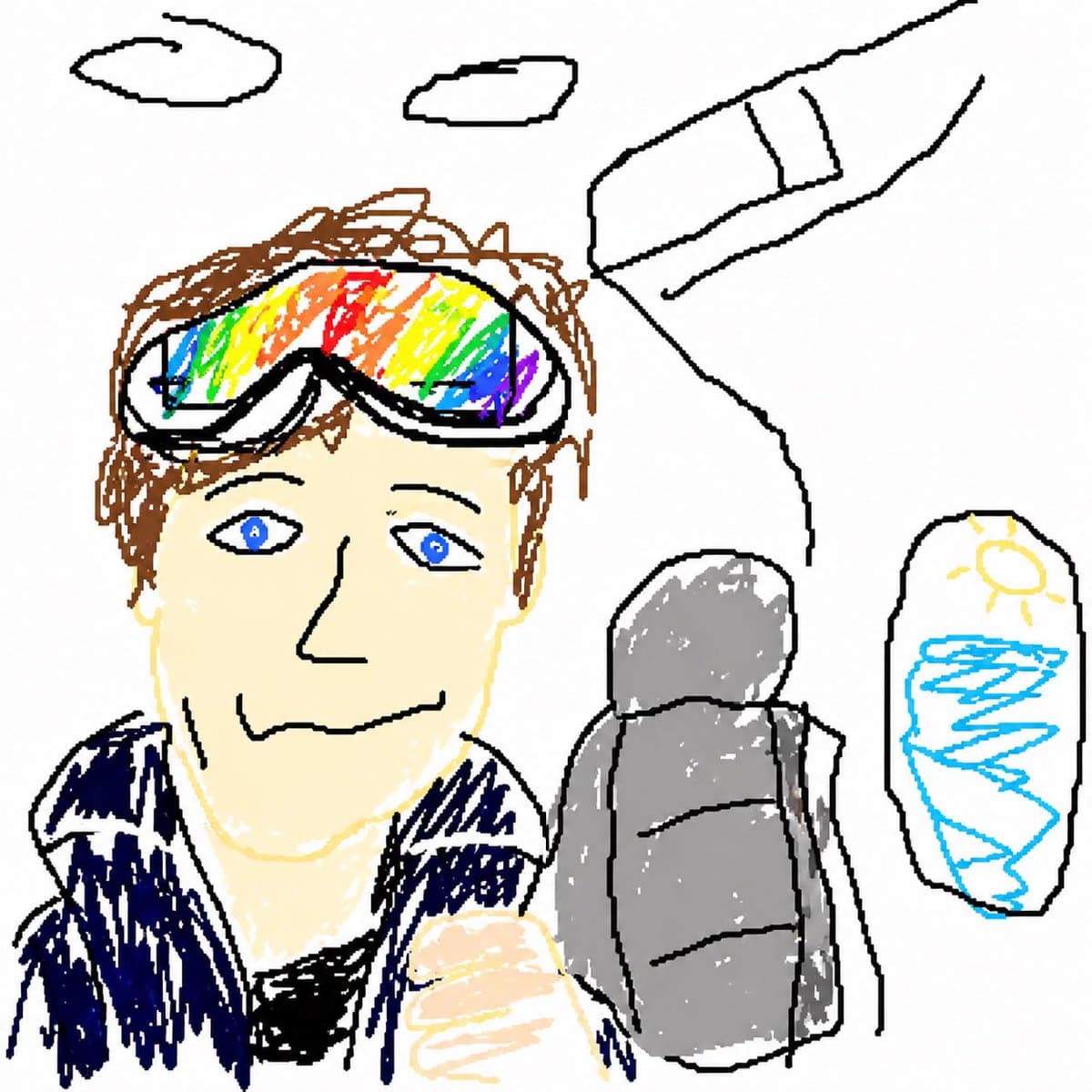
AI 생성 의도적인 저퀄리티 MS Paint 스타일

의도적인 저퀄리티 MS Paint 스타일

GPT 이미지 2· Image
Redraw the attached image in the {argument name="art style" default="most clumsy, scribbly, and utterly pathetic way possible"}. Make it look like it was drawn in MS Paint with a mouse. It should be vaguely similar but also not really, kind of matching but also off in a confusing, awkward way, with that low-quality pixel-by-pixel feel that really emphasizes how ridiculously bad it is. Actually you know what whatever just draw it however you want.
@PiQueenMeta
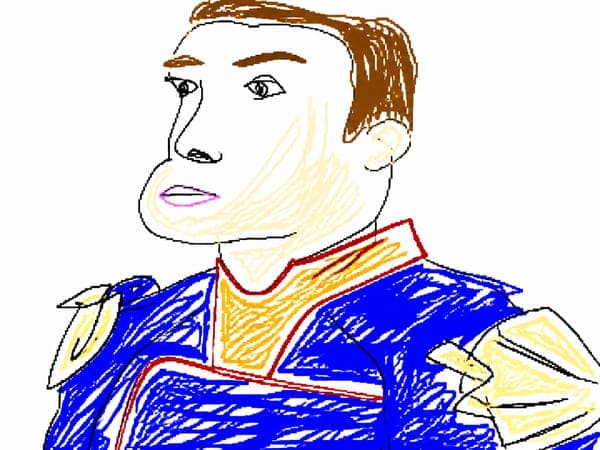
AI 생성 GPT Image 2 MS Paint 드로잉

MS Paint 드로잉

GPT 이미지 2· Image
Redraw the attached image in the most {argument name="style" default="clumsy, scribbly, and utterly pathetic"} way possible. Use a white background, and make it look like it was drawn in MS Paint with a mouse. It should be vaguely similar but also not really, kind of matching but also off in a confusing, awkward way, with that low-quality pixel-by-pixel feel that really emphasizes how ridiculously bad it is. Actually, you know what, whatever, just draw it however you want.
@arrakis_ai
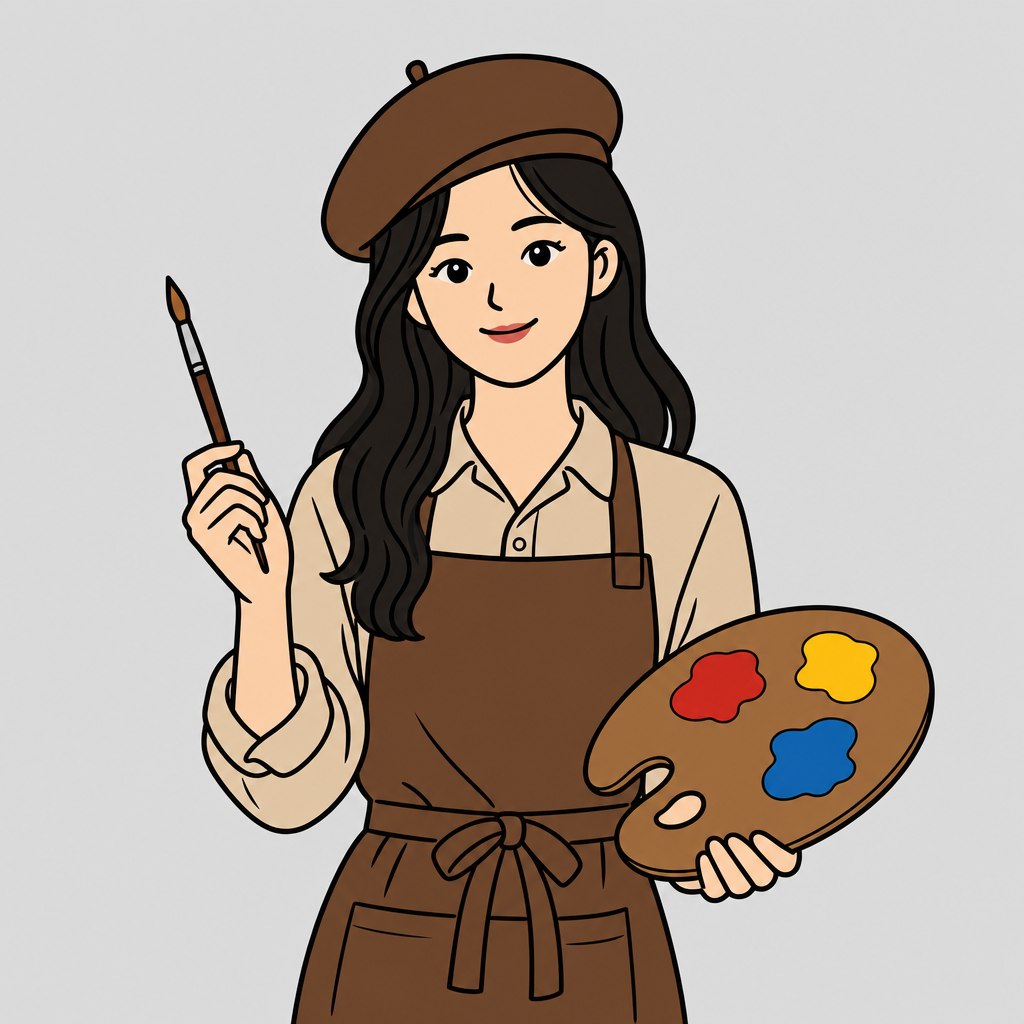
GPT 이미지 2으로 생성한 엉성한 그림판 낙서 변환

엉성한 그림판 낙서 변환

GPT 이미지 2· Image
Redraw the attached image in the most clumsy, scribbly, and utterly pathetic way possible. Use a white background, and make it look like it was drawn in MS Paint with a mouse. It should be vaguely similar but also not really, kind of matching but also off in a confusing, awkward way, with that low-quality pixel-by-pixel feel that really emphasizes how ridiculously bad it is. Actually, you know what, whatever, just draw it however you want.
bad-redraw-ms-paint-style

MS Paint 스타일 스타일 AI 프롬프트란?

MS Paint 스타일 스타일 AI 프롬프트는 일부러 투박한 선, 낮은 해상도, 기본 팔레트, Windows 그림판 감성의 낙서형 이미지를 만들 때 쓰는 태그입니다. 단순히 소재만 지정하는 것이 아니라 구도, 빛, 질감, 카메라 거리, 색감, 스타일 기준까지 함께 설계해 결과의 방향을 좁혀 줍니다. 이 태그는 한 장의 이미지 안에서 무엇을 먼저 보여줄지, 어떤 디테일을 강조할지, 어떤 분위기로 마무리할지 빠르게 정리하고 싶을 때 유용합니다.

주요 활용 장면

  • SNS 썸네일, 릴스 커버, 카드뉴스 표지용 콘셉트 이미지
  • 브랜드 캠페인, 룩북, 포스터, 프로필 이미지의 시안 제작
  • 캐릭터 디자인, 배경 설정, 장면 레퍼런스 테스트
  • 사진 변환, 스타일 실험, 무드보드 제작
  • 광고 소재나 상세페이지의 시각 방향을 빠르게 비교할 때

이 태그가 유용한 이유

MS Paint 스타일 스타일는 결과물이 평범해지기 쉬운 주제일수록 세부 조건이 중요합니다. 예를 들어 조명을 정면 플래시로 둘지, 부드러운 확산광으로 둘지, 배경을 비워둘지, 소품을 촘촘히 배치할지에 따라 완전히 다른 인상이 만들어집니다. 이 태그를 사용하면 그런 선택지를 프롬프트 단계에서 명확히 고정할 수 있습니다.

또한 반복 제작에 강합니다. 같은 주제로 여러 장을 만들 때 색상 팔레트, 카메라 앵글, 인물의 표정, 배경 밀도 같은 요소를 일관되게 유지하면 갤러리나 캠페인 전체가 하나의 시리즈처럼 보입니다. 처음에는 핵심 단어를 짧게 넣고, 이후 원하는 결과에 맞춰 질감과 구도 조건을 추가하는 방식이 가장 안정적입니다.

관련 프롬프트 더 보기

  • 픽셀아트
  • 카툰 스타일
  • 도트아트 스타일
  • 레트로 스타일
  • 일러스트

프롬프트 구성 팁

  1. 주제와 장면을 먼저 적고, 인물이나 오브젝트의 역할을 명확히 정하세요.
  2. 조명은 정면광, 역광, 네온, 자연광처럼 구체적인 단어로 지정하세요.
  3. 카메라 거리와 앵글을 함께 넣으면 결과의 구도가 훨씬 안정됩니다.
  4. 색감, 질감, 배경 밀도, 후처리 느낌을 마지막에 추가해 완성도를 높이세요.

처음부터 긴 문장을 쓰기보다 핵심 조건을 블록처럼 나누어 조합하면 수정이 쉽습니다. 마음에 드는 결과가 나오면 그 프롬프트를 기준 템플릿으로 저장해 두고 색상, 계절, 인물 스타일만 바꿔 재사용해 보세요.

Frequently Asked Questions

Related Prompts

낙서

낙서

66 prompts

두들 일러스트

두들 일러스트

24 prompts

팔레트 일러스트

팔레트 일러스트

24 prompts

맥주 일러스트

맥주 일러스트

55 prompts

Carat Prompt Gallery

Create trending AI prompts instantly

Prompts

  • Logo
  • PPT Design
  • Thumbnail
  • Poster
  • Web Novel Cover
  • ID Photo
  • Caricature
  • Product Detail Page
  • Banner

Models

  • GPT Image 2
  • Seedance 2.0
  • NanoBanana Pro
  • NanoBanana 2

Carat

  • Get started
  • About
  • Blog
  • Careers
  • Contact
  • Partnership
  • Terms
  • Privacy

© 2026 Paradot.Inc All rights reserved.