Resume Design
AI-powered resume design prompts for job seekers
2026.07.09
Mach „Resume Design“ genau so, wie du es willstErstell dein eigenes „Resume Design“
Sag es einfach in deinen Worten – Carat generiert passende Bilder und Videos für dich.

Starte jetzt mit 100 kostenlosen Credits pro Tag
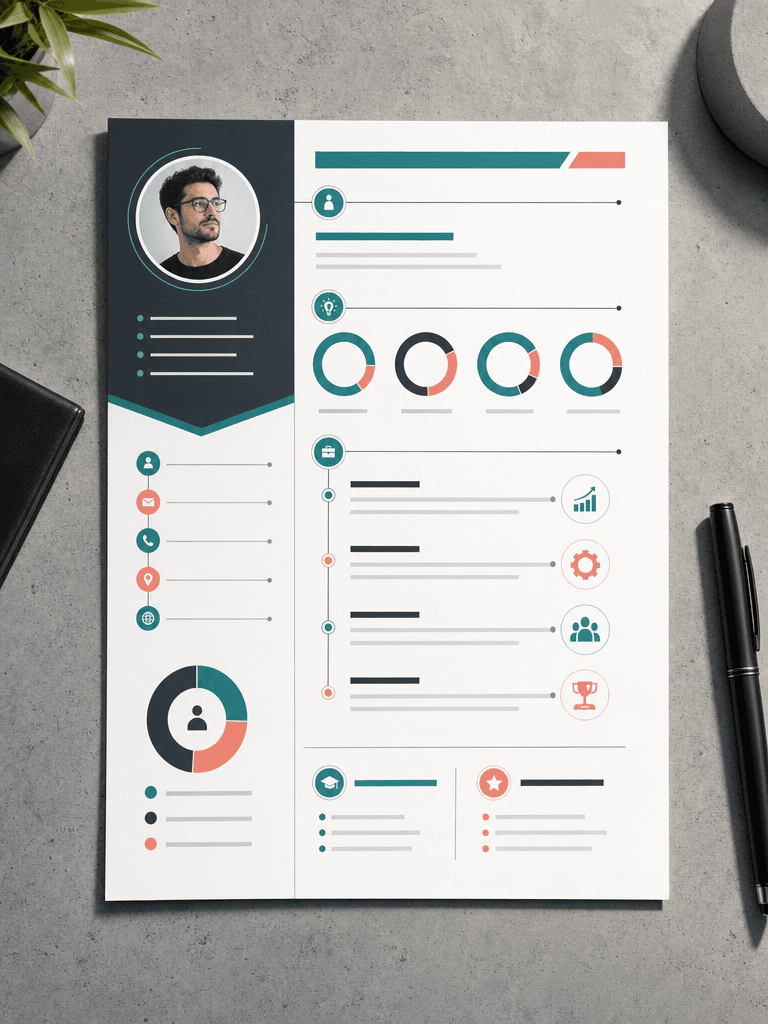
인포그래픽 이력서 디자인
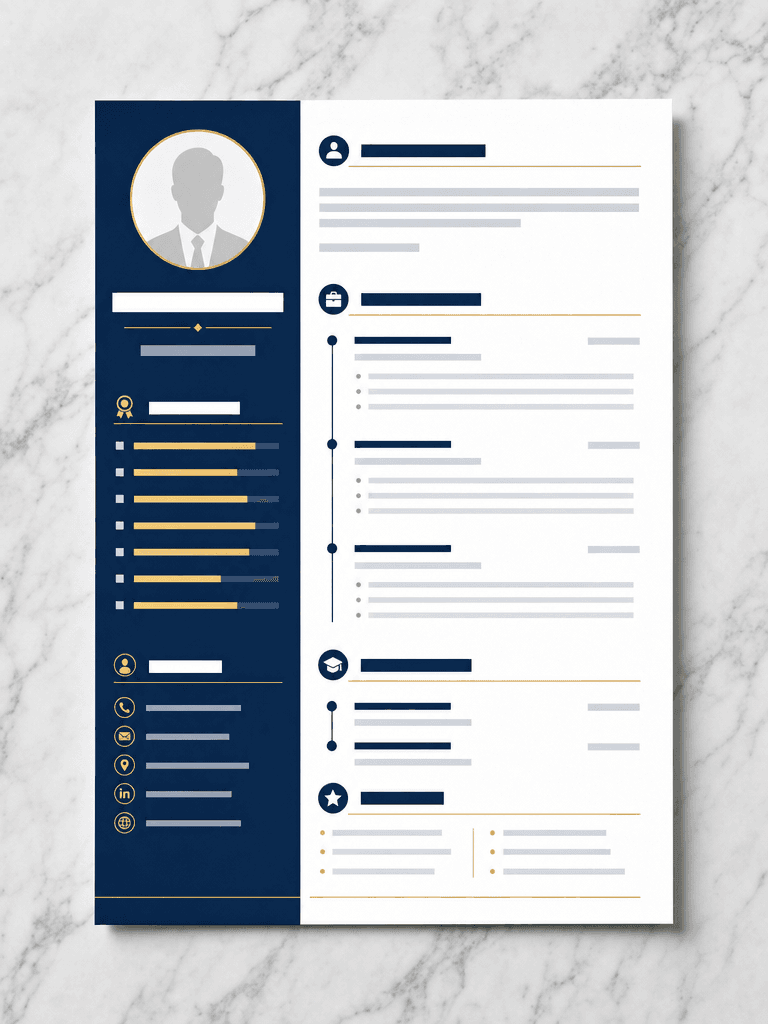
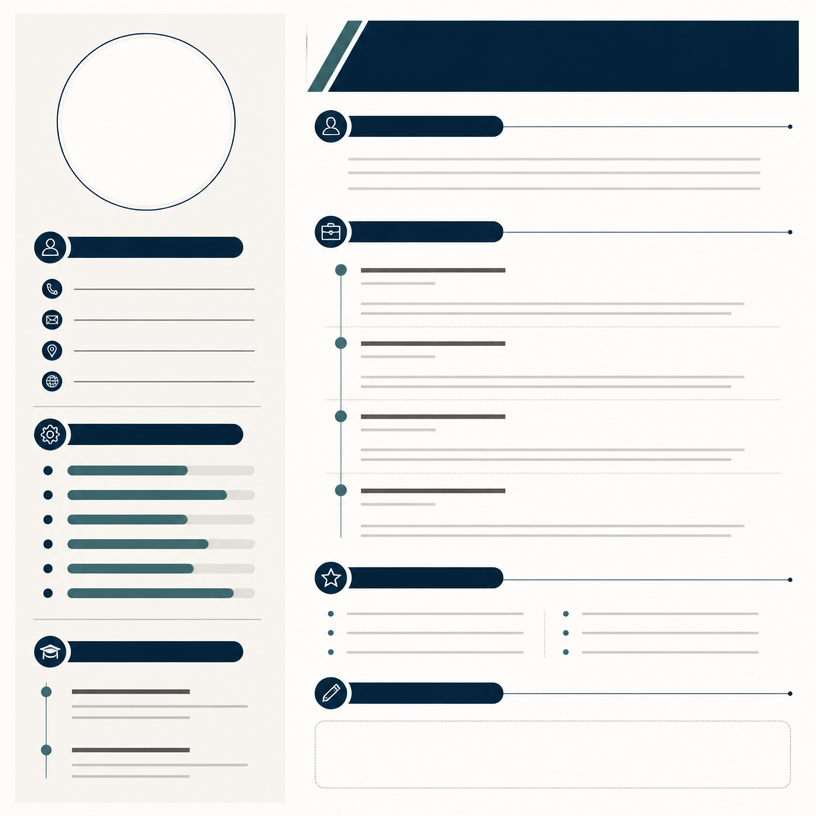
미니멀 이력서 템플릿
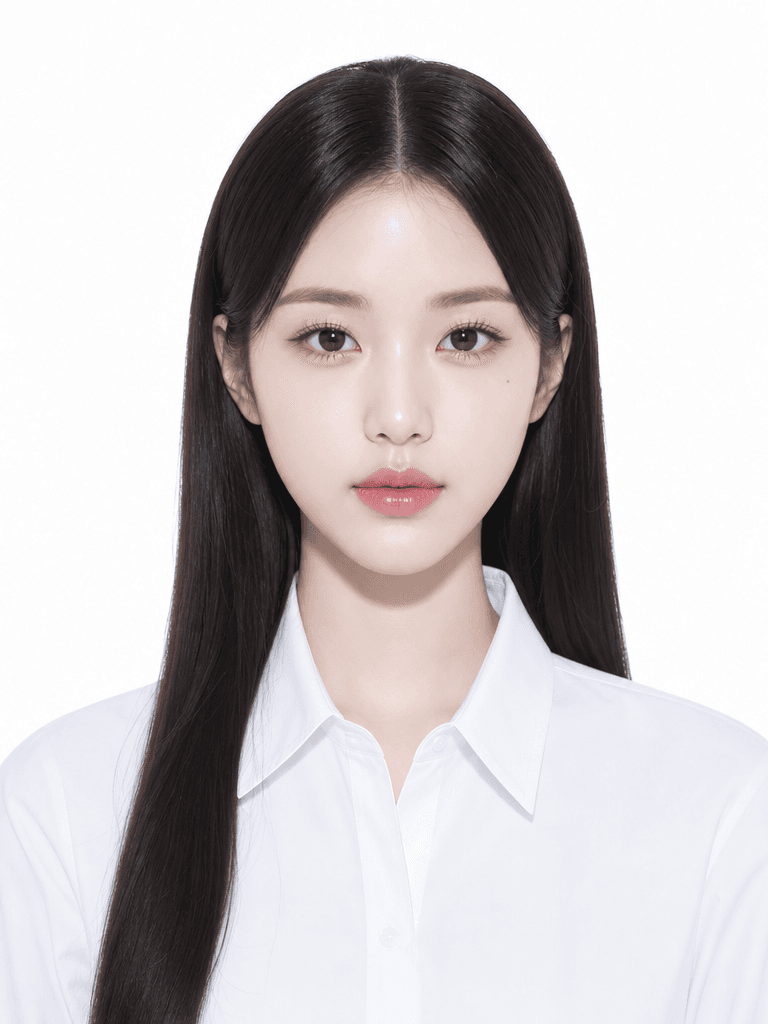
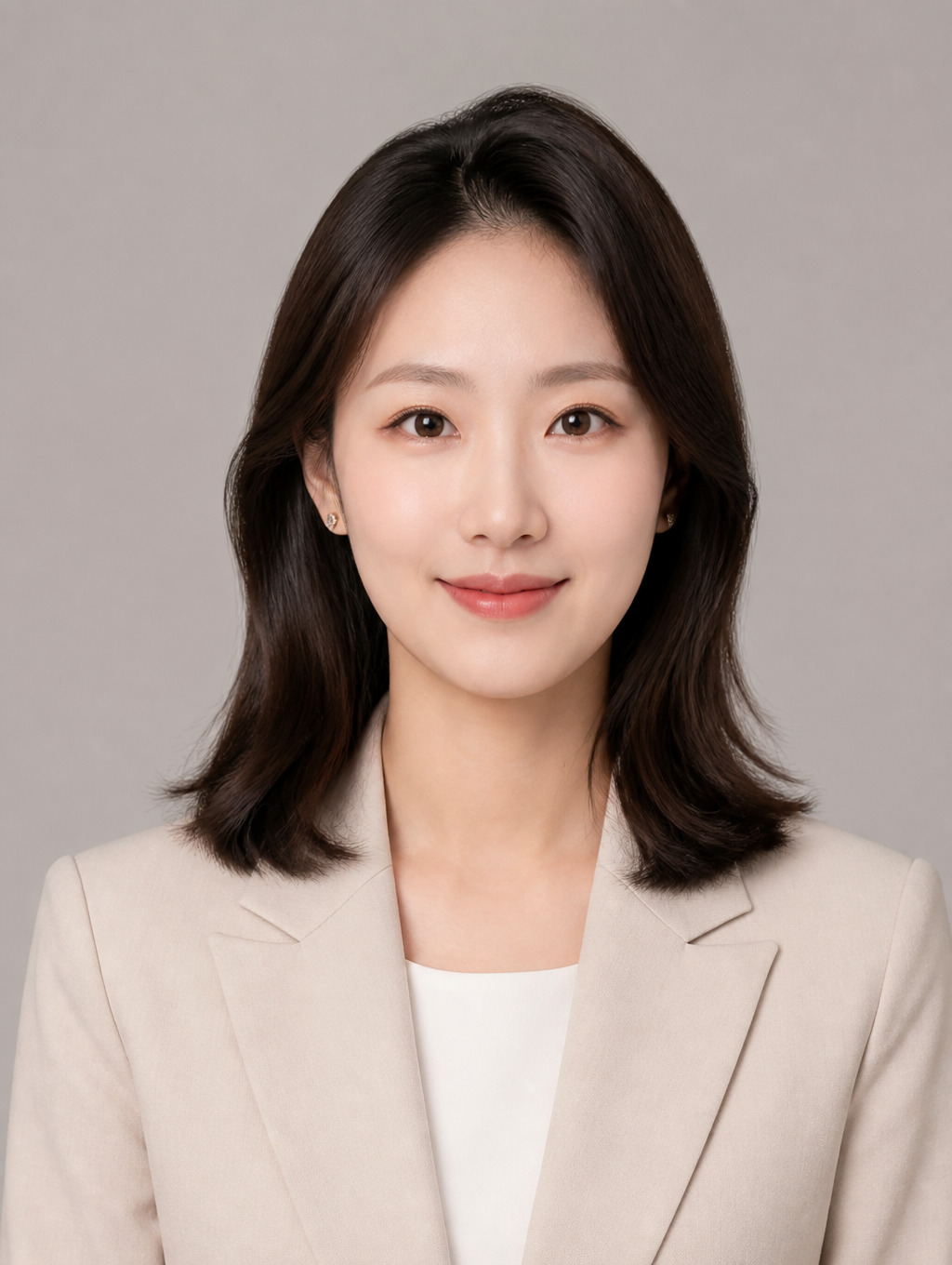
증명사진 일러스트
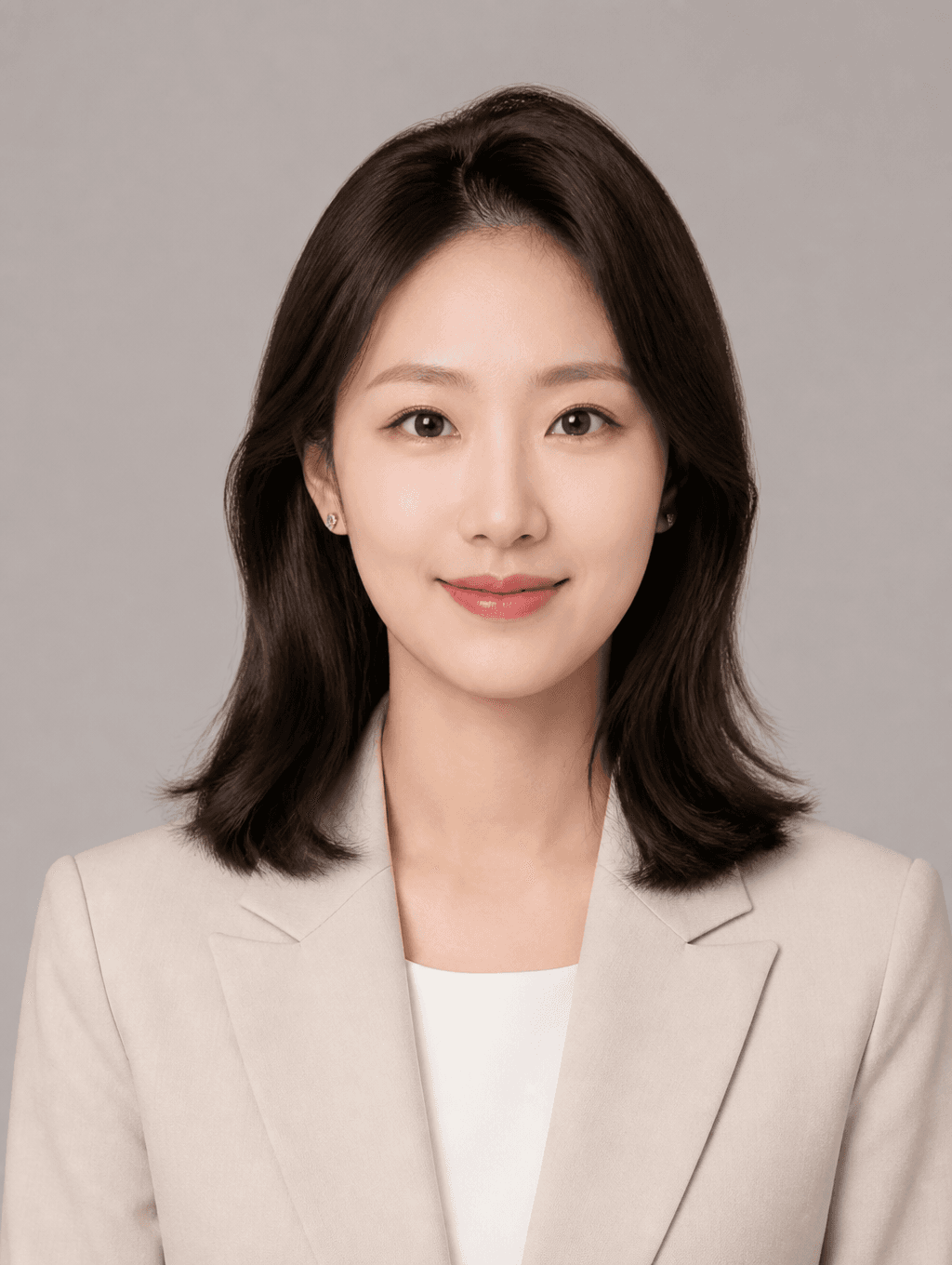
Profile ID Photo
A resume is the first document that introduces you to a hiring manager. However, designing a resume with clean layouts, readable typography, and appropriate white space is challenging. With AI image generation prompts, you can quickly create professional resume templates even without design experience.
This page provides resume design prompts powered by GPT Image 2. You can copy and use prompts for various design directions including minimalist two-column layouts, infographic-style resumes, and templates with photo placeholders. Each prompt specifies color schemes, layout structures, and typographic elements to help you create a resume that stands out in the job market.
Tips for using resume design prompts: First, choose a color tone that matches your target industry. Conservative fields like finance and law benefit from navy and white, while tech and design roles can use teal or coral accents. Second, include a profile photo placeholder in the prompt if needed. Third, use portrait_4_3 aspect ratio for A4 output.
These prompts are useful for job seekers, career changers, and freelancers. If you're struggling with resume design, test multiple styles quickly with AI.