
Shell Illustration
Create shell illustration visuals with practical AI prompt examples, style tips, and use cases.
2026.07.03
Mach „Shell Illustration“ genau so, wie du es willstErstell dein eigenes „Shell Illustration“
Sag es einfach in deinen Worten – Carat generiert passende Bilder und Videos für dich.

Starte jetzt mit 100 kostenlosen Credits pro Tag
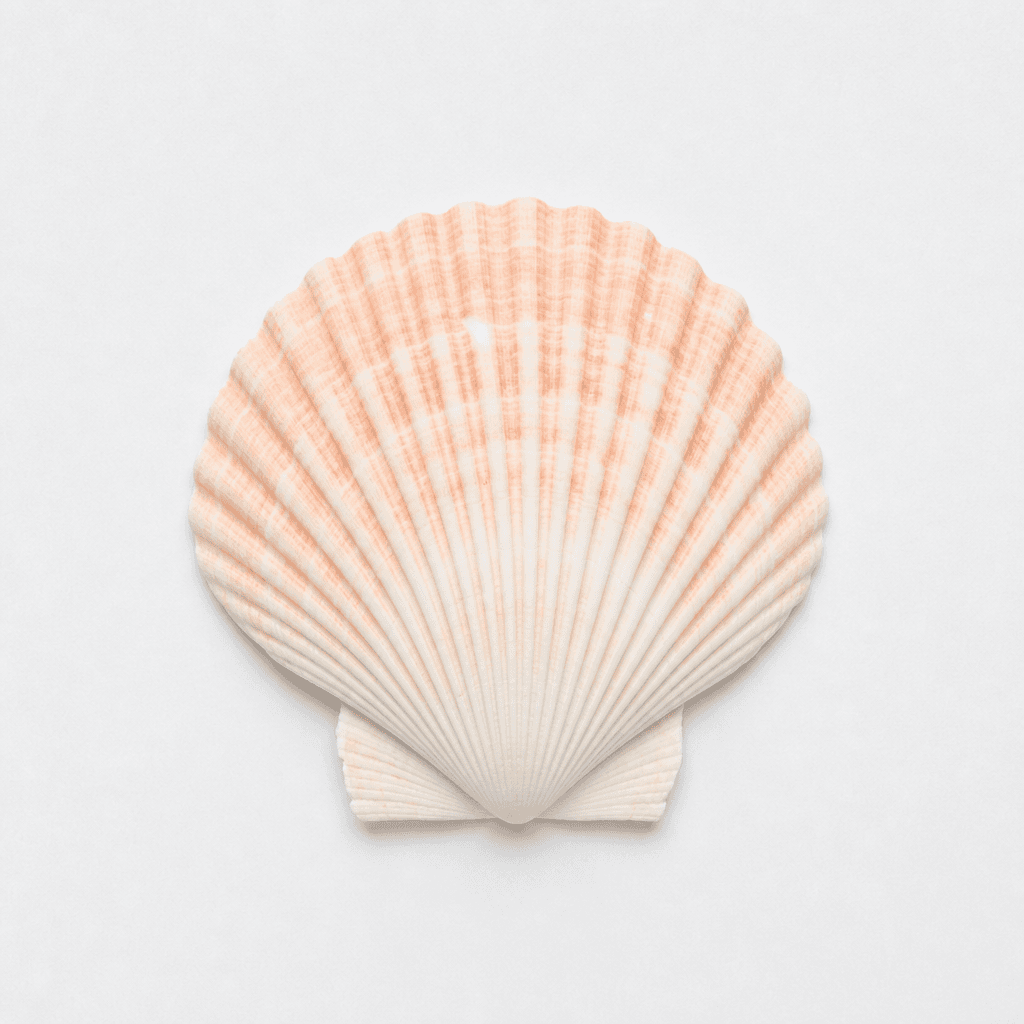
Seashell Illustration
What are Shell Illustration AI prompts?
Shell Illustration prompts describe a specific visual target for AI image generation. A useful prompt does more than name the subject. It defines the composition, color palette, texture, level of detail, background density, and practical use case. This helps create images that are easier to reuse in posters, stickers, educational materials, social posts, product pages, thumbnails, and campaign drafts. The examples on this page are designed to be copied, adapted, and combined with other Carat prompt tags.
Main use cases
- 여름 카드
- 해변 테마 포스터
- 패키지 장식
- 스티커
- 여행 콘텐츠
Why this tag is useful
A clear visual prompt reduces ambiguity before generation starts. Instead of asking for a broad image, you can specify the subject shape, pose, line style, palette, background, and production constraints. Phrases such as clean centered composition, soft paper texture, flat editorial style, soft shadow, no readable text, no logo, and no watermark help produce assets that are easier to edit and publish. This tag is useful when you need a clean visual that can work across learning materials, cards, stickers, posters, thumbnails, or brand drafts.
Related prompts to explore
Useful related tags include illustration, flat-illustration, character-illustration, poster, sticker-design, children-illustration, and educational-poster. Combine this tag with poster for campaign-style layouts, with sticker-design for cutout assets, or with educational-poster when the visual needs to feel informative and classroom-ready.
Prompt writing tips
- Start with the intended format, such as card, poster, sticker, worksheet, icon, or thumbnail.
- Add concrete details such as centered layout, rounded shapes, crisp outlines, warm lighting, paper texture, or pastel palette.
- Keep production constraints explicit: no readable text, no logo, no watermark, and a clean background.
- Generate variations by changing only palette, background, or detail level, then choose the most reusable result.
Häufige Fragen
You can copy and adapt the prompt text for free. Credits are used when you generate images with AI.
Yes, you can use it as a marketing or design draft, but review logos, text, and rights-sensitive elements before publishing.
For reliable results, this page recommends clean visuals without readable text. Add copy later in a design tool if needed.
Use 1:1 for cards and stickers, 9:16 for short-form visuals, and 16:9 or print-specific ratios for posters and banners.
Add constraints such as simple shapes, clean background, fewer details, and centered composition to simplify the output.
Mention transparent background or clean cutout style, then use background removal if you need a sticker-ready asset.
Yes. Tags such as illustration, poster, and sticker-design are useful for adapting the same idea to different formats.


