
Travel Itinerary
Create a practical travel itinerary with precise structure, usability checks, and editable AI prompts.
2026.07.16
Mach „Travel Itinerary“ genau so, wie du es willstErstell dein eigenes „Travel Itinerary“
Sag es einfach in deinen Worten – Carat generiert passende Bilder und Videos für dich.

Starte jetzt mit 100 kostenlosen Credits pro Tag
여행 일정표
Set the itinerary scope and priorities
A travel itinerary is an operating plan rather than a long attraction list. Fix the travelers, dates, hotel location, and nonnegotiable bookings first so the group can reduce unnecessary transit and identify which decisions may remain flexible.
Arrange routes and time blocks by day
Divide each day into consistent morning, lunch, afternoon, and evening blocks, then group nearby places. Add check-in and transfer buffers around airports and stations. Keep one priority activity and one optional stop per day so a delay does not collapse the plan.
Connect bookings and budget safely
Link lodging, transport, tickets, and restaurant bookings without exposing confirmation codes in a public image. Track estimated cost and payment status separately, and verify exchange rates, opening hours, and closure dates shortly before departure.
Check mobile sharing and field use
Use few columns and a restrained color system so dates, locations, and major transfers remain legible on a phone. Separate view and edit permissions for companions, and save addresses plus emergency details in an offline document for unreliable connections.
Generate a reliable blank template
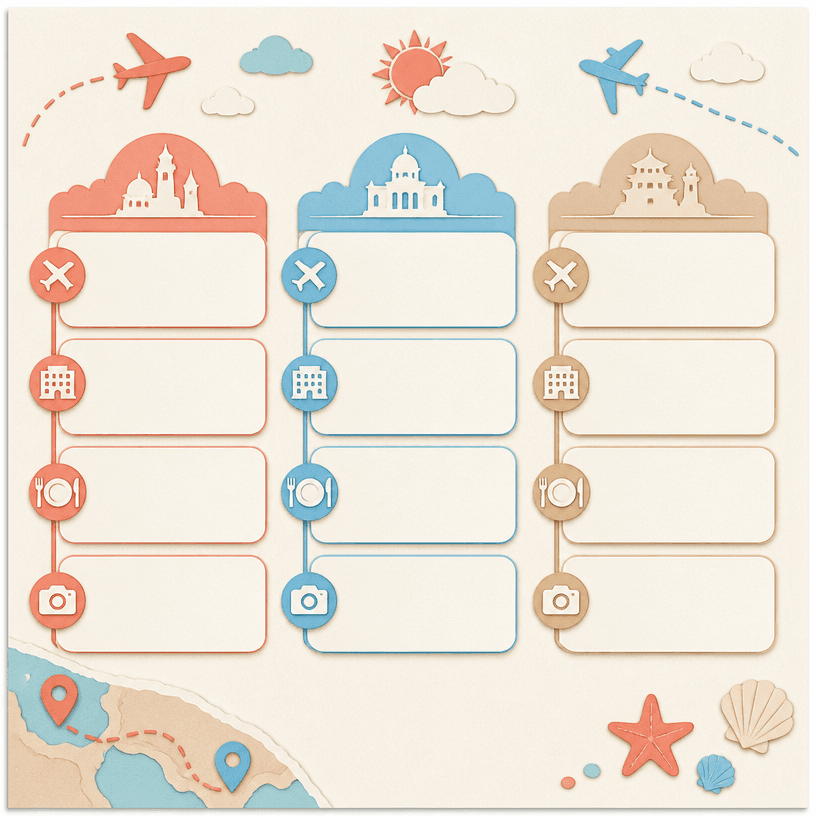
In the image prompt, specify the exact number of day columns, equal blank schedule blocks, travel icons, and a straight-on layout. Prevent generated wording and add real places and times afterward so the final itinerary avoids pseudo-text and remains easy to update.
Related prompts
Häufige Fragen
A travel itinerary is an operating plan rather than a long attraction list. Fix the travelers, dates, hotel location, and nonnegotiable bookings first so the group can reduce unnecessary transit and identify which decisions may remain flexible.
Divide each day into consistent morning, lunch, afternoon, and evening blocks, then group nearby places. Add check-in and transfer buffers around airports and stations. Keep one priority activity and one optional stop per day so a delay does not collapse the plan.
Link lodging, transport, tickets, and restaurant bookings without exposing confirmation codes in a public image. Track estimated cost and payment status separately, and verify exchange rates, opening hours, and closure dates shortly before departure.
Use few columns and a restrained color system so dates, locations, and major transfers remain legible on a phone. Separate view and edit permissions for companions, and save addresses plus emergency details in an offline document for unreliable connections.
In the image prompt, specify the exact number of day columns, equal blank schedule blocks, travel icons, and a straight-on layout. Prevent generated wording and add real places and times afterward so the final itinerary avoids pseudo-text and remains easy to update.
Gallery prompts are free to copy, while generating the actual image requires separate credits.
Divide each day into consistent morning, lunch, afternoon, and evening blocks, then group nearby places. Add check-in and transfer buffers around airports and stations. Keep one priority activity and one optional stop per day so a delay does not collapse the plan.


