Wedding Meme
Create playful reaction images for proposals, ceremonies, and newlywed moments with wedding meme prompts.
2026.07.15
Mach „Wedding Meme“ genau so, wie du es willstErstell dein eigenes „Wedding Meme“
Sag es einfach in deinen Worten – Carat generiert passende Bilder und Videos für dich.

Starte jetzt mit 100 kostenlosen Credits pro Tag
Wedding Before-and-After Meme
What are wedding meme prompts?
Wedding meme prompts turn proposals, ceremony planning, reception surprises, and newlywed moments into playful reaction images. Rings, cake, bouquets, ribbons, and confetti can carry the emotion without requiring a real couple. Because these images are often shared in chats or social posts, the main idea should remain obvious at thumbnail size. A limited object count, a strong silhouette, and a simple background make the joke readable without relying on captions.
Moments that work well
Use a wedding meme to celebrate an engagement announcement, react to a venue decision, share the excitement of choosing an outfit, or laugh about an overloaded planning checklist. The format also supports wedding planners, invitation designers, and couple accounts that need a friendly social visual. Pick one emotional beat such as delight, surprise, anticipation, or harmless chaos. Keeping the humor affectionate prevents the image from feeling insulting to the couple or guests.
Designing a visual reaction
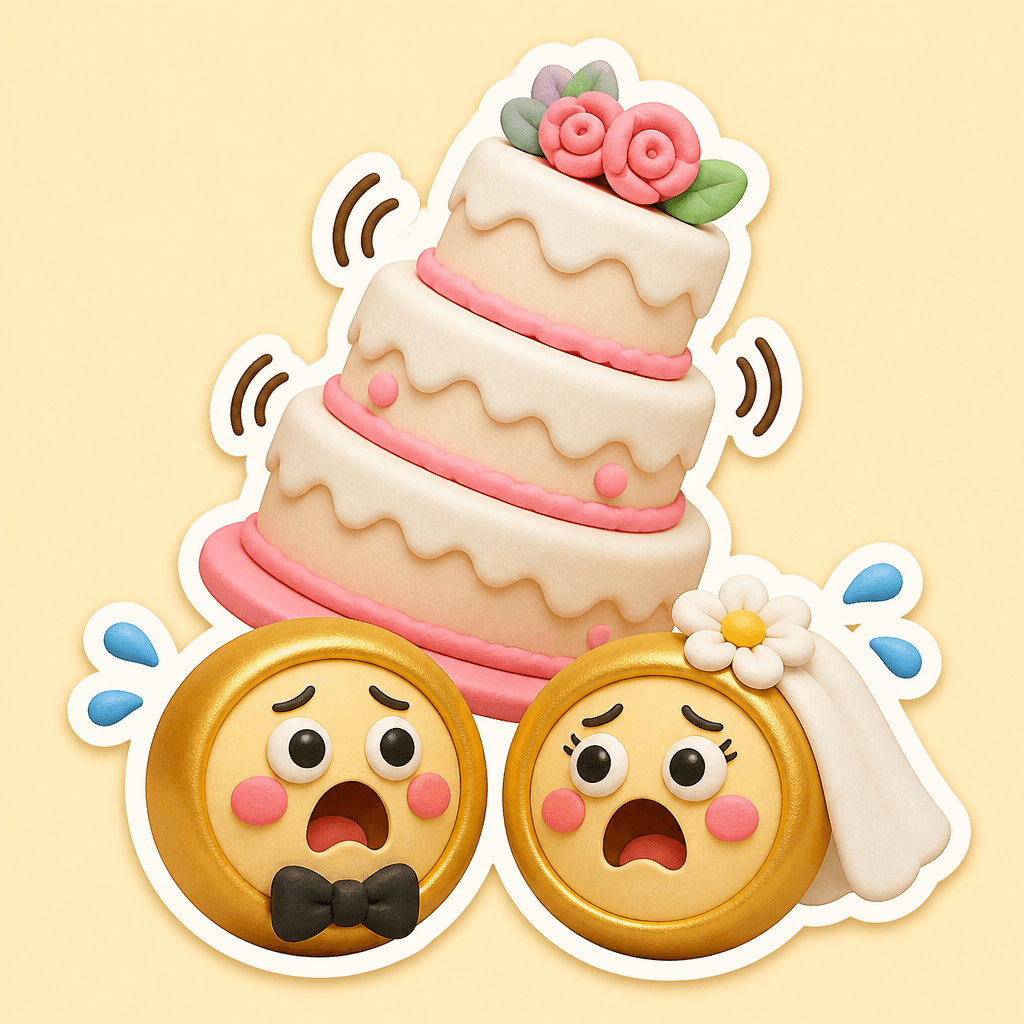
Start with one recognizable symbol and give it a clear action. Two rings can lean toward each other, a cake can wobble, or flower petals can burst upward. Specify where each object sits and leave open space around the focal point. If no caption is needed, explicitly request a word-free composition to avoid accidental lettering. Color contrast, tilt, scale, and soft motion cues can communicate the reaction more reliably than a crowded collection of props.
Prompt structure and review
Write the event and reaction first, then define material, palette, lighting, viewpoint, and square output. For an app-friendly sticker, ask for a bold contour, clean edges, and a bright restrained background. Inspect the final ring count, cake geometry, repeated decorations, stray letters, logos, and watermarks. If people are included, review every hand and face at full size. Replacing people with symbolic objects is an effective fallback when anatomy distracts from the message.
Related prompt pages
To build a coordinated set, preserve the main layout and change one variable at a time, such as ribbon color, cake decoration, or ring finish. Avoid copying a real brand or identifiable person. A focused combination of wedding symbols and emotional contrast produces a reaction image that remains useful across announcements, replies, and celebration posts.