Google I/O 2026 Key Takeaways: Gemini Omni Unveiled
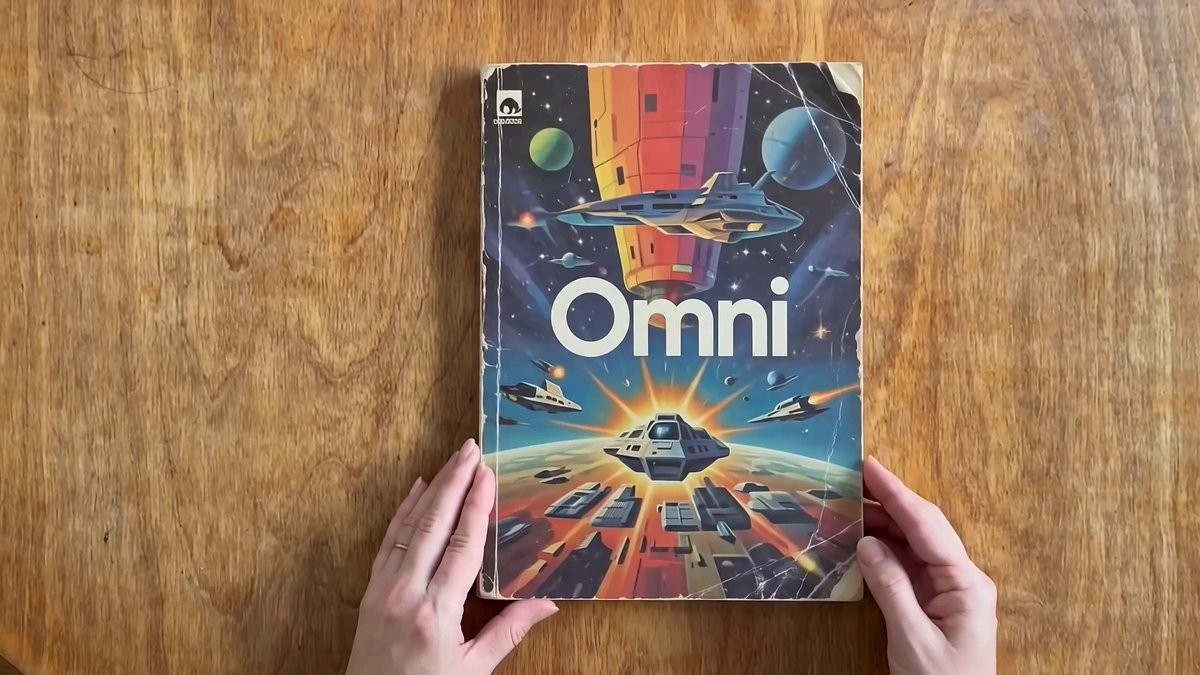
Google unveiled Gemini Omni at I/O 2026. Give it any input — text, image, audio, video — and it creates whatever output you want.
Hey, it's the Carat team. 🤗
Google I/O 2026 just happened. We've got Gemini Omni (give it anything, get anything), AI smart glasses, and xAI's subscription integration — all in one roundup.
Google I/O 2026 Key Takeaways: Gemini Omni Unveiled
Google unveiled Gemini Omni at I/O 2026. It's a model that takes any input — text, image, audio, video — and creates whatever output you want. It starts with video generation and lets you edit videos through natural language, like having a conversation.
Feed it a reference image and it generates video while maintaining character consistency. You can mix text, images, audio, and video as inputs. Google emphasized the model can draw on the world's history, science, and cultural knowledge to inform its video output.
📌 3 Things to Know Today
1️⃣ Google AI Smart Glasses Are Coming This Fall
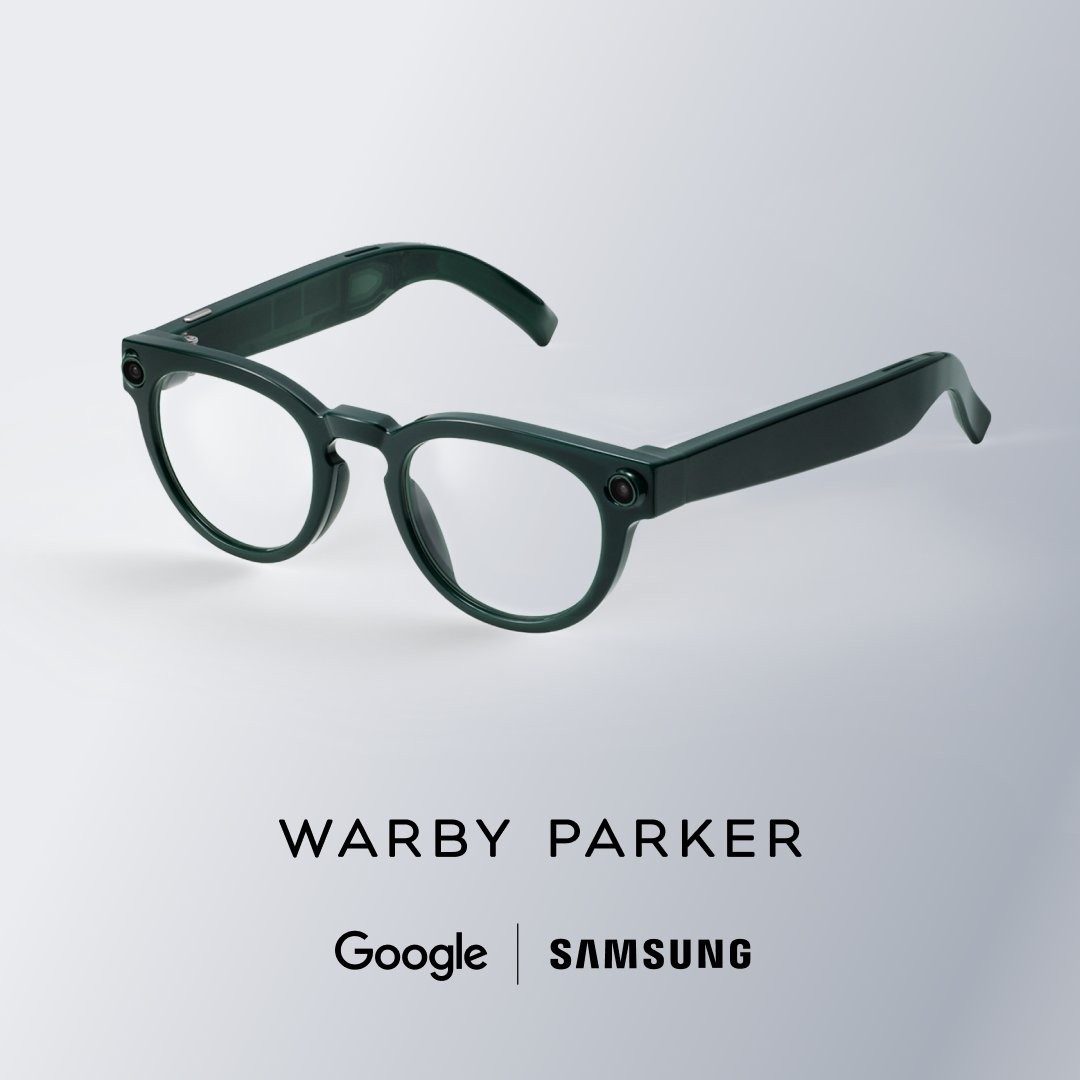
Google is making AI smart glasses with Samsung, Gentle Monster, and Warby Parker. They're Gemini-powered audio glasses, launching this fall.
AI is leaving the screen and entering everyday life. Just by wearing glasses, you'll be able to talk to AI and have it analyze what's right in front of you. That future starts this fall.
2️⃣ One Grok Subscription Now Gets You an AI Agent Too
xAI linked Grok and X Premium subscriptions to OpenClaw. OpenClaw is an AI agent platform — now with just a Grok subscription, you can chat with AI, generate images and videos, and search X posts, all on OpenClaw.
AI services are starting to share subscriptions. Subscribe to one, and you get access to multiple AI tools. The walls between platforms are coming down.
3️⃣ Google Stitch: Design Apps by Talking
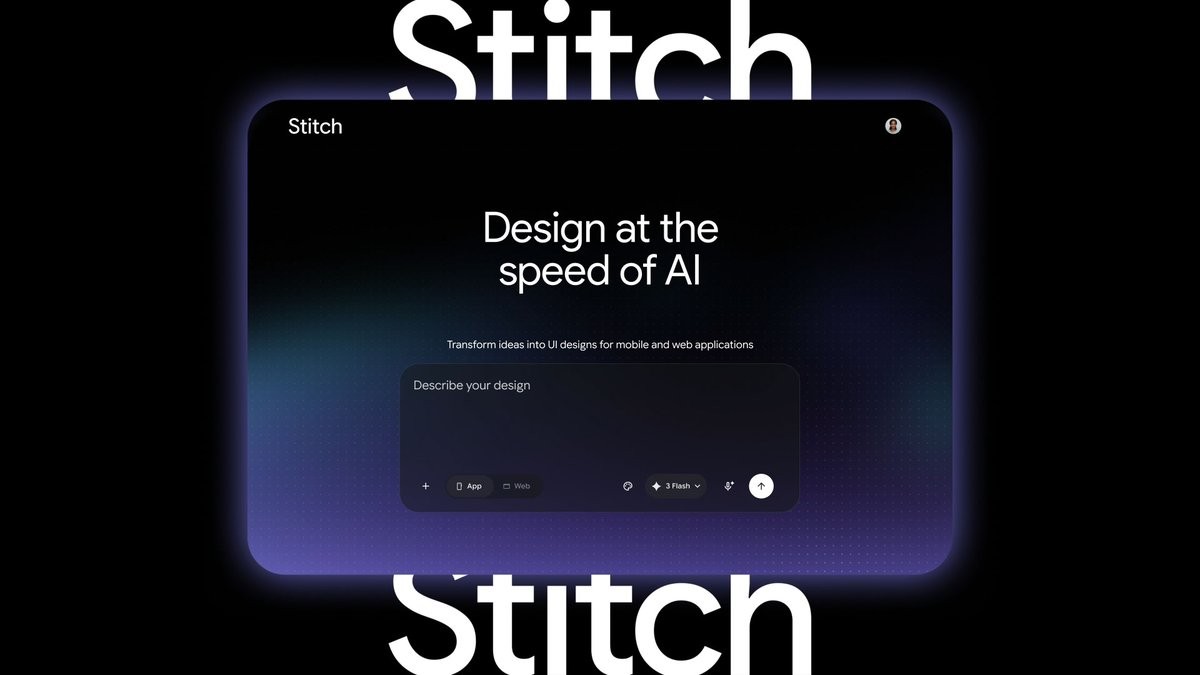
Google's AI design tool Stitch got an update. You can design mobile and web app UIs in real time using voice and text. Give revision directions like you're talking to a designer, and they're applied instantly.
Real-time collaboration was also added. Multiple people can view the same design simultaneously and give instructions to AI. The speed of design prototyping just changed completely.
🧪 Prompt Tip of the Day
Turn Your Photo into a Popup Book Hero
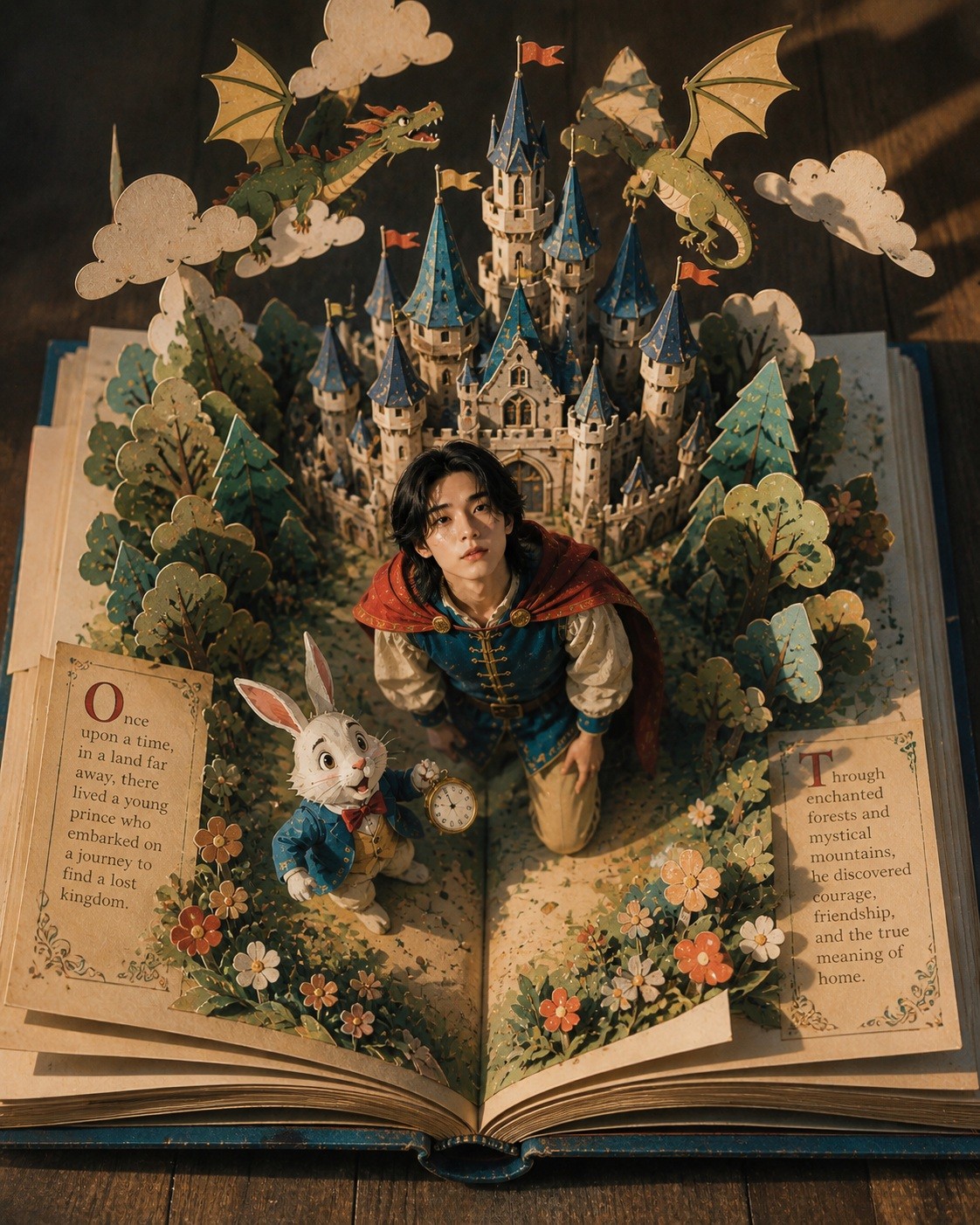
This "Make a Popup Book" prompt by Threads creator ju0__ju0 went viral with over 1,000 likes. Pick your photo and a fairytale theme, and you become the protagonist inside a popup book.
Here's what we made on Carat:
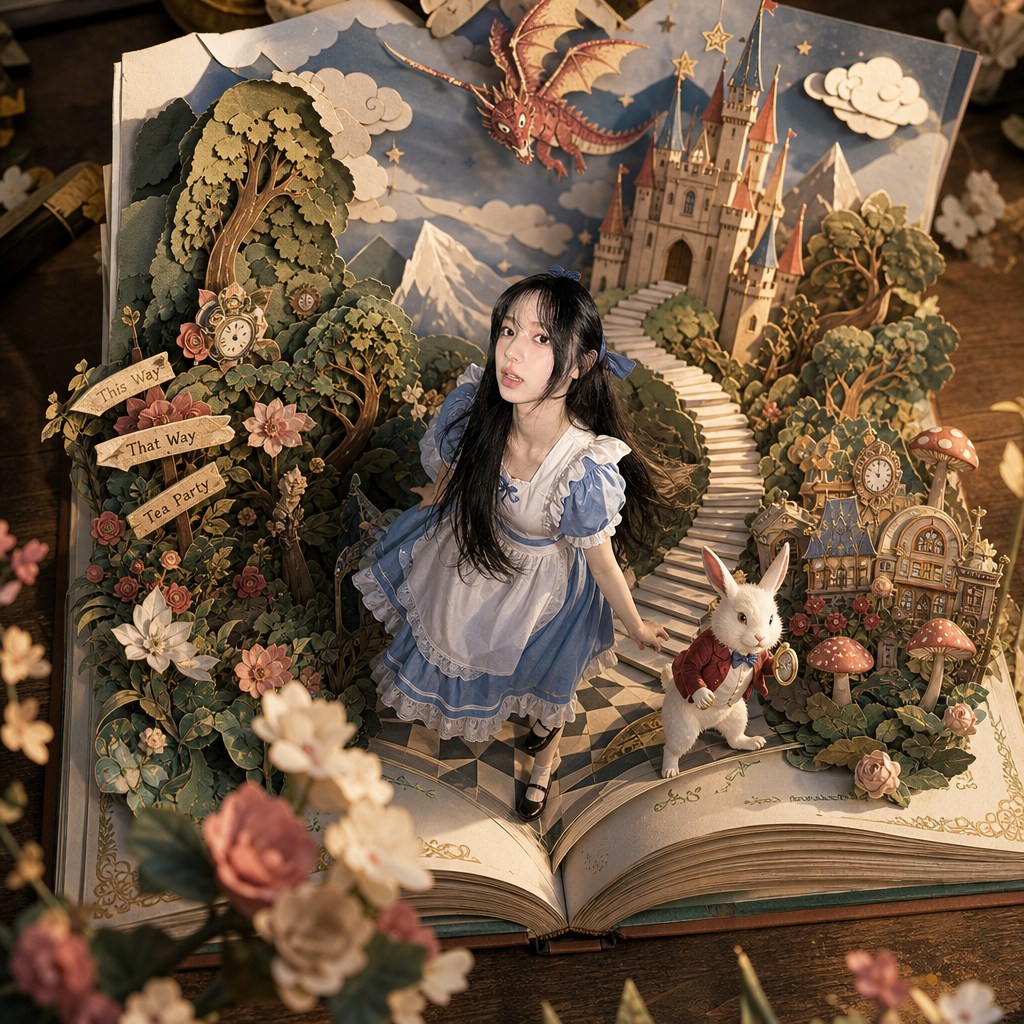
Upload your photo with the prompt below on Carat and try it yourself.
[INPUT]
- 사용할 인물 이미지: {image}
- 동화 테마: {백설공주 / 이상한나라의앨리스 / 피터팬 / 신데렐라 / 잠자는숲속의공주 등}

--------------------------------------------------

[핵심 컨셉]

“펼쳐진 팝업북 속에서 현실 인물이 동화 속 등장인물이 된 장면”

👉 단순히 책 배경 위에 사람을 올리는 것이 아님
👉 인물이 실제 동화 속 역할을 가진 주인공이어야 함

예:
- 앨리스 테마 → 토끼와 함께 모험하는 소년/소녀
- 백설공주 테마 → 왕자 / 숲속 여행자
- 피터팬 테마 → 하늘을 올려다보는 모험가
- 신데렐라 → 성으로 향하는 주인공

👉 핵심:
“현실 인물이 살아있는 팝업북 세계의 등장인물”

--------------------------------------------------

[구도 - 최우선]

- 카메라는 펼쳐진 책을 위에서 내려다보는 탑뷰(top view)
- 책 전체가 반드시 보이게
- 책의 펼쳐진 중심 접힘 구조가 명확해야 함

👉 중요:
“책이 먼저 보이고,
그 안에서 세계가 솟아난 느낌”

--------------------------------------------------

[팝업북 구조]

- 펼쳐진 거대한 팝업북
- 페이지에서 모든 구조물이 입체적으로 솟아오름

포함 요소:
- 성
- 숲
- 계단
- 종이 구름
- 종이 산
- 마을
- 꽃
- 동화 오브제

👉 모든 요소는
“책 페이지와 연결된 종이 구조물”

--------------------------------------------------

[인물 규칙 - 매우 중요]

- 업로드 이미지 인물 반드시 사용
- 얼굴 구조 / 눈 / 코 / 입 / 헤어 유지
- 정체성 절대 변경 금지

스타일:
- semi realistic fantasy character
- 디즈니 고전 동화와 현실 사이 느낌
- 살짝 동화적인 비율 허용
- 피부와 머리카락은 은은한 현실 질감 유지

👉 SD 캐릭터처럼 과하게 단순화 금지

--------------------------------------------------

[등장인물 연출]

- 인물은 반드시 동화 속 역할을 수행 중이어야 함
- 주변 캐릭터와 상호작용

예:
- 토끼를 따라가는 장면
- 하늘을 올려다보는 장면
- 성을 바라보는 장면
- 모험을 시작하는 장면

👉 중요:
인물 시선은 위쪽 하늘이나
환상적인 요소를 바라보게 연출

--------------------------------------------------

[시선 연출]

- 인물들이 위를 올려다보고 있음
- 놀람 / 경이로움 / 호기심 표현

예:
- 하늘의 드래곤
- 떠있는 종이 구름
- 별빛
- 마법 효과

--------------------------------------------------

[팝업북 스타일]

- layered paper craft
- handcrafted popup book
- premium paper diorama

👉 중요:
너무 장난감처럼 보이면 안됨

표현 요소:
- 종이 단면
- 접힌 자국
- 레이어 구조
- 종이 재질
- 미세한 그림자

--------------------------------------------------

[재질 믹스]

배경:
- 종이 공예 기반

인물:
- 반실사 질감

👉 핵심:
“현실 인물이 종이 세계 안으로 들어간 느낌”

--------------------------------------------------

[색감]

- 디즈니 고전 동화 색감
- 따뜻한 판타지 분위기
- pastel fantasy palette

추천 색상:
- 크림
- 웜그린
- 소프트 블루
- 코랄
- 골드 포인트

--------------------------------------------------

[공간감 - 매우 중요]

1. 전경
- 흐린 종이 꽃
- 종이 나뭇잎
- 카메라 가까운 블러 요소

2. 중경
- 메인 인물
- 팝업 구조물
- 종이 길 / 계단

3. 후경
- 종이 성
- 종이 산
- 종이 구름
- 드래곤
- 하늘 레이어

👉 강한 입체감 필수

--------------------------------------------------

[조명]

- 따뜻한 골든아워 조명
- soft cinematic light
- 종이 구조물 단면에 은은한 그림자

👉 중요:
종이 구조물의 입체 그림자가 잘 보여야 함

--------------------------------------------------

[카메라]

- top view composition
- slightly tilted cinematic overhead shot
- 50mm cinematic lens
- miniature photography 느낌
- shallow depth of field

👉 “실제 제작된 고급 팝업북을 촬영한 느낌”

--------------------------------------------------

[디테일]

- 페이지 접힘 표현
- 종이 레이어 단차 표현
- 종이 꽃 장식
- 작은 종이 오브제
- 종이 재단 느낌
- 책 모서리와 두께 표현

--------------------------------------------------

[분위기]

- 몽환적
- 따뜻함
- 동화책 감성
- 현실과 판타지 사이
- 감성적 모험 분위기

--------------------------------------------------

[금지]

- 완전 2D 일러스트 금지
- 완전 실사 금지
- 플라스틱 장난감 느낌 금지
- 저퀄 종이 모형 느낌 금지
- 과한 SD 캐릭터화 금지
- AI 느낌 강한 텍스처 금지
- 책이 안 보이는 구도 금지
- 인물이 동화와 동떨어진 느낌 금지
That's all for today. See you tomorrow with more AI news. ☺️