
Apple Drawing AI Design Tool
Create complex apple drawings and illustrations easily via Carat AI's conversational interface. Access 30+ AI models to generate styles ranging from sketches to photorealism.
Start creating now It's FREE!
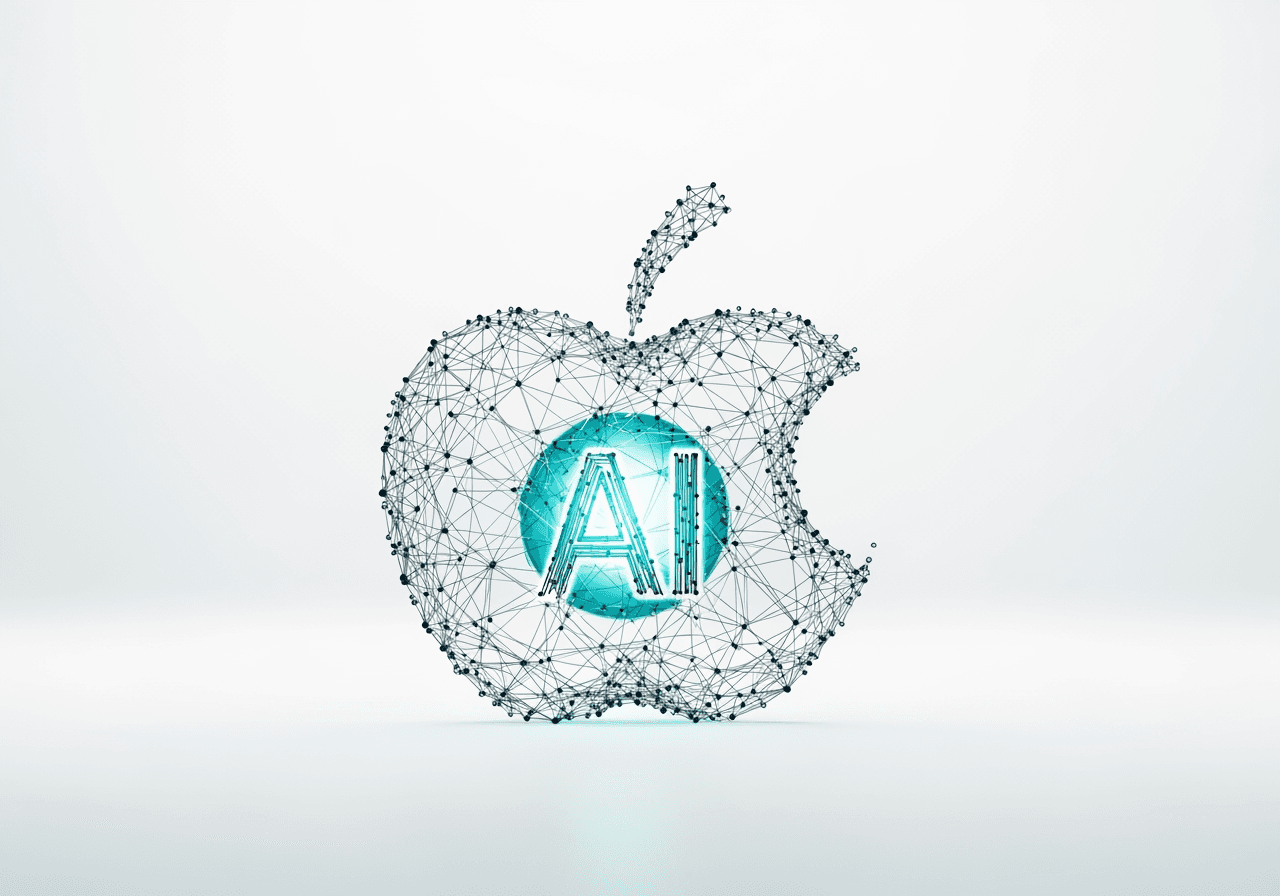
Create Pro-Level Apple Drawings
From beginners to pros, Carat AI turns every imagined apple concept into reality.
30+ Diverse AI Models
Use various style models including pencil sketch, oil painting, and 3D rendering in one place to generate the perfect apple drawing.

Conversational Precision Editing
Refine lighting or textures naturally through chat without needing to learn complex tools.

4K Ultra-HD Upscaling
Upscale your generated apple drawings to 4K resolution for immediate use in prints or high-quality projects.

How to Generate Apple Drawings with AI
Create high-quality artwork in seconds with Carat AI's intuitive workflow.
01
Enter Prompt and Set Style
Type the shape, color, and mood of the apple you want. Specifying styles like 'pencil drawing' or 'pop art' yields better results.
02
Conversational Editing & Model Switching
Request changes via chat if the result isn't perfect, or switch to a different AI model to try a new vibe.
03
Upscale and Share
Apply 4K upscaling to enhance details, then share the finished image with your team or download it.
Various Use Cases for Apple Drawings
From educational materials to design assets, AI-generated apple images are versatile.
Art & Educational Materials
Quickly create apple reference images with various angles and lighting for still life classes.
Branding & Logo Design
Rapidly visualize creative logo ideas or package design drafts using apple motifs.
Stock Images & Artwork
Generate unique, copyright-free apple illustrations to enrich blogs, websites, and social media content.
FAQ about Apple Drawing AI
Resolve your questions about creating apple drawings using Carat AI.
Why is 'Apple Drawing' important for design practice?
×
Apples are the perfect subject for practicing spherical forms, light reflection, and texture. They are essential for mastering the basics in digital art and sketching.
How can I make the apple texture more realistic with AI?
+
Can I sharpen the apple drawing if it looks blurry?
+
Why is Carat AI the best choice for generating apple drawings?
+


