Carat Genjutsu
Carat Genjutsu
Copies only the motion; people and scene are newly created.
Reference imagesPeople or characters · up to 30 images
Example results
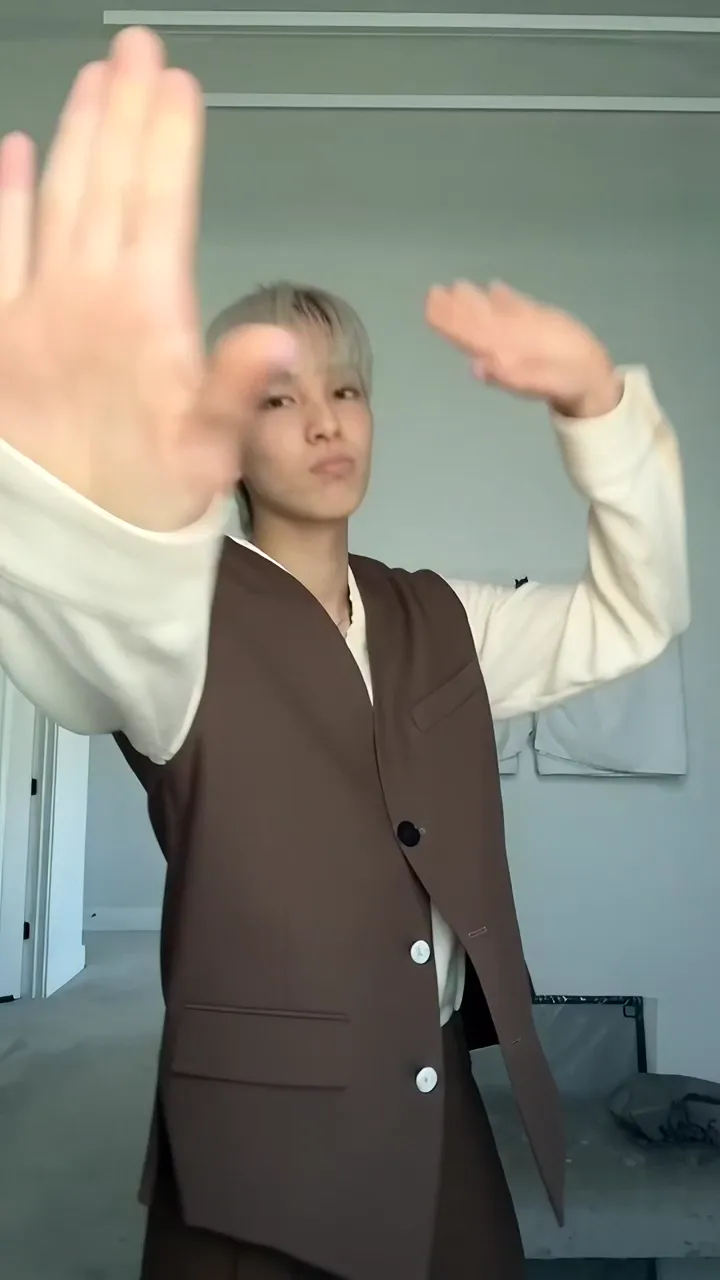
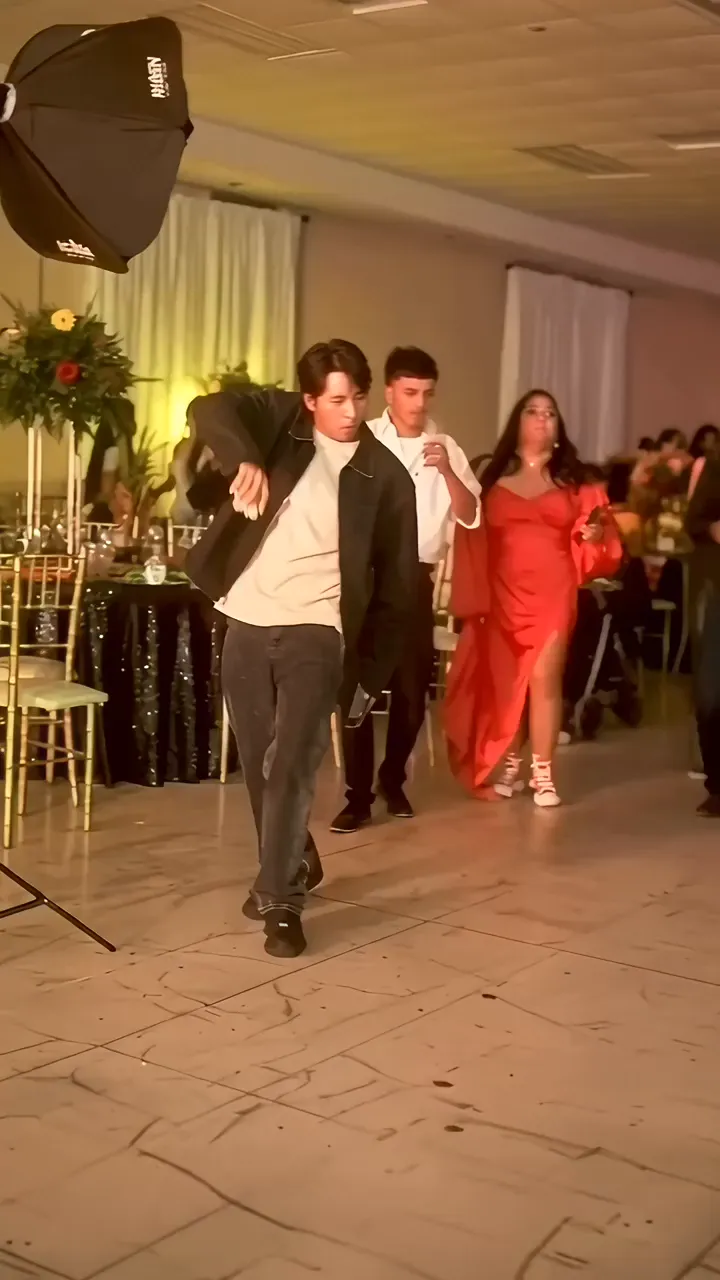
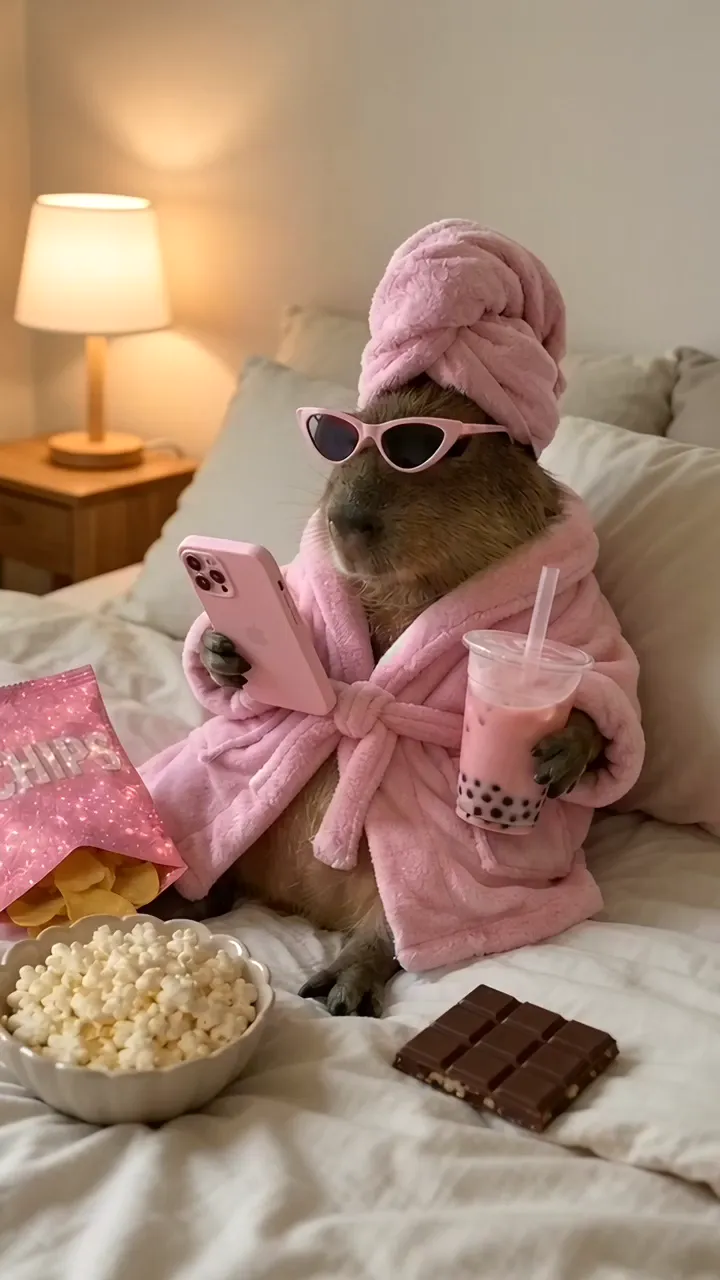
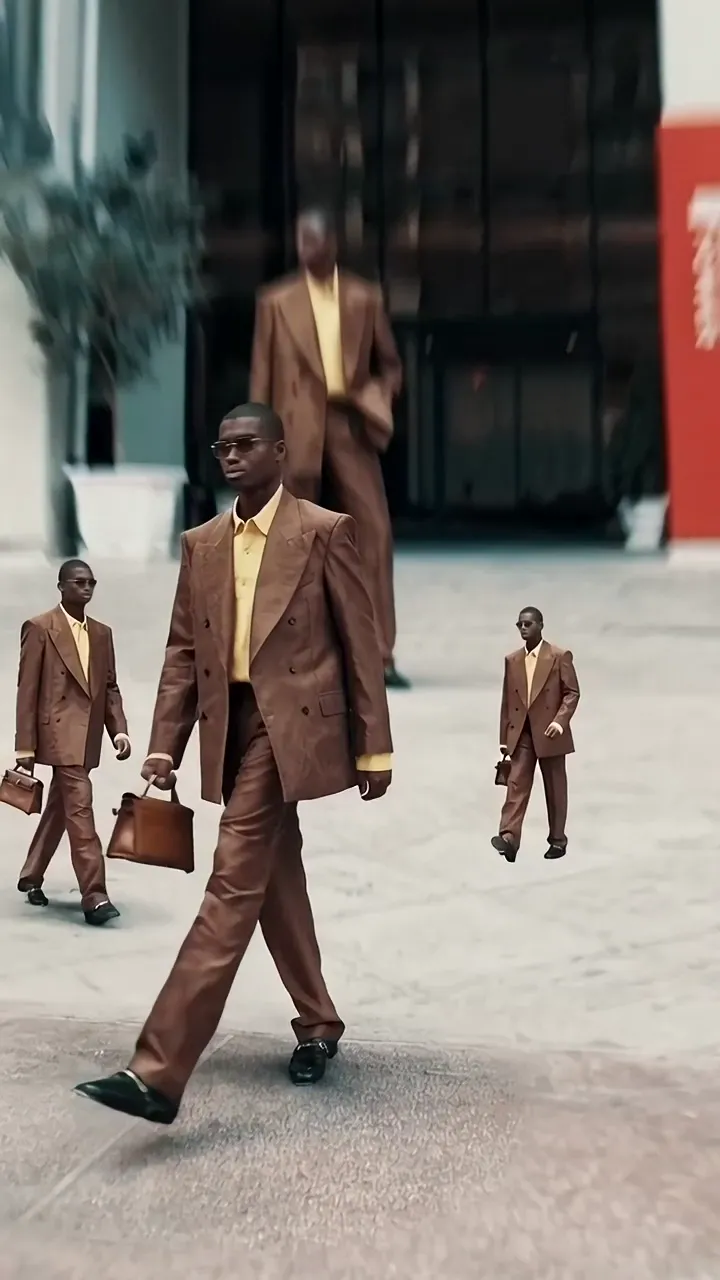
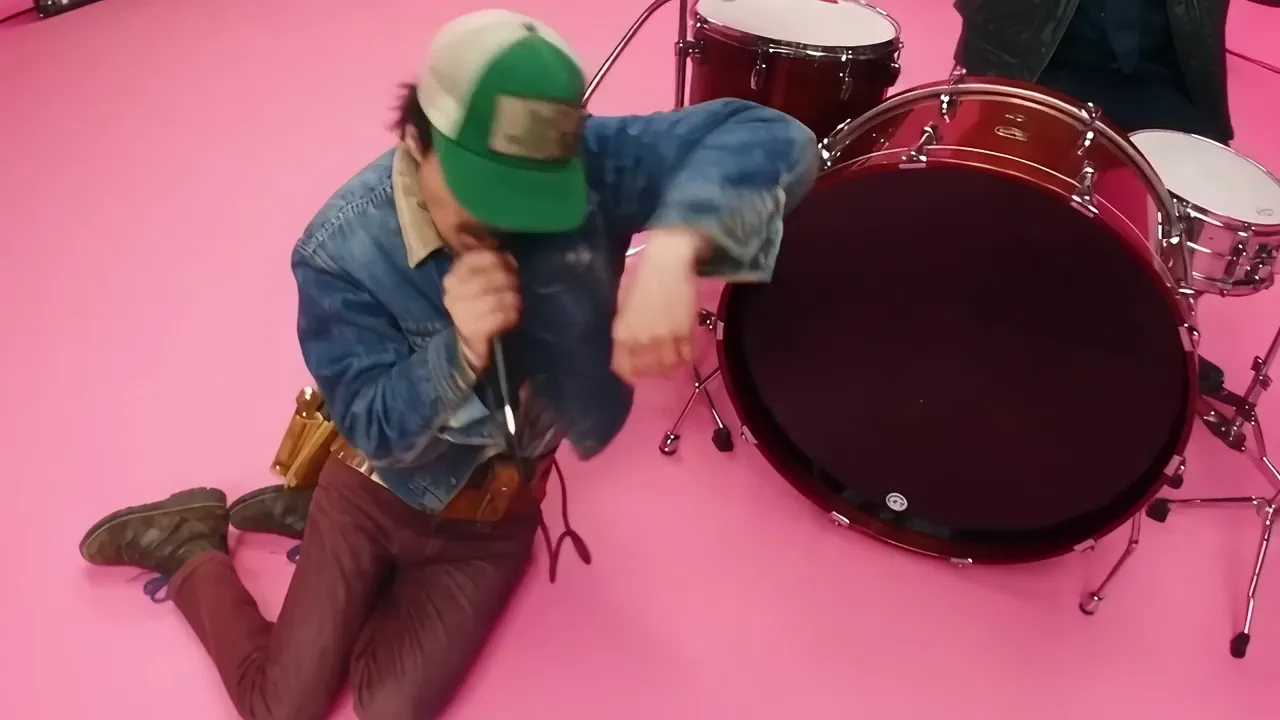
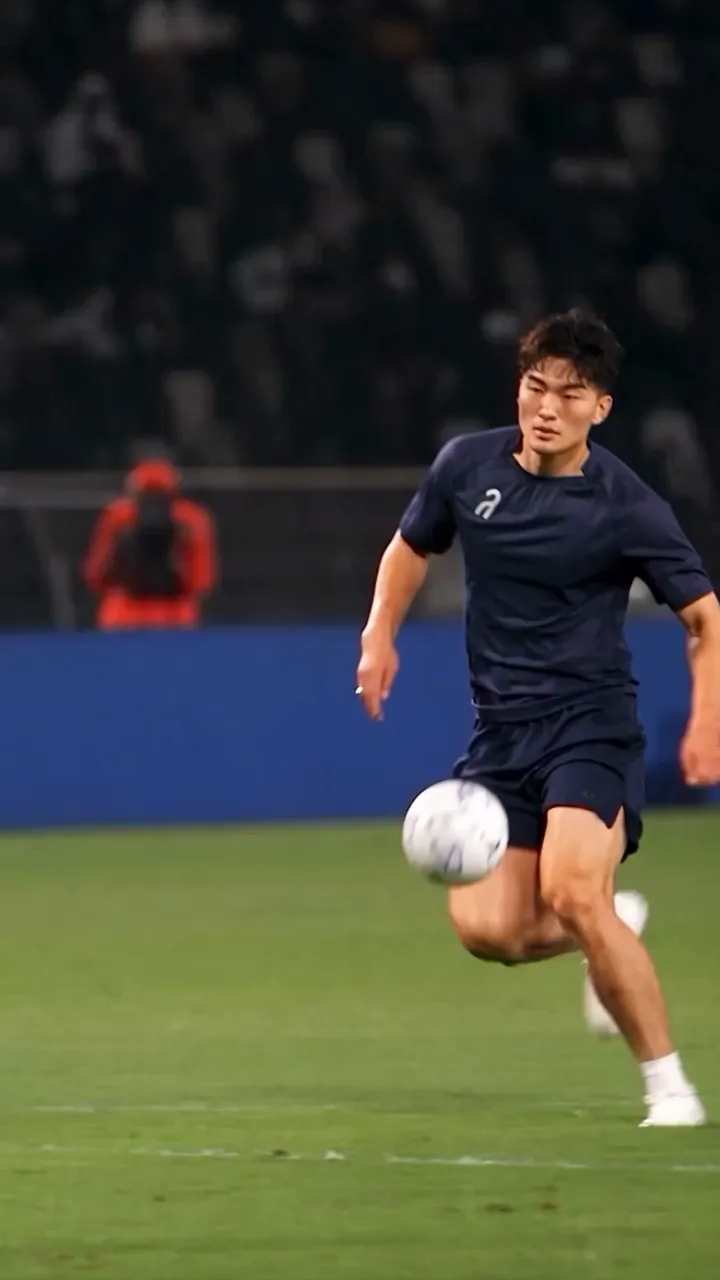
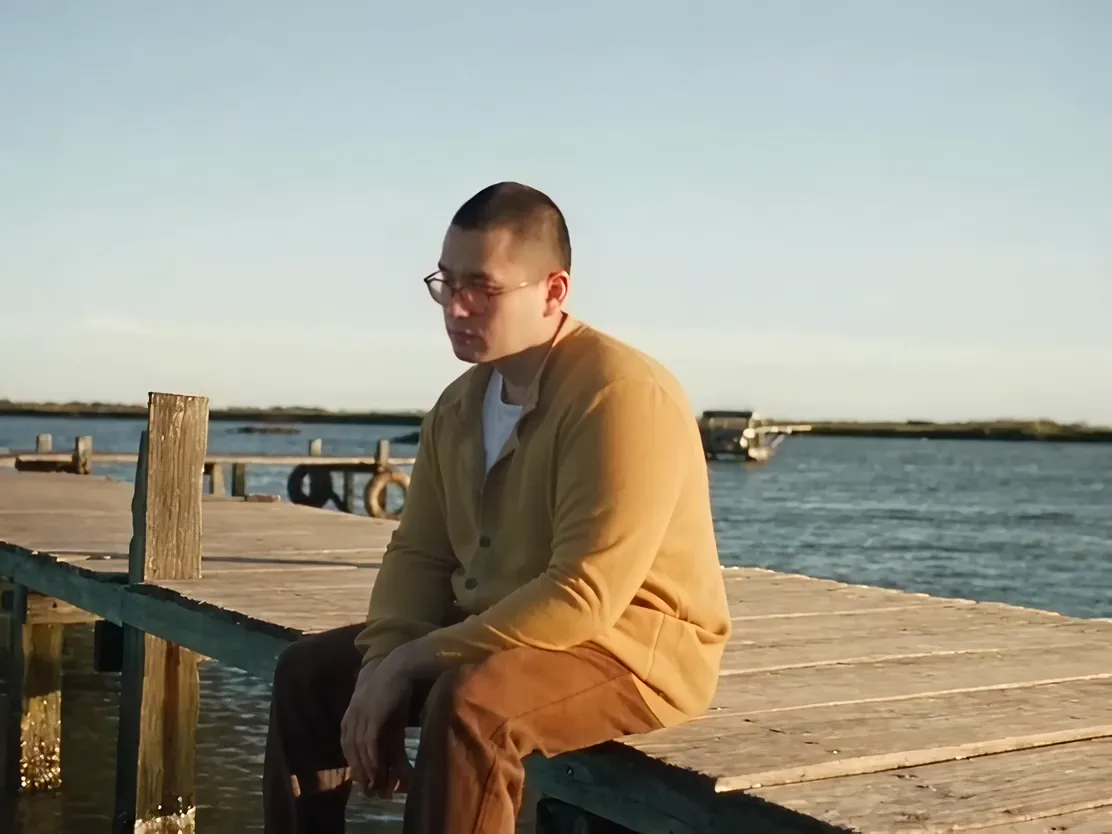
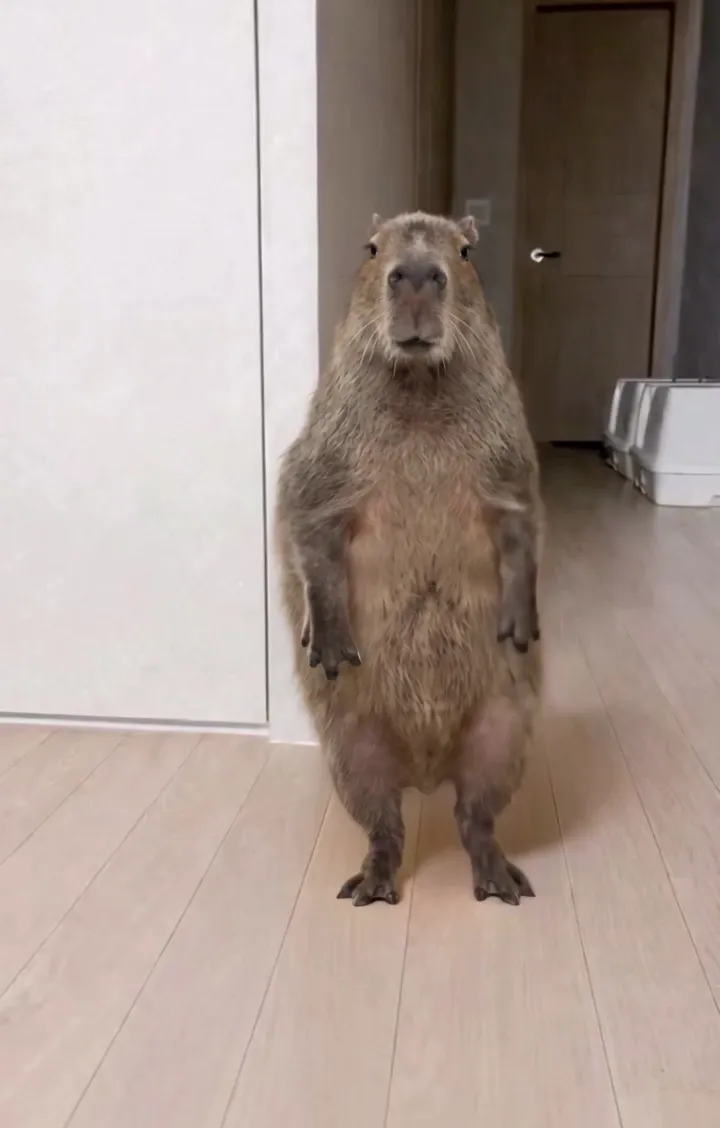
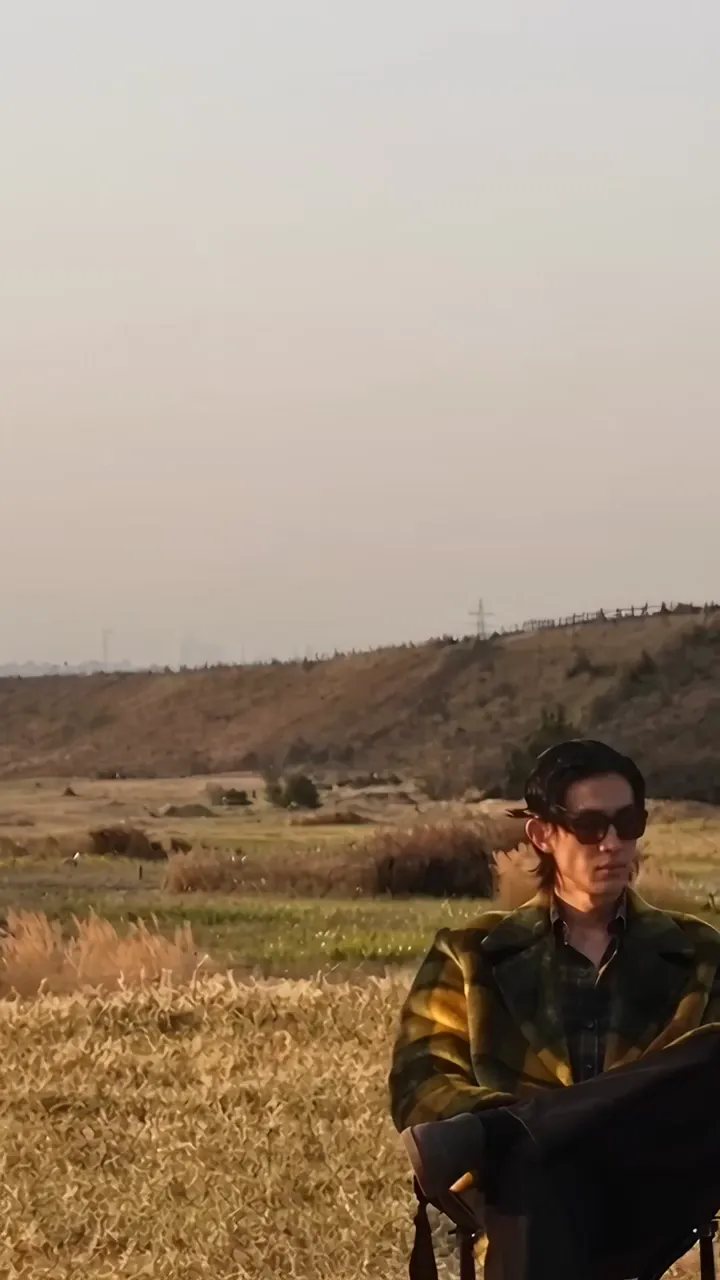
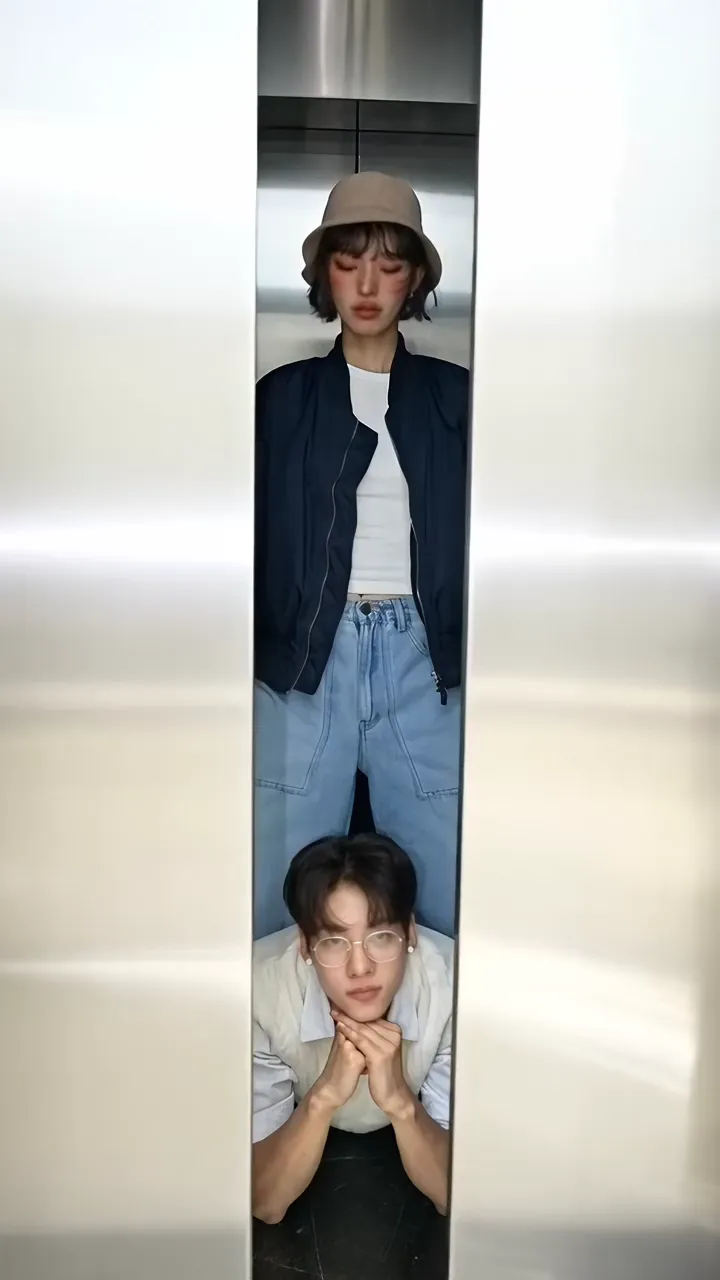
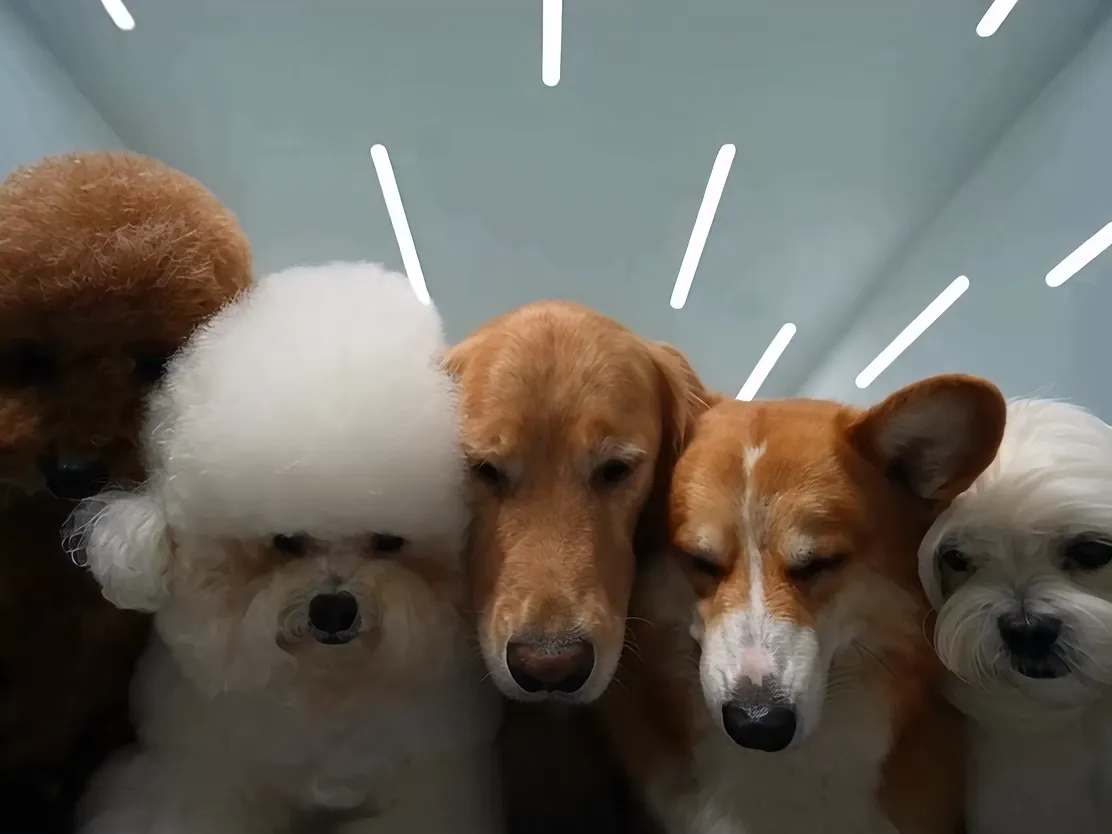
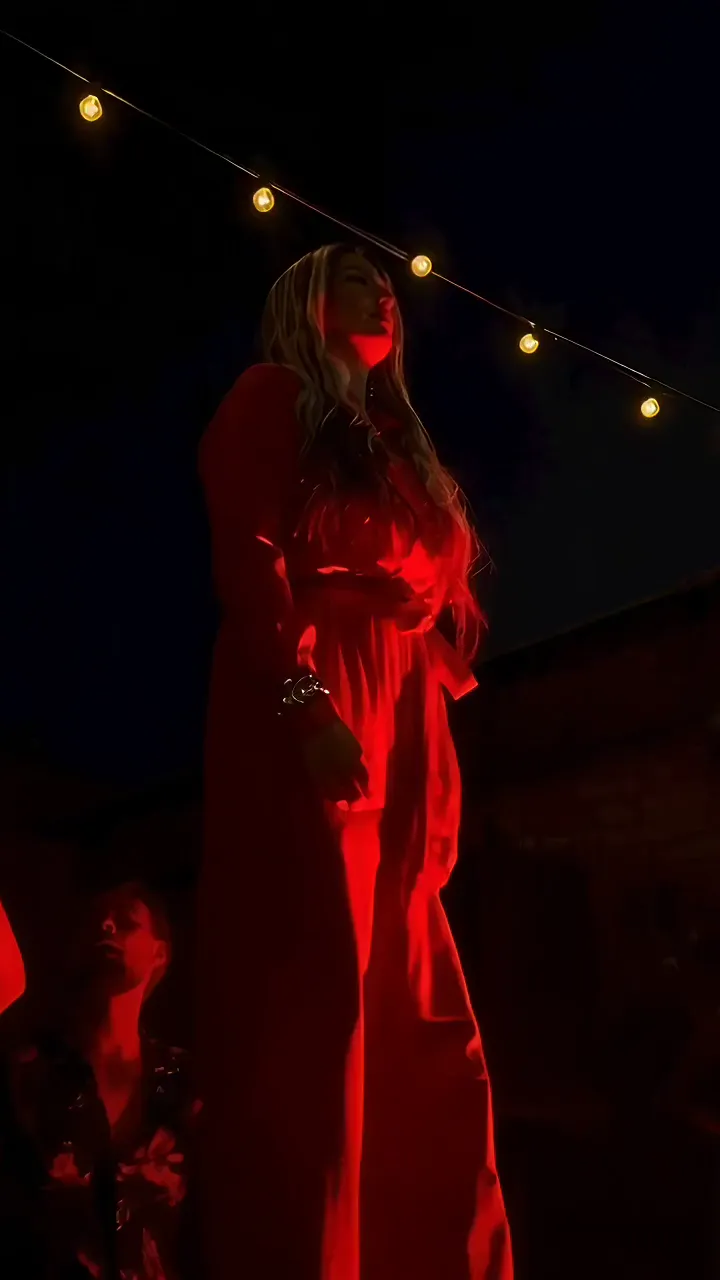
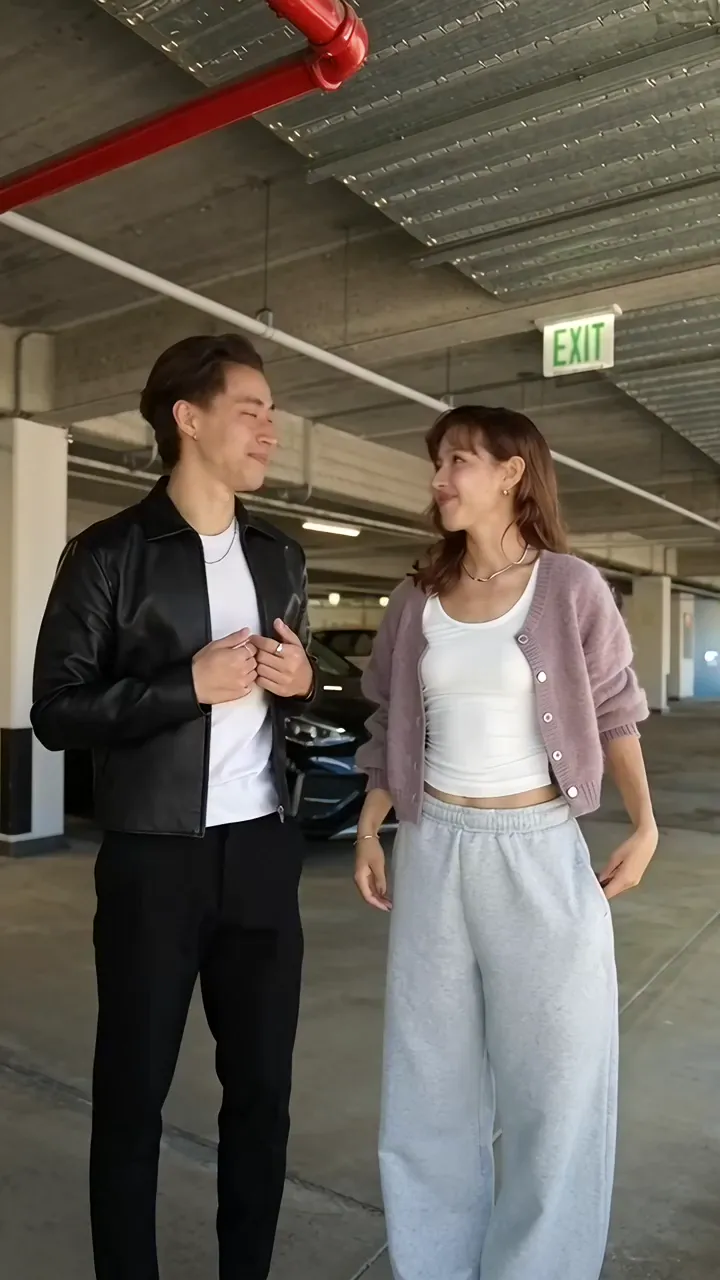
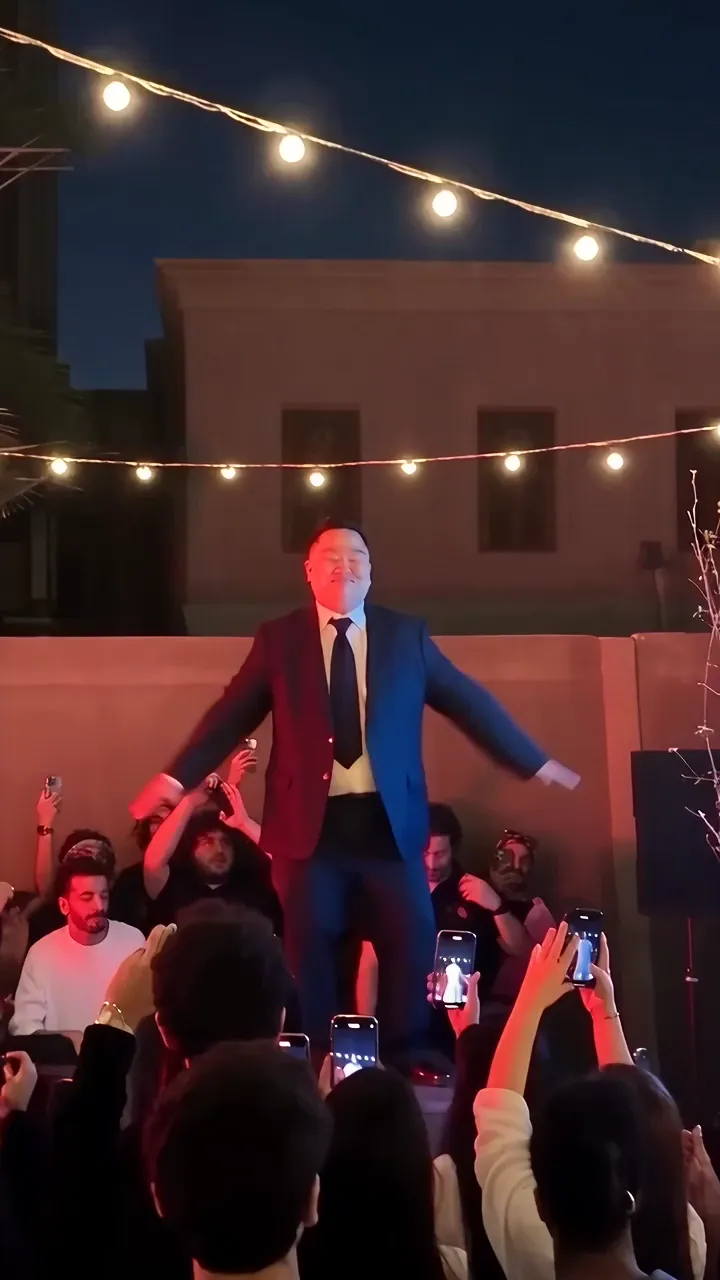
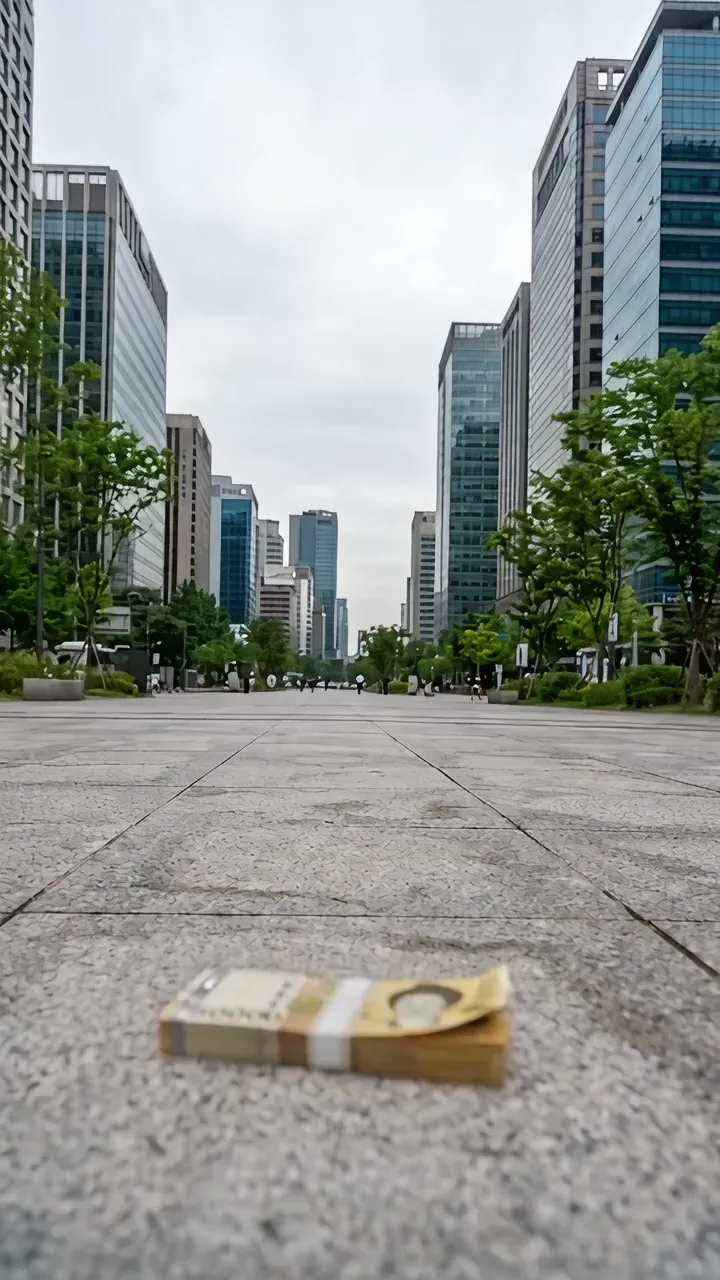
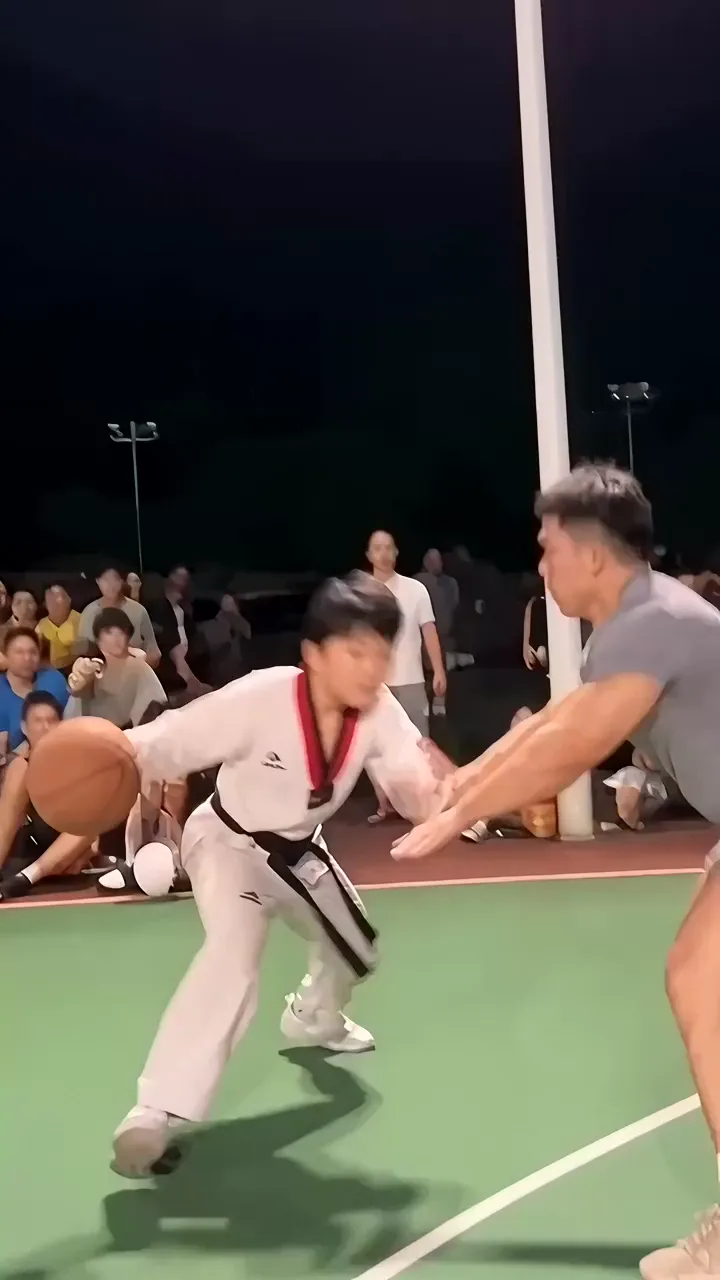
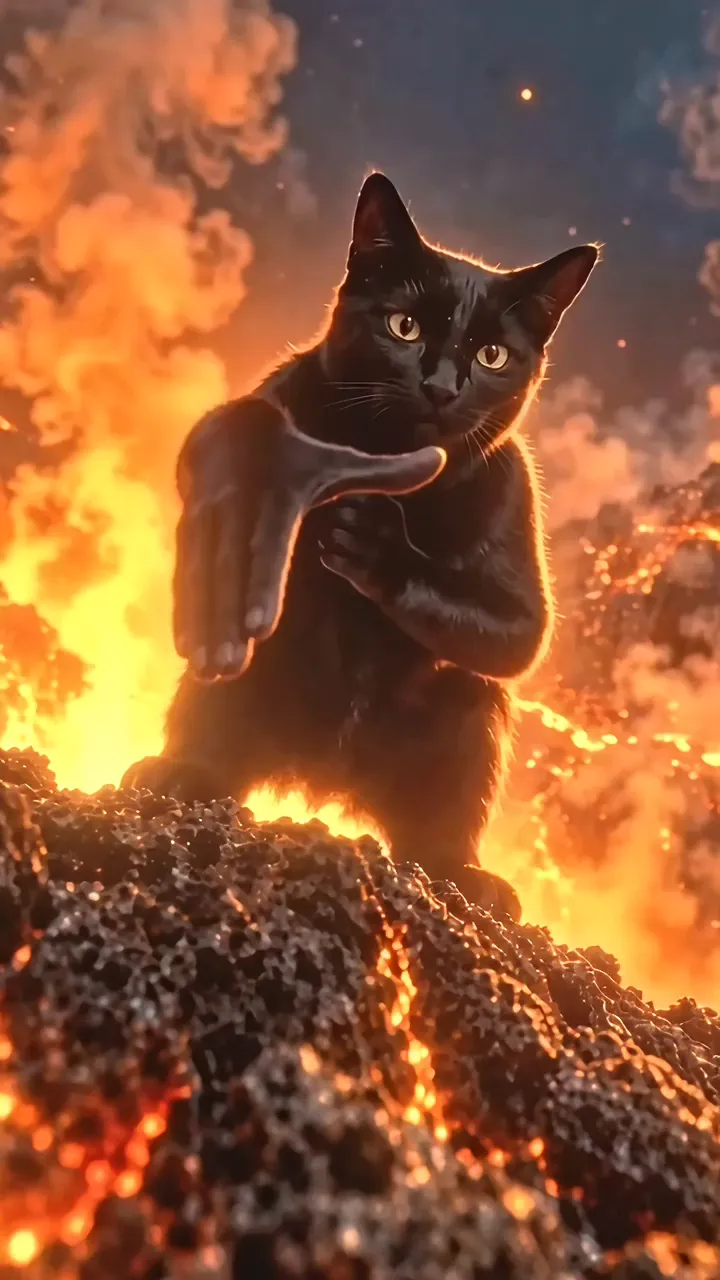
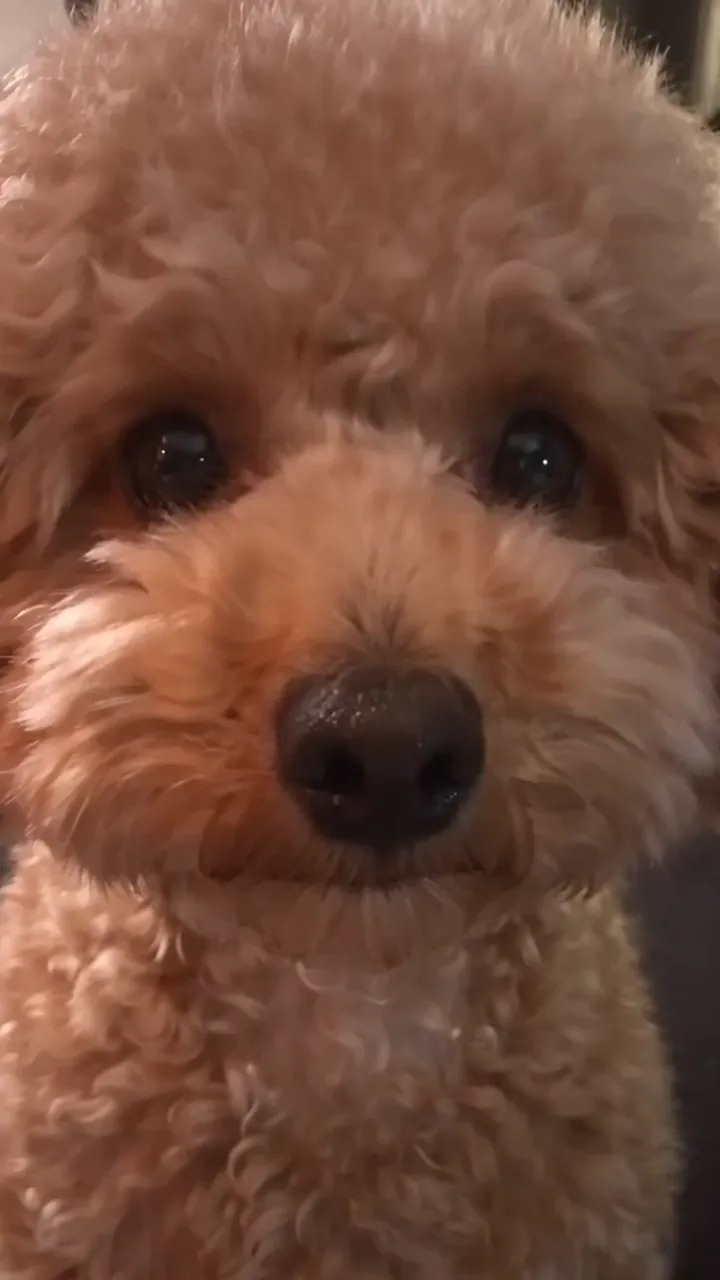
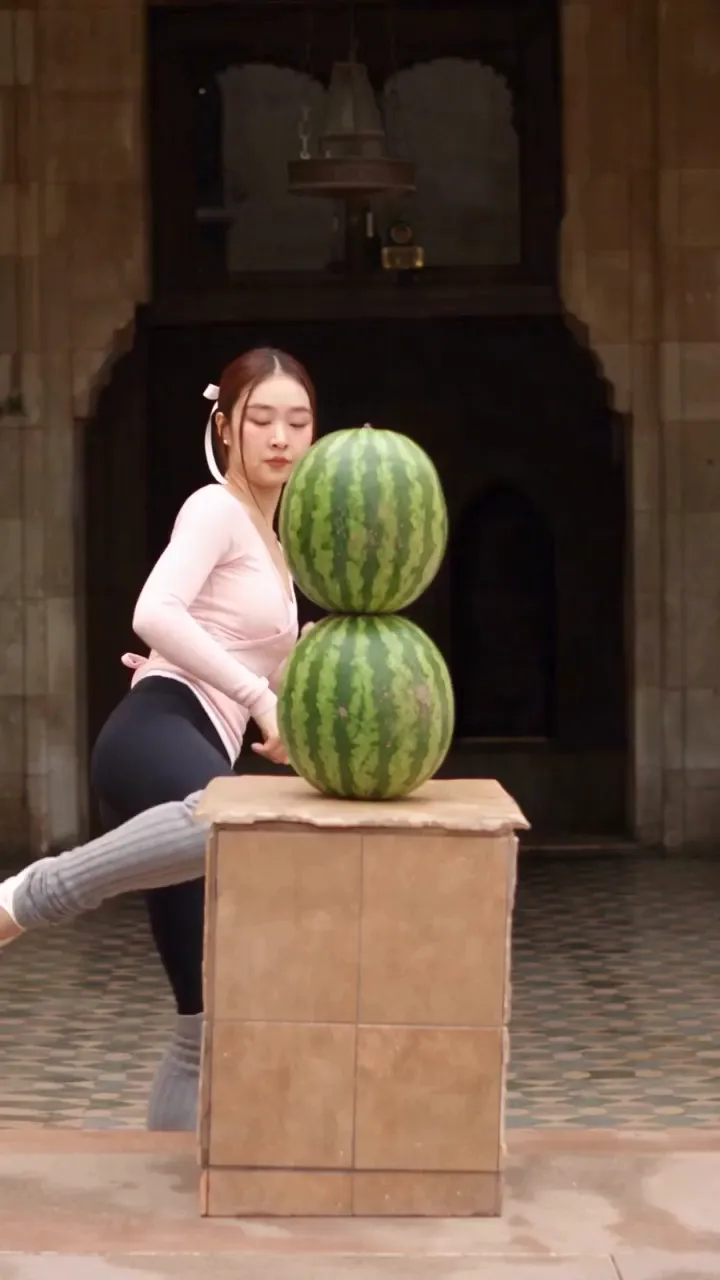
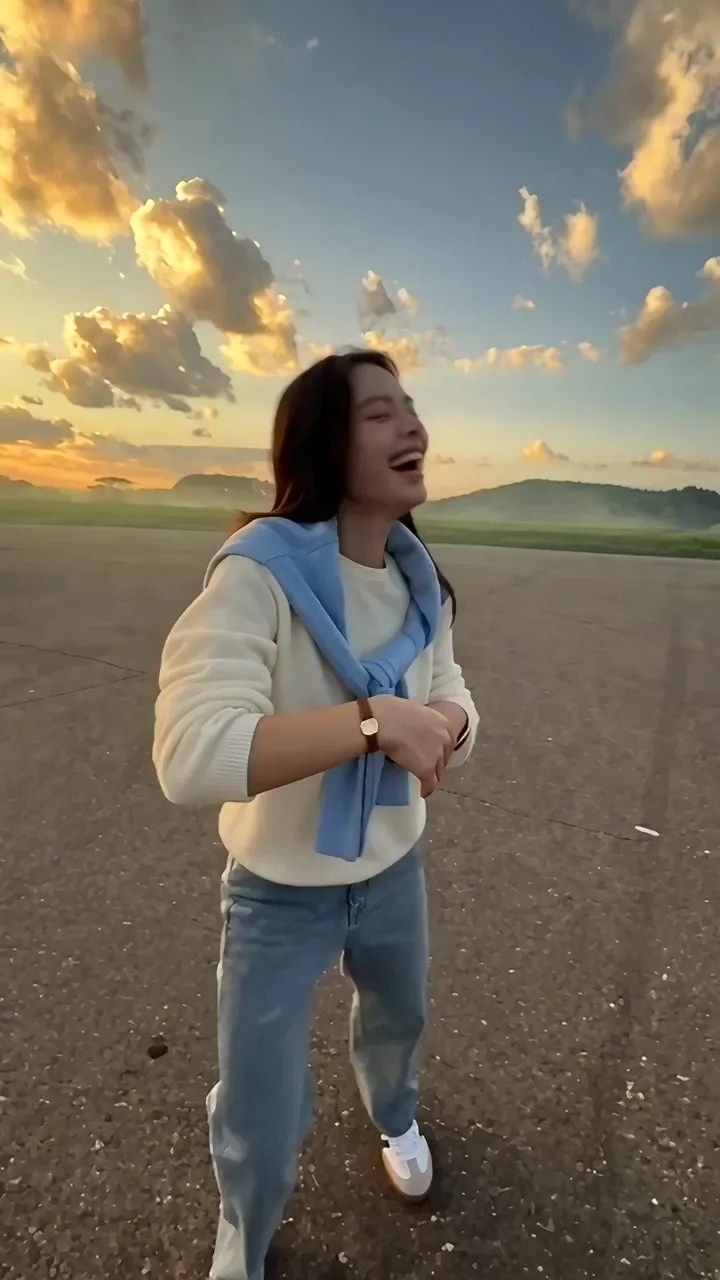
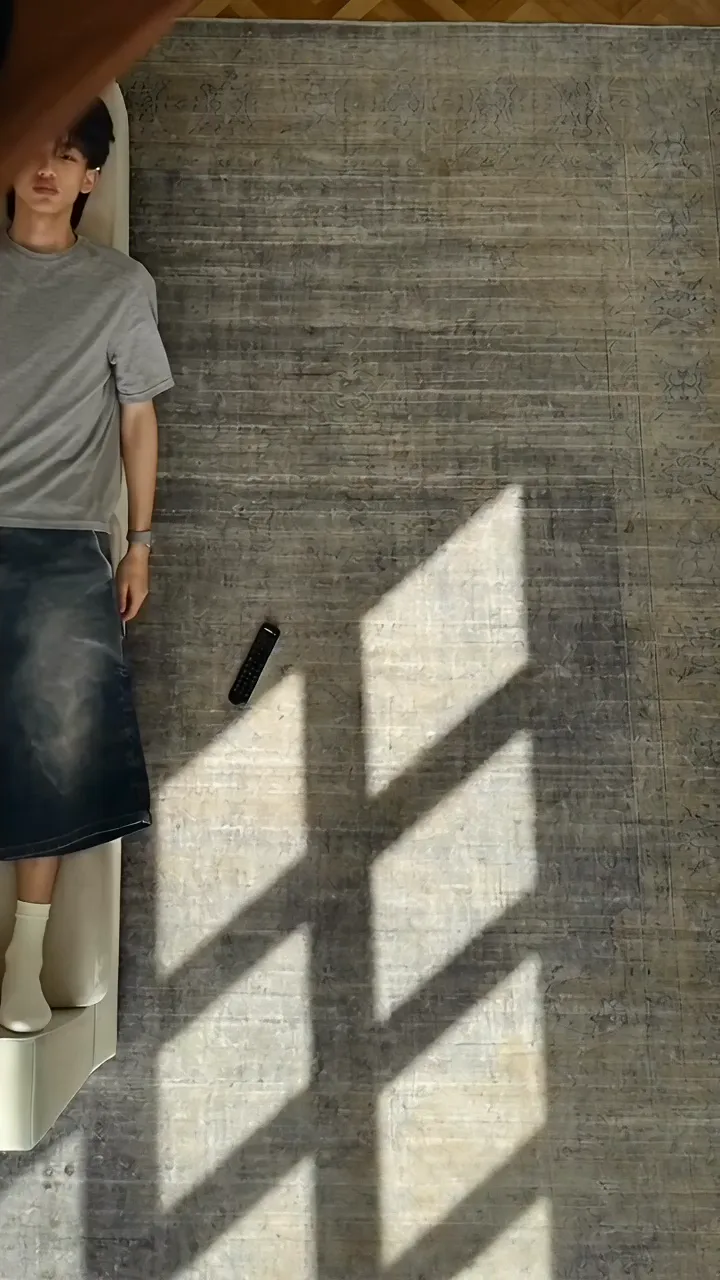
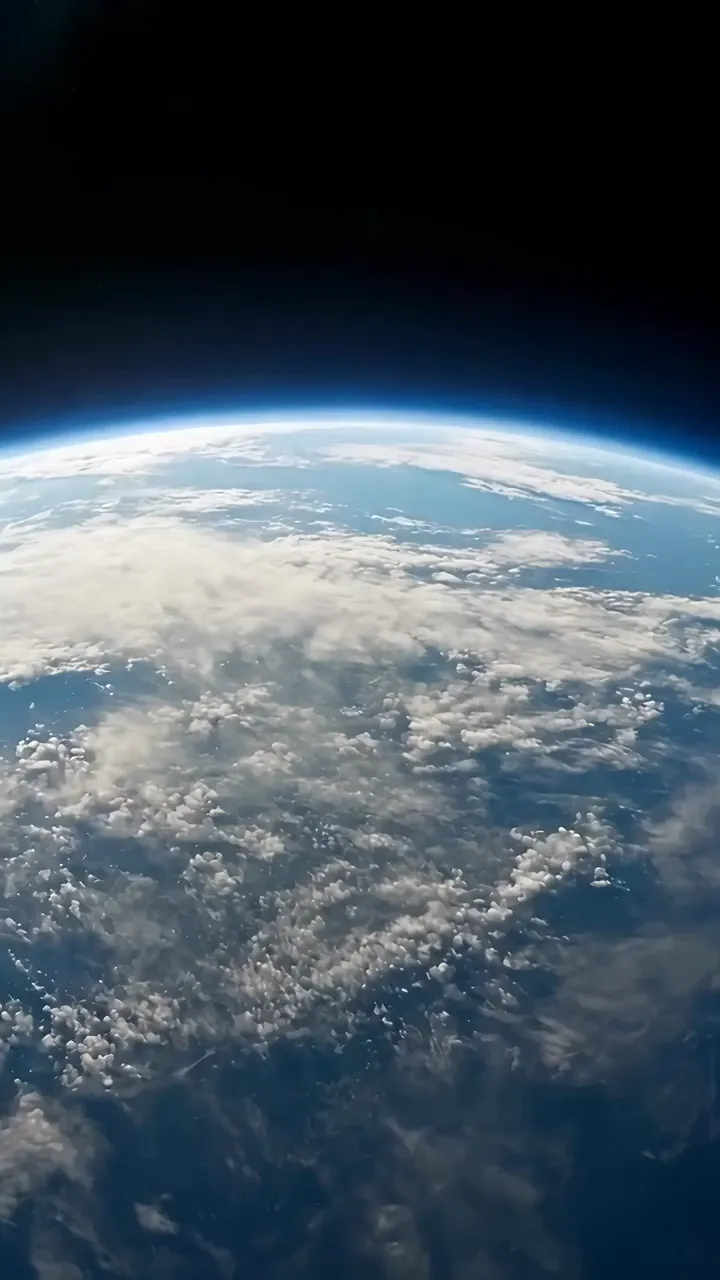
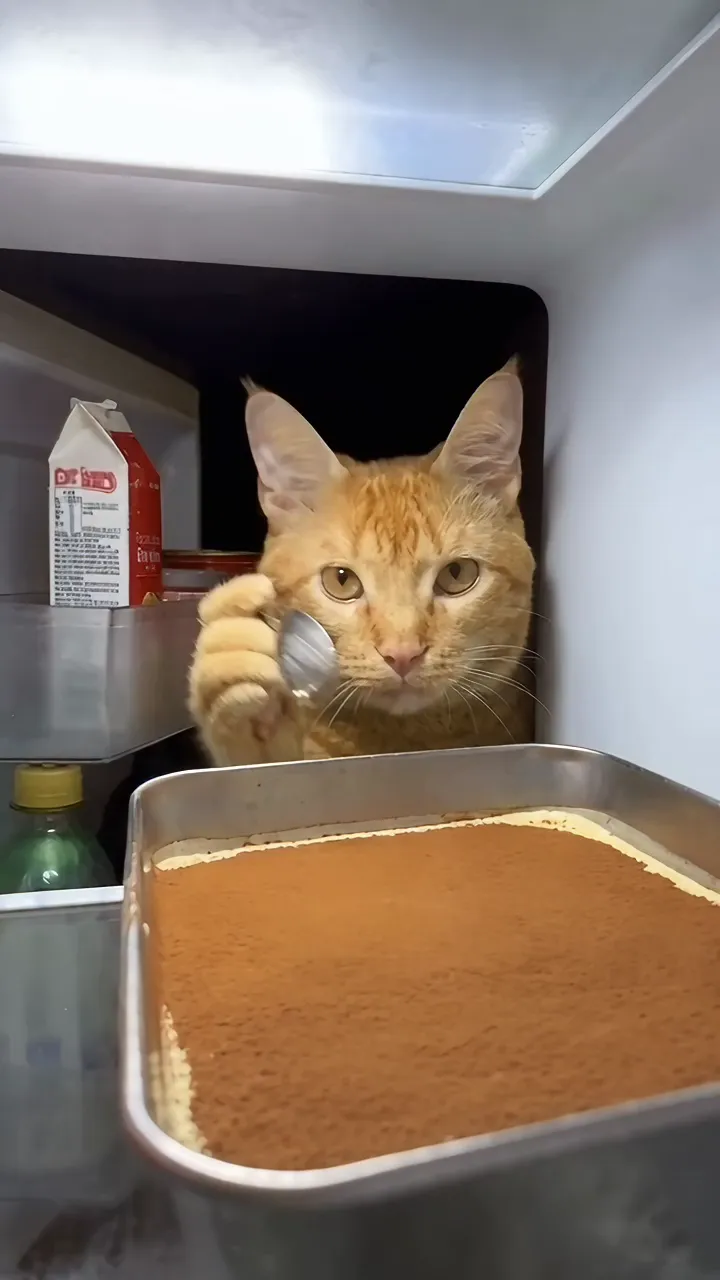
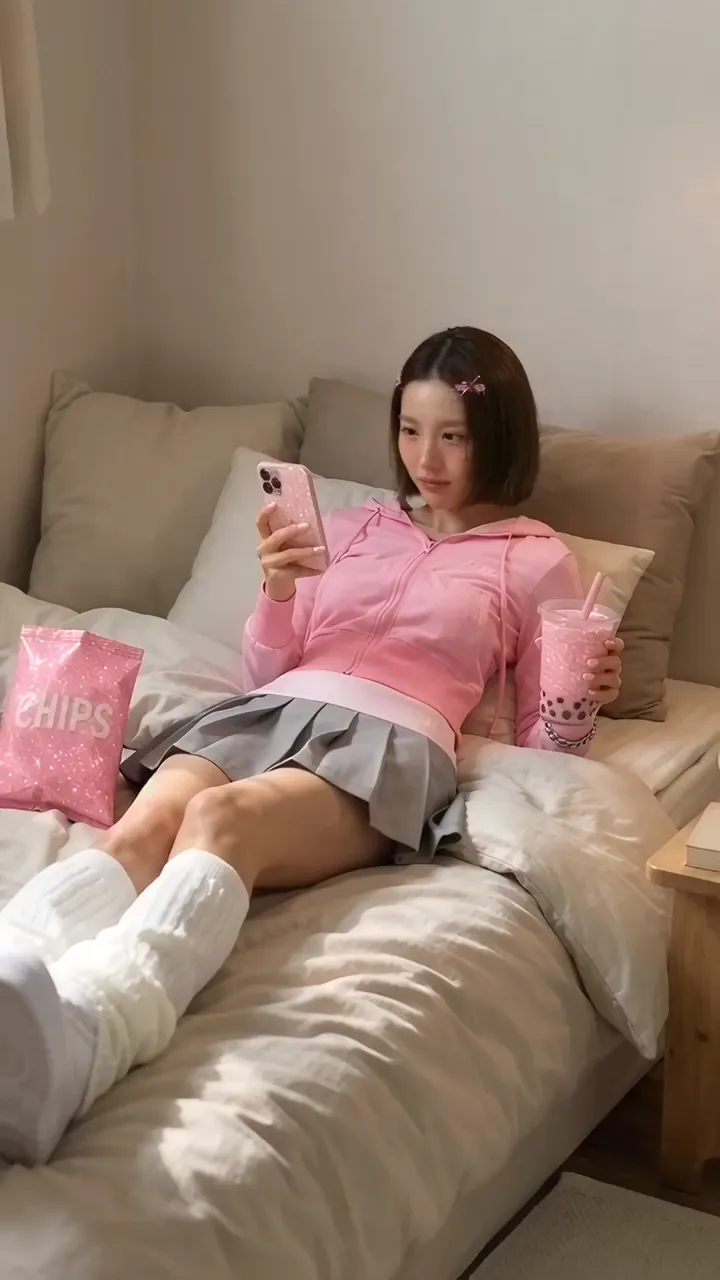
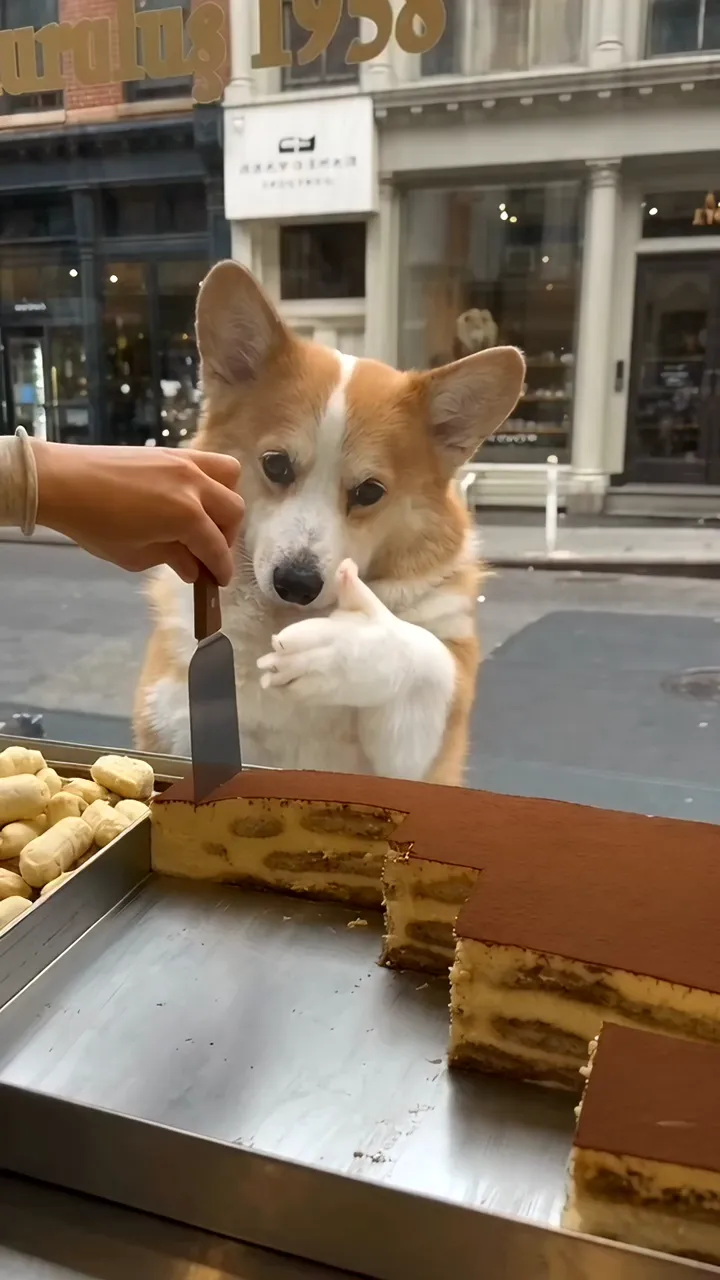
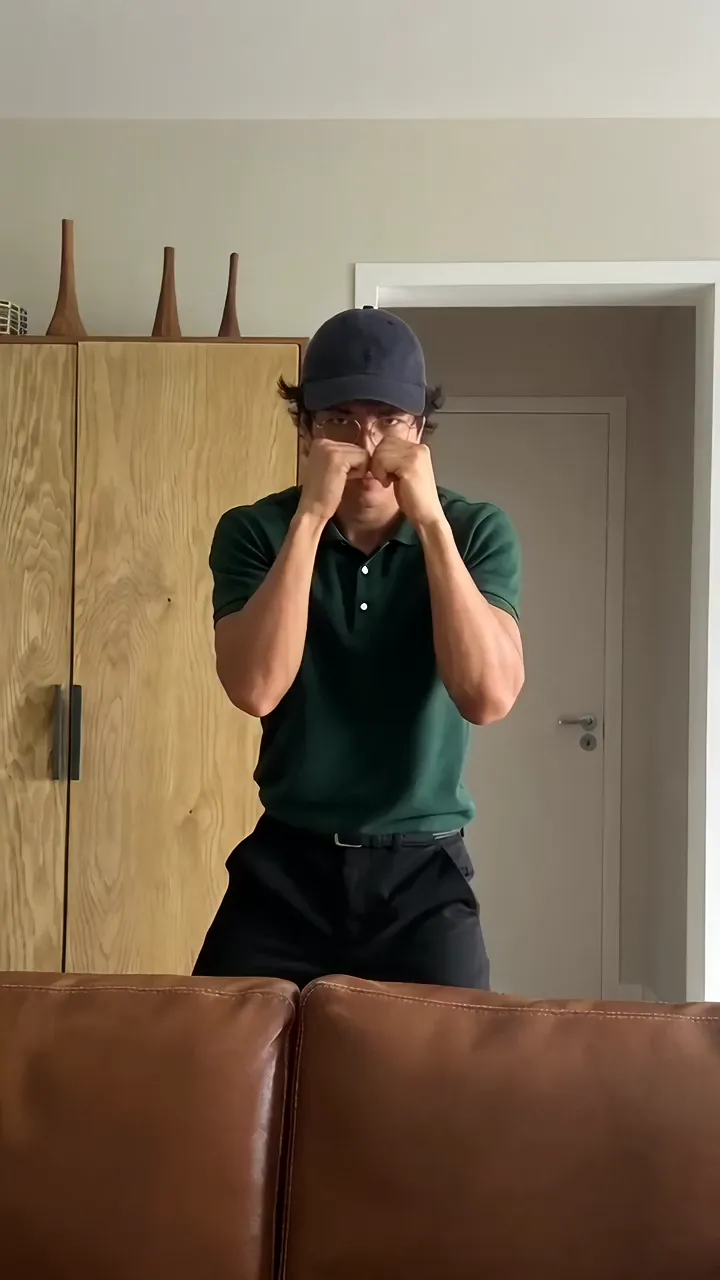
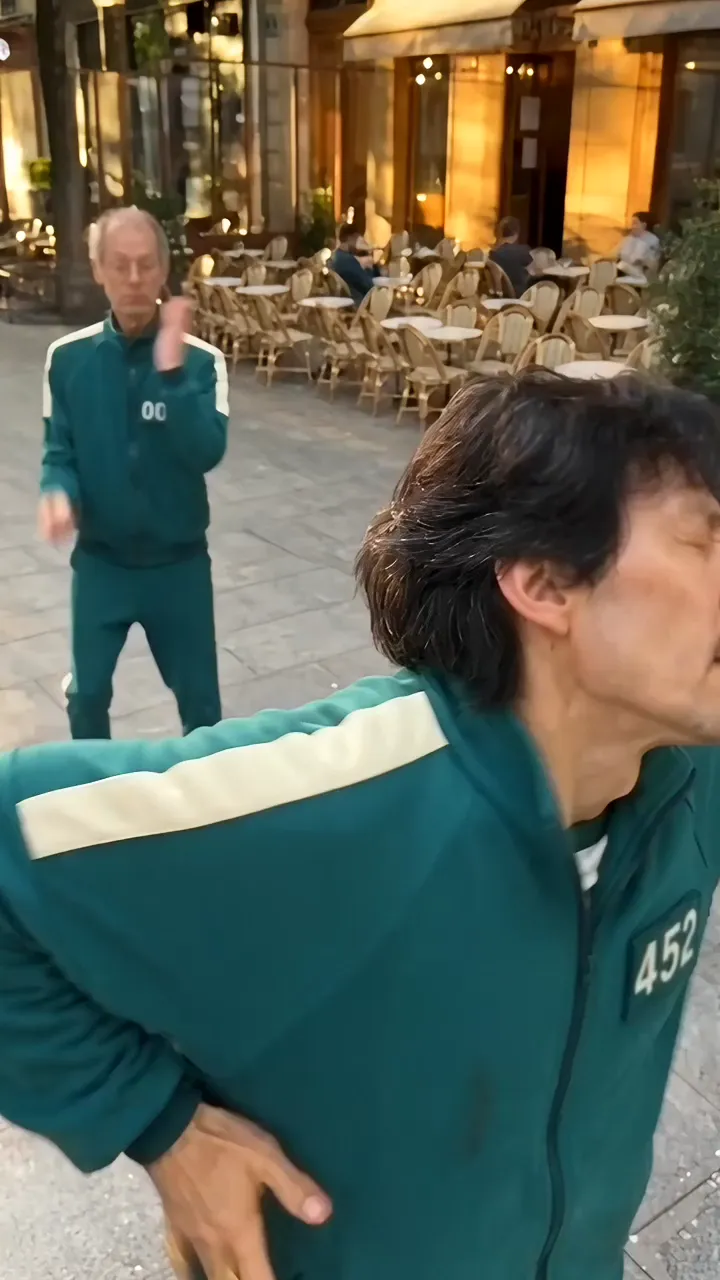
AI Character Swap for Video: Keep the Motion, Change the Character
How to swap a character in a video with AI
Genjutsu by Carat AI is an AI character swap tool for video. It keeps the movement from a clip you already have and puts your own character or object into it. You don't need to reshoot the dance, walk, or gesture. Upload the motion video, add reference images of the person, character, or object you want, and Genjutsu builds a new video that follows the original motion. It works in two modes. **Motion transfer** gives the movement in your video to the character in your references. **Object swap** keeps the clip's motion and replaces what's on screen with your character or object. You don't need keyframes, rigging, or a motion-capture suit. Think of it as motion control for anyone with a phone video and an idea. If you do not have a source video yet, you can first make one with Carat's AI video generation, then download it and upload it here.
01
Upload your motion video
Choose the clip whose movement you want to keep. MP4 and MOV files from 4 to 30 seconds, up to 200MB, are supported.
02
Add reference images and pick a mode
Add up to 30 images of the person, character, or object you want to see. Write a short prompt describing the result, then choose Motion transfer or Object swap.
03
Create your video
Hit Create at 720p quality. Genjutsu generates a new clip that follows the original motion. Review it and download it.
What creators use it for
Dance and trend videos
Let your character, avatar, or mascot perform the exact moves from a trending clip.
Brand mascot ads
Reuse one recorded performance to produce ad variants starring your brand character.
Animation and character tests
See how a character design moves before you commit to full production.
Product and prop swaps
Use object swap to replace an item in a clip with a different product for quick ad mockups.
FAQ
What's the difference between motion transfer and object swap?
×
Motion transfer takes the movement from your uploaded video and applies it to the character in your reference images, so that character performs the same action. Object swap keeps the video's motion and flow and replaces the subject on screen with the character or object from your references.
What kind of video can I upload?
+
Which reference images work best?
+
What should I write in the prompt?
+
What quality is the output?
+
Can I use anyone's photos or videos?
+

© 2026 Paradot Inc. All rights reserved.


