carat

Prompt Gallery

/

비행기 일러스트

Login
Sign Up

비행기 일러스트

비행기 일러스트 이미지를 AI로 만들기 위한 스타일, 구도, 활용 팁을 한곳에서 확인하세요.

2026.07.03

·
GPT 이미지 2로 생성한 비행기 일러스트 예시 1

비행기 일러스트 예시 1

GPT 이미지 2· Image
A clean friendly airplane illustration for posters and educational materials: centered passenger airplane in the sky, soft clouds, simple rounded shapes, crisp outlines, light paper texture, cheerful blue palette, no readable text, no logo, no watermark.
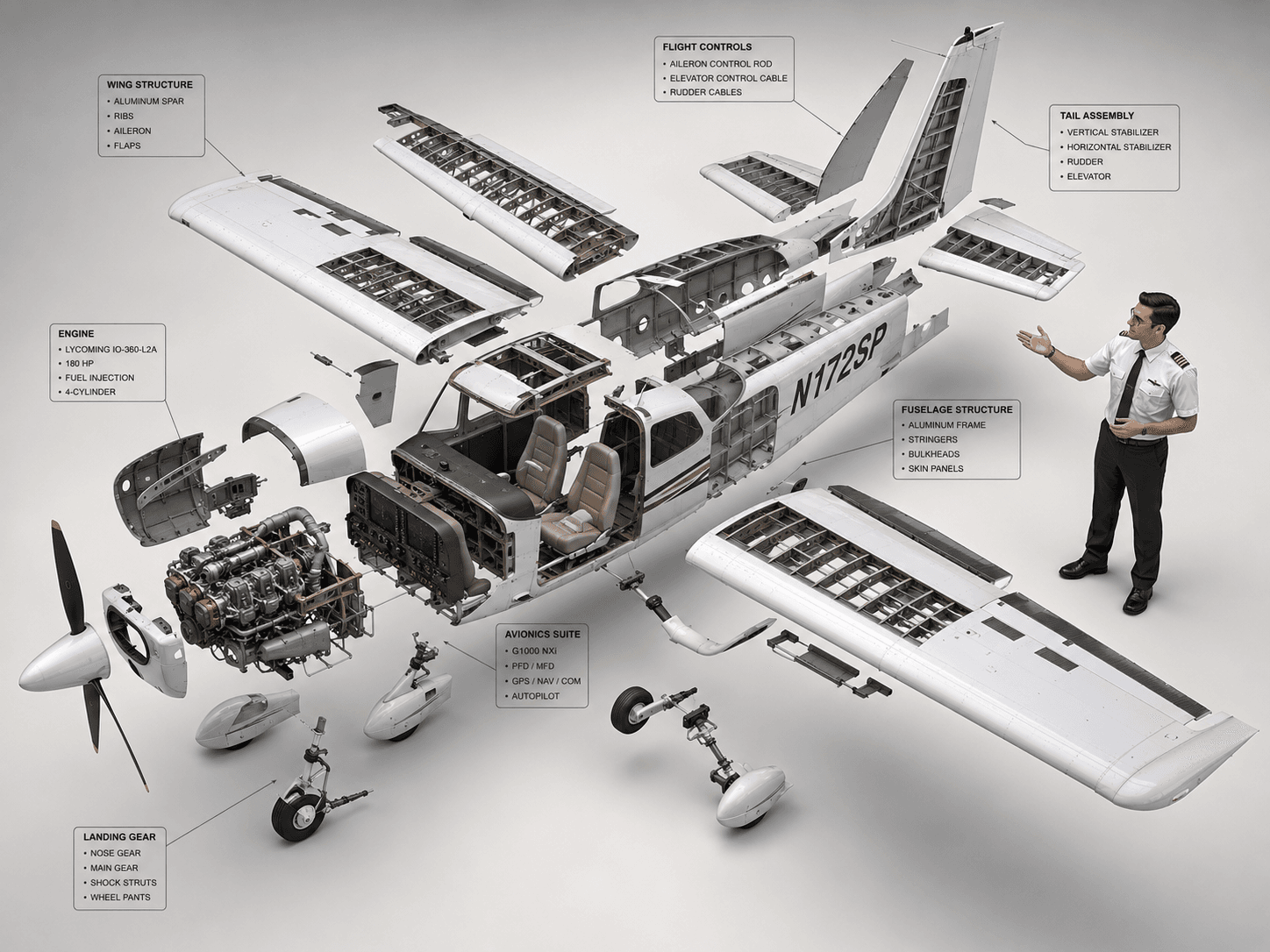
GPT 이미지 2으로 생성한 세스나 172 분해도 다이어그램

세스나 172 분해도 다이어그램

GPT 이미지 2· Image
High-end 3D CAD exploded view diagram of a Cessna 172, designed for CPL pilot training and technical reference. The aircraft is carefully disassembled into its main structural parts (fuselage, wings, engines, cockpit, tail stabilizer, and landing gear), floating symmetrically in a clean 3D space. A professional CPL pilot is positioned next to the components, gesturing towards the flight control systems as if demonstrating the aircraft parts. Industrial design aesthetic, precise technical lines, detailed plans, and realistic material textures (brushed aluminum and carbon fiber). Matte color palette. Clean, isolated background, isometric perspective, studio lighting with soft shadows, highlighting flight control systems and avionics for professional aviation study. --ar 4:3
c2284de1fa17e167135d711a164c5580
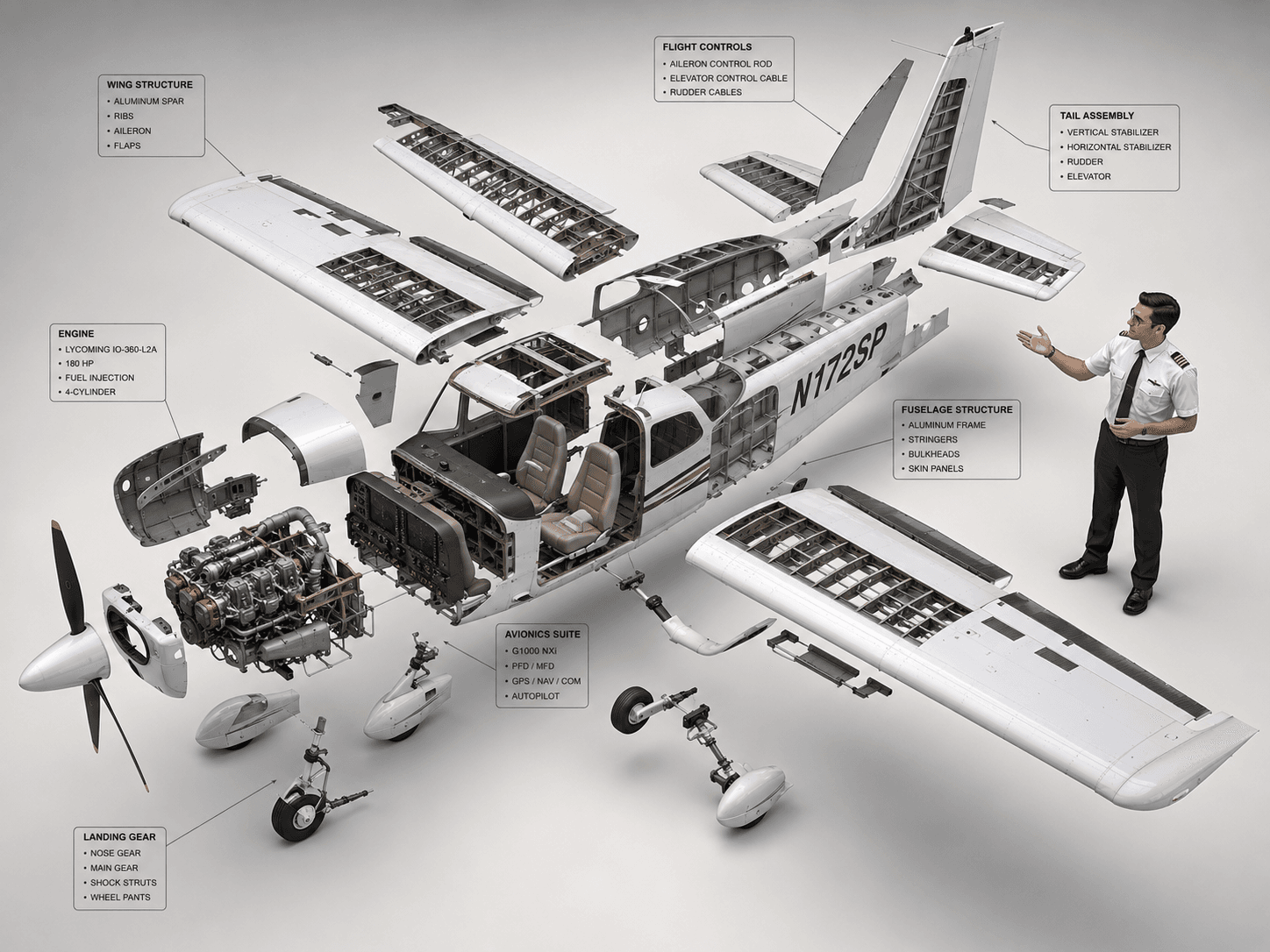
GPT 이미지 2로 생성한 세스나 172 분해도 다이어그램

세스나 172 분해도 다이어그램

GPT 이미지 2· Image
High-end 3D CAD exploded view diagram of a Cessna 172, designed for CPL pilot training and technical reference. The aircraft is carefully disassembled into its main structural parts (fuselage, wings, engines, cockpit, tail stabilizer, and landing gear), floating symmetrically in a clean 3D space. A professional CPL pilot is positioned next to the components, gesturing towards the flight control systems as if demonstrating the aircraft parts. Industrial design aesthetic, precise technical lines, detailed plans, and realistic material textures (brushed aluminum and carbon fiber). Matte color palette. Clean, isolated background, isometric perspective, studio lighting with soft shadows, highlighting flight control systems and avionics for professional aviation study. --ar 4:3
c2284de1fa17e167135d711a164c5580

비행기 일러스트 AI 프롬프트란?

비행기 일러스트 프롬프트는 원하는 일러스트 결과를 빠르게 만들기 위해 주제, 구도, 색감, 질감, 활용 목적을 한 번에 정리한 이미지 생성용 문장입니다. 단순히 비행기 일러스트라고만 입력하면 결과가 넓게 흔들릴 수 있으므로, 어떤 매체에 쓸지와 어떤 스타일로 마감할지를 함께 지정하는 것이 중요합니다. 캐럿의 이 태그 페이지는 Airplane Illustration 이미지를 만들 때 참고하기 좋은 대표 예시와 응용 방향을 제공합니다.

주요 활용 장면

  • 교통 교육 자료
  • 여행 포스터
  • 어린이 학습지
  • 항공 이벤트 배너
  • 스티커 디자인

좋은 결과를 만드는 핵심 조건

검색자가 원하는 것은 막연한 이미지가 아니라 바로 편집하고 게시할 수 있는 결과물입니다. 프롬프트에는 중심 피사체, 배경 밀도, 선의 두께, 색상 팔레트, 질감, 여백을 구체적으로 적는 것이 좋습니다. 예를 들어 플랫 벡터풍, 종이 질감, 중앙 배치, 부드러운 그림자, 로고 없음, 읽을 수 있는 텍스트 없음 같은 조건은 후가공이 쉬운 이미지를 만드는 데 도움이 됩니다.

관련 프롬프트 더 보기

함께 보면 좋은 태그는 illustration, flat-illustration, character-illustration, poster, sticker-design, children-illustration, educational-poster 입니다. 포스터형 결과가 필요하면 poster를, 어린이 자료나 학습지에 쓰려면 children-illustration과 educational-poster를 함께 참고하세요. 더 단순한 그래픽이 필요할 때는 flat-illustration 계열을 조합하면 좋습니다.

프롬프트 작성 팁

  1. 결과물의 용도를 먼저 정합니다. 카드, 포스터, 스티커, 학습지처럼 쓰임을 명시하면 구도가 안정됩니다.
  2. 스타일을 관찰 가능한 말로 씁니다. 귀여운, 플랫, 수채화 질감, 선명한 색감, 종이 질감처럼 구체화하세요.
  3. 불필요한 요소를 제한합니다. readable text, logo, watermark를 제외하면 실제 디자인에 쓰기 쉽습니다.
  4. 한 번에 너무 많은 장면을 요구하기보다 주제와 스타일을 고정한 뒤 색감이나 배경만 바꿔 여러 버전을 만드는 방식이 효율적입니다.
Frequently Asked Questions

Related Prompts

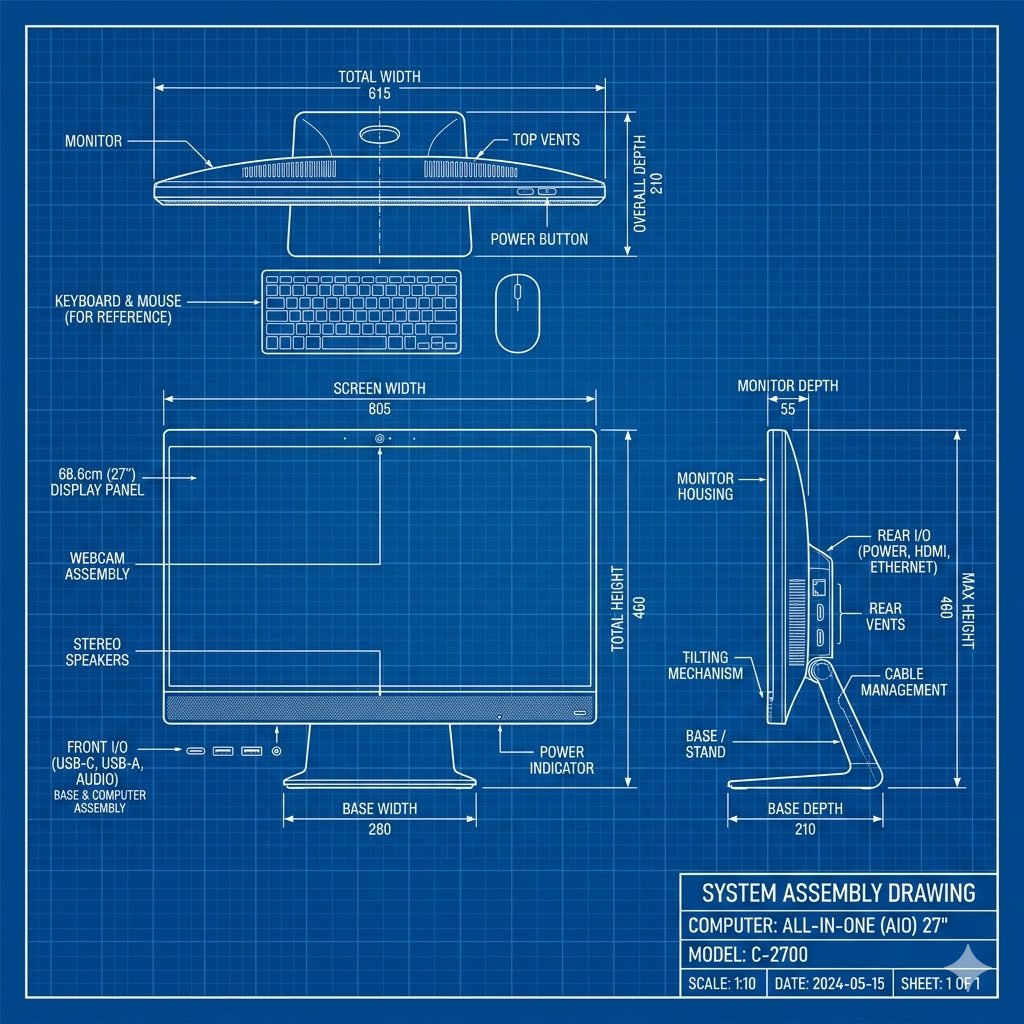
블루프린트 도면

블루프린트 도면

7 prompts

분해도

분해도

9 prompts

고양이 생일 사진

고양이 생일 사진

12 prompts

고양이 모래 상세페이지

고양이 모래 상세페이지

12 prompts

Carat Prompt Gallery

Create trending AI prompts instantly

Prompts

  • Logo
  • PPT Design
  • Thumbnail
  • Poster
  • Web Novel Cover
  • ID Photo
  • Caricature
  • Product Detail Page
  • Banner

Models

  • GPT Image 2
  • Seedance 2.0
  • NanoBanana Pro
  • NanoBanana 2

Carat

  • Get started
  • About
  • Blog
  • Careers
  • Contact
  • Partnership
  • Terms
  • Privacy

© 2026 Paradot.Inc All rights reserved.