Banner
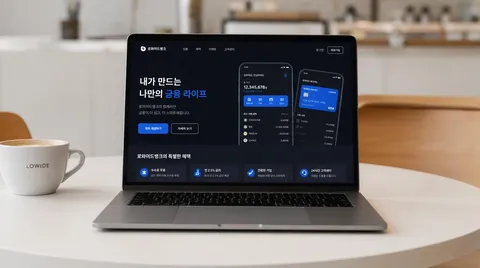
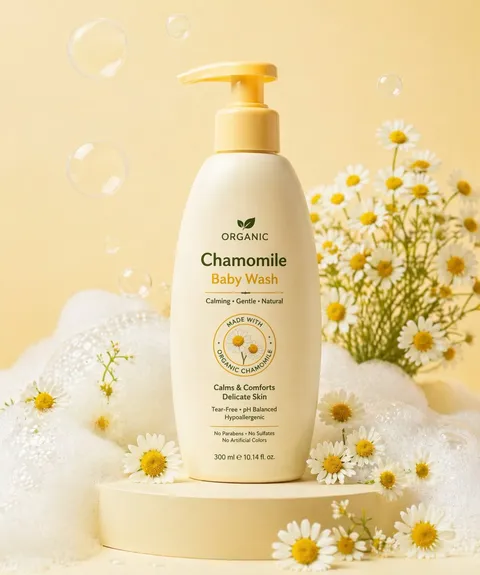
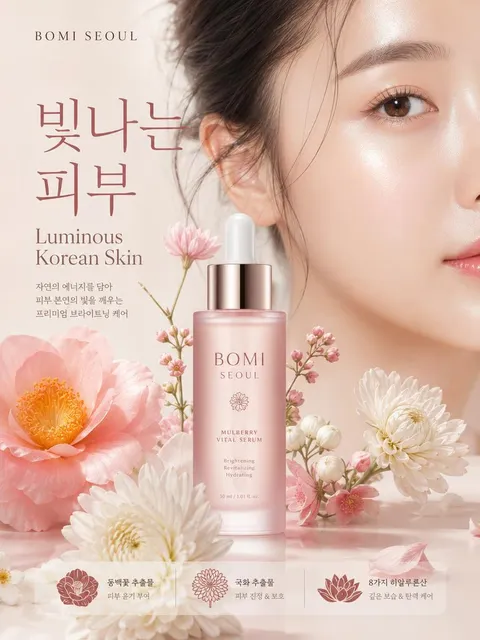
AI banner prompts you can use right away for horizontal ad images for web, app, and social campaigns. Quickly create event banners, sale banners, and hiring banners.
2026.05.22
Haz “Banner” justo como lo quieresCrea tu propio “Banner”
Pídelo en lenguaje natural: Carat genera imágenes y vídeos optimizados para ti.

Empieza ya con 100 créditos gratis al día
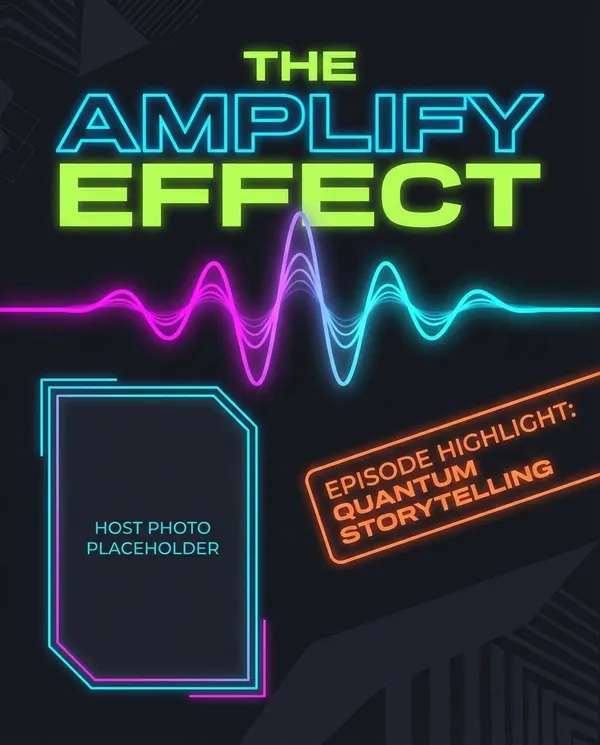
Podcast Cover Banner
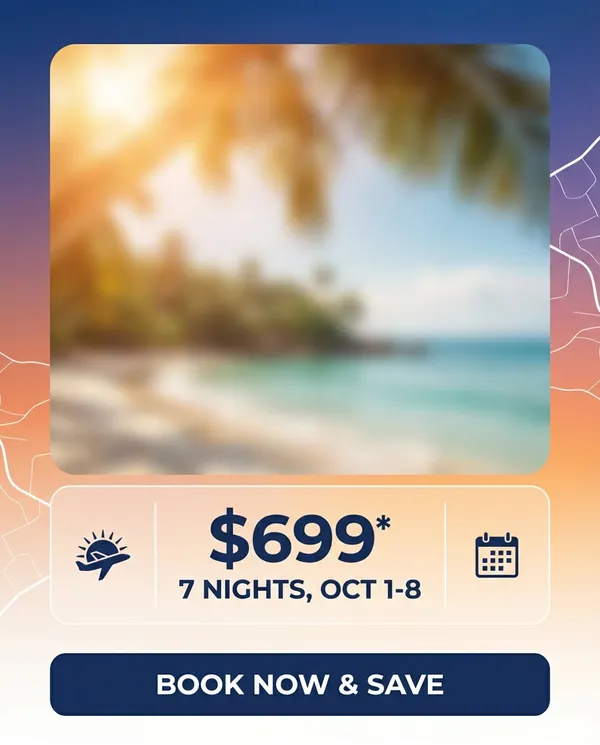
Travel Deal Ad
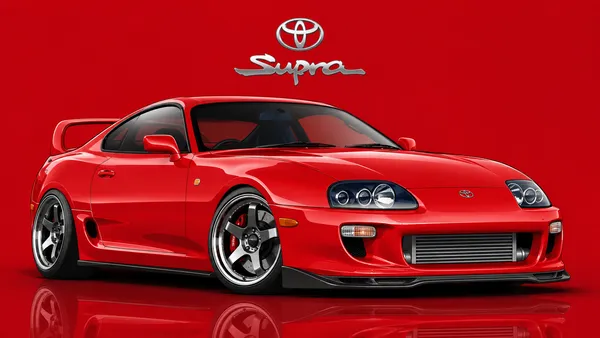
Movie Car Vector Illustration
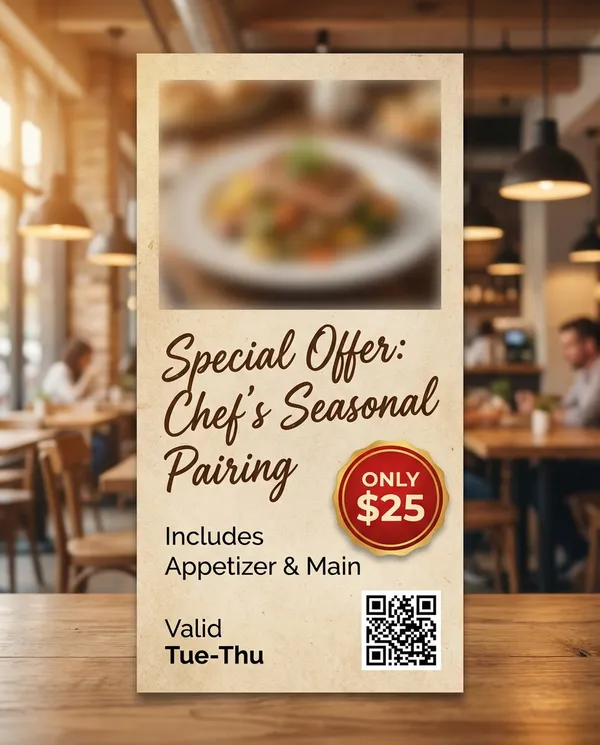
Restaurant Special
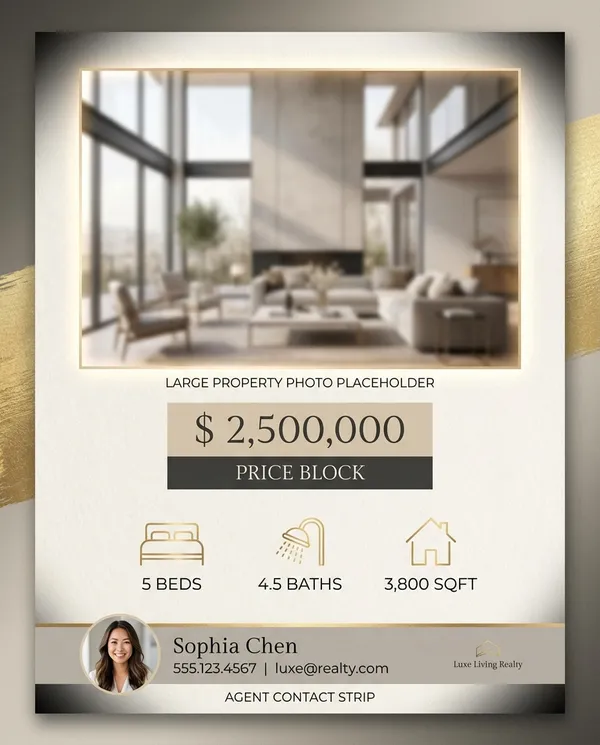
Real Estate Listing
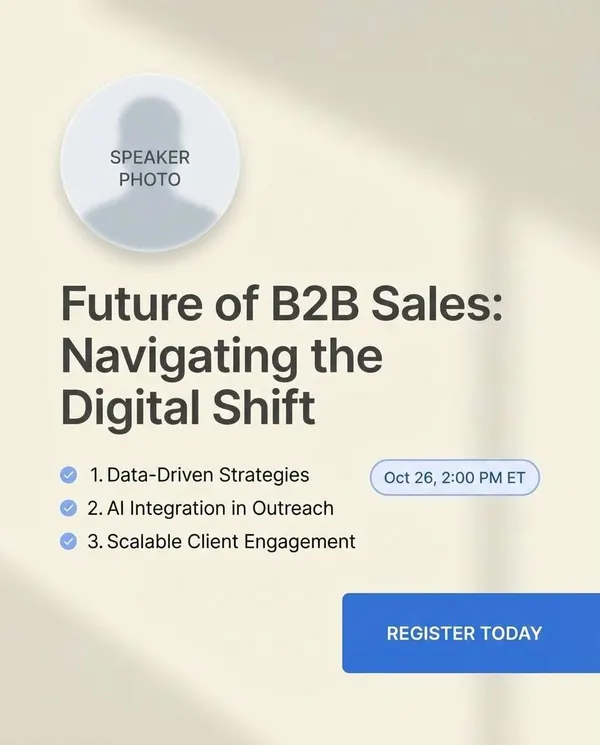
Webinar Registration Banner
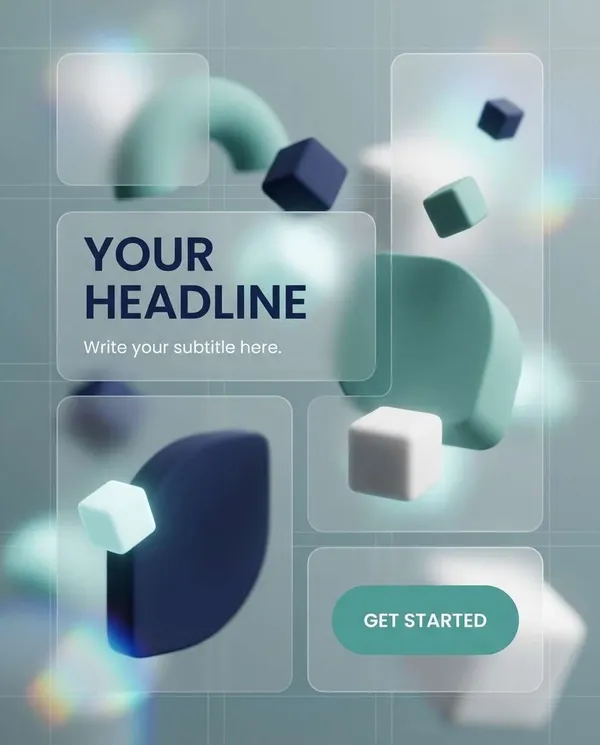
SaaS Feature Header

App Branding Gradient Illustration
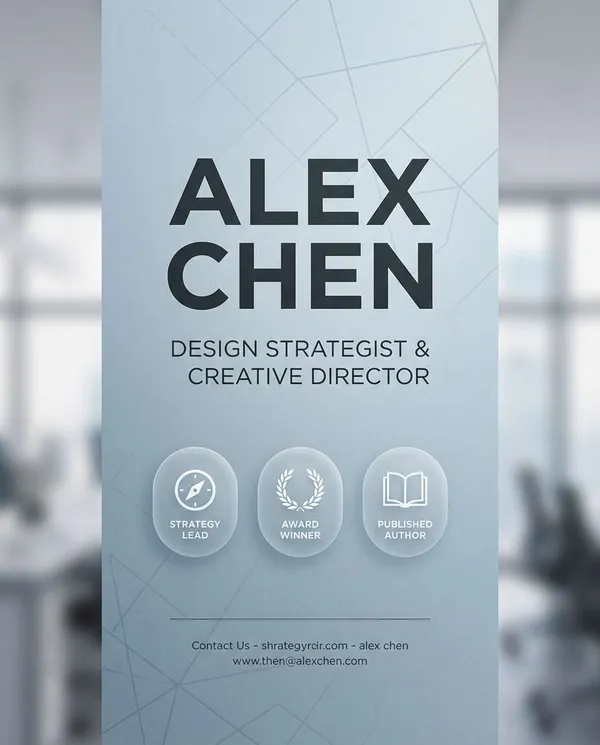
LinkedIn Personal Brand
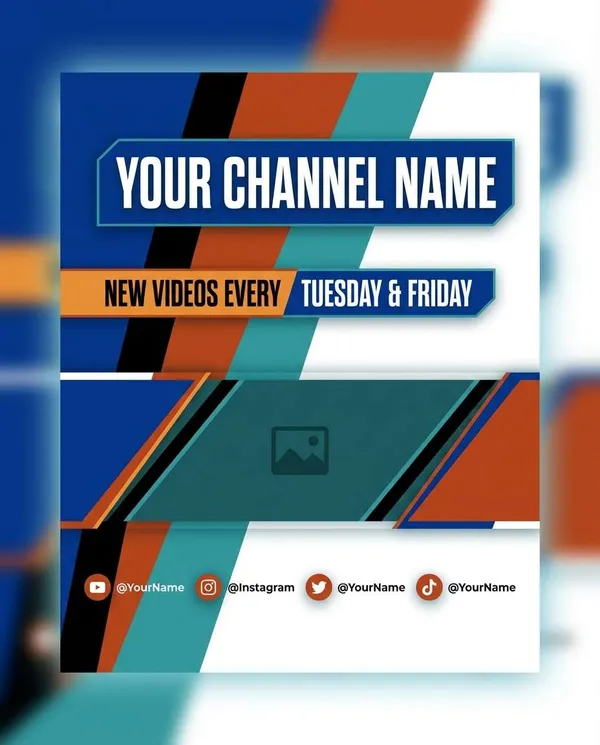
YouTube Channel Art Concept
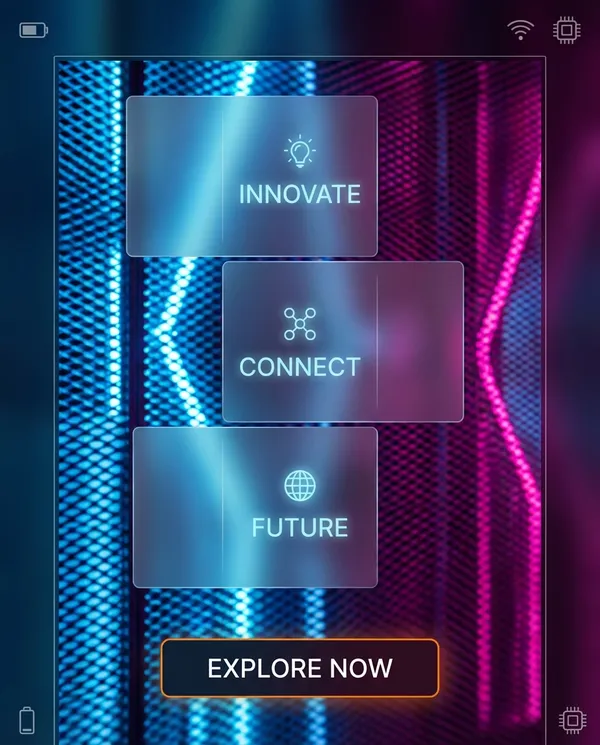
Neon Gradient Promo
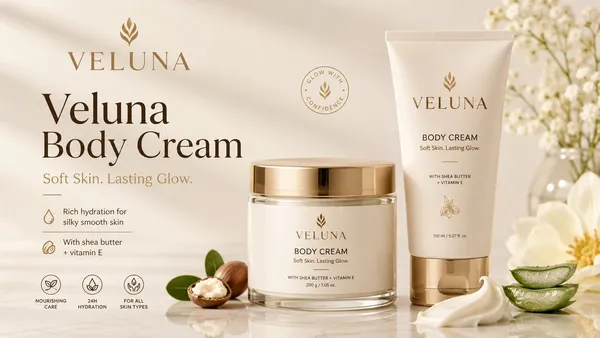
Veluna Body Cream Ad Banner
What Are Banner AI Prompts?
Banner prompts are AI prompts for quickly shaping horizontal ad images for web, app, and social campaigns. In Carat, you can generate images or video with models like GPT Image 2, then keep going with follow-up work such as editing the result, changing the aspect ratio, removing the background, upscaling, or converting to video.
Where You'll Use It
- Online store sale banners
- App launch announcement banners
- Job posting banners
- Online class promo banners
- Brand event key visuals
Why This Tag Is Useful
Banner work is less about simply making something that looks good and more about its purpose. A banner has to communicate its purpose at first glance. Setting clear priorities for the headline, white space, CTA, and brand color—ahead of the product or person—makes it usable on a real landing page or ad placement. When choosing a prompt, look first for examples that show the subject, composition, style, text placement, and intended channel together.
Tips for Building Your Prompt
- Decide the channel and aspect ratio the result will be used in first.
- Spell out the key subject, background, lighting, and camera composition.
- If needed, separate out the brand name, product name, character traits, and color palette.
- After generating, check for text errors, logo accuracy, and likeness/copyright issues.
In Carat, once you run a prompt you can refine from the result you like, or continue with follow-up work like changing the aspect ratio, removing the background, upscaling, or converting to video.
Preguntas frecuentes
Banner prompts suit horizontal ad images for web, app, and social campaigns. They're useful for event banners, sale banners, and hiring banners.
Yes. Enter the prompt in Carat to generate an image or video, then continue with follow-up work like editing the result, changing the aspect ratio, removing the background, or upscaling.
Yes. Run an example prompt as-is, then just swap in your own brand name, character, product, colors, and aspect ratio.
It helps to spell out a short headline, generous white space, a high-contrast background, and the CTA position clearly in the prompt.
Yes. It's efficient to build the core composition first, then split it into mobile and desktop versions by changing the aspect ratio in Carat.
It's well suited to practical content like ad images, social content, product detail pages, thumbnails, and short-form video. That said, logos, real people, and copyrighted material need separate checks.
In Carat you can refine from the result, or change the background, ratio, text, or style and regenerate. Narrowing toward a direction you like works better than trying to nail it in one shot.