Saltar al contenido principal

Chuseok

Chuseok prompts. Copy and use Chuseok image generation prompts from Carat right away.

2026.07.15

Haz “Chuseok” justo como lo quieresCrea tu propio “Chuseok”

Pídelo en lenguaje natural: Carat genera imágenes y vídeos optimizados para ti.

Empieza ya con 100 créditos gratis al día

·
AI-generated Sleepy Cloud Nap Character made with Nano Banana 2

Sleepy Cloud Nap Character

Nano Banana 2· Imagen
Cute drawing of a sleepy character curled up on a fluffy cloud, tiny blanket, crescent moon pillow, pastel night sky with twinkling stars, minimal clean linework, soft gradient shading, dreamy cozy vibe, sticker outline, simple composition with high polish, 85mm lens, shallow depth of field, soft cinematic lighting --ar 4:5
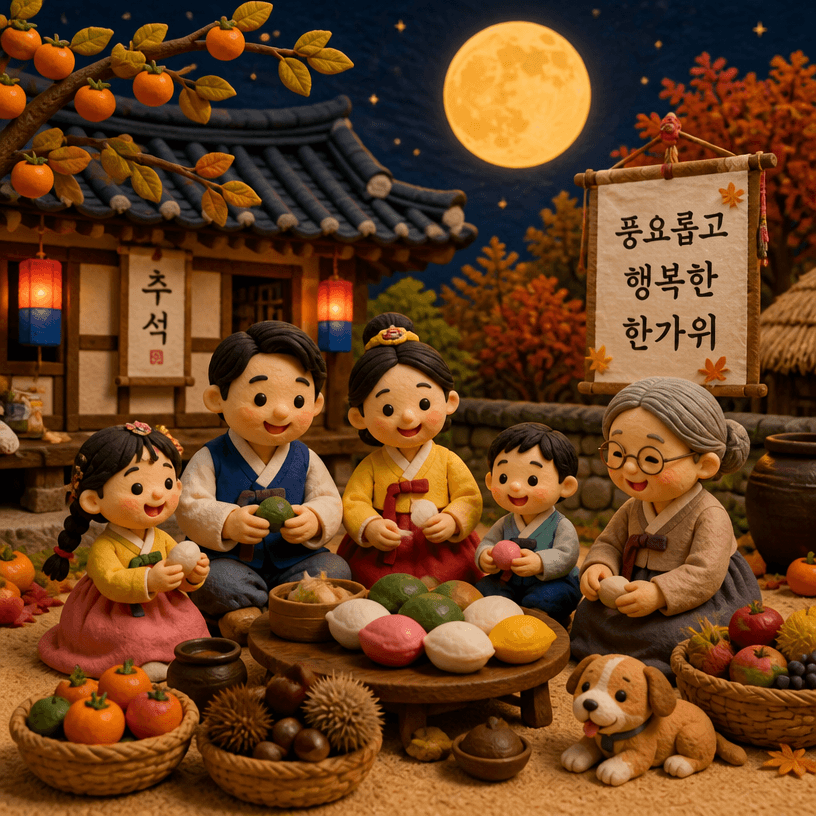
AI-generated Chuseok (Korean Harvest Festival) Illustration made with GPT Image 2
Chuseok (Korean Harvest Festival) Illustration

GPT Image 2· Imagen
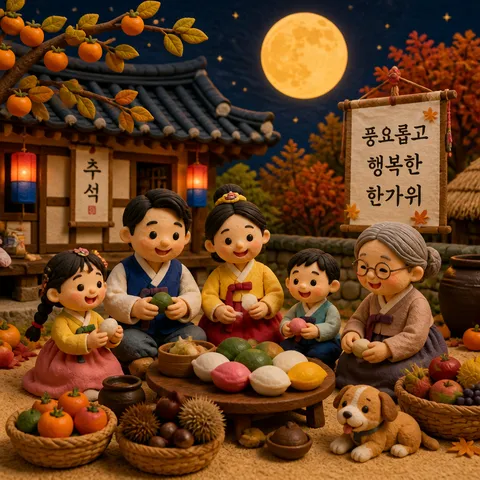
A Korean Chuseok harvest festival scene with a full moon, traditional songpyeon rice cakes, and hanbok-clad figures, claymation stop-motion style, warm autumn colors, soft textured clay surfaces, cozy and festive atmosphere, cute and detailed miniature diorama aesthetic
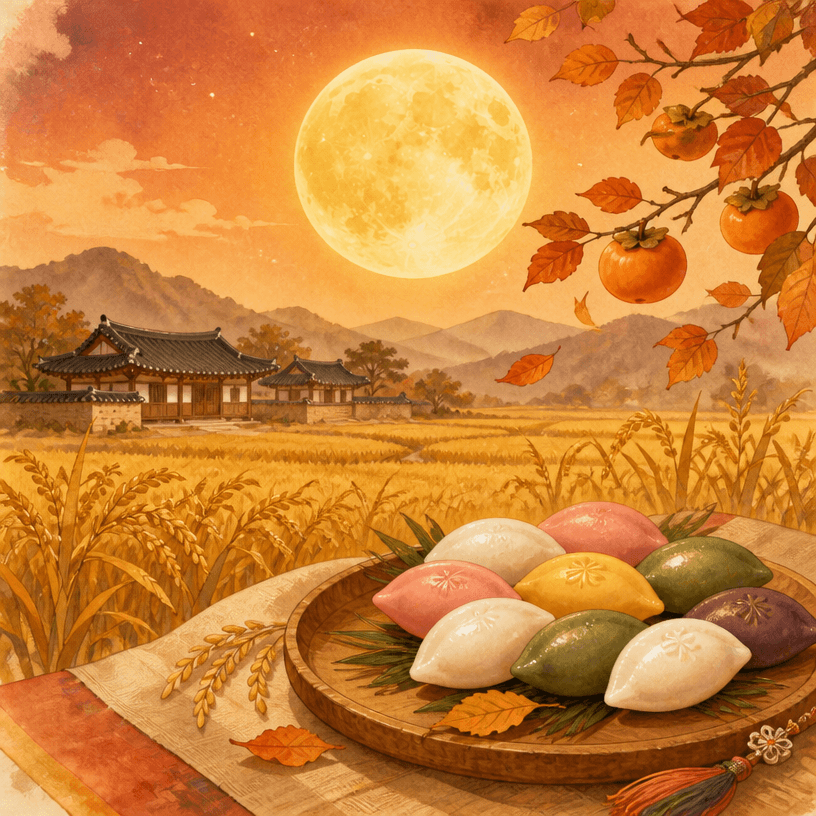
AI-generated Chuseok Card made with GPT Image 2

Chuseok Card

GPT Image 2· Imagen
A Korean Chuseok greeting card design, full moon rising over golden rice paddies, traditional songpyeon rice cakes arranged on a wooden plate, warm autumn color palette with deep orange and gold, elegant Korean holiday celebration aesthetic, soft watercolor illustration style. No text, no watermark.
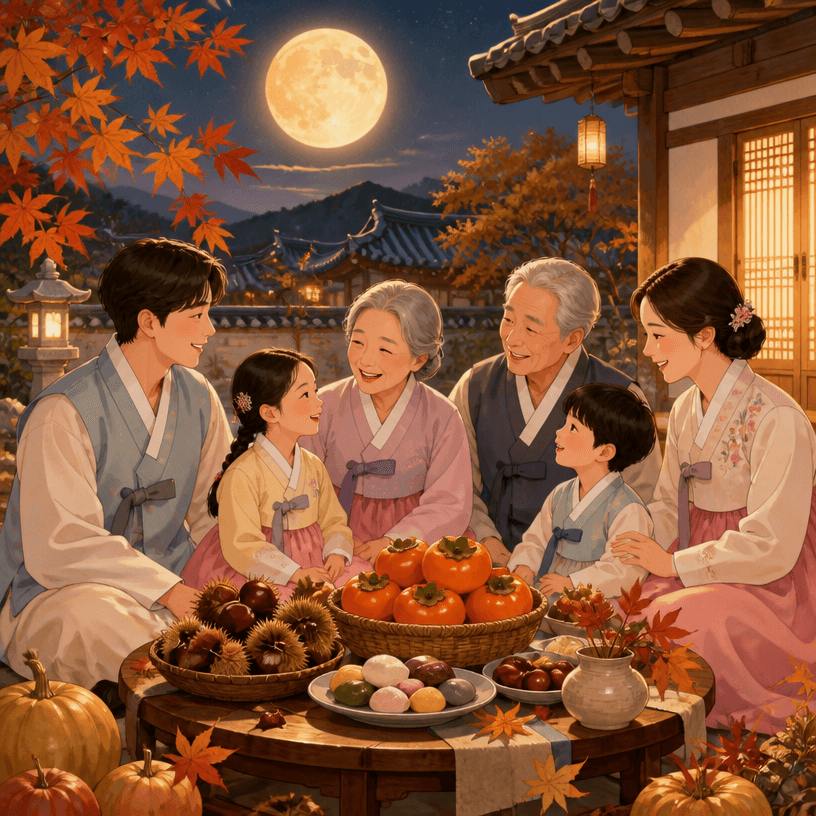
AI-generated Chuseok Greetings made with GPT Image 2

Chuseok Greetings

GPT Image 2· Imagen
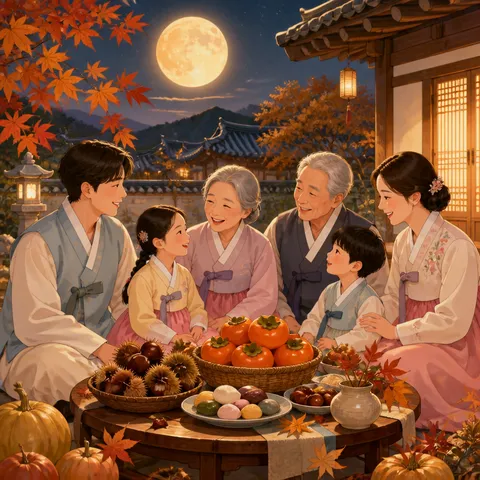
A warm Chuseok holiday greeting illustration, happy Korean family gathered around a festive table with persimmons and chestnuts, full harvest moon in the evening sky, traditional hanbok clothing, cozy autumnal atmosphere with maple leaves, gentle pastel illustration style. No text, no watermark.

What are Chuseok Prompts?

A collection of AI prompts for generating chuseok images. Copy the Chuseok prompts provided by Carat and paste them into an AI image generation tool to get professional-grade results.

How to Use Chuseok Prompts

  1. Select and copy your desired prompt.
  2. Paste it into the Carat agent.
  3. Modify colors, styles, and composition as needed.
  4. Download the generated image and use it in your project.

Tips for Writing Chuseok Prompts

Specify lighting, texture, composition, and lens information in detail for more precise results. Add "No text, no watermark" to prevent unwanted text overlays.

Chuseok Prompt Applications

Chuseok prompts are used across content creation, marketing, design, and educational resources. AI-generated images dramatically reduce production time while maintaining professional quality.

Chuseok Prompt Optimization Guide

Choose the aspect ratio based on your use case: vertical (9:16) for social media, horizontal (16:9) for web banners, and square (1:1) for product images.
Preguntas frecuentes