carat

Prompt Gallery

/

최애 캘린더 생성

Login
Sign Up

최애 캘린더 생성

팬 캘린더 제작에 바로 활용할 수 있는 AI 프롬프트와 구성 팁을 확인해 보세요.

2026.07.10
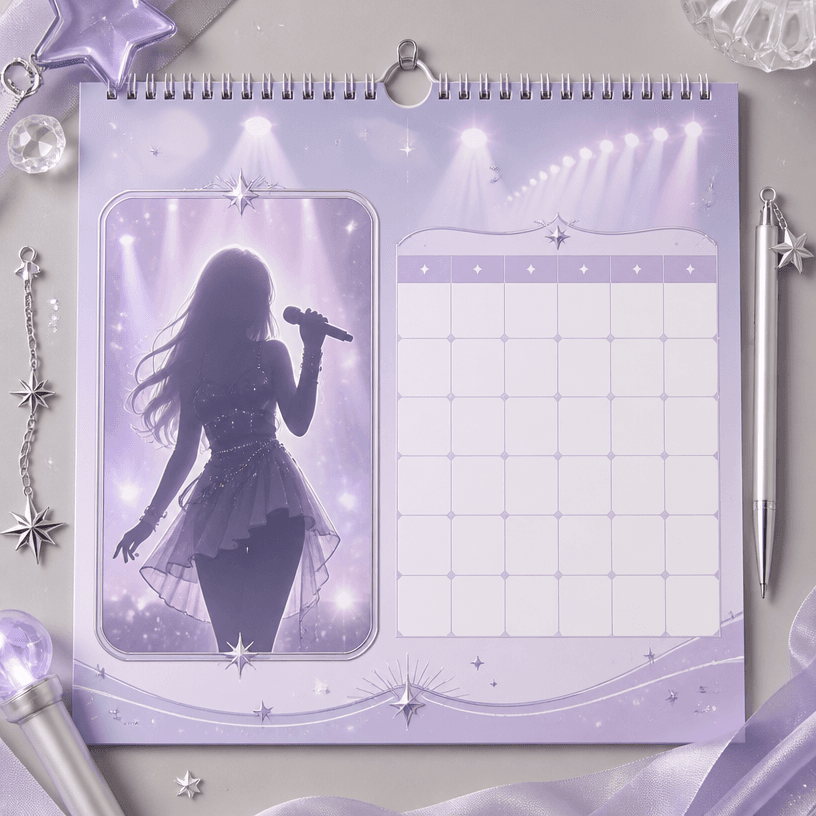
·
GPT 이미지 2로 생성한 최애 캘린더 생성

최애 캘린더 생성

GPT 이미지 2· Image
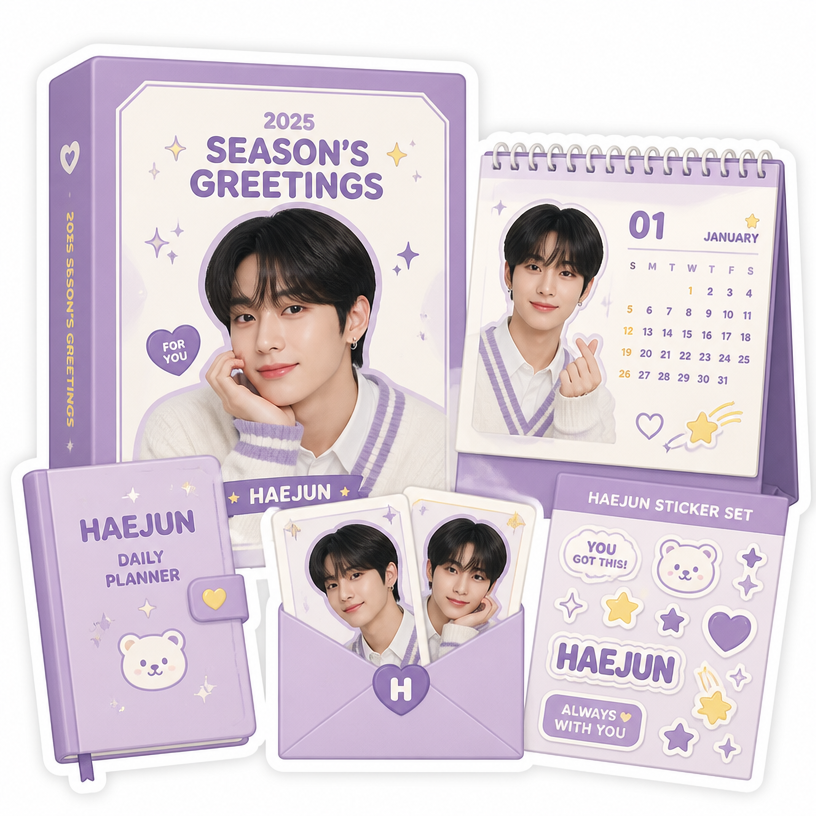
Square fan-made collectible calendar design for a fictional pop idol, elegant monthly grid with blank date cells, glossy portrait-card placeholder featuring an original non-identifiable silhouette, pastel lavender and silver palette, tiny star and concert-light motifs, polished stationery flat lay, balanced editorial composition. No celebrity likeness, no names, no letters, no numbers, no watermark.
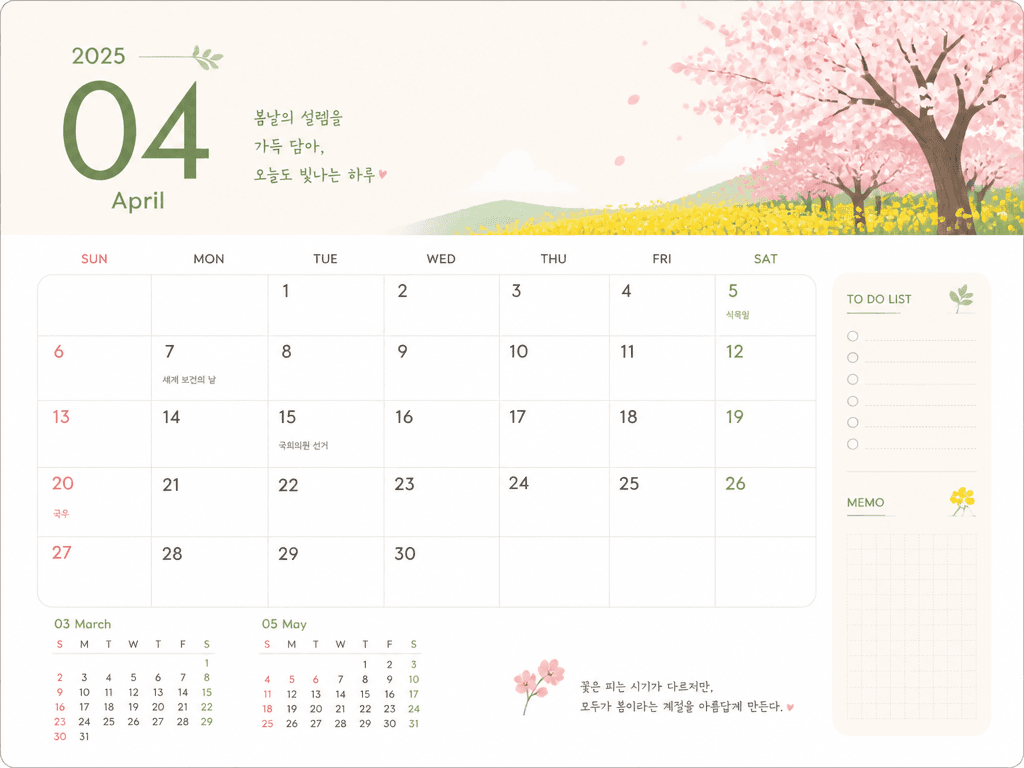
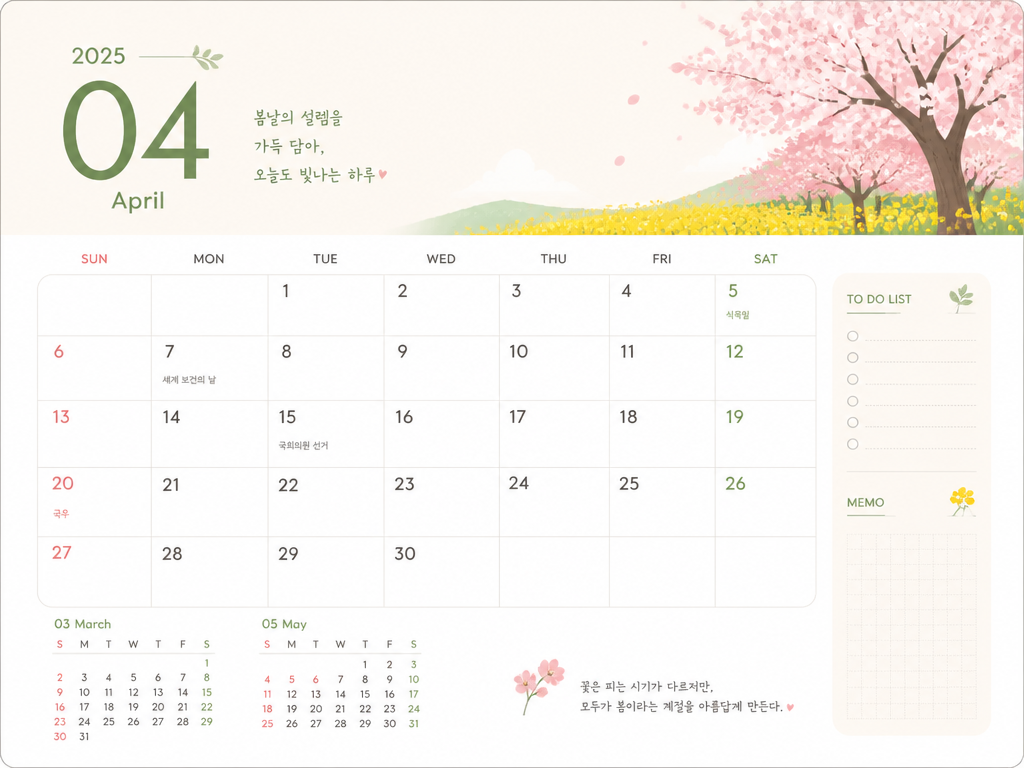
GPT 이미지 2로 생성한 달력 디자인

달력 디자인

GPT 이미지 2· Image
modern calendar design template, monthly layout with date grid, decorative header, clean typography, seasonal illustration accent, printable format. clean commercial template design, product-friendly layout, clear content blocks, modern Korean design sensibility. three-quarter view with clear silhouette and subtle depth. limited 3-color palette with one accent. Make the subject immediately recognizable at thumbnail size. Use clean composition, purposeful details, and no watermark. Keep the layout organized, readable, and purposeful; avoid clutter and illegible typography.
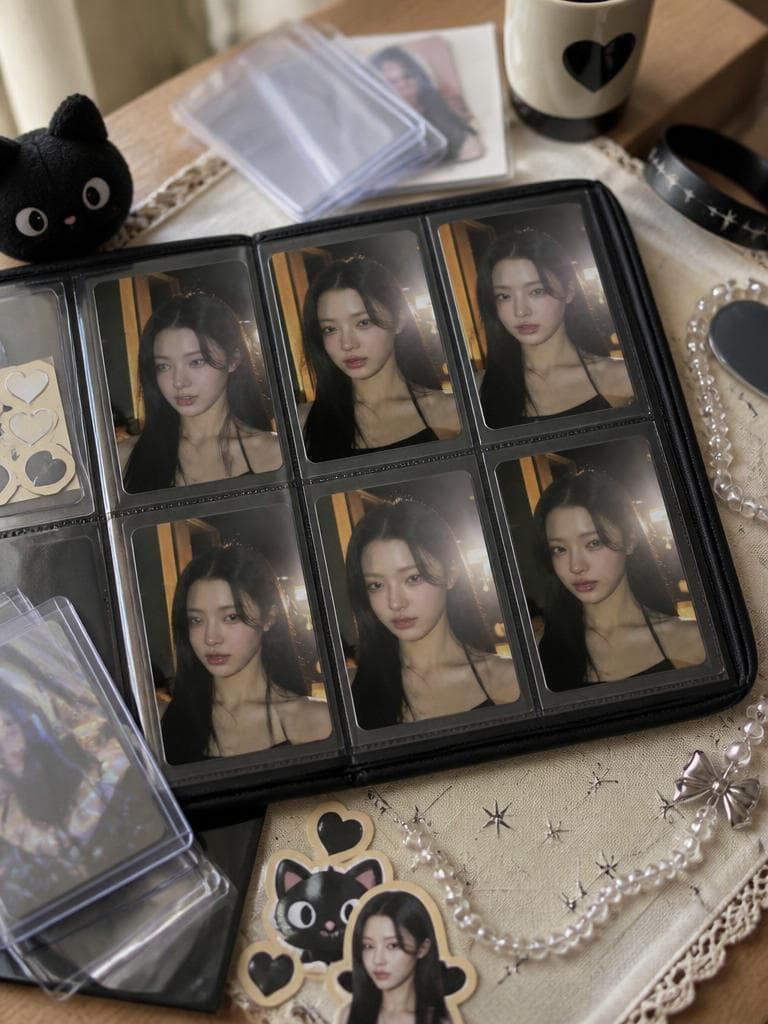
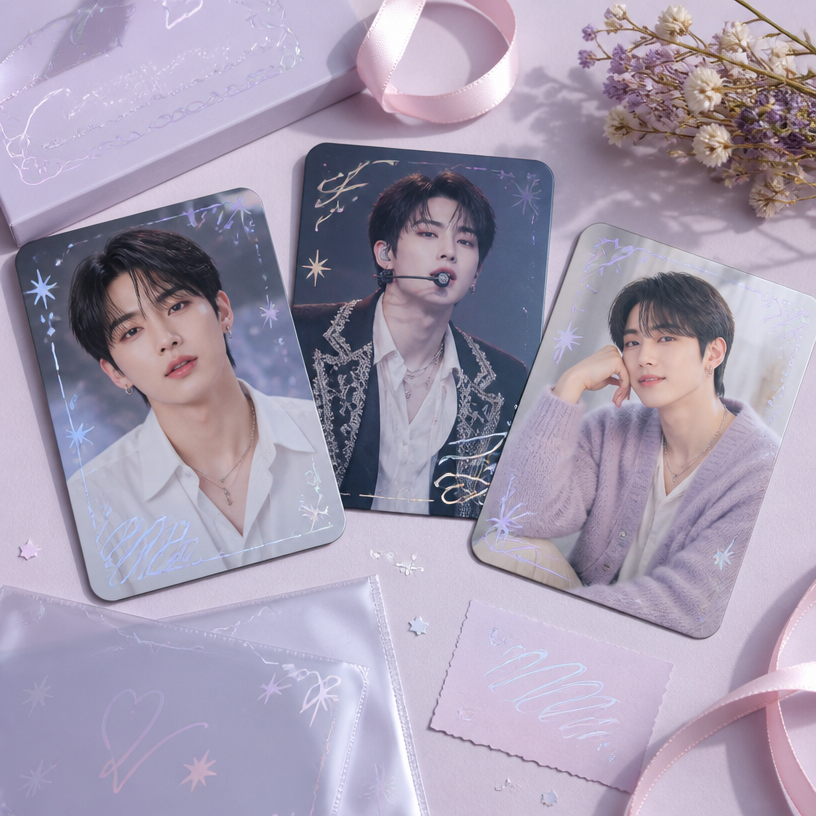
GPT 이미지 2로 생성한 포카 교환 트레이

포카 교환 트레이

GPT 이미지 2· Image
Use the uploaded portrait as the identity reference for printed photocards only. Create a realistic K-pop photocard trading flatlay scene. A trading tray with multiple photocards featuring the person's portrait is arranged neatly, surrounded by card sleeves, top loaders, a concert wristband, small fandom stickers, and fan goods props. No real person physically present in scene, only their printed card portraits. Warm cafe or bedroom table surface, soft natural window light, shallow depth of field, Pinterest photocard collection aesthetic. No readable text, no brand logos.

팬 캘린더 AI 프롬프트란?

팬 캘린더 AI 프롬프트는 원하는 결과의 주제, 구도, 재질, 조명과 출력 형식을 생성 도구가 이해할 수 있도록 구체적인 문장으로 설계한 지시문입니다. 단순히 '팬 캘린더 만들어 줘'라고 요청하는 대신 사용 목적과 화면에서 보여야 할 요소를 우선순위에 따라 적으면 결과의 완성도와 재현성이 높아집니다. 캐럿의 예시를 출발점으로 삼고 프로젝트의 브랜드 색상, 대상 사용자, 전달할 감정을 더하면 동일한 주제에서도 목적에 맞는 이미지를 빠르게 탐색할 수 있습니다.

주요 활용 장면

  • 아티스트 생일과 데뷔일을 표시한 연간 캘린더
  • 월별 콘셉트 사진을 활용한 탁상 달력
  • 팬 이벤트 배포용 인쇄 캘린더
  • 모바일 잠금화면용 월간 일정표
  • 응원 일정과 방송 스케줄을 담은 디지털 플래너

활용 목적을 먼저 정하면 필요한 디테일과 생략할 요소가 명확해집니다. 최종 노출 위치가 모바일인지 인쇄물인지, 설명 자료인지 광고인지도 함께 입력하면 구도와 정보 밀도를 더 정확하게 맞출 수 있습니다.

이 태그가 유용한 이유

월별 사진 영역과 날짜 그리드, 기념일 표시 규칙을 함께 지정하면 감상용 이미지와 실제 일정 관리 기능을 균형 있게 구성할 수 있습니다. 동일한 색상 및 타이포 체계를 유지하면서 사진만 교체해 12개월 전체가 하나의 시리즈처럼 보이게 만들기 좋습니다. AI 프롬프트를 저장해 두면 초기 시안 탐색, 팀 피드백 반영, 여러 버전 비교를 같은 기준으로 반복할 수 있습니다. 원하는 결과가 나오지 않을 때도 주제 전체를 다시 쓰기보다 카메라, 조명, 소재 같은 변수만 교체해 문제를 빠르게 좁힐 수 있다는 점이 유용합니다.

관련 프롬프트 더 보기

  • 캐릭터 디자인
  • 애니메이션 스타일
  • 웹툰 스타일
  • 라이프스타일 사진
  • 카드뉴스 템플릿
  • 제품 광고 영상

관련 태그를 함께 살펴보면 스타일, 인물, 레이아웃, 영상 표현을 조합하는 아이디어를 얻을 수 있습니다. 링크의 예시를 그대로 섞기보다 현재 작업에 필요한 요소 한두 개만 선택해 기존 프롬프트에 추가하는 방식이 안정적입니다.

프롬프트 구성 팁

  1. 연도와 시작 요일, 공휴일 표기 범위를 먼저 정합니다
  2. 사진 영역과 날짜 그리드의 비율 및 위치를 고정합니다
  3. 생일과 데뷔일, 공연일의 강조 색상과 아이콘을 지정합니다
  4. 인쇄 또는 모바일 규격과 재단 여백, 글자 크기를 확인합니다

마지막으로 원하지 않는 텍스트, 워터마크, 왜곡 요소를 제외 조건으로 짧게 덧붙이세요. 첫 생성 결과에서는 큰 구도와 정보 구조를 확인하고, 다음 생성에서 질감과 장식 디테일을 보완하면 수정 횟수를 줄이면서도 일관된 팬 캘린더 결과를 얻을 수 있습니다.
Frequently Asked Questions

Related Prompts

달력 디자인

달력 디자인

2 prompts

아이돌 우편엽서

아이돌 우편엽서

3 prompts

아이돌 시즌그리팅

아이돌 시즌그리팅

3 prompts

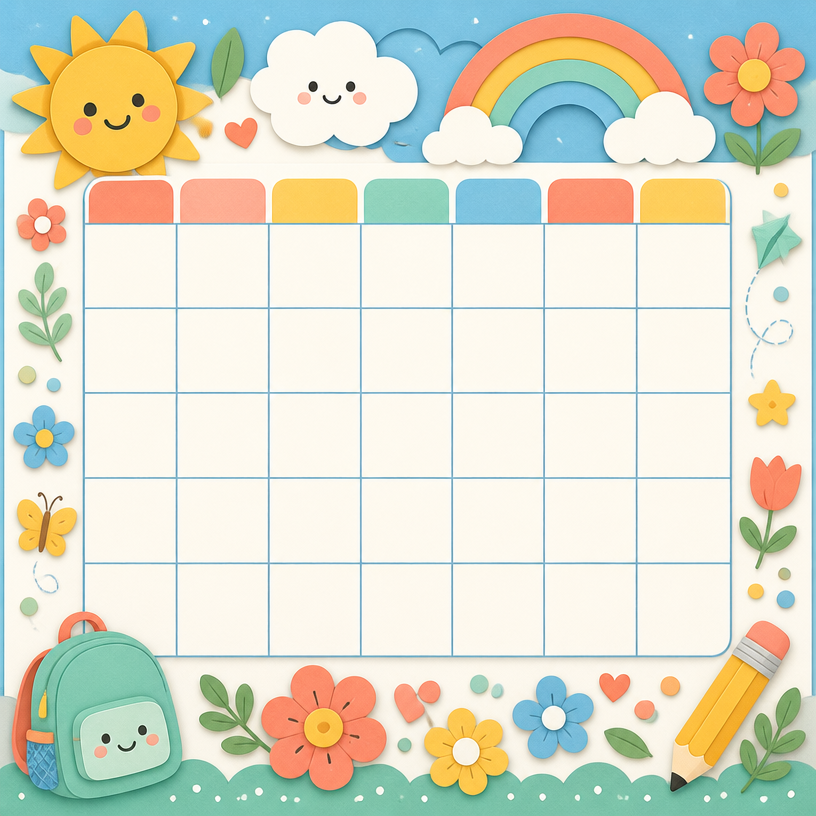
어린이 캘린더

어린이 캘린더

4 prompts

Carat Prompt Gallery

Create trending AI prompts instantly

Prompts

  • Logo
  • PPT Design
  • Thumbnail
  • Poster
  • Web Novel Cover
  • ID Photo
  • Caricature
  • Product Detail Page
  • Banner

Models

  • GPT Image 2
  • Seedance 2.0
  • NanoBanana Pro
  • NanoBanana 2

Carat

  • Get started
  • About
  • Blog
  • Careers
  • Contact
  • Partnership
  • Terms
  • Privacy

© 2026 Paradot.Inc All rights reserved.