Game Character Design
Practical AI image prompts for game character design, available on Carat.
2026.07.21
Haz “Game Character Design” justo como lo quieresCrea tu propio “Game Character Design”
Pídelo en lenguaje natural: Carat genera imágenes y vídeos optimizados para ti.

Empieza ya con 100 créditos gratis al día
게임 캐릭터
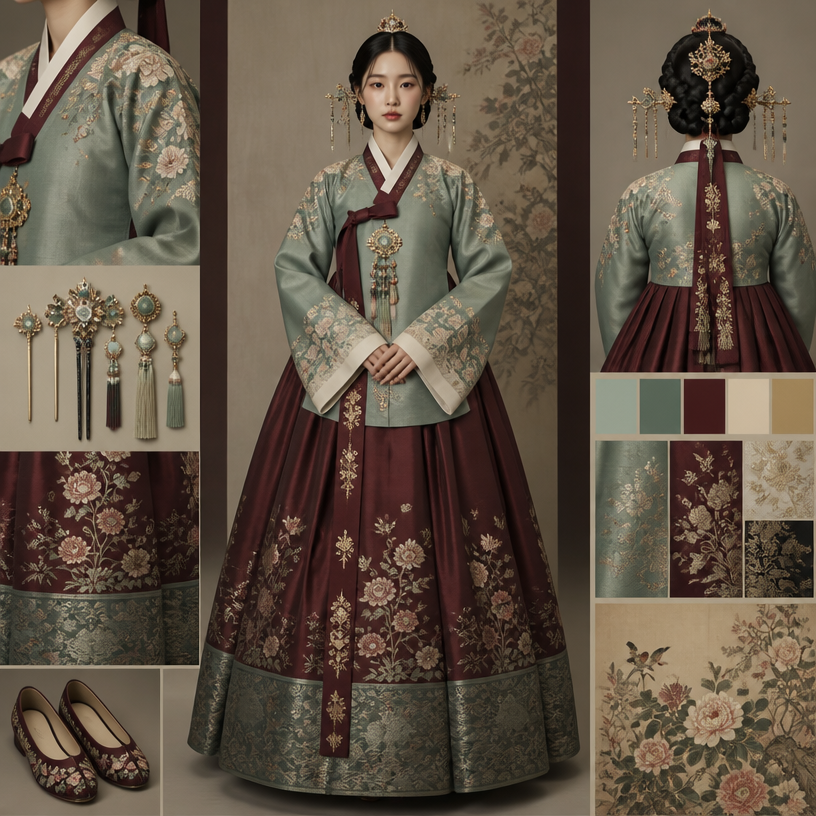
Otome Male Lead Character Promo
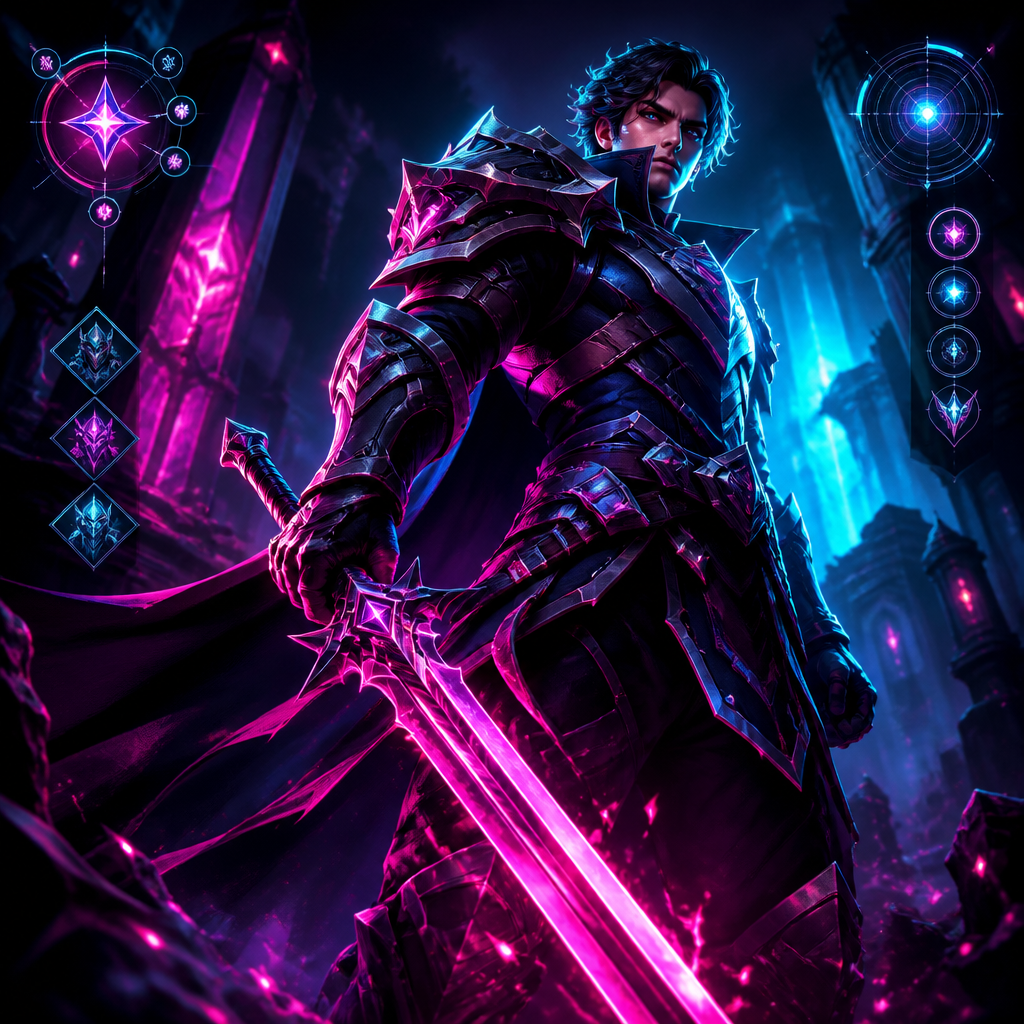
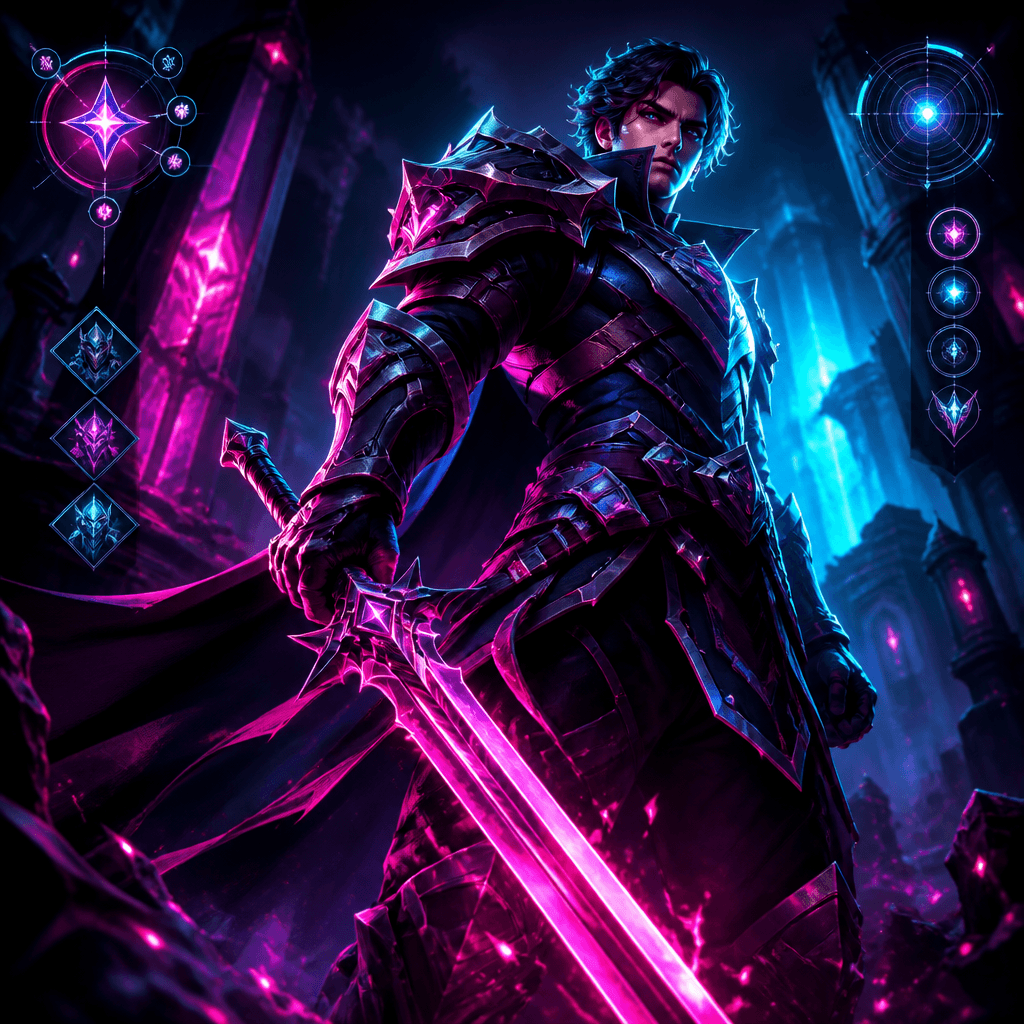
Interactive Game Equipment UI
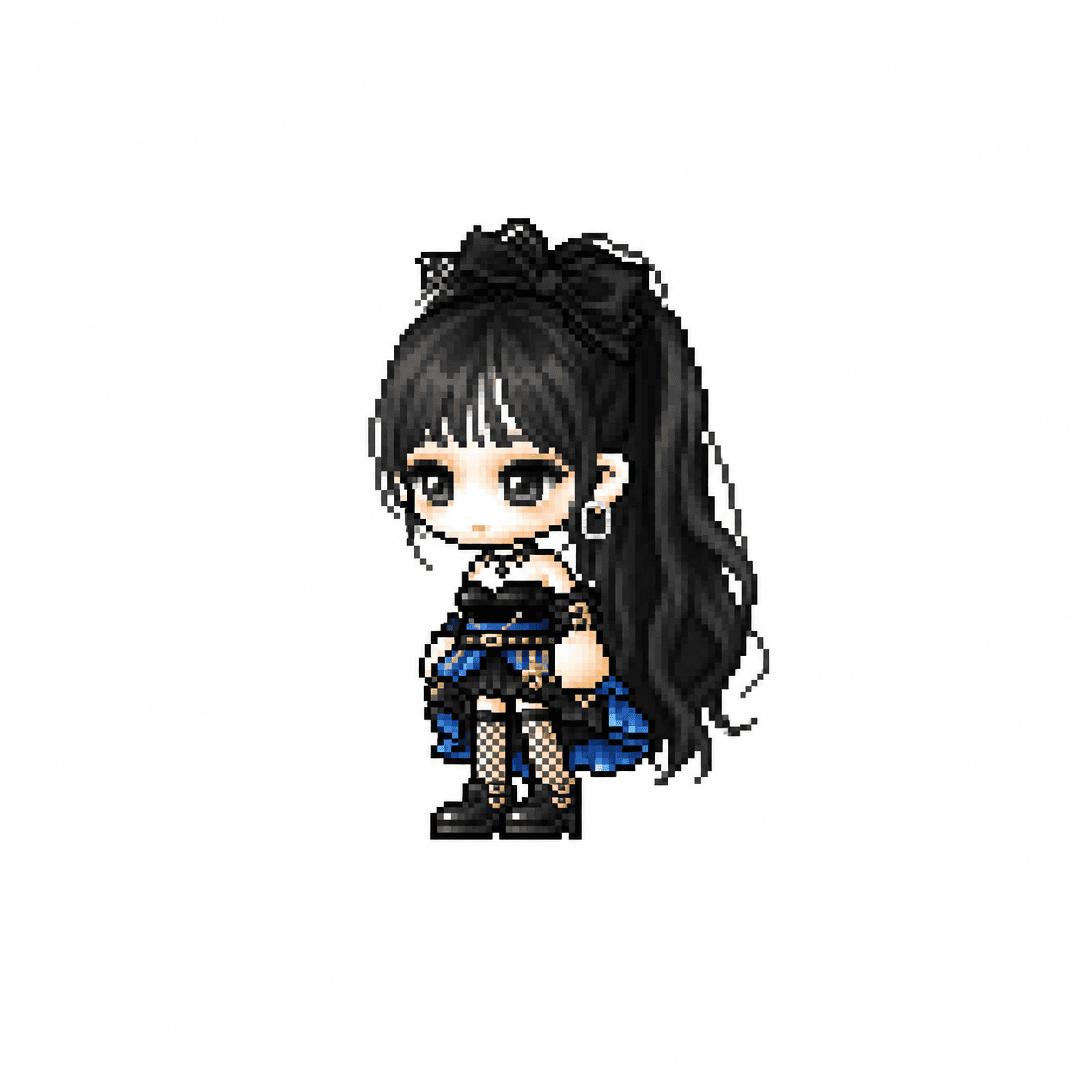
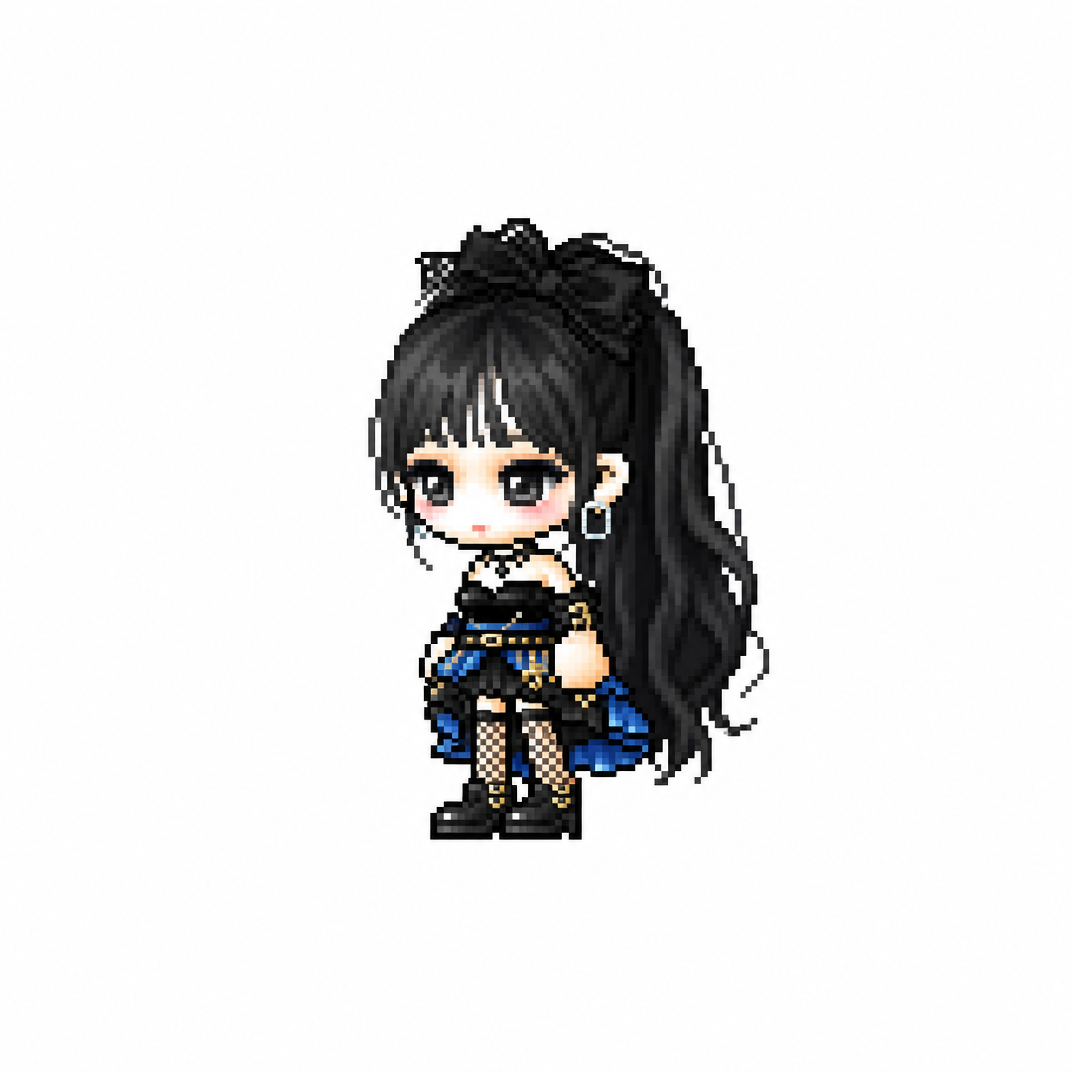
MapleStory Chibi Character
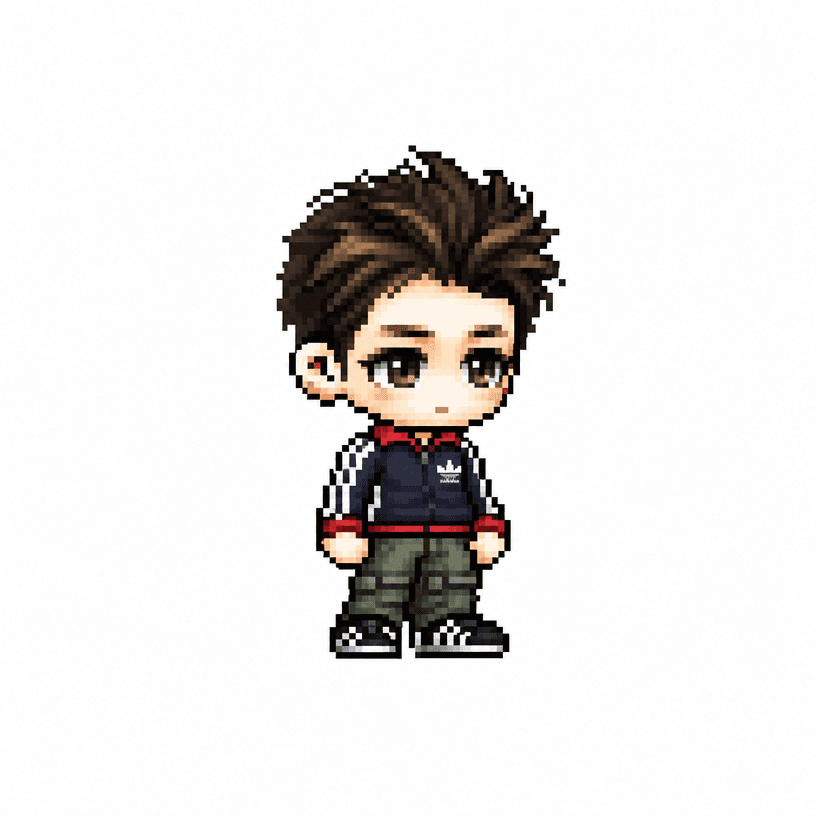
MapleStory Pixel Avatar
What are Game Character Design Prompts?
These AI prompts help design game characters through clear control of silhouette, wardrobe, equipment, expression, and role.
How to use them
Define the character class, abilities, age range, signature prop, palette, and material. Specify full-body views, side views, or expression sheets when they fit your production needs.
Improve the result
Check whether the silhouette reads instantly, colors separate clearly, and equipment communicates the character role. Distinctive hair and accessories also help maintain identity across variations.
Practical applications
Use these prompts for early game concepts, NPC designs, player avatars, pixel characters, and promotional illustrations. Keep the character description stable while changing pose or wardrobe to improve consistency.
Final checklist
Before generating, define genre, role, viewpoint, silhouette, materials, and background contrast. After generation, review hands, equipment structure, bilateral details, and thumbnail readability.