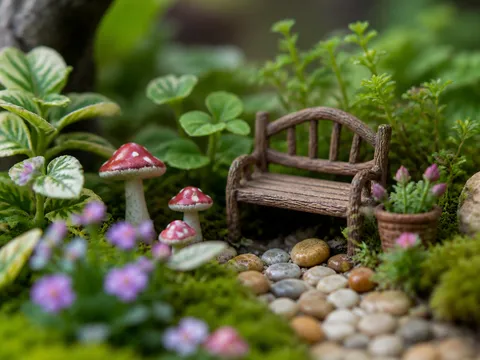
Miniature Diorama
AI miniature diorama prompts you can use right away to build intricately scaled-down scenes like tiny model worlds. Quickly create city models, diorama ads, and handcrafted miniatures.
2026.05.22
Haz “Miniature Diorama” justo como lo quieresCrea tu propio “Miniature Diorama”
Pídelo en lenguaje natural: Carat genera imágenes y vídeos optimizados para ti.

Empieza ya con 100 créditos gratis al día
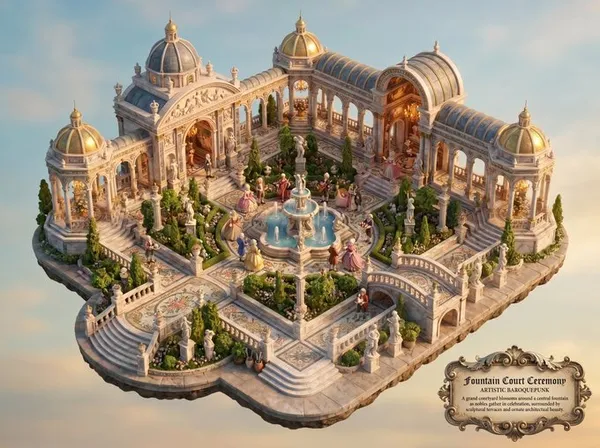
Baroquepunk Royal Garden Miniature
Paper-Cut Pompeii Eruption
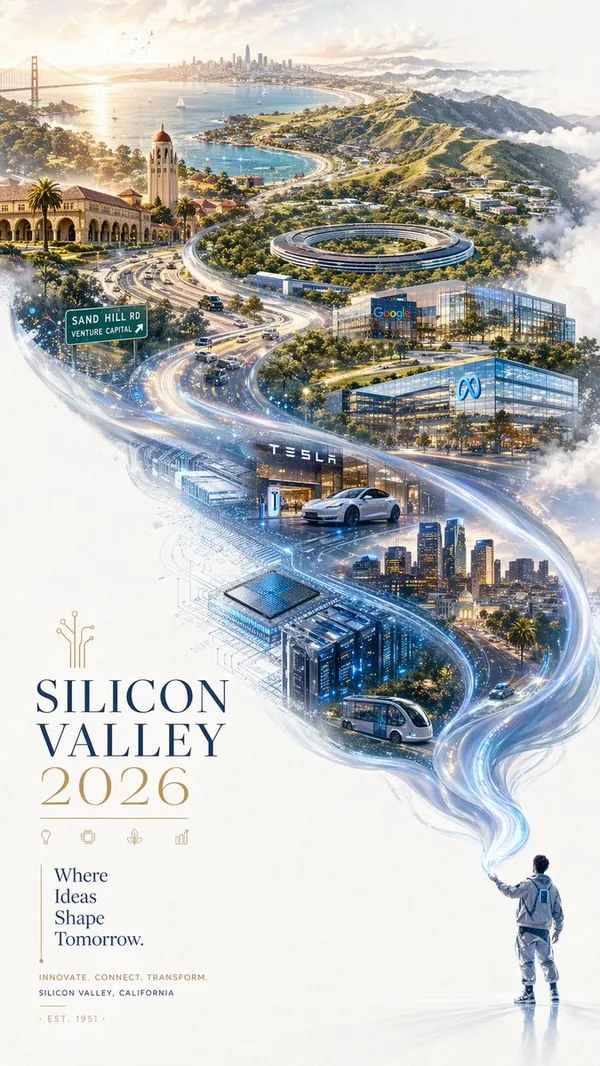
Refined 2026 Silicon Valley City Promotional Poster
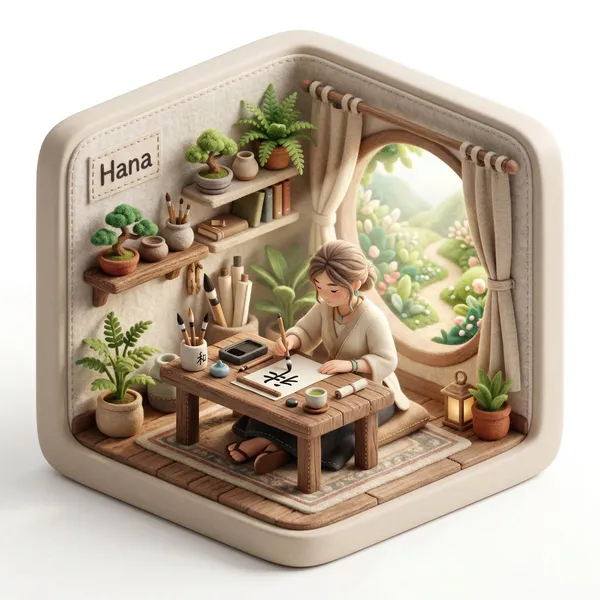
Isometric Diorama Character
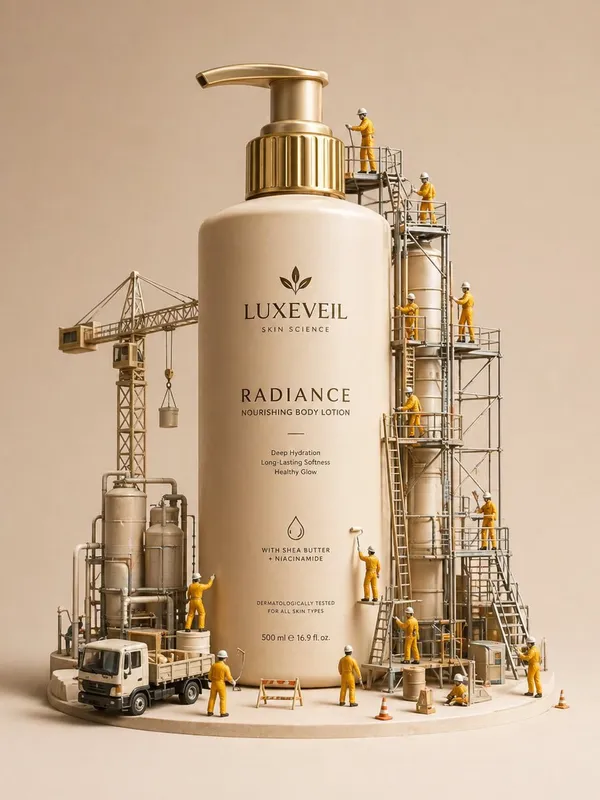
Hyper-realistic Miniature Diorama Product Advertisement
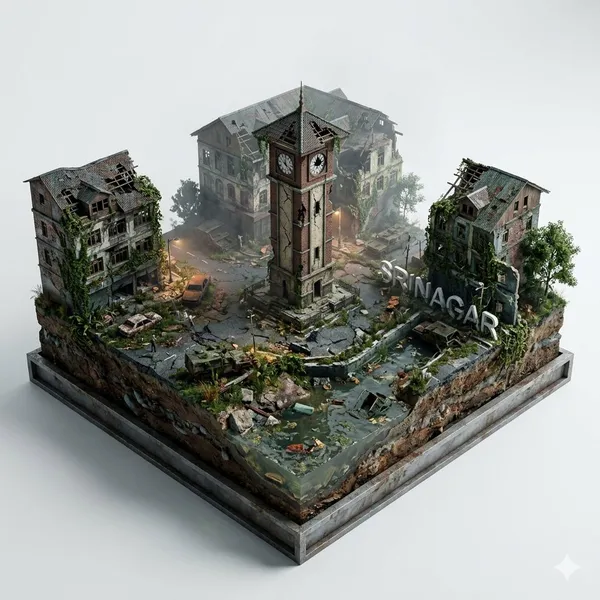
Post-Apocalyptic Miniature Diorama
Miniature Sprite Can House Construction
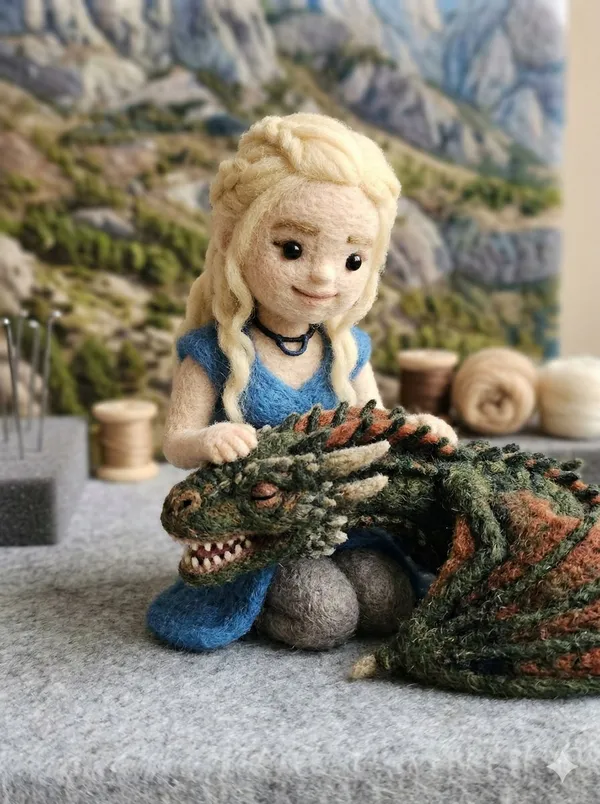
Needle Felt Miniature
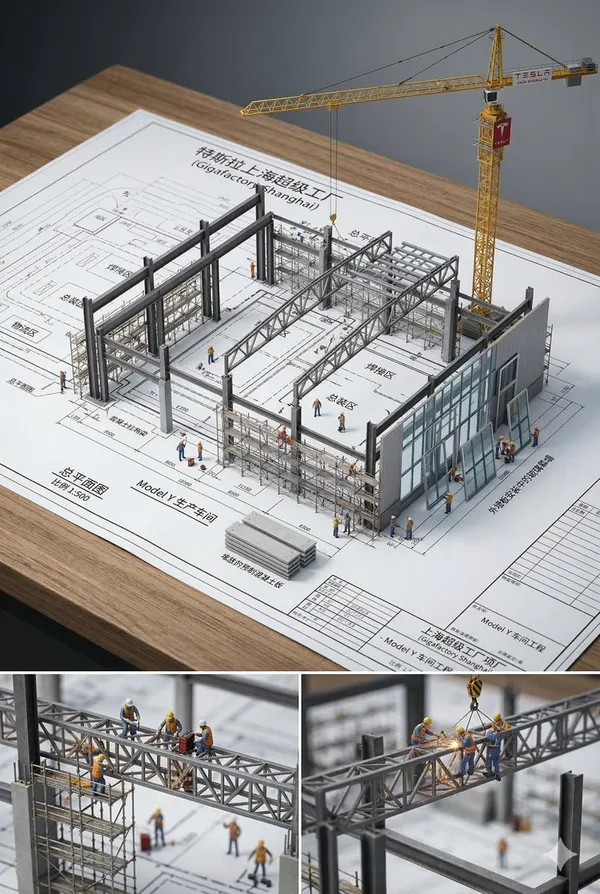
Architectural Blueprint Miniature
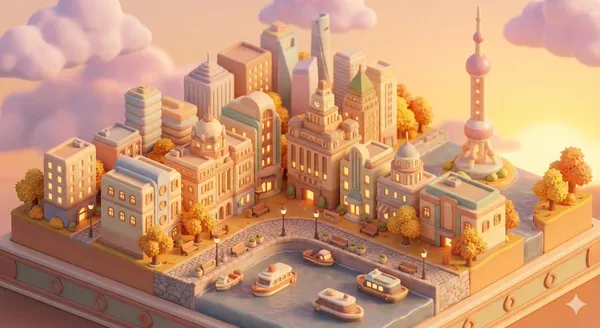
Cute 3D Street Diorama
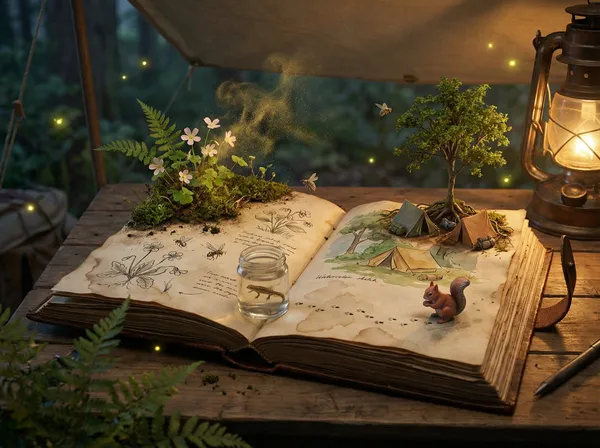
Field Journal Ecosystem Illustration
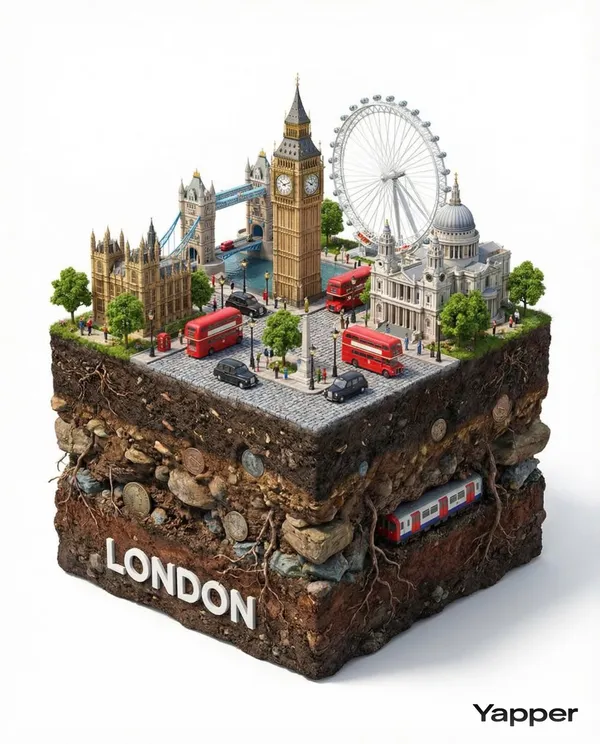
City Cross-Section 3D Diorama
What Are Miniature Diorama AI Prompts?
Miniature diorama prompts are AI prompts for quickly shaping intricately scaled-down scenes like tiny model worlds. In Carat, you can generate images or video with models like GPT Image 2, then keep going with follow-up work such as editing the result, changing the aspect ratio, removing the background, upscaling, or converting to video.
Where You'll Use It
- City and landmark miniature models
- Diorama ads with a product placed inside
- Post-apocalyptic miniature scenes
- Handcrafted felt and paper dioramas
- Isometric miniature illustrations
Why This Tag Is Useful
Miniature diorama work is less about simply making something that looks good and more about its purpose. Because a diorama compresses real scale into something small, the tilt-shift effect, fine detail, and miniature-specific lighting matter most. Designing depth of field along with the density of props gives the impression of a real model being photographed. When choosing a prompt, look first for examples that show the subject, composition, style, text placement, and intended channel together.
Tips for Building Your Prompt
- Decide the channel and aspect ratio the result will be used in first.
- Spell out the key subject, background, lighting, and camera composition.
- If needed, separate out the brand name, product name, and color palette.
- After generating, check for text errors, logo accuracy, and product-shape distortion.
In Carat, once you run a prompt you can refine from the result you like, or continue with follow-up work like changing the aspect ratio, removing the background, or upscaling.
Preguntas frecuentes
Miniature diorama prompts suit building scaled-down scenes like tiny models. They're useful for city models, diorama ads, and handcrafted miniatures.
Yes. Enter the prompt in Carat to generate an image or video, then continue with follow-up work like editing the result, changing the aspect ratio, removing the background, or upscaling.
Yes. Run an example prompt as-is, then just swap in your own brand name, product, colors, and aspect ratio.
Using a reference image alongside makes it more stable. Always check logo and text accuracy after generating.
Yes. Make the ad shot first, then extend it into feature explanations, use scenes, and comparison cuts to use on a detail page.
It's well suited to practical content like ad images, social content, product detail pages, and thumbnails. That said, logos, real people, and copyrighted material need separate checks.
In Carat you can refine from the result, or change the background, ratio, text, or style and regenerate. Narrowing toward a direction you like works better than trying to nail it in one shot.