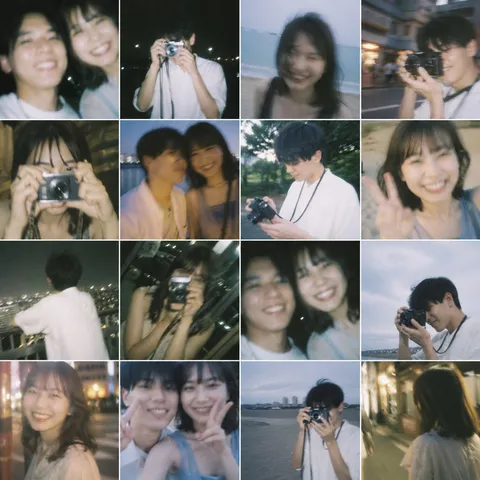
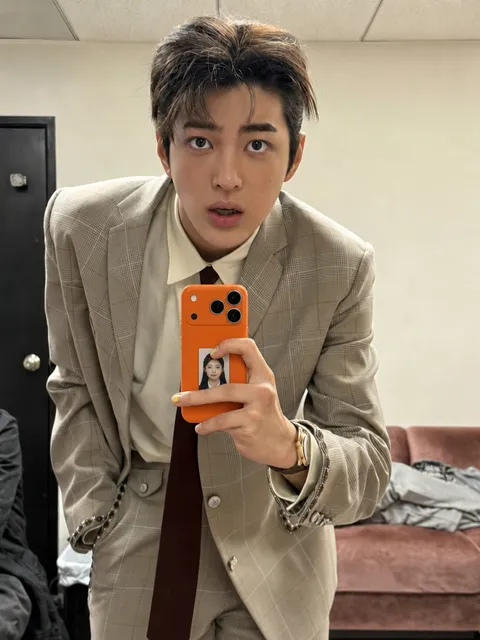
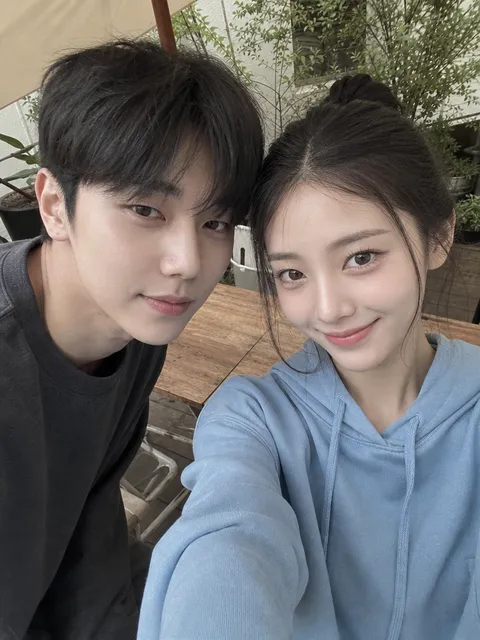
Mirror Selfie
AI prompts for creating mirror selfie scenes with believable reflections, handheld camera energy, and intimate indoor framing. Use them for bedroom mirror selfies with a candid phone-camera feel, character or avatar selfies that look like casual snapshots, and polished visual concepts in Carat.
2026.05.22
Haz “Mirror Selfie” justo como lo quieresCrea tu propio “Mirror Selfie”
Pídelo en lenguaje natural: Carat genera imágenes y vídeos optimizados para ti.

Empieza ya con 100 créditos gratis al día
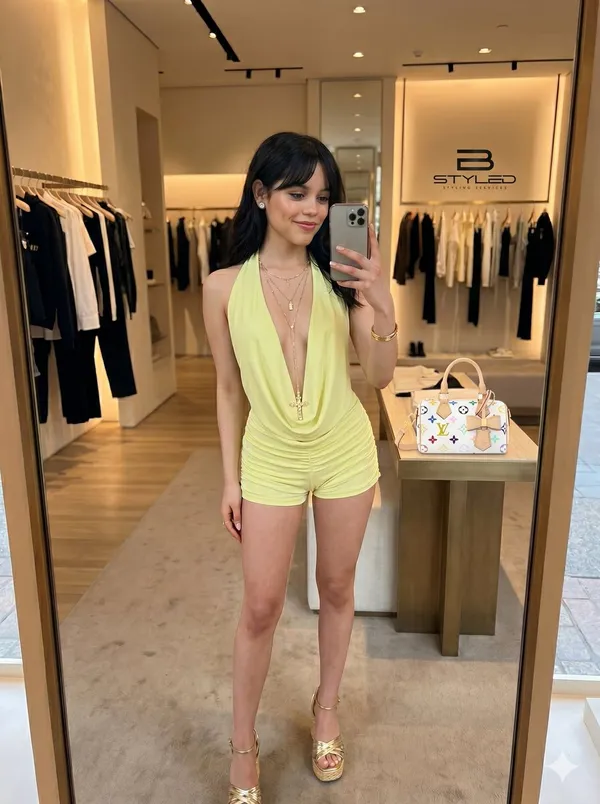
Ultra-Realistic Boutique Mirror Selfie
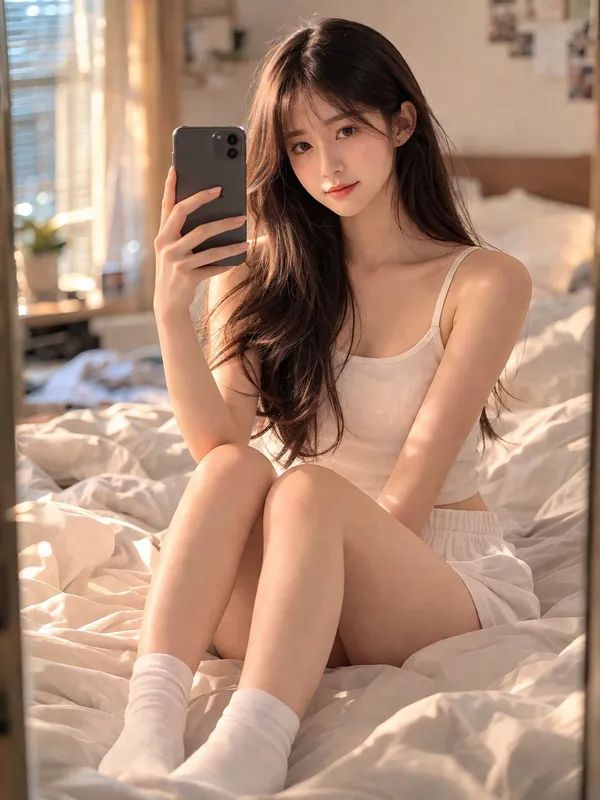
Stunning 18-year-old Chinese Girl
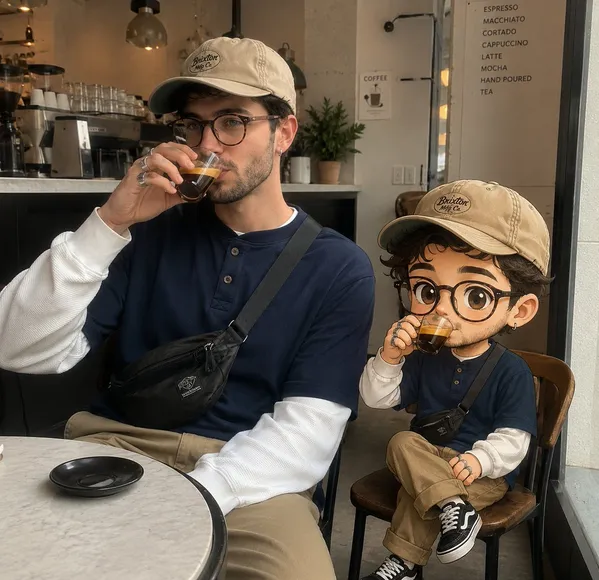
Real-Life Photo with Chibi Cartoon Twin
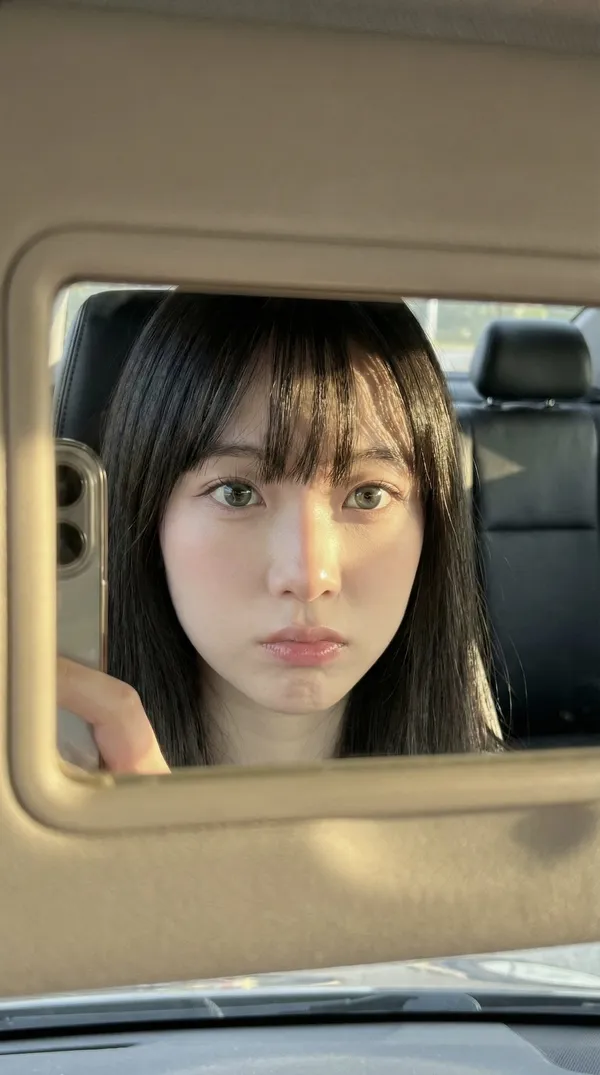
Car Mirror iPhone Selfie
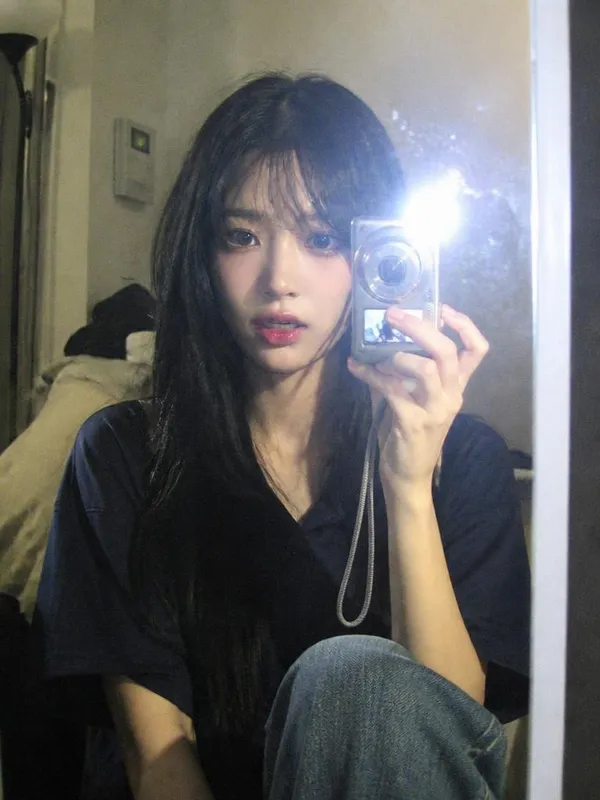
Digital Camera Mirror Selfie
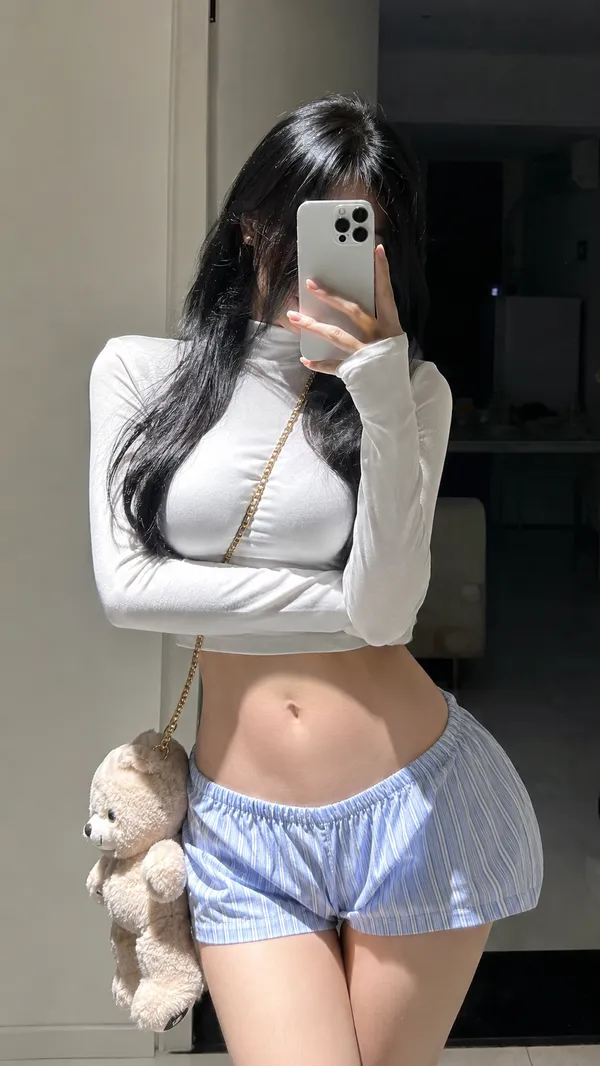
Indoor Mirror Selfie Portrait
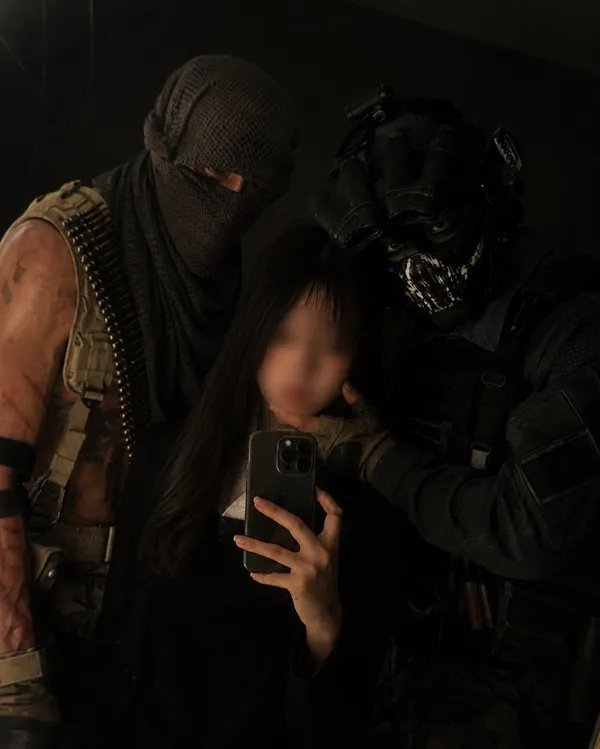
Mirror Selfie with Your Favorite Character
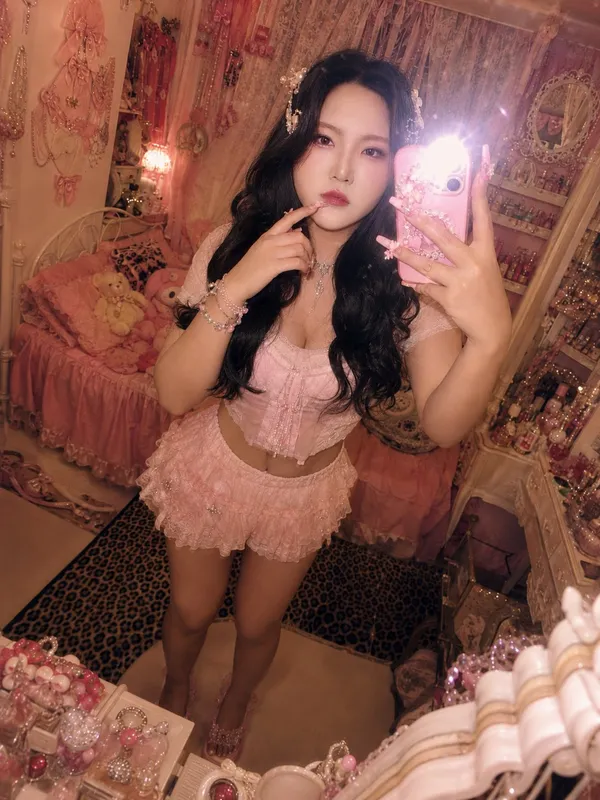
Himegyaru Mirror Selfie
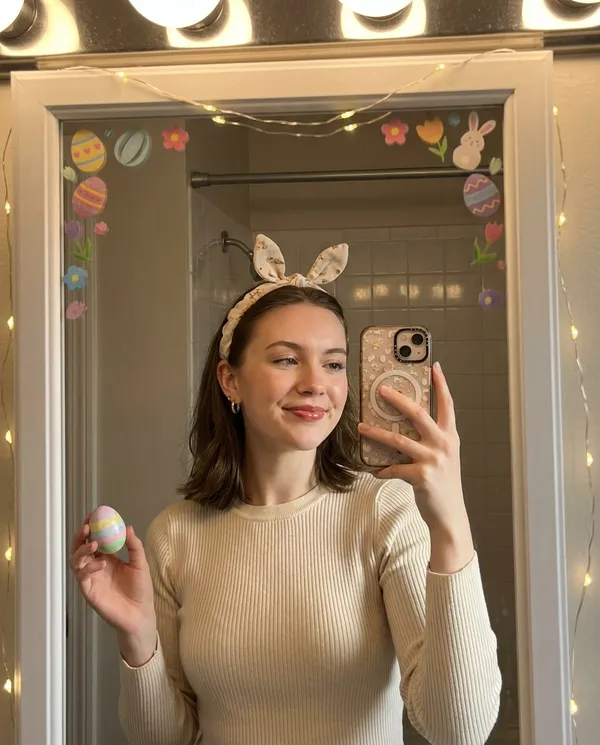
Bunny Ears Selfie
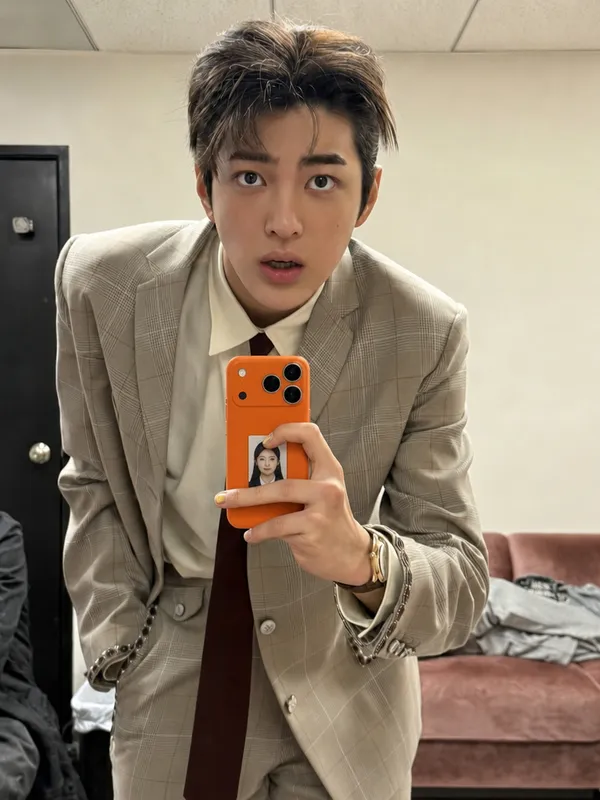
ID Photo in Transparent Phone Case Composite Prompt
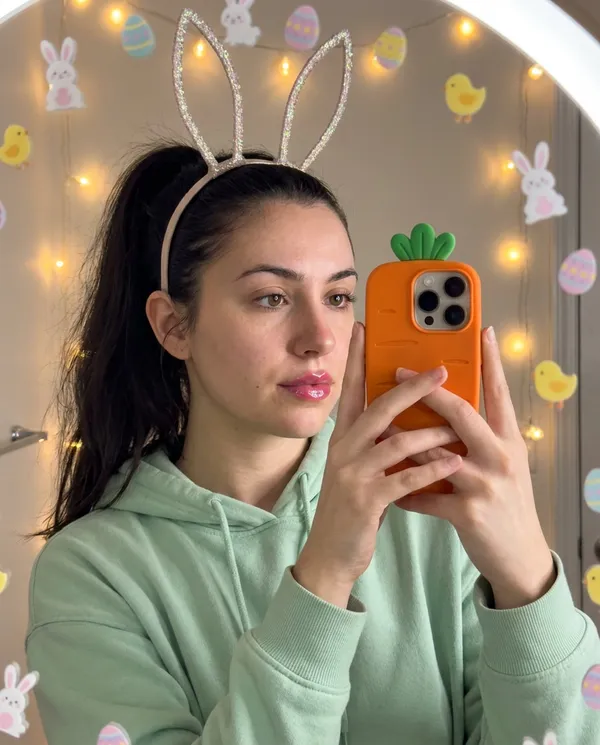
Easter Bunny Selfie
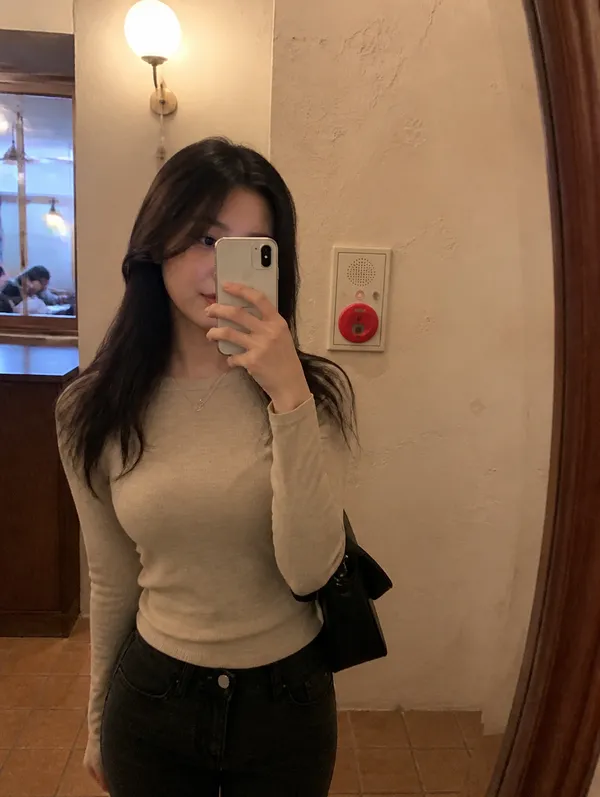
Cafe Mirror Selfie
What Are Mirror Selfie AI Prompts?
Mirror Selfie AI prompts are image prompts for quickly creating photos that look like they were taken in front of a mirror with a phone. Instead of stopping at one pretty image, they lock in the subject, location, lighting, camera framing, mirror reflection, and overall mood all at once. In Carat, you can generate images with models such as GPT Image 2, then continue with follow-up work such as changing the aspect ratio, cleaning up the background, making targeted edits, improving resolution, or converting the still image into a short video.
Where You'll Use It
- natural-looking selfies taken in front of a bedroom or cafe mirror
- photos that look like a snapshot with a favorite character or avatar
- fashion, makeup, and styling shots shown in a mirror composition
- retro 2000s selfies with a compact digital camera or film feel
- moodboards, campaign drafts, profile images, thumbnails, and social posts
Why This Tag Is Useful
Mirror selfies feel far more casual and believable than a polished studio shoot. The handheld phone, the slightly tilted frame, the indoor light, and the mirror reflection all create a lived-in, everyday quality that fits social feeds and profile pictures perfectly. The key to a great result is being specific about the location, lighting, and camera framing so the image reads like a real smartphone photo rather than a glossy CGI render.
Tips for Crafting Prompts
- Start with the main subject and the relationship between the person, the phone, and the camera. Who is where, and how the shot is framed, matters most.
- Add a concrete setting such as a bedroom mirror, bathroom mirror, cafe mirror, or dressing room so the image has a clear, non-flat location.
- Describe lighting and texture with visible words like phone flash, low room light, soft shadows, and reflected highlights instead of broad style terms.
- Control the shot with cues like handheld phone framing, a slight tilt, and a realistic mirror reflection, and ask for a slightly imperfect smartphone texture rather than heavy retouching so it looks real.
Because changing the person, outfit, location, time of day, or color palette produces a completely different mood, one mirror selfie prompt can cover many looks. After the first result in Carat, ask for a targeted revision such as softer lighting, a darker background, a vertical crop, or cleaner faces and hands to move from one prompt to several usable variations.
Preguntas frecuentes
They are used to quickly create photos that look like they were taken in front of a mirror with a phone, such as bedroom or cafe mirror selfies, snapshots with a favorite character or avatar, and fashion or makeup shots in a mirror composition. They fit image work where location, lighting, framing, and mood all matter.
Yes. You can run them in Carat with image models such as GPT Image 2, then continue with follow-up edits like changing the aspect ratio, refining the background, improving image quality, or turning the image into a short video.
It depends on the prompt. Prompts that keep your own face while restyling the selfie need one reference photo of the person, while prompts that generate a new subject work from text alone. Check each prompt description to see whether a photo is required.
For still images, GPT Image 2 is a strong default because it handles realistic composition, lighting, and detailed instructions well, and you can reuse the result as a reference for a video model. If you want ultra-realistic, high-resolution smartphone texture, some prompts use Nano Banana Pro.
Keep the core framing, then adjust details such as a bedroom mirror, bathroom mirror, cafe mirror, or dressing room, phone flash, low room light, soft shadows, and handheld phone framing. Small changes to lighting, pose, background, or camera distance usually produce a more controlled result than rewriting the whole prompt.
State that you want to avoid heavy retouching and a CGI look, and add phrases like a slightly imperfect smartphone photo texture, natural indoor lighting, and subtle hand blur. Asking for lived-in lighting instead of flawless studio light makes the image read more like a real selfie.
You can use them for concept images, social posts, thumbnails, campaign drafts, and moodboards. For commercial use, review brand rights, recognizable people, copyrighted characters, logos, and platform policies before publishing.