Saltar al contenido principal

Newsletter Template

Practical AI prompts and layout guidance for creating a newsletter template.

2026.07.16

Haz “Newsletter Template” justo como lo quieresCrea tu propio “Newsletter Template”

Pídelo en lenguaje natural: Carat genera imágenes y vídeos optimizados para ti.

Empieza ya con 100 créditos gratis al día
·
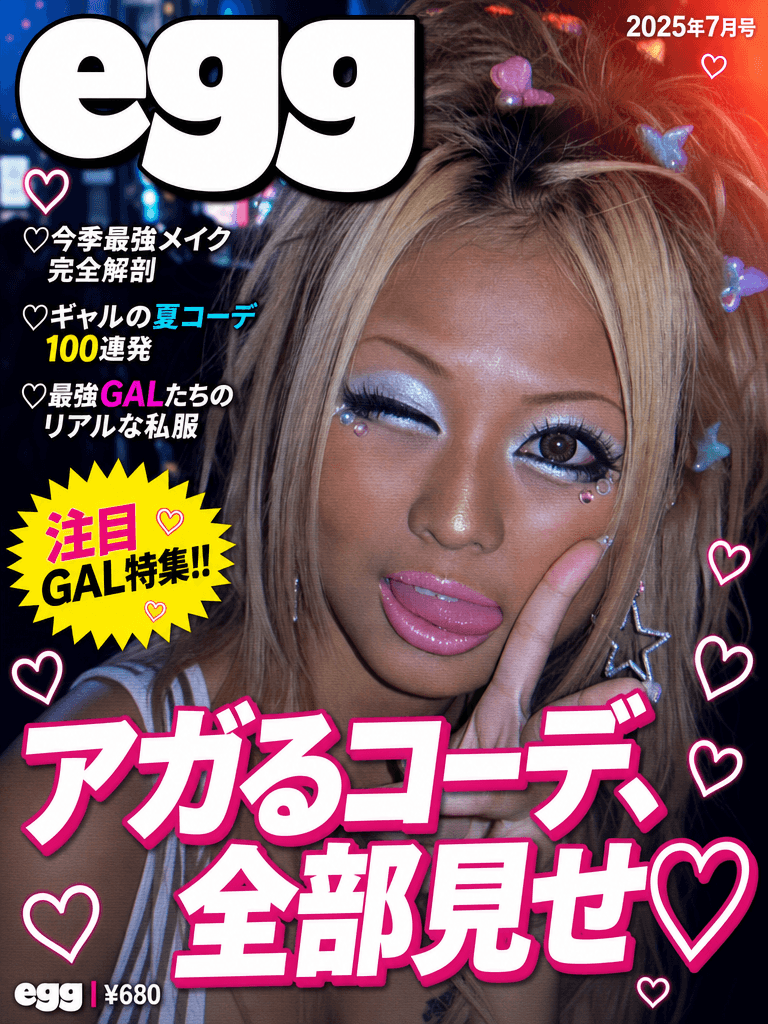
AI-generated egg Gyaru magazine cover made with GPT Image 2

egg Gyaru Magazine Cover

GPT Image 2· Imagen
Search the web for egg magazine Japan gyaru logo or egg エッグ 雑誌 ロゴ to find the actual egg magazine masthead. Create a Japanese gyaru fashion magazine cover in the style of egg (エッグ) magazine. IMAGE ROLES: Image 1 is the SUBJECT PHOTO. Must appear EXACTLY as-is — preserve 100%, zero modifications to face, skin, hair, makeup, or clothing. EGG LOGO: Recreate the egg magazine masthead logo based on the web reference. Position: TOP-LEFT corner, large (~35-40% of cover width). White fill with thin black outline and subtle drop shadow. Slightly overlapping into the photo. COVER DESIGN: Subject photo as full-bleed background, completely unchanged. egg logo in top-left corner. Upper right: 2025年7月号 in small white text. Lower section large bold white text with magenta drop shadow (#E6007E): アガるコーデ、全部見せ♡. Left column in white: ♡今季最強メイク完全解剖 / ♡ギャルの夏コーデ100連発 / ♡最強GALたちのリアルな私服. Yellow starburst (#FFED00): 注目GAL特集!! Footer: egg | ¥680. Small hearts scattered throughout empty space. Color palette: Yellow #FFED00 / Magenta #E6007E / White #FFFFFF / Cyan #00ADEF. All text has outline or drop shadow. Text NEVER covers the subject face. ALL Japanese must be grammatically correct. Output: portrait 3:4 ratio.
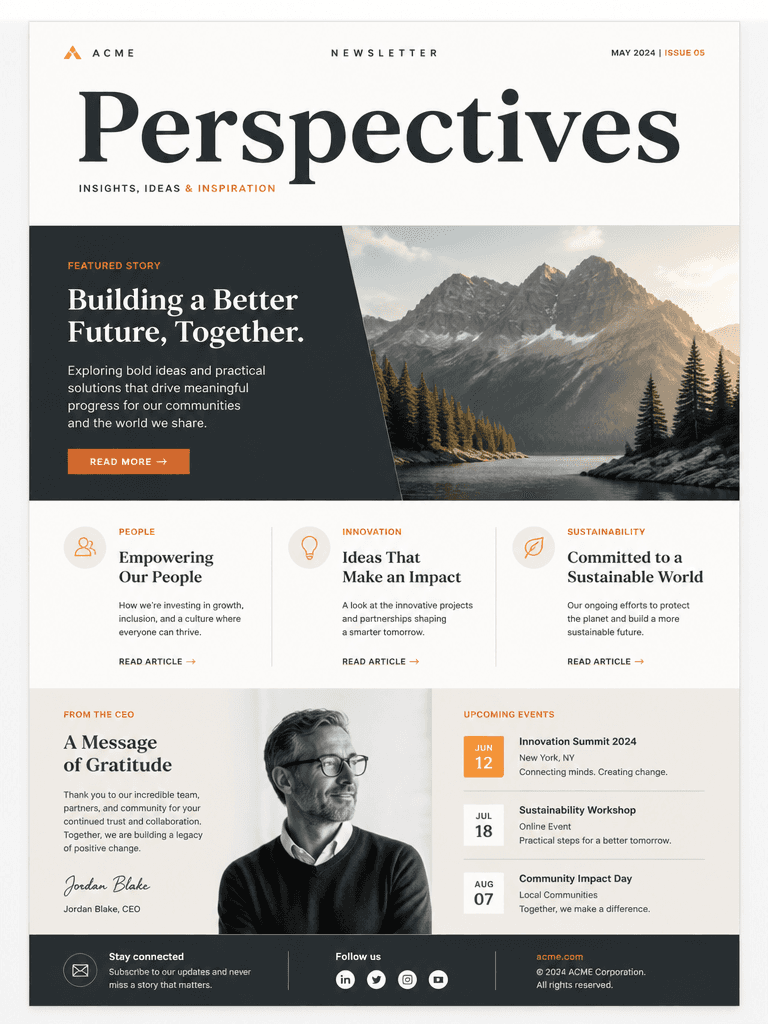
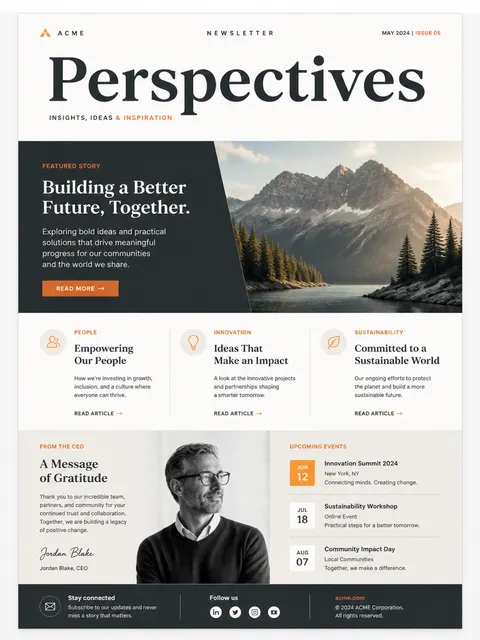
AI-generated Newsletter Design made with GPT Image 2

Newsletter Design

GPT Image 2· Imagen
A modern newsletter design template with elegant typography layout, featuring a hero image placeholder, headline text blocks, and article sections, clean grid-based composition, muted color palette with accent orange, professional publication design, high-quality mockup presentation
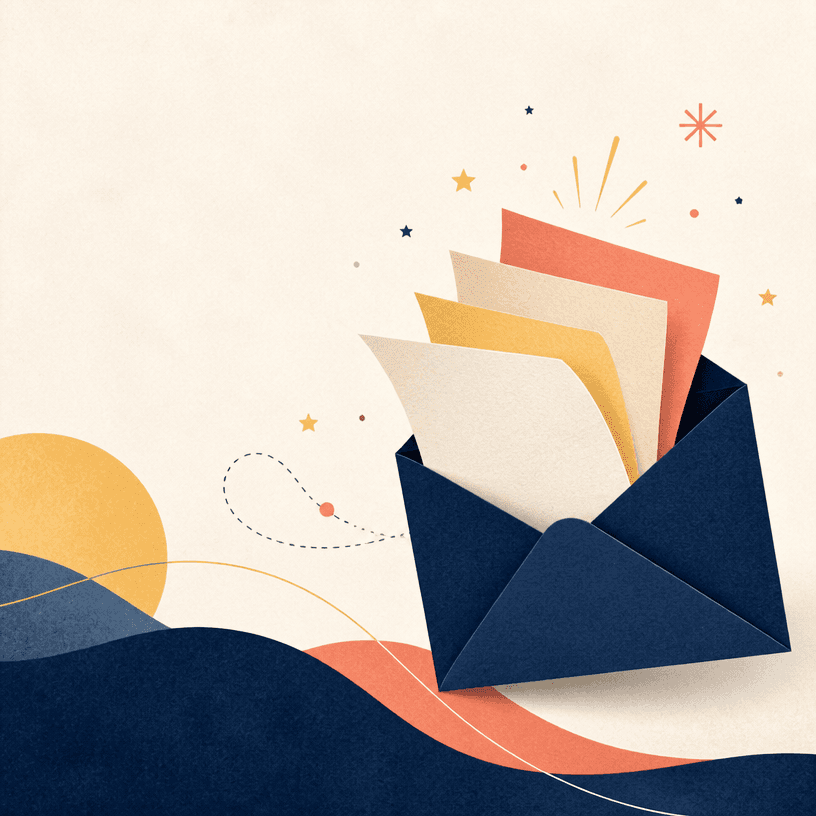
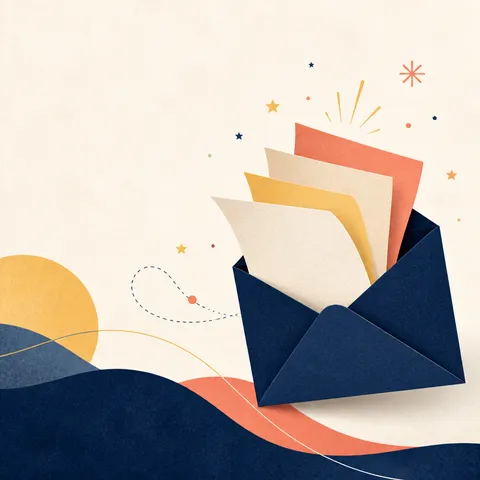
AI-generated Newsletter Header made with GPT Image 2

Newsletter Header

GPT Image 2· Imagen
Square editorial newsletter header artwork with an open envelope releasing layered paper sheets, small stars and abstract idea sparks, refined navy, butter yellow and coral palette, subtle paper grain, generous negative space, clean contemporary publication design, balanced horizontal visual flow adapted within a square canvas. No readable text, no letters, no logo, no watermark.

Role of a newsletter template

A newsletter template is the reusable structure that keeps changing content inside one brand experience. It helps readers find the publication name, lead story, secondary items, and call to action quickly in every issue.

Build a content hierarchy

Place the masthead and lead story first, followed by supporting articles and short updates. Do not give every block equal weight; make the most important story of the issue visually dominant.

Brand and accessibility

Keep the logo, colors, and button treatment consistent while maintaining strong text contrast. Prepare a natural one-column mobile layout, generous tap targets, and alt text so the message still works without images.

Write the AI prompt

Specify the masthead, featured story, card count, update strip, signup button, and footer. Request blank text areas for titles and dates, then enter accurate copy in the email editor.

Test before sending

Check the subject, preheader, links, unsubscribe path, and image alt text. Review desktop and mobile previews, then send a test to confirm line breaks and buttons across major clients.
Preguntas frecuentes