Saltar al contenido principal

Party Poster
Generate AI images with Party Poster prompts.
2026.07.10
Haz “Party Poster” justo como lo quieresCrea tu propio “Party Poster”
Pídelo en lenguaje natural: Carat genera imágenes y vídeos optimizados para ti.
Empieza ya con 100 créditos gratis al día
·
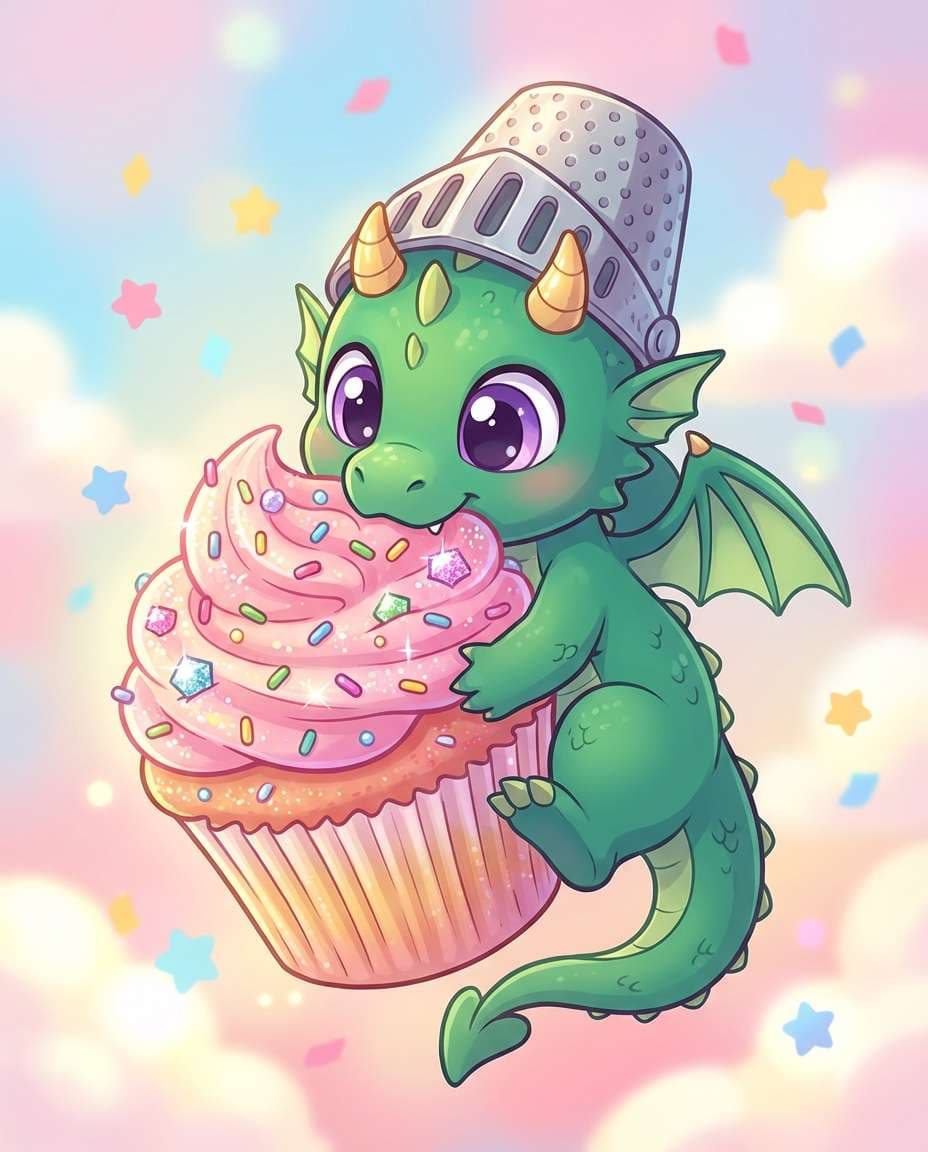
Baby Dragon Cupcake Character
Nano Banana 2· Imagen
Cute cartoon illustration of a tiny baby dragon guarding a cupcake like treasure, big eyes, tiny horns, sprinkles and frosting details, pastel background with confetti stars, clean outline, soft cel shading, whimsical and funny mood, highly detailed dessert textures, 85mm lens, shallow depth of field, soft cinematic lighting --ar 4:5
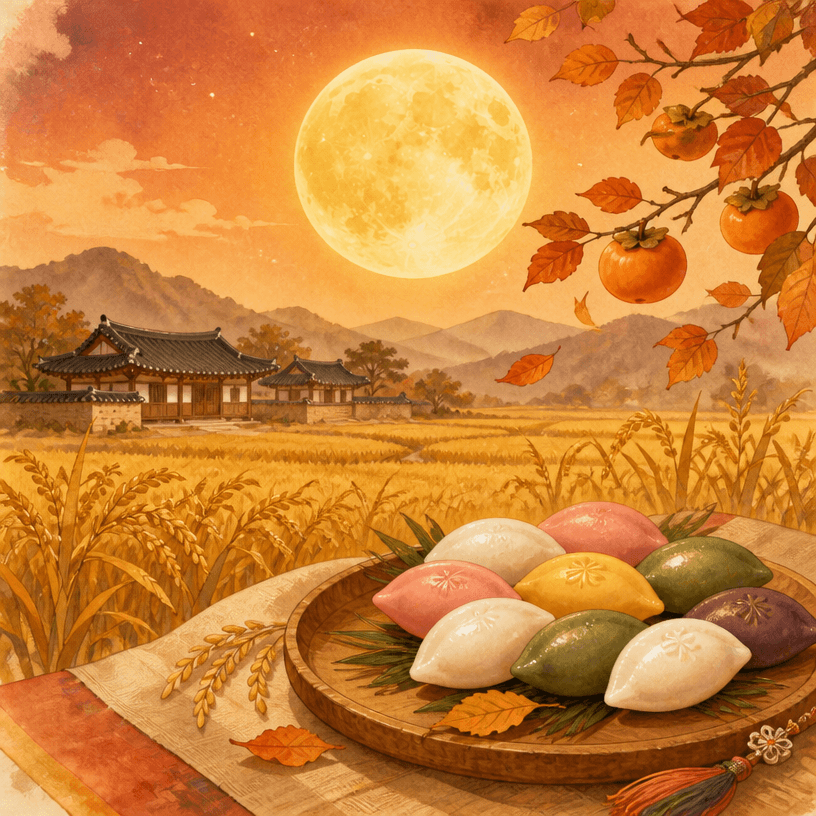
Chuseok Card
GPT Image 2· Imagen
A Korean Chuseok greeting card design, full moon rising over golden rice paddies, traditional songpyeon rice cakes arranged on a wooden plate, warm autumn color palette with deep orange and gold, elegant Korean holiday celebration aesthetic, soft watercolor illustration style. No text, no watermark.
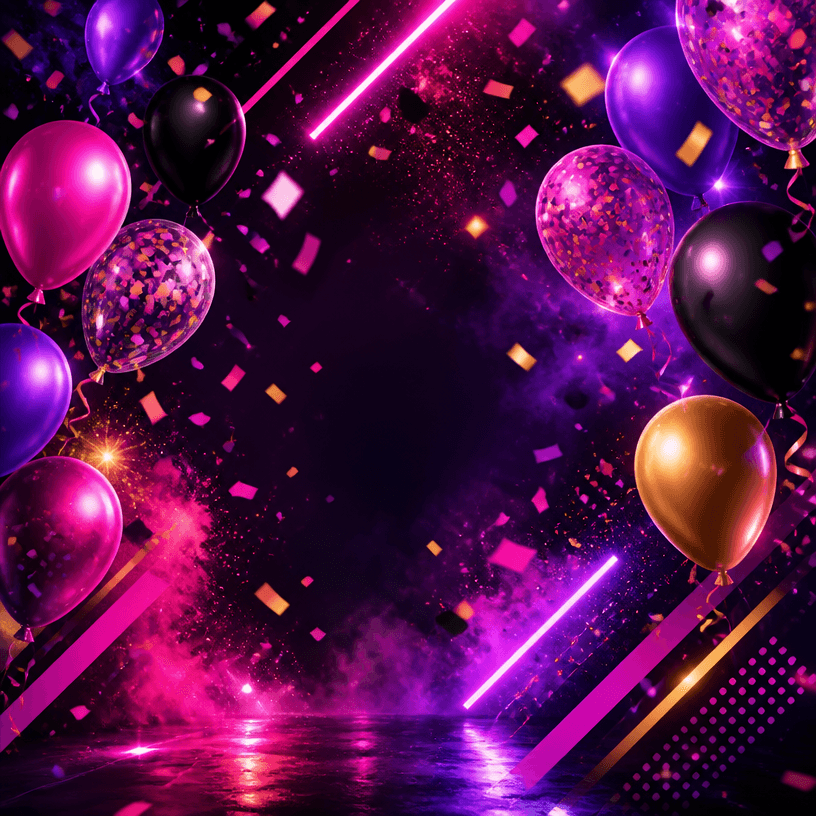
Party Poster
GPT Image 2· Imagen
A vibrant party event poster design, colorful confetti and balloons floating against a dark background, neon glow accents in pink and purple, dynamic diagonal composition, celebratory nightlife atmosphere, modern graphic design style. No text, no watermark.
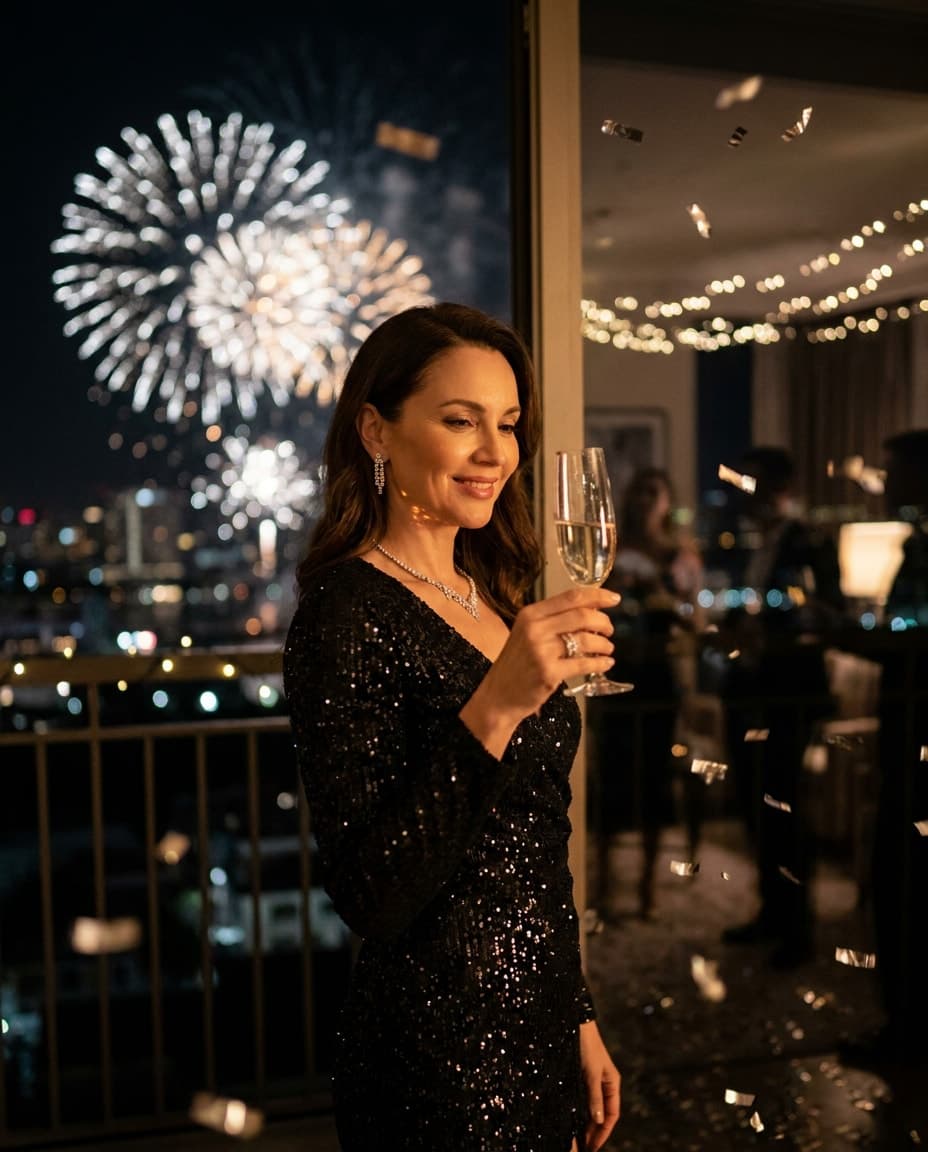
Champagne Fireworks Party Portrait
Nano Banana Pro· Imagen
Elegant portrait of a woman in a black sequin dress holding a champagne flute, glitter confetti falling, massive fireworks behind her through a balcony window, soft key light on face, shot on Sony A1, 85mm f/1.4, vertical half-body framing, luxe editorial lighting, realistic reflections on sequins, photorealistic skin with subtle highlight, high-end party atmosphere --ar 4:5
What are Party Poster Prompts?
Text instructions for AI image generation.
How to Use
- Copy prompt. 2. Paste into Carat. 3. Modify. 4. Download.
Tips
Specify lighting, texture, composition.
Optimization
Add "No text, no watermark".