Product Brochure
Product brochure prompts for explaining features, use cases, specifications, and differentiators clearly.
2026.07.17
Haz “Product Brochure” justo como lo quieresCrea tu propio “Product Brochure”
Pídelo en lenguaje natural: Carat genera imágenes y vídeos optimizados para ti.

Empieza ya con 100 créditos gratis al día
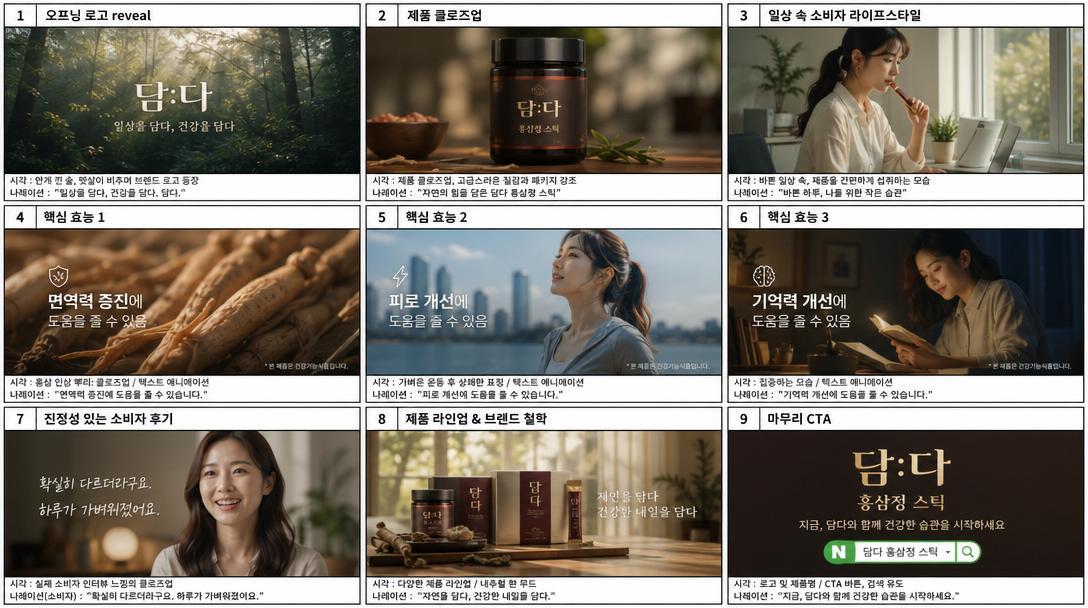
Panel Korean Product TVC Storyboard
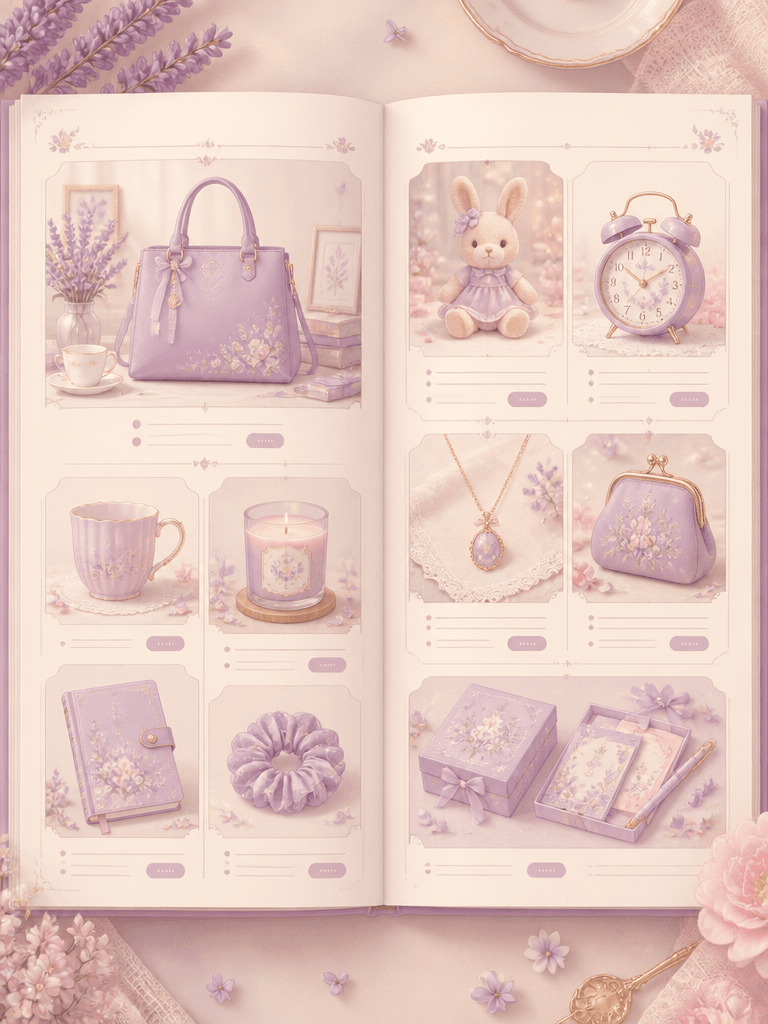
Product Catalog
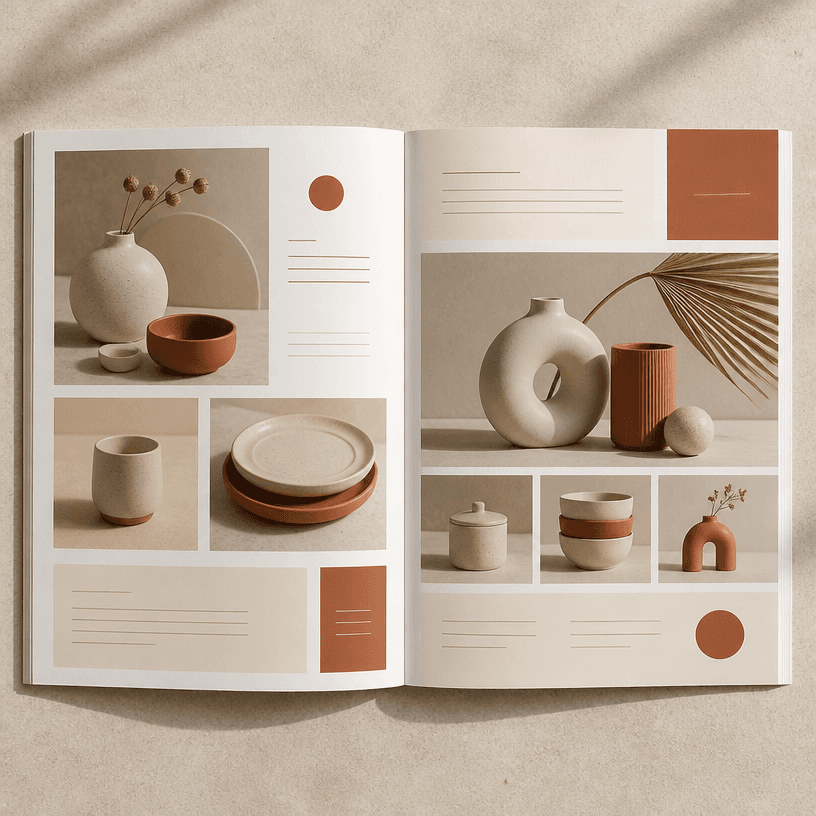
Catalog
What are product brochure AI prompts?
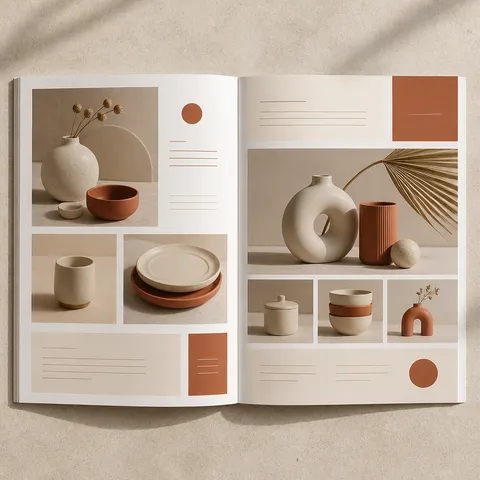
A product brochure organizes the features, audience, differentiators, and practical details that help someone understand a product and make a decision. Unlike a single advertising image, a brochure should explain what problem the product addresses, how it is used, and which evidence supports its value. Include the product category, customer, feature priority, document format, information density, and visual tone in the prompt to guide the layout.
Useful applications
Product brochures support launches, sales meetings, ecommerce detail pages, distributor proposals, trade-show handouts, and internal training. For one product, separate the hero view from feature explanations. For a range, keep shared specifications and comparison points in the same order across products. If price, dimensions, package contents, usage instructions, or contact information matter, give them clear information blocks instead of hiding them inside decorative imagery.
What to include in a prompt
Describe the product name, category, target customer, use environment, core functions, materials, dimensions, package contents, and strongest benefit. State whether the output is an A4 brochure, presentation slide, mobile product page, or handout because each format needs a different ratio and density. Also specify whether the product should appear alone, in use, or beside a diagram and feature callouts.
Build a persuasive structure
Open with the product name and one concise benefit. Then connect a customer problem to the proposed solution before grouping the most important features. Use a real-use scene or comparison table to make abstract claims concrete. Keep brand colors as controlled accents and preserve contrast between the product and its background so information remains easy to scan.
Review before publishing
Verify product names, dimensions, measurements, certifications, prices, and performance claims against approved source material. Generated product shapes, buttons, labels, and logos may not match the real object, so the visual must not replace technical documentation. When comparing models, use the same conditions and units throughout. Finally, check tables, small type, and call-to-action details on the actual mobile or print output.
Preguntas frecuentes
An ad image focuses on attention and mood, while a brochure explains features, specifications, use, and decision-making information in a structured way.
Include the product name, primary benefit, key features, audience, usage, specifications, package contents, and a purchase or contact path.
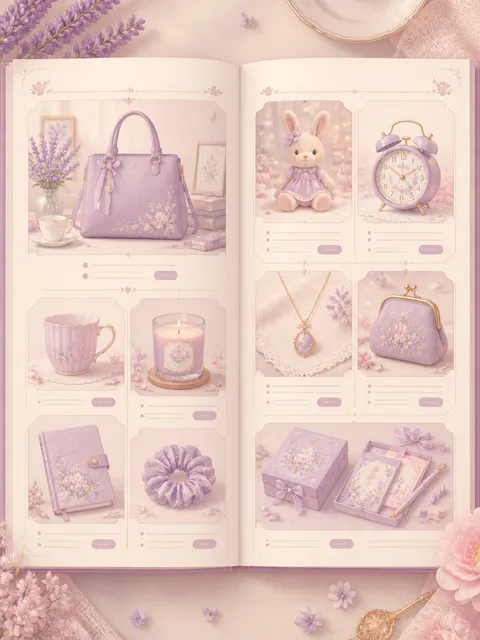
Yes. For multiple products, use consistent fields and grids so readers can compare differences while still seeing a representative image for each item.
AI images can change shapes, controls, labels, or logos. Compare the result with approved photos and drawings before using it in a product communication.
Name the intended medium, such as an A4 brochure, presentation, mobile product page, or trade-show handout, along with its ratio.
It is clearer to group the highest-priority features and assign one main message per page, moving detailed specifications to a table or later section.
Check names, measurements, certifications, prices, usage instructions, performance claims, logos, copy accuracy, and readability in the final medium.