Animated Character GIF
Explore prompts and practical ideas for creating animated character GIFs with expressive motion, stable identity, and seamless loops.
2026.07.13
Fais « Animated Character GIF » exactement comme tu veuxCrée ton propre « Animated Character GIF »
Demande-le simplement — Carat génère pour toi des images et des vidéos optimisées.

Commence maintenant avec 100 crédits gratuits par jour
Cute Earth Character
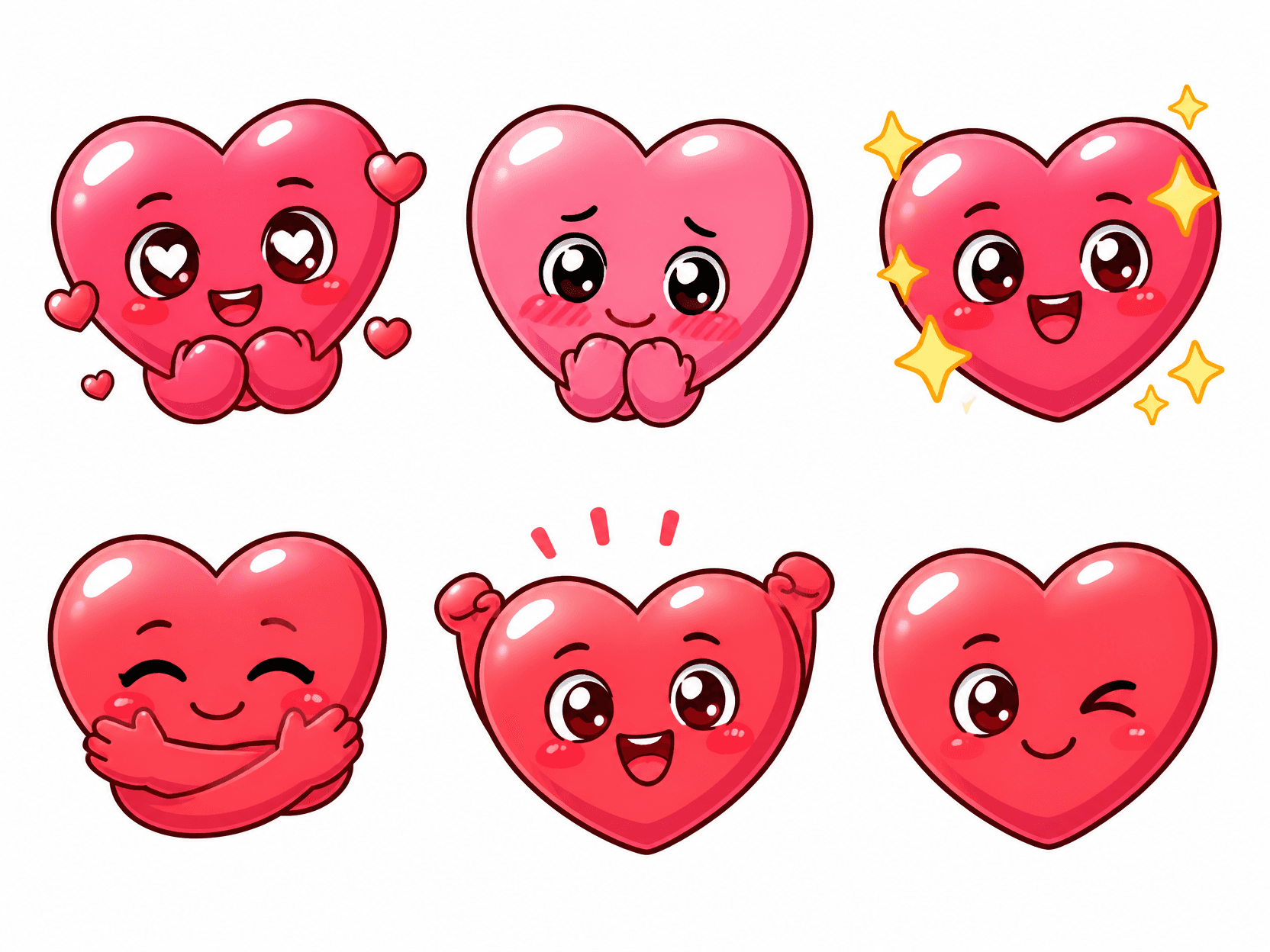
Heart Emoticon Sticker Set
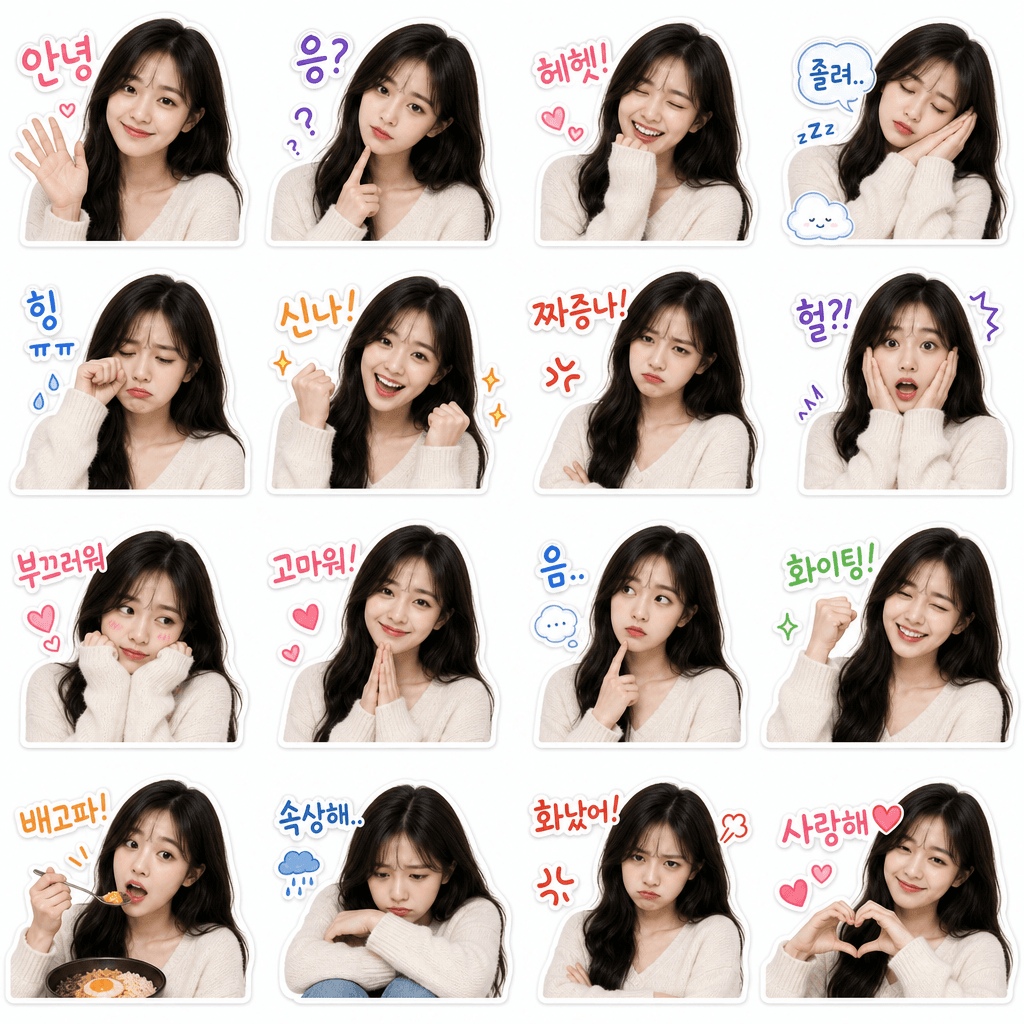
My Face KakaoTalk Emoticon Set
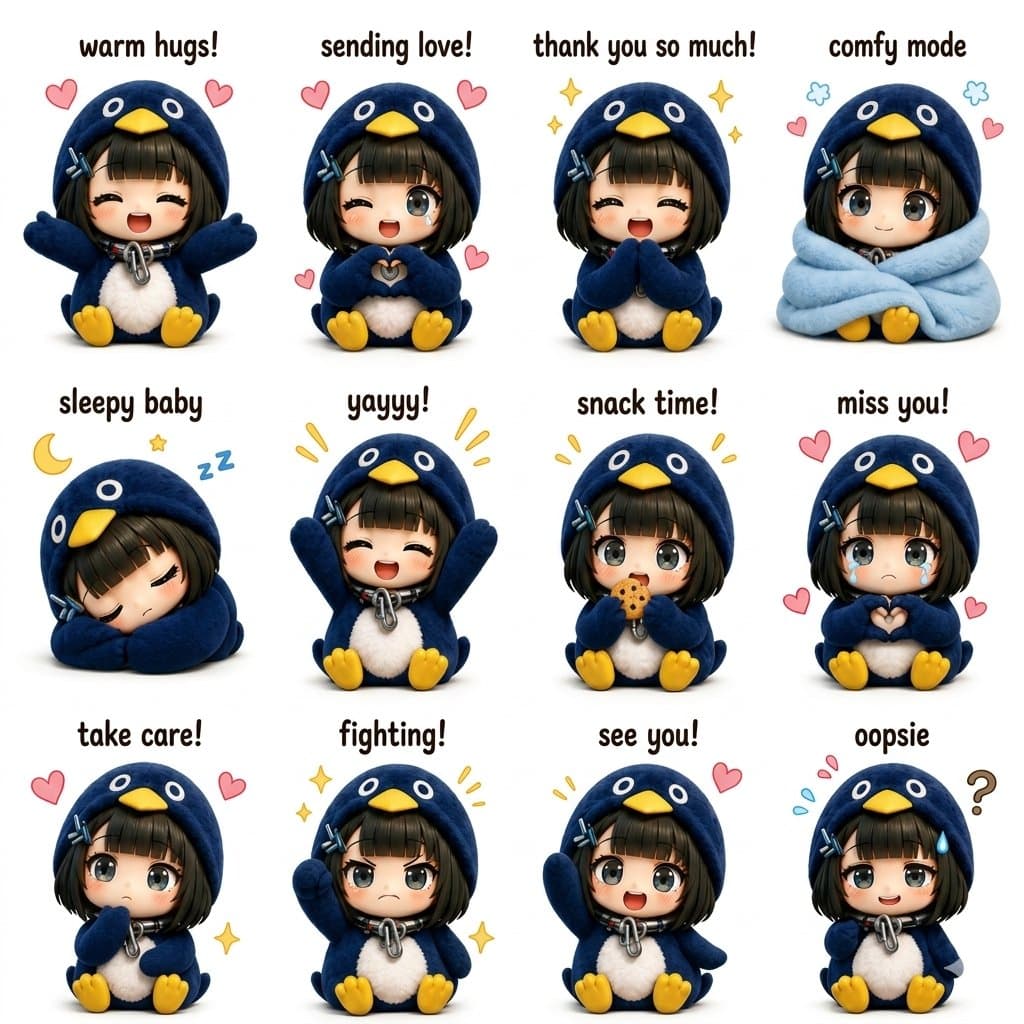
Kawaii Chibi Sticker Sheet
Dog Emoticon
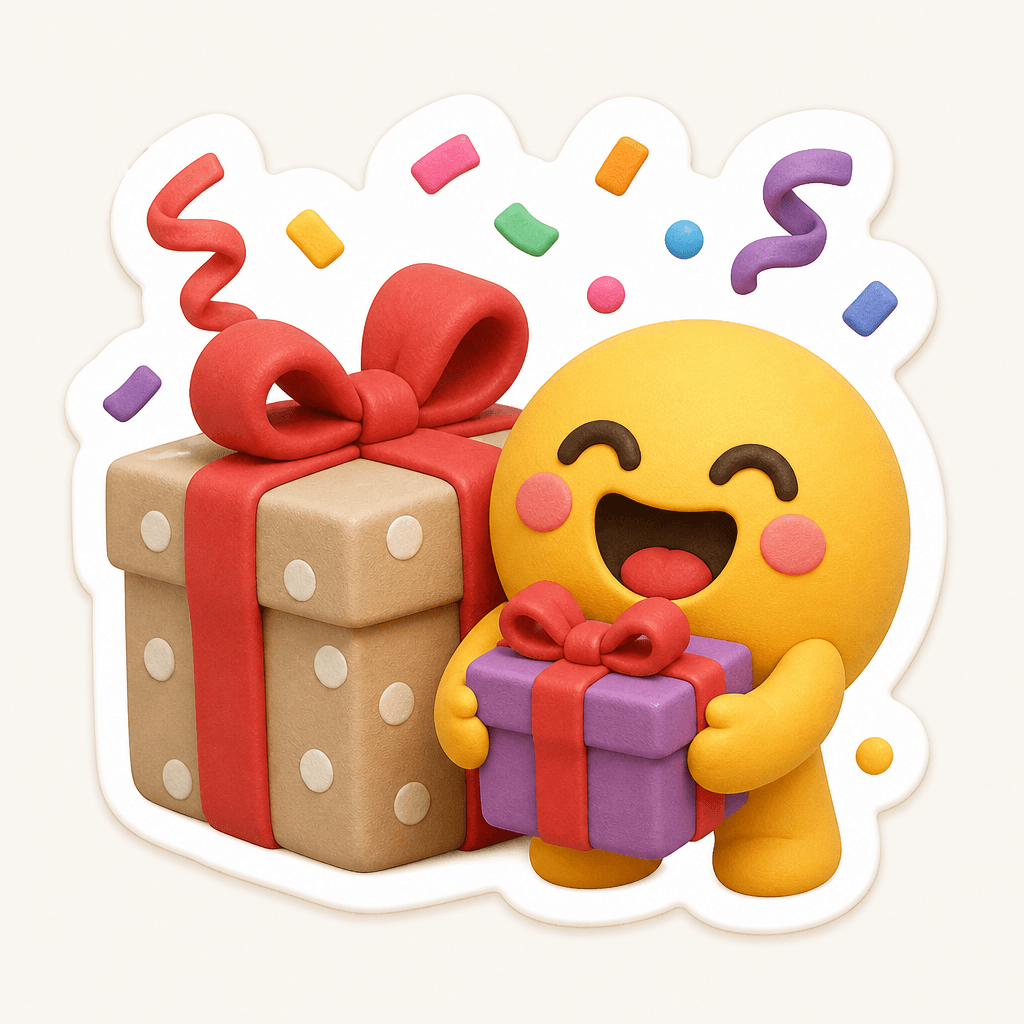
Gift Emoji
What is an animated character GIF?
An animated character GIF is a short looping visual that communicates personality through a clear gesture, expression, or reaction. It works well for messenger stickers, community avatars, social posts, game interfaces, and streaming alerts where viewers need to understand the emotion immediately. A useful prompt defines not only the character design but also the starting pose, main action, ending pose, and the way those states reconnect.
Elements to include in a prompt
- Lock the character silhouette, hairstyle, clothing, signature colors, and accessories.
- Choose one readable action such as waving, blinking, bouncing, nodding, or celebrating.
- Describe motion speed, range, facial change, and secondary movement in hair or clothing.
- Request a seamless loop with matching first and final frames.
- Specify a transparent or plain background, square canvas, and comfortable edge spacing.
How to create a clean loop
A single primary action with one or two secondary details is usually more reliable than a complicated sequence. A waving character can blink once while a sleeve follows the arm with a slight delay. Keep the body position, gaze, and expression aligned at the loop boundary so the replay does not produce a visible jump. A fixed camera and consistent framing also prevent distracting scale changes or accidental cropping.
Maintaining character consistency
Repeat the same facial proportions, eye shape, hairstyle, outfit palette, and accessory descriptions in every prompt. Bold contours and simplified color areas remain legible at sticker size and reduce visual flicker. If decorative effects are needed, use compact stars, hearts, sparkles, or motion lines that appear briefly without covering the face or hands. Stable lighting and a simple background help each frame feel like part of the same design.
Practical use ideas
Build a coordinated reaction set for greeting, thanking, celebrating, surprise, encouragement, and apology. You can keep one character and change only the action, or preserve one action while rotating expressions and props. Before publishing, preview the animation at its intended small size and check motion clarity, loop continuity, clean edges, and background transparency. These checks make the final asset easier to use across messaging and social platforms.
Questions fréquentes
You can copy prompts from the page for free, while generation may use paid credits in your chosen AI tool.
Short readable motions such as waving, blinking, nodding, and bouncing tend to loop reliably.
Ask for matching first and final poses and explicitly include seamless loop in the prompt.
Repeat fixed details for facial shape, hair, clothing, colors, and accessories in every prompt.
Request a transparent background and clean outline, then confirm that the selected tool supports alpha output.
Use a square canvas, center the full character, and leave generous padding around every edge.
Keep one main action, remove background motion, and use a fixed camera and stable lighting.