
Announcement Popup
Design an accessible announcement popup UI with AI prompts for hierarchy, actions, and dismissal behavior.
2026.07.16
Fais « Announcement Popup » exactement comme tu veuxCrée ton propre « Announcement Popup »
Demande-le simplement — Carat génère pour toi des images et des vidéos optimisées.

Commence maintenant avec 100 crédits gratuits par jour
공지 팝업

공지 팝업
Role of an announcement popup
Announcement Popup AI prompts create a modal for maintenance notices, policy changes, feature launches, or urgent updates. Clarify the relationship among the title, concise body, primary action, secondary action, and dismiss control. Define severity, display period, and audience conditions before showing the popup repeatedly.
Clear interface hierarchy
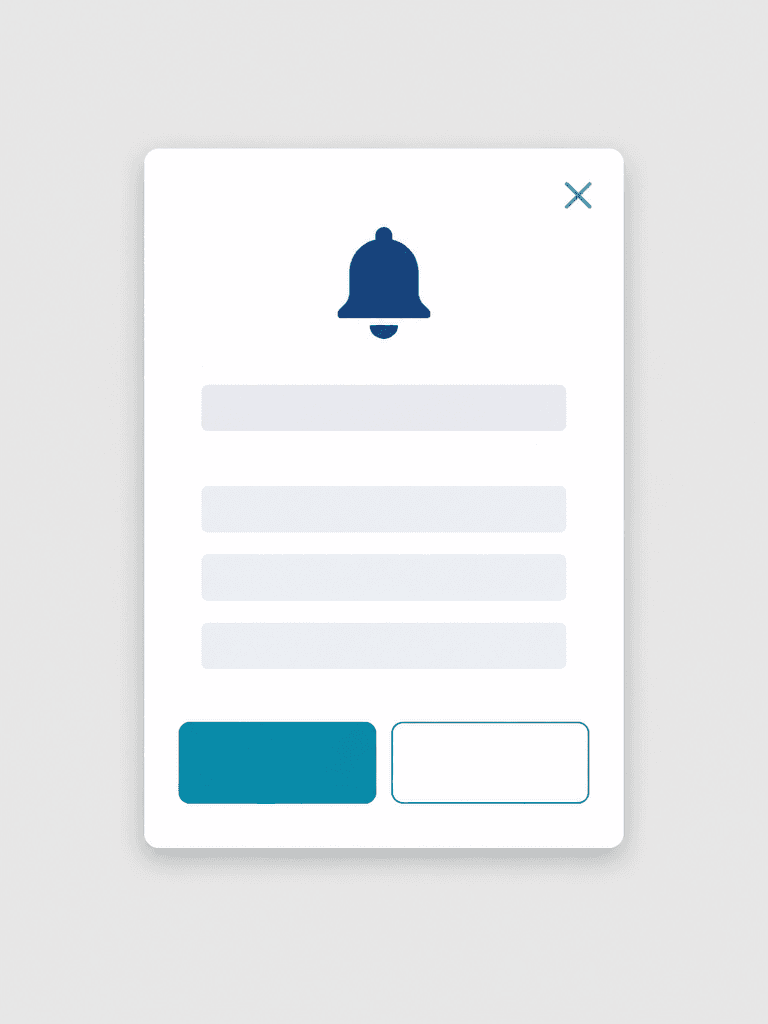
Place a notification bell, one title line, and three body lines inside a white vertical modal. Distinguish a filled teal primary button from an outlined secondary button. The upper-right close icon needs a generous target and an accessible name for keyboard and screen-reader users.
Accessibility and responsive behavior
Maintain WCAG contrast and never communicate status through color alone. Leave horizontal margins on mobile and allow translated titles to wrap without covering actions. In implementation, trap focus inside the modal while open and return it to the invoking control after dismissal.
Functional review before launch
Inspect bell and close icon strokes, button dimensions, corner radii, spacing, and shadow consistency. After inserting real copy, verify dates, destinations, action labels, and expiration timing. Test dismissal, Escape behavior, outside-click policy, zoom, dark mode, and screen-reader output.


