Dog Overhead Shot
AI dog overhead shot prompts you can use right away for top-down dog photos and soulful pet imagery. Quickly create overhead dog shots, walk scenes, and aesthetic pet social images.
2026.05.22
Fais « Dog Overhead Shot » exactement comme tu veuxCrée ton propre « Dog Overhead Shot »
Demande-le simplement — Carat génère pour toi des images et des vidéos optimisées.

Commence maintenant avec 100 crédits gratuits par jour
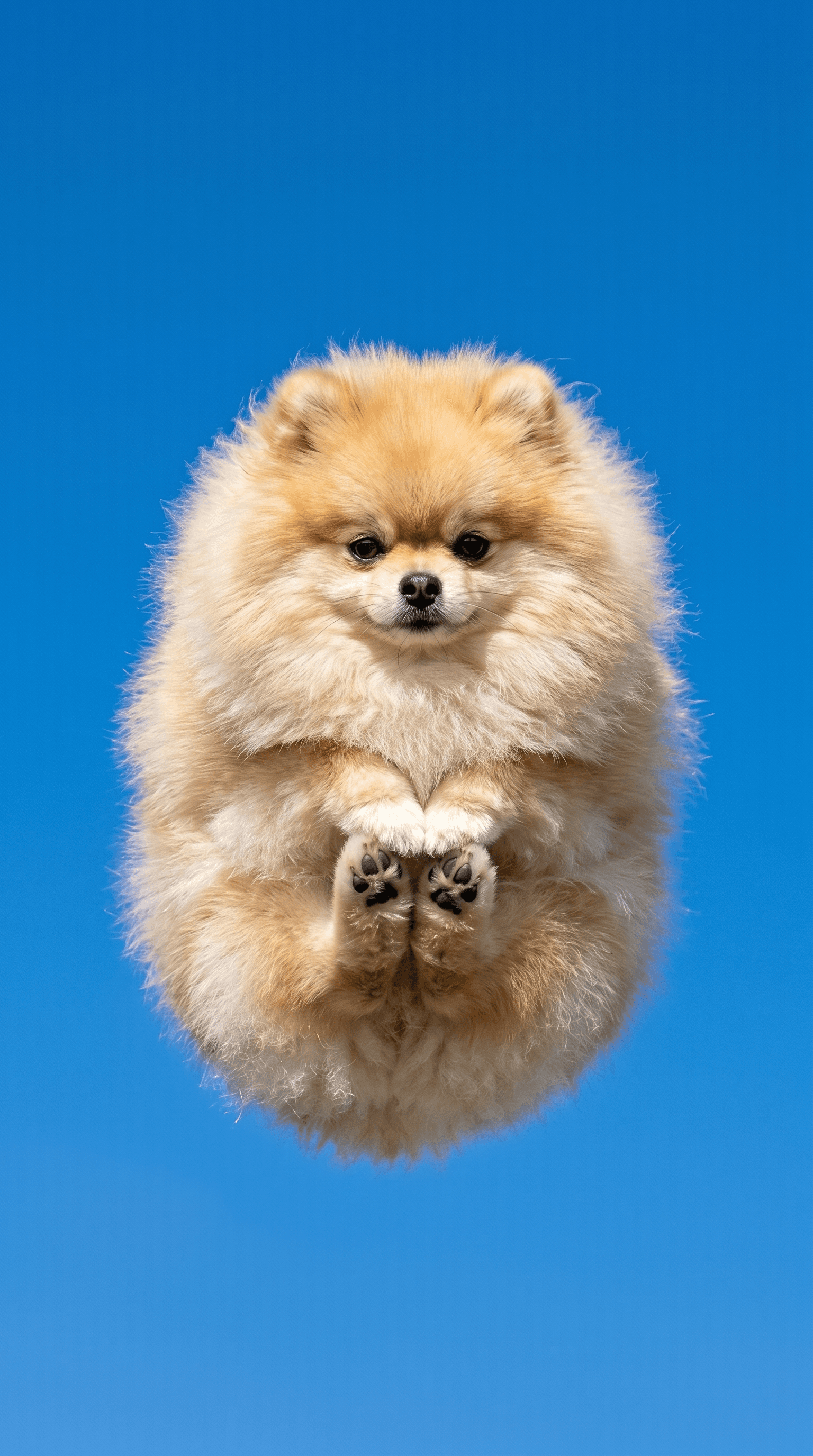
Rocket Launch Dog Sky Photo
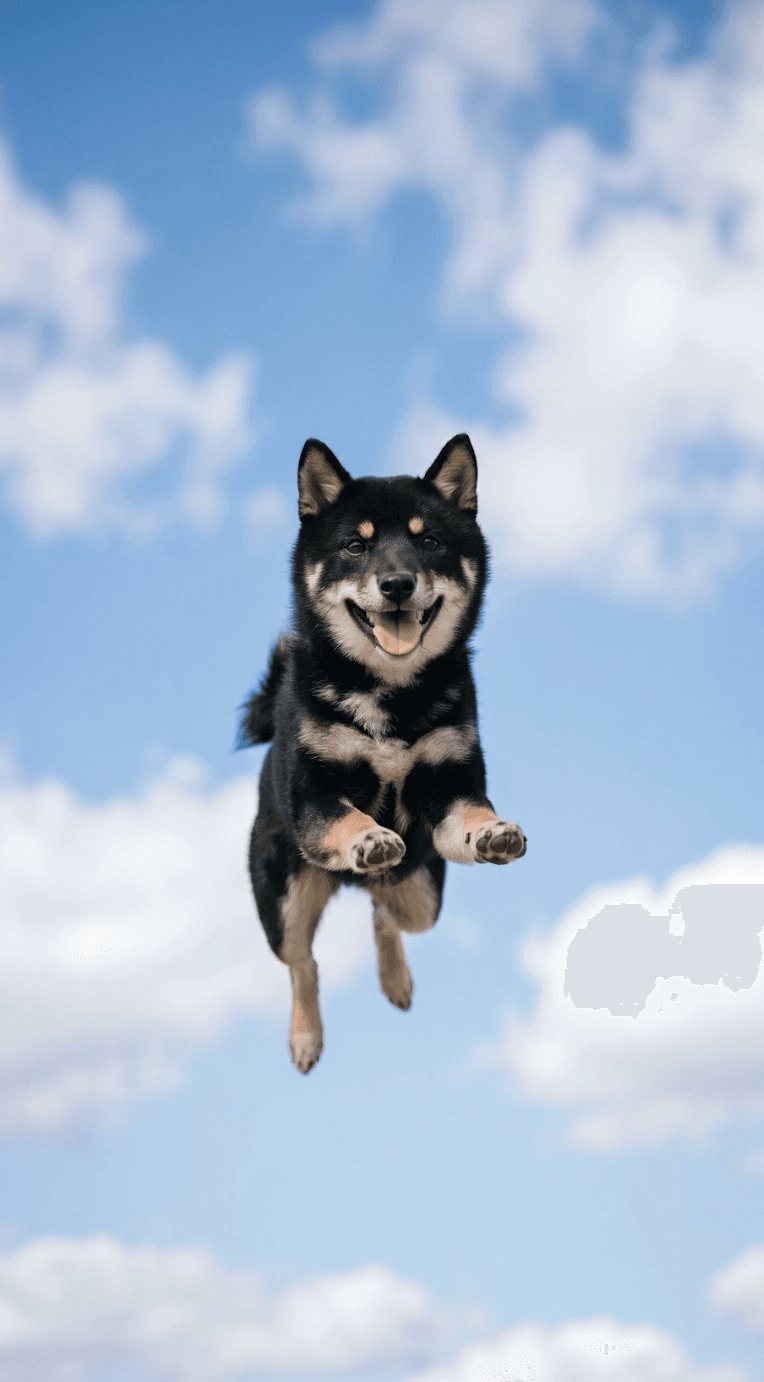
Dog Floating Sky Jump
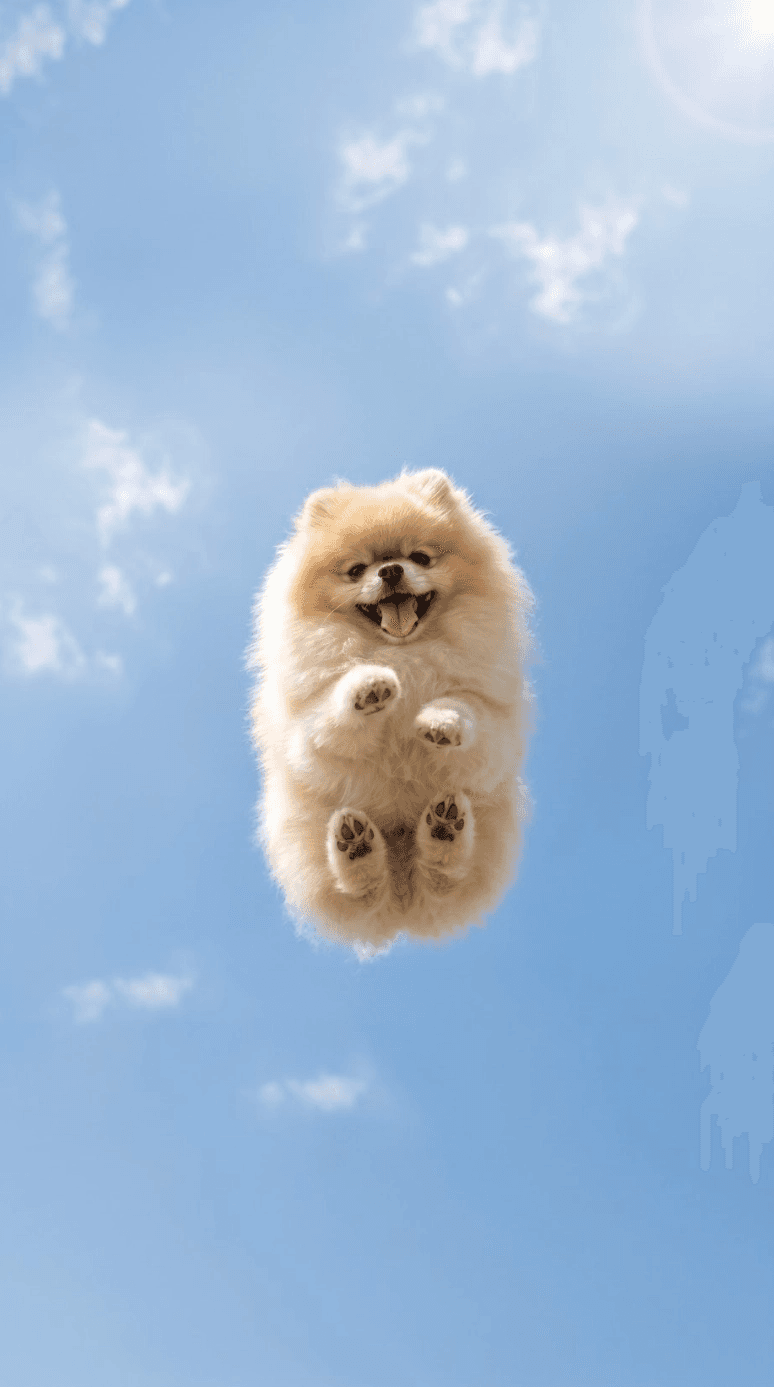
Dog Sky Photo
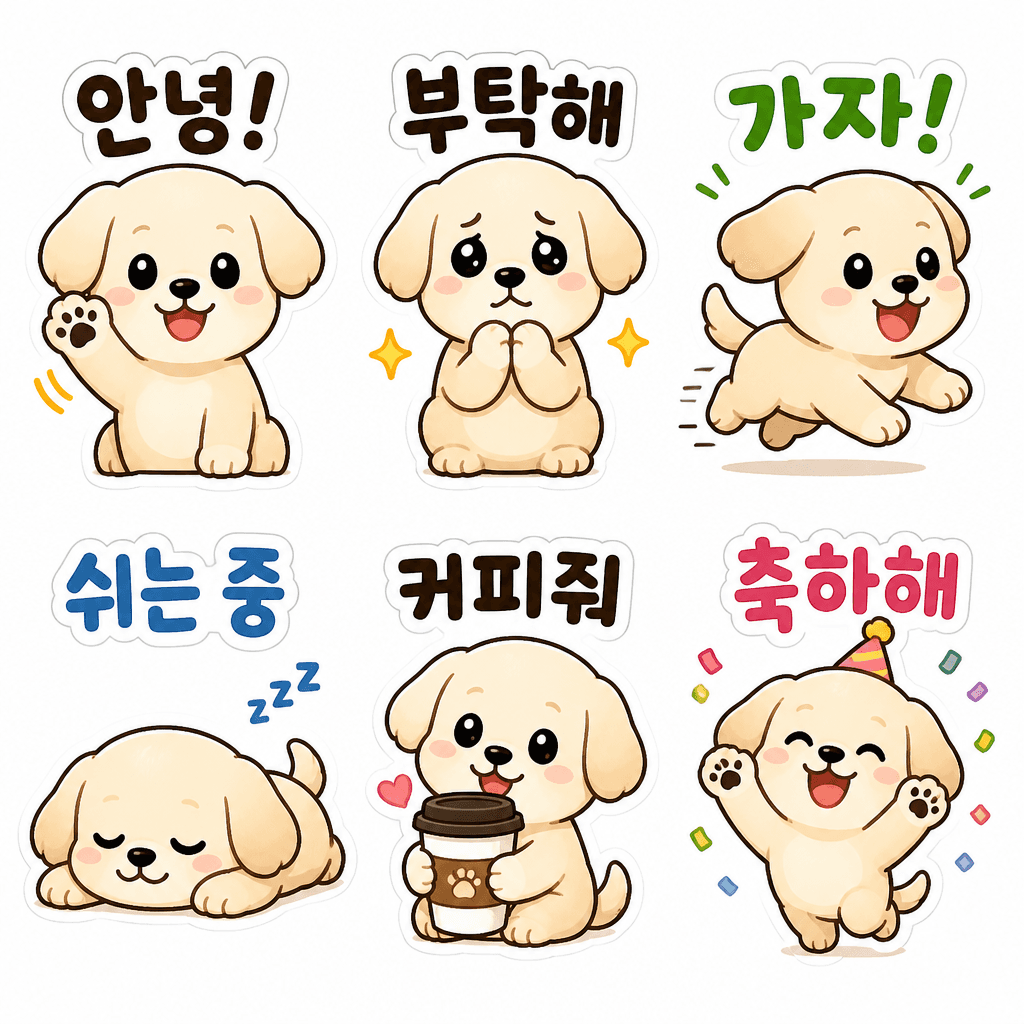
Dog Daily Emoticon Set
What Are Dog Overhead Shot AI Prompts?
Dog overhead shot prompts are AI prompts for quickly shaping top-down dog photos and soulful pet imagery. In Carat, you can generate images or video with models like GPT Image 2, then keep going with follow-up work such as editing the result, changing the aspect ratio, removing the background, upscaling, or converting to video.
Where You'll Use It
- Top-down dog photos
- Overhead shots of a dog on a walk
- Dogs on a café floor
- Grass-and-shadow dog images
- Aesthetic pet social content
Why This Tag Is Useful
With dog overhead shots, the purpose matters more than simply making something that looks good. An overhead shot leans on the fun of the viewpoint more than a typical front-facing pet photo. Specifying the top-down composition, floor pattern, leash, shadow, and a seasonal background gives you cute, shareable pet content. When choosing a prompt, look first for examples that show the subject, composition, style, text placement, and intended channel.
Tips for Building Your Prompt
- Decide the channel and aspect ratio the result will be used in first.
- Spell out the key subject, background, lighting, and camera composition.
- If needed, separate out the brand name, product name, character traits, and color palette.
- After generating, check for text errors, logo accuracy, and likeness/copyright issues.
In Carat, once you run a prompt you can refine from the result you like, or continue with follow-up work like changing the aspect ratio, removing the background, upscaling, or converting to video.
Questions fréquentes
Dog overhead shot prompts suit top-down dog photos and soulful pet imagery. They're useful for creating overhead dog shots, walk scenes, and aesthetic pet social images.
Yes. Enter the prompt in Carat to generate an image or video, then continue with follow-up work like editing the result, changing the aspect ratio, removing the background, or upscaling.
Yes. Run an example prompt as-is, then just swap in your own brand name, character, product, colors, and aspect ratio.
It helps to specify the top-down camera angle, the dog's expression, the floor texture, and lived-in elements like a leash or shadow.
Yes. Using your original photo as a reference, you can keep the coat color and traits while changing the background or camera angle.
It's well suited to ad images, social content, product detail pages, thumbnails, and short-form video. That said, logos, real people, and copyrighted material need separate checks.
In Carat you can refine from the result, or change the background, ratio, text, or style and regenerate. Narrowing toward a direction you like works better than trying to nail it in one shot.