carat

Prompt Gallery

/

두들 일러스트

Login
Sign Up

두들 일러스트

손그림, 낙서, 크레용, MS Paint 스타일 등 자유롭고 친근한 두들 일러스트 프롬프트를 제공합니다.

2026.07.07

·
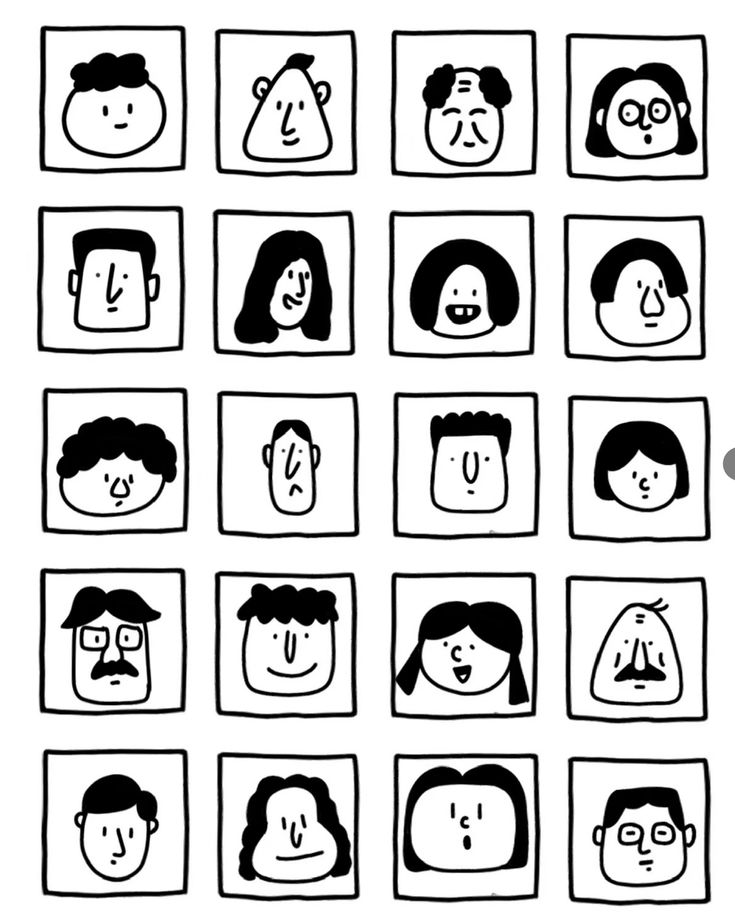
GPT 이미지 2로 생성한 흑백 얼굴 그리드 24

흑백 얼굴 그리드 24

GPT 이미지 2· Image
一张黑白极简手绘人物头像网格图,严格 6 行 4 列,一共 24 个头像,均匀排列在白色背景上。关键结构:每个头像都被一个正方形格子框住,正方形的四条边本身就是人物脸部的轮廓边界。脸部紧贴方格四边,没有额外边距。风格特征:纯黑白线条插画,无填充色块,无阴影,无渐变 手绘质感,线条略带不规则,天真怪趣的编辑插画风格 极简五官:圆点眼睛、小圆圈眼睛、短线眉毛、小点鼻子、直线嘴巴、小微笑、小难过嘴、困倦眼、惊讶O型嘴、面无表情 发型以线条勾勒:波浪线刘海、卷曲线条发、中分帘子发、平头短线、斜刘海、漩涡卷发、条纹发、扇贝状刘海 部分人物有圆眼镜、方眼镜、胡子、雀斑、闭眼、X形眼 人物表情各异:开心、难过、困惑、困倦、惊讶、面无表情 整体风格接近手绘人物图鉴,几何、克制、天真但不松散,平面化,高对比度,无颜色,无背景装饰,无写实细节。
@ponyodong
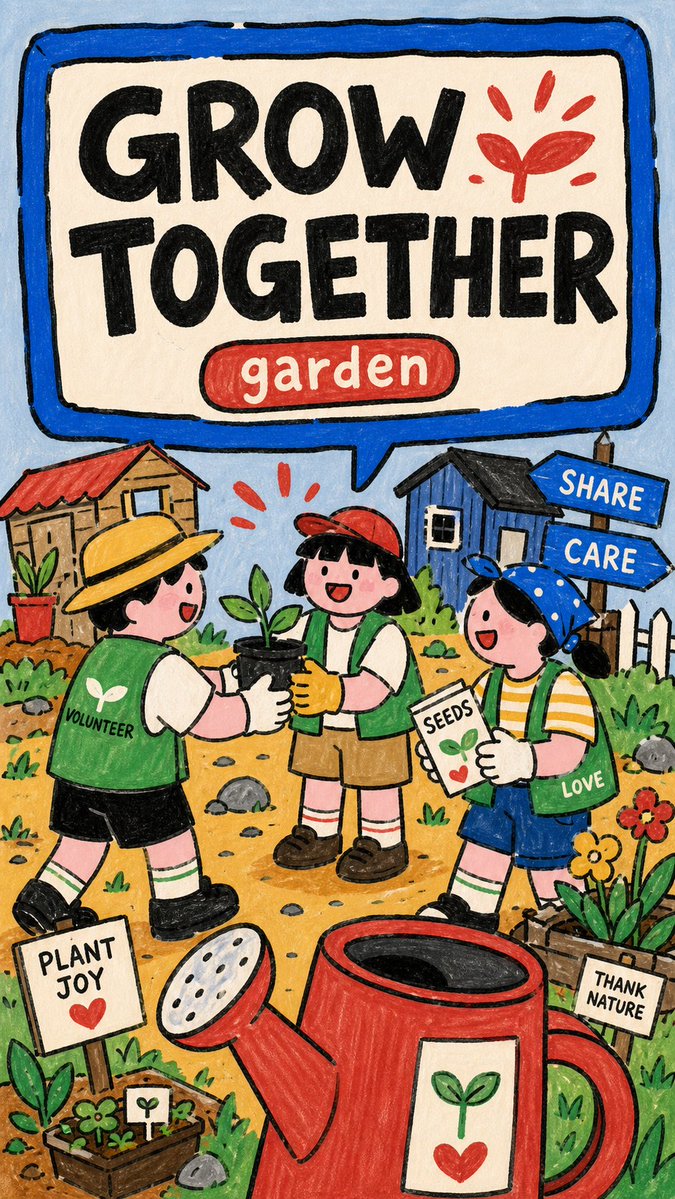
GPT 이미지 2로 생성한 마커 PSA 포스터

마커 PSA 포스터

GPT 이미지 2· Image
Create an image in naive-marker-psa-poster-style. Aspect ratio: 9:16. Scene: [SUBJECT] [SUBJECT_ACTION], featuring [PRODUCT_OR_PROP], in [LOCATION]. Include [BACKGROUND_ELEMENTS]. Style the characters with [WARDROBE_STYLE]. Illustration: make a finished raster poster, not a photo, SVG, UI mockup, or clean vector icon set. Use thick uneven black marker outlines, flat hand-colored fills, rounded stroke ends, subtle paper grain, marker scuffs, imperfect edges, and low-polish scanned-poster softness. Layout: reserve the upper half or upper band for a huge rounded speech-panel sign with a thick marker-blue border and off-white interior. Put "[MAIN_TEXT]" inside the sign as massive rough black block letters. Add "[SECONDARY_TEXT]" as a small rounded red or blue capsule label near the headline. Characters and setting: place one or more simplified cartoon people in the lower half with playful scale distortion, oversized hands, signs, or props, and intentionally naive proportions. Build the environment from flat doodled public-scene icons: tiny buildings, signs, cones, grass tufts, arrows, rocks, labels, alert marks, and simple yellow ground patches. Color and mood: use pale blue background, cream panel, marker blue frame, coral red accents, warm yellow ground, soft skin pink, grass green, chalk gray, and deep black ink. Keep the poster friendly, instructional, childlike, approachable, and lightly comedic. Include [ACCENT_SYMBOL] as a simple graphic accent. Avoid: watermarks, usernames, creator IDs, platform logos, QR codes, app UI, signatures, copied reference text, copied reference characters, red telephone, legal theme, date range, no-access sign, exact layout, brand logos, licensed characters, recognizable people, photorealism, 3D render, glossy vector art, clean corporate icon set, gradient lighting, airbrush shading, thin elegant line art, realistic anatomy, correct architectural perspective, long paragraphs, dense fine print, and dark cinematic mood. --- VARIABLES --- [ACCENT_SYMBOL] — lightning bolt, exclamation mark, hand sign, arrow, triangle warning icon, circular arrow, sprout burst, or comic burst [BACKGROUND_ELEMENTS] — flat tiny buildings, signs, arrows, grass tufts, cones, paper labels, small rocks, alert marks, bottle icons, paper scraps, and doodle symbols [LOCATION] — simple public setting, school area, street corner, library, garden, transit stop, clinic, market, lab booth, recycling station, or community space [MAIN_TEXT] — short bold public-service headline inside the speech-panel sign, maximum three to five words [PRODUCT_OR_PROP] — oversized object, book, tool, sign, device, food item, toy, bin, clipboard, safety item, or public prop [SECONDARY_TEXT] — small label in a rounded red or blue capsule [SUBJECT] — main simplified cartoon subject, group, students, volunteers, workers, neighbors, mascot, or public-service character [SUBJECT_ACTION] — main public-service action or frozen gesture, such as raising a hand, pointing at a sign, sorting objects, passing supplies, checking a list, or holding an oversized prop [WARDROBE_STYLE] — simple school, community, worker, volunteer, lab, neighbor, or everyday cartoon outfit with flat marker-color blocks --- NEGATIVE PROMPT --- watermark, username, creator ID, platform logo, QR code, app UI, signature, copied reference text, copied reference characters, red telephone, legal theme, date range, no-access sign, exact layout, brand logo, licensed character, recognizable person, photorealism, 3D render, glossy vector art, clean corporate icon set, gradient lighting, airbrush shading, thin elegant line art, realistic anatomy, correct architectural perspective, long paragraphs, dense fine print, dark cinematic mood
@VigoCreativeAI
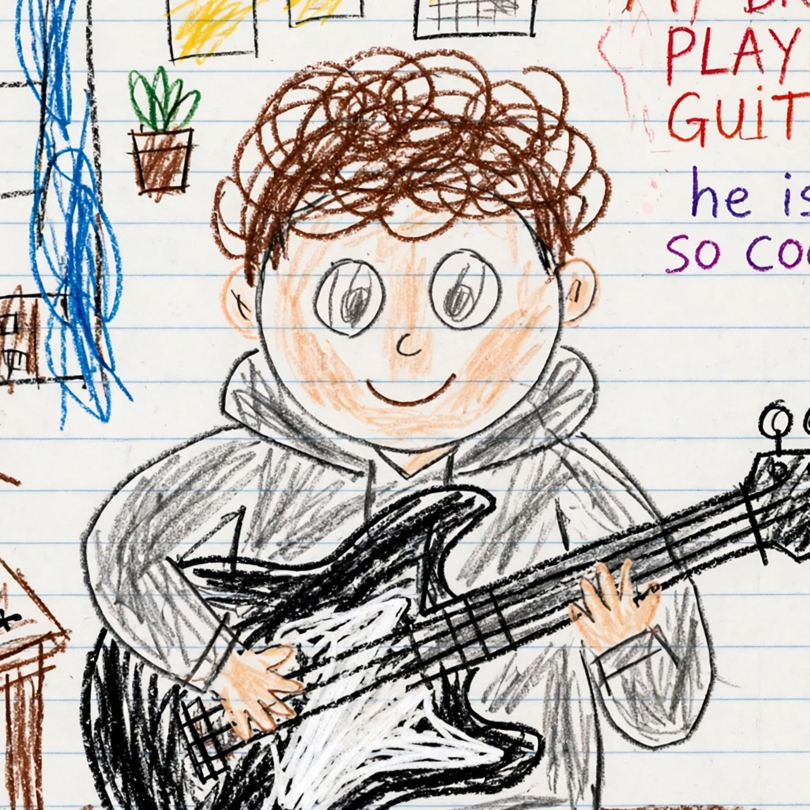
AI 생성 크레용 스타일 일러스트 프로필 사진

크레용 스타일 일러스트 프로필 사진

GPT 이미지 2· Image
Rework the given image into a crayon-style illustration, transforming the entire scene into something that feels hand-drawn by a 10-year-old. Keep the forms simple and slightly imperfect, like a child’s drawing. Avoid using the original color palette—replace it with bright, playful crayon colors on a clean white paper background. Aim for a soft, cute, and innocent aesthetic. Incorporate fun, childlike details such as castles or towers, candy, stars, clouds, and other whimsical decorations to amplify the playful vibe. The final result should feel charming, colorful, and full of childlike imagination.
@mdmadeit
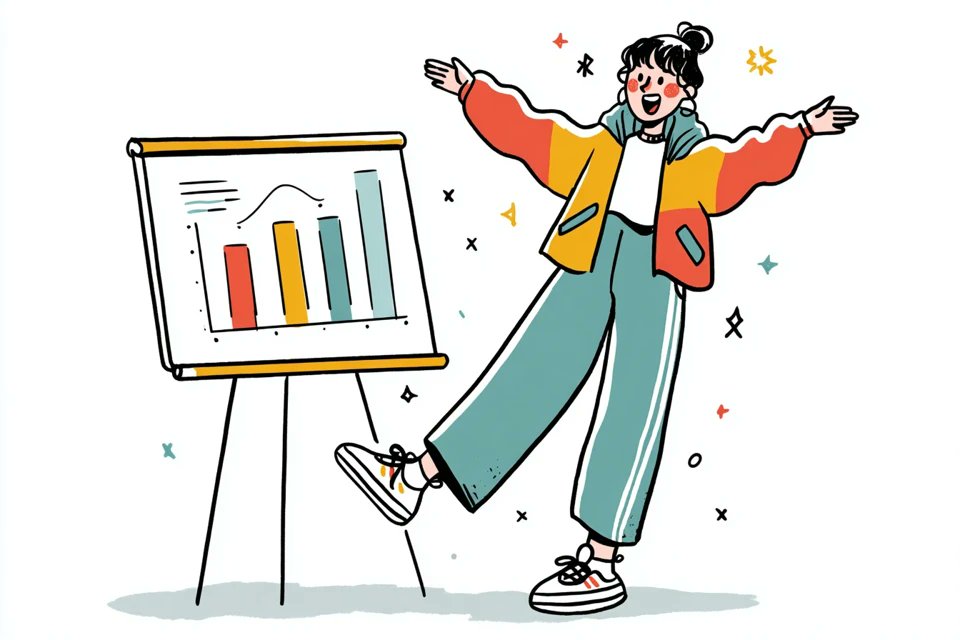
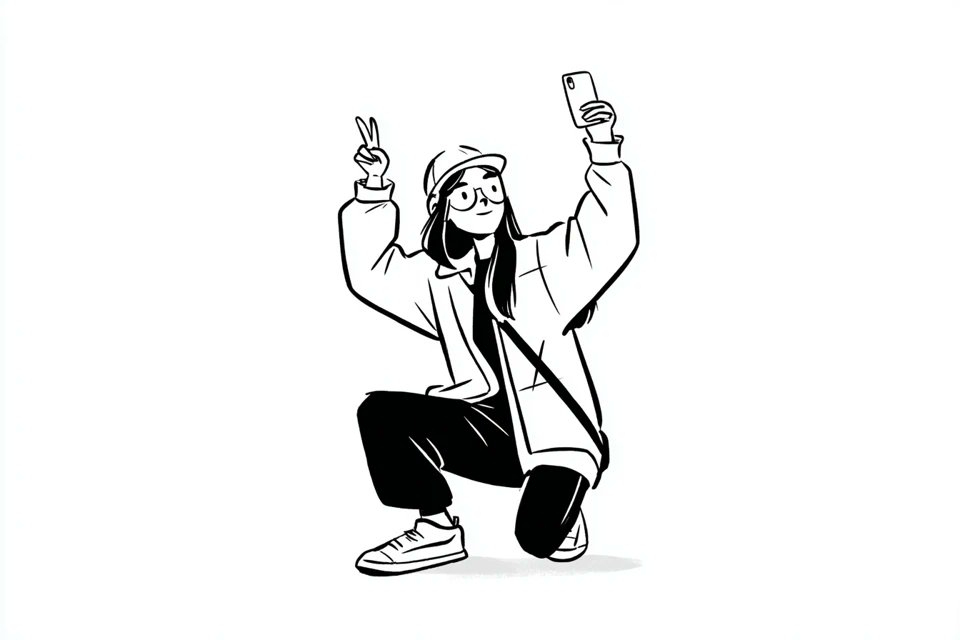
나노바나나 프로로 생성한 노션풍 라인아트 캐릭터

노션풍 라인아트 캐릭터

나노 바나나 프로· Image
A simple black-and-white illustration of a [subject] in [outfit], [doing action], with a [facial expression] expression, in a Notion-style minimalist editorial aesthetic, clean line art, flat monochrome design, simple shapes, subtle hand-drawn feel, minimal detail, expressive posture, clean white background, neat modern layout, soft playful character style
@azed_ai
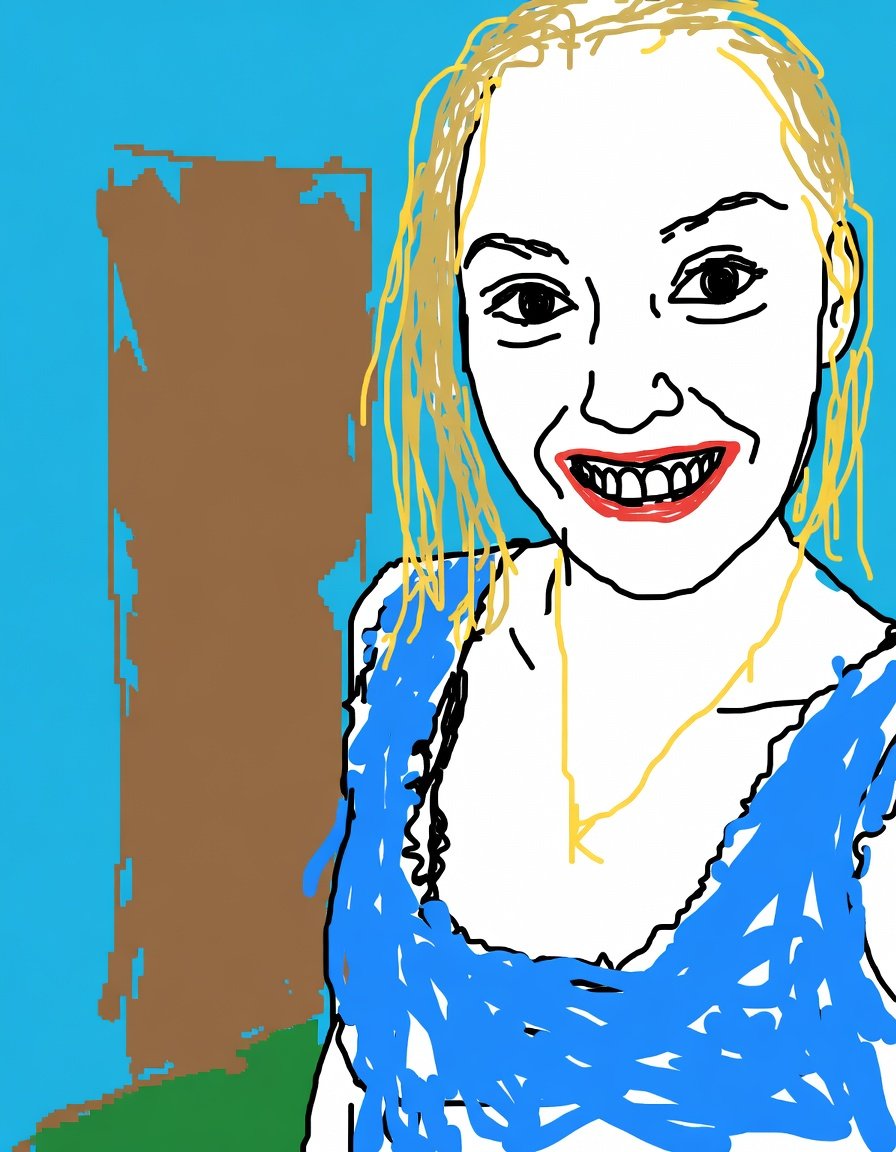
AI 생성 MS Paint 스타일 리드로우

MS Paint 스타일 따라 그리기

GPT 이미지 2· Image
Redraw the attached image in the most clumsy, scribbly, and utterly pathetic way possible. Use a white background, and make it look like it was drawn in MS Paint with a mouse. It should be vaguely similar but also not really, kind of matching but also off in a confusing, awkward way, with that low-quality pixel-by-pixel feel that really emphasizes how ridiculously bad it is. Actually, you know what, whatever, just draw it however you want.
@jzaib4269
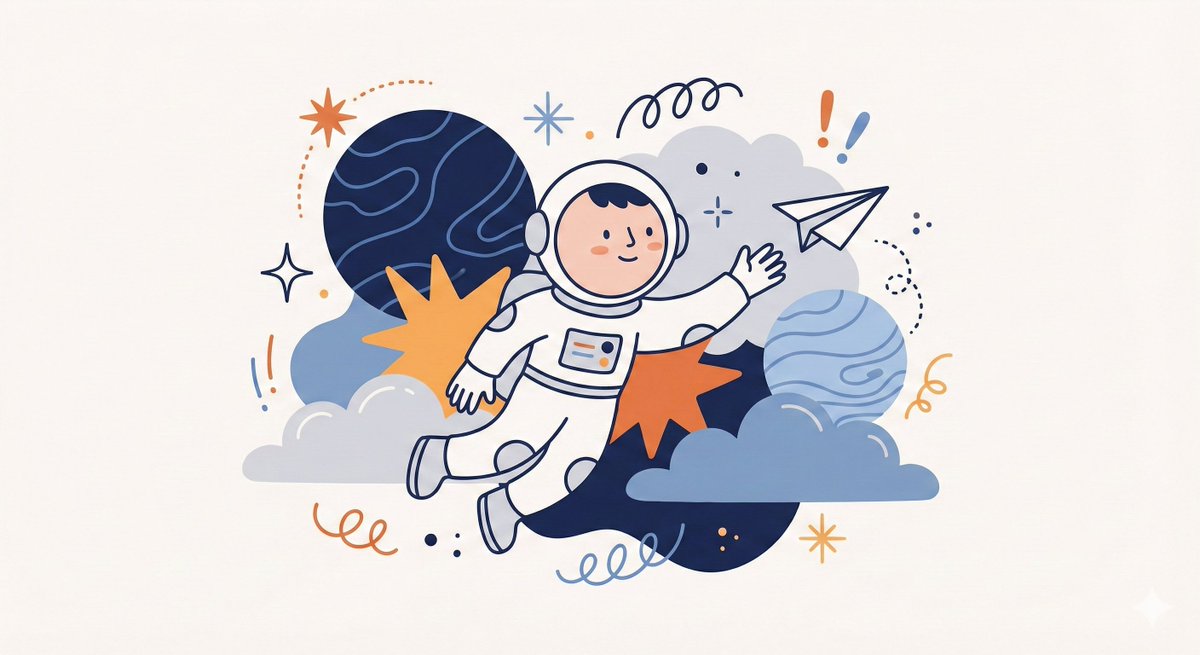
나노바나나 프로로 생성한 위미컬 추상 캐릭터 일러스트

위미컬 추상 캐릭터 일러스트

나노 바나나 프로· Image
Create a whimsical, playful illustration featuring [CHARACTER / SUBJECT] as the central focus. The character is drawn with simplified features, a small rounded head, and minimal facial detail, wearing [HEADWEAR / CLOTHING DESCRIPTION]. They are positioned among oversized abstract shapes and organic elements such as [FLORAL / SYMBOLIC OBJECTS], creating a sense of imaginative scale. The character is interacting with [OBJECT / ACTION], adding narrative interest. Decorative graphic elements like [SYMBOLS: exclamation points, speech bubbles, scribbles, notes, etc.] float around the subject to enhance expression and energy. Use clean, simple linework and a limited color palette of [PRIMARY COLORS], keeping the illustration bold and cohesive. The background is a soft neutral tone such as beige or off-white. The overall style is modern, flat, and illustrative, with a lively, creative, and slightly abstract atmosphere.
@aleenaamiir
GPT 이미지 2로 생성한 페이퍼컷 치비 소녀

페이퍼컷 치비 소녀

GPT 이미지 2· Image
Cute layered paper-cut art style illustration of a chibi girl with big expressive eyes and long wavy black hair, designed like a 3D sticker character with a white outline border. The scene is made entirely from textured pastel paper craft layers with soft shadows and handcrafted details. Cozy whimsical environment with wooden bridges, colorful flowers, trees, clouds, amusement park elements, festival kites, and cute outdoor scenery. Soft pastel color palette, dreamy atmosphere, miniature diorama aesthetic, ultra-detailed paper texture, kawaii cartoon style, cinematic composition, depth layered papercraft, handcrafted scrapbook look, adorable fashion outfit, oversized shoes, playful pose, warm lighting, storybook fantasy vibe, highly detailed 3D paper illustration.
@Taaruk_
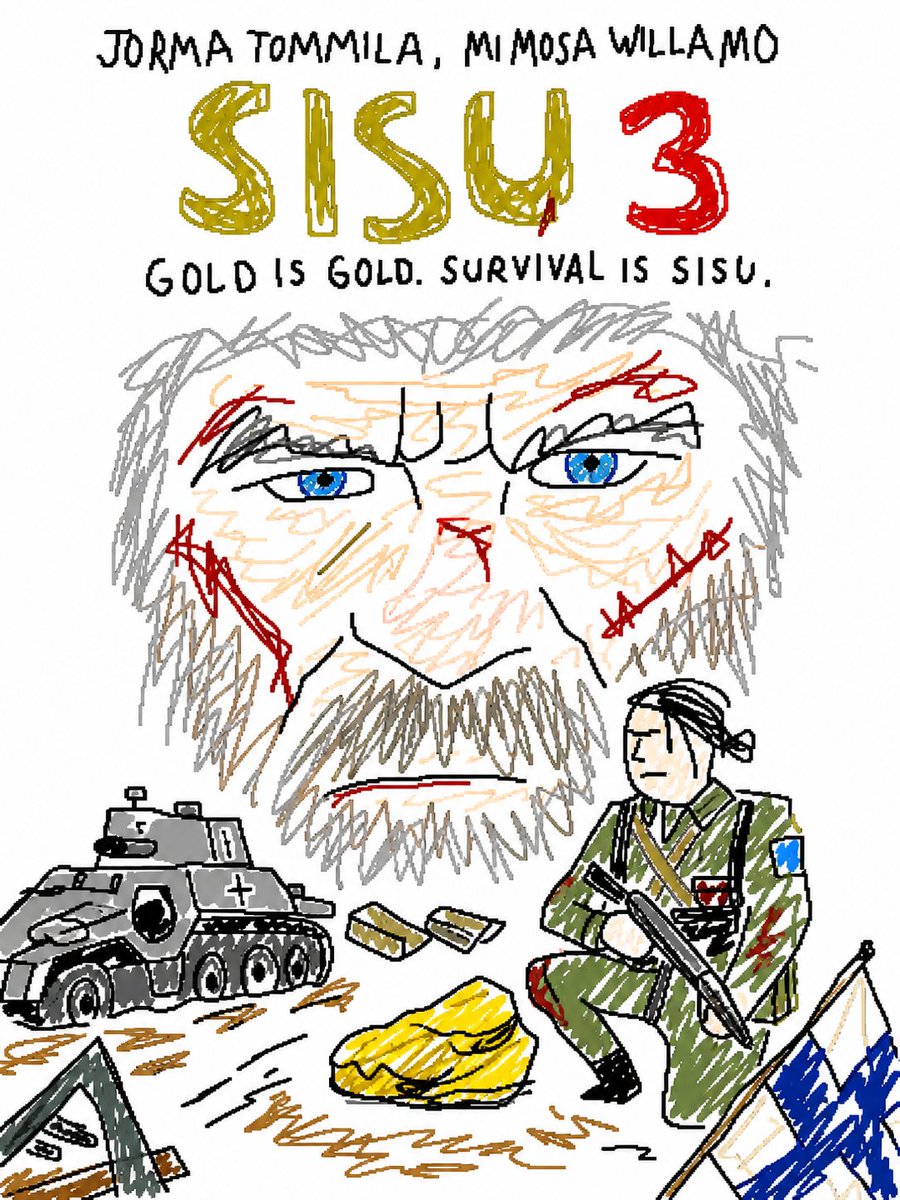
AI 생성 의도적인 저퀄리티 MS Paint 스타일

의도적인 저퀄리티 MS Paint 스타일

GPT 이미지 2· Image
Redraw the attached image in the {argument name="art style" default="most clumsy, scribbly, and utterly pathetic way possible"}. Make it look like it was drawn in MS Paint with a mouse. It should be vaguely similar but also not really, kind of matching but also off in a confusing, awkward way, with that low-quality pixel-by-pixel feel that really emphasizes how ridiculously bad it is. Actually you know what whatever just draw it however you want.
@PiQueenMeta
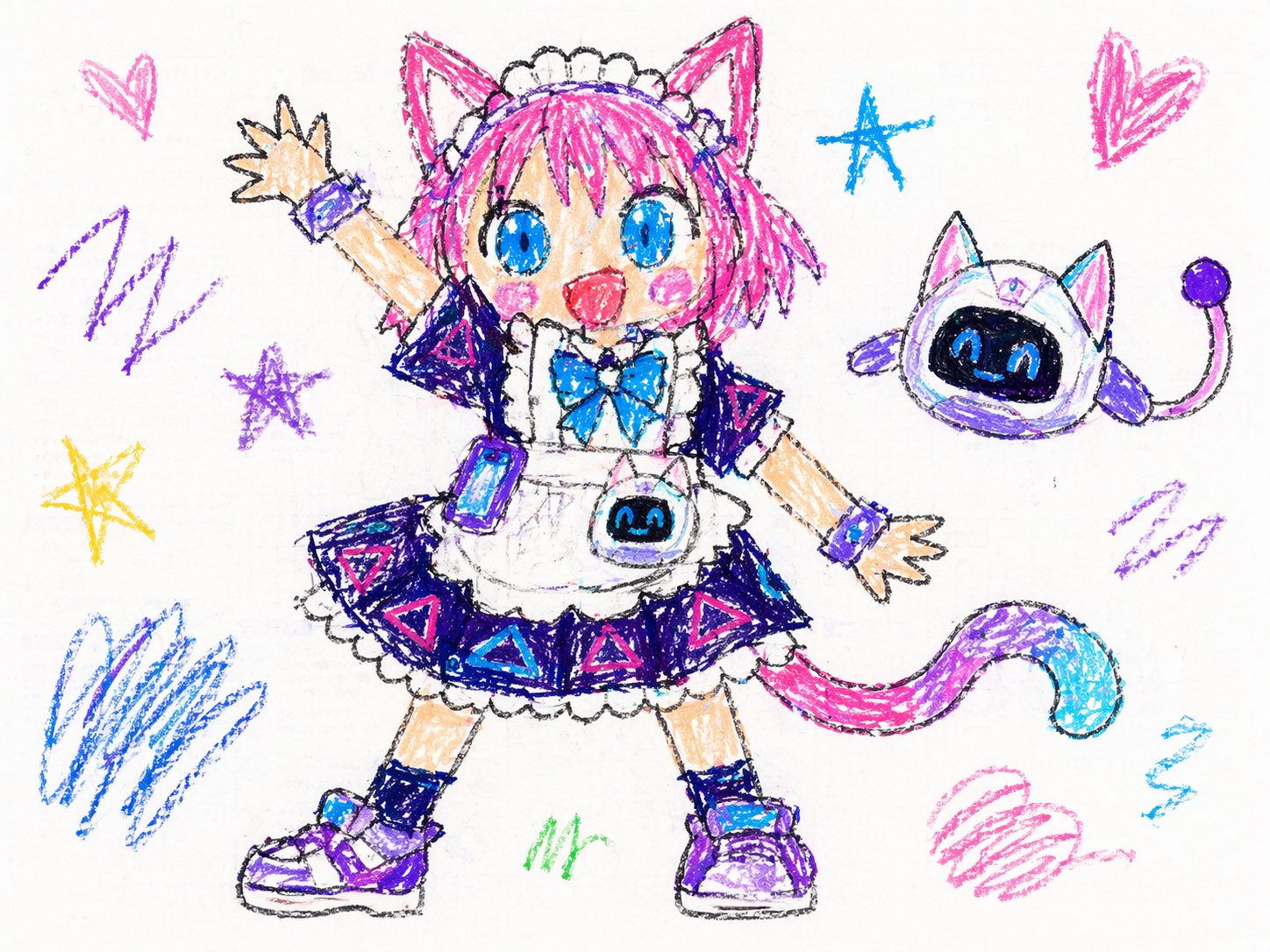
AI 생성 5살 아이의 크레용 낙서

5살 아이의 크레용 낙서

GPT 이미지 2· Image
5살 아이가 수학 시간에 수업을 듣지 않고 크레용으로 그린 것처럼 첨부된 이미지를 다시 그려주세요. 배경은 흰색으로 해주세요. 비율은 우스꽝스러울 정도로 엉망이어야 하며, 색은 선 밖으로 삐져나오고, 얼굴은 사람보다는 감자에 가깝게 그려주세요. 부모님이 자랑스럽게 냉장고에 붙여둘 법한 그런 그림으로요. 사실, 그냥 대충 낙서하듯이 그려주세요.
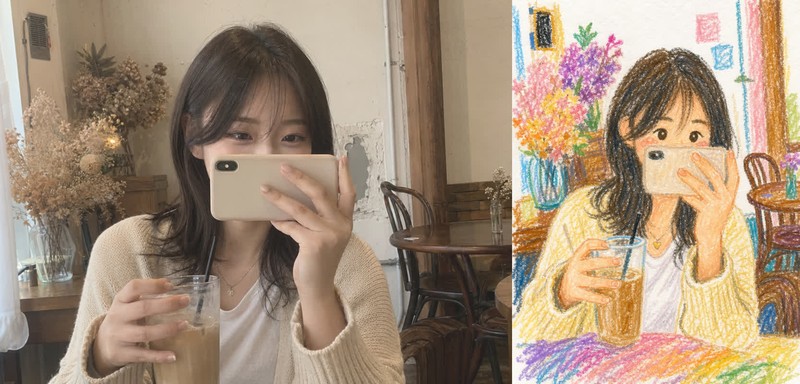
AI 생성 어린아이 크레파스 그림

어린아이 크레파스 그림

GPT 이미지 2· Image
업로드한 사진을 기반으로 이미지를 재구성하되, 전체 인물과 포즈, 구도는 원본을 유지하면서 그림 스타일을 크레파스(오일 파스텔)로 그린 어린이 그림 느낌으로 변환해줘. 그림 스타일: 10살 아이가 그린 것처럼 단순하고 귀엽게. 디테일: 얼굴과 요소들은 단순화, 둥글고 부드럽게 표현. 질감: 크레파스 특유의 거친 질감과 색 번짐 표현. 색상: 밝고 랜덤한 파스텔톤 색상으로 재해석. 배경: 전체적으로 하얀 종이 위에 그린 느낌 유지.
GPT 이미지 2로 생성한 유아 크레파스 낙서 스타일 인물 사진

유아 크레파스 낙서 스타일 인물 사진

GPT 이미지 2· Image
(Subject) in the style of super bad child drawing, toddler art, scribbles, messy crayon lines on white background, completely lack of technique, terrible composition, chaotic colors, barely recognizable shapes, very raw, honest art, pure naivety, unrefined style, 4:3. Negative: good drawing, nice lines, clear shapes, neat, pretty, smooth, realistic, talented art, coherent composition, artistic style, professional, skilled, masterpiece, beautiful, detailed.
@akakageAI
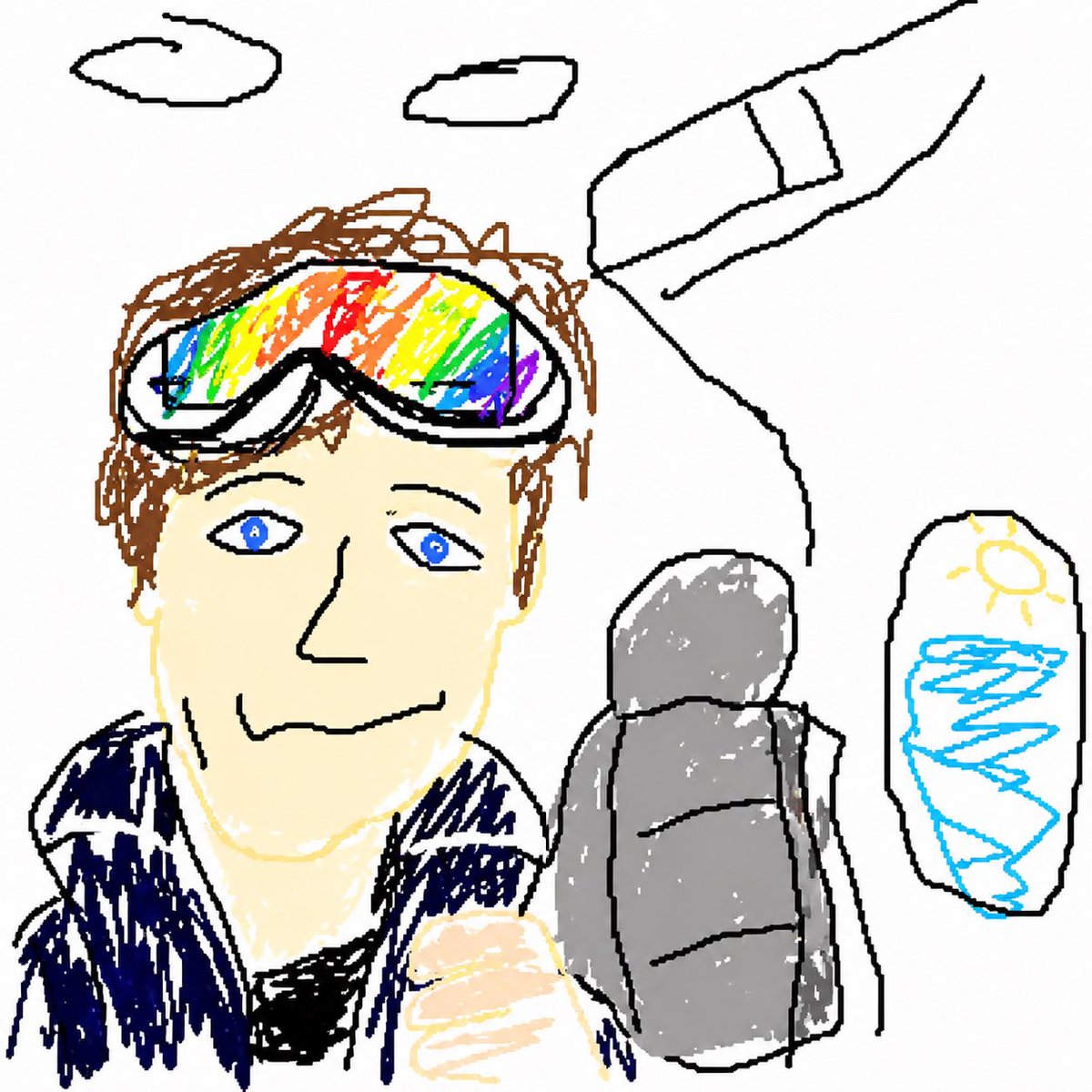
AI 생성 GPT Image 2 MS Paint 드로잉

MS Paint 드로잉

GPT 이미지 2· Image
Redraw the attached image in the most {argument name="style" default="clumsy, scribbly, and utterly pathetic"} way possible. Use a white background, and make it look like it was drawn in MS Paint with a mouse. It should be vaguely similar but also not really, kind of matching but also off in a confusing, awkward way, with that low-quality pixel-by-pixel feel that really emphasizes how ridiculously bad it is. Actually, you know what, whatever, just draw it however you want.
@arrakis_ai

두들 일러스트란?

두들 일러스트는 자유롭고 즉흥적인 손그림 스타일의 일러스트레이션입니다. 낙서, 손그림, 크레용, 크레파스, MS Paint 스타일 등 다양한 기법으로 거칠고 자연스러운 느낌을 표현합니다. 캐럿의 두들 일러스트 프롬프트는 doodle 태그를 가진 일러스트를 아우르는 상위 카테고리로, 노션풍 라인아트, 어린이 낙서, 포크아트, 마커 포스터, 흑백 얼굴 그리드 등 친근하고 개성 있는 스타일의 일러스트를 제공합니다.

주요 활용 사례

두들 일러스트는 다음 영역에서 널리 사용됩니다. 첫째, 노션과 구글 독스 같은 문서 도구의 일러스트에 활용됩니다. 미니멀하고 친근한 손그림 스타일이 문서에 자연스럽게 어울립니다. 둘째, 어린이 콘텐츠와 교육 자료에 활용됩니다. 크레용과 크레파스로 그린 듯한 낙서가 아이들에게 친숙합니다. 셋째, 소셜 미디어와 블로그 콘텐츠에 활용됩니다. 거칠고 개성 있는 두들 스타일이 캐주얼한 분위기를 만듭니다. 넷째, 포크아트와 빈티지 스타일 디자인에 활용됩니다. 의도적으로 저퀄리티를 유지하는 MS Paint 스타일은 레트로 감성을 전달합니다.

캐럿 프롬프트 활용 팁

캐럿의 두들 일러스트 프롬프트를 최대한 활용하려면 다음 팁을 참고하세요. 노션풍 라인아트는 미니멀한 문서 일러스트에 적합합니다. 크레용 스타일은 어린이 대상 콘텐츠에 활용하기 좋습니다. MS Paint 스타일은 레트로하고 의도적으로 저퀄리티를 추구하는 콘텐츠에 적합합니다. 흑백 라인아트는 스티커와 이모티콘 디자인에 활용할 수 있습니다. 포크아트와 빈티지 스타일은 핸드메이드 브랜드나 개인 작업실 콘텐츠에 어울립니다. 프롬프트에 특정 주제나 색상을 추가하면 맞춤형 결과를 얻을 수 있습니다.

두들 일러스트 디자인 가이드

두들 일러스트를 디자인할 때는 의도적인 거칠음을 유지하는 것이 중요합니다. 너무 깔끔하면 두들 스타일의 매력이 사라집니다. 선은 흔들리고 불규칙하게, 색상은 번지거나 삐져나가게 표현합니다. 크레용과 크레파스는 질감을 살려 어린이가 그린 듯한 느낌을 줍니다. MS Paint 스타일은 제한된 색상과 거친 채우기로 90년대 디지털 낙서 감성을 재현합니다. 라인아트는 미니멀하게, 캐릭터는 과장된 비율로 친근함을 더합니다. 캐럿의 프롬프트는 이러한 두들 스타일의 특성을 반영합니다.

추천 관련 프롬프트

두들 일러스트와 함께 활용하기 좋은 관련 프롬프트를 소개합니다. 낙서 태그는 두들 일러스트의 기본 스타일을 제공합니다. 크레용 드로잉은 어린이 낙서 스타일에 적합합니다. 라인아트는 미니멀한 두들 스타일에 활용할 수 있습니다. 스케치 일러스트와 스케치 드로잉은 손그림 감성을 더합니다. 러프 스케치는 거칠고 즉흥적인 느낌을 줍니다. MS Paint 스타일은 레트로 디지털 낙서에 적합합니다.

Frequently Asked Questions

Related Prompts

이중 노출

이중 노출

4 prompts

플래시 사진

플래시 사진

25 prompts

필름 사진

필름 사진

58 prompts

신문

신문

1 prompts

Carat Prompt Gallery

Create trending AI prompts instantly

Prompts

  • Logo
  • PPT Design
  • Thumbnail
  • Poster
  • Web Novel Cover
  • ID Photo
  • Caricature
  • Product Detail Page
  • Banner

Models

  • GPT Image 2
  • Seedance 2.0
  • NanoBanana Pro
  • NanoBanana 2

Carat

  • Get started
  • About
  • Blog
  • Careers
  • Contact
  • Partnership
  • Terms
  • Privacy

© 2026 Paradot.Inc All rights reserved.