Ghibli Style
Ghibli style AI prompts to make a Ghibli-style scene from scratch or turn your photo into Ghibli art. Create characters, landscapes, and fantasy scenes as warm watercolor Ghibli illustrations fast.
2026.06.02
Fais « Ghibli Style » exactement comme tu veuxCrée ton propre « Ghibli Style »
Demande-le simplement — Carat génère pour toi des images et des vidéos optimisées.

Commence maintenant avec 100 crédits gratuits par jour
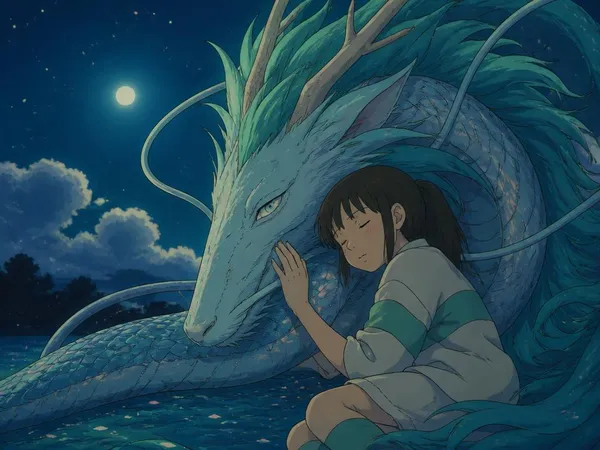
Girl and Dragon Under a Starry Night
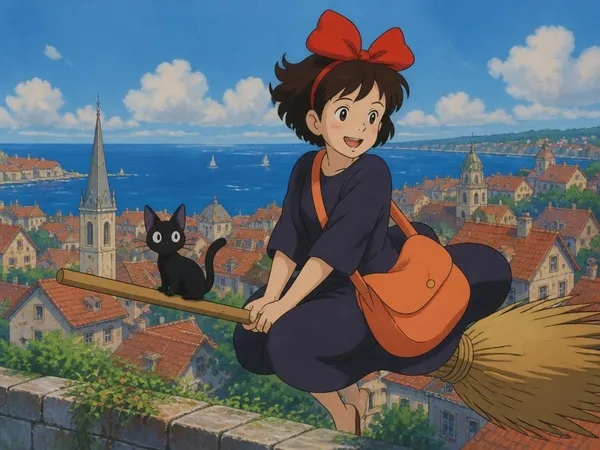
Witch Delivery Flight, Ghibli Style
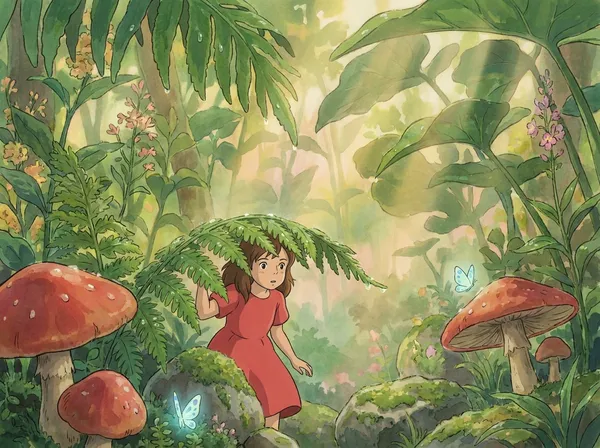
Forest Mushroom Fairy Girl
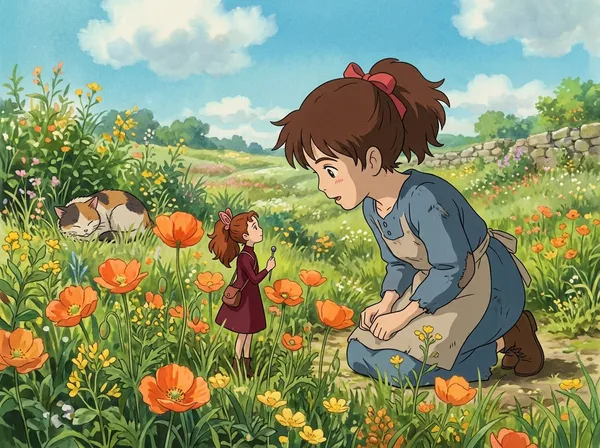
Meeting a Tiny Fairy in the Flower Field
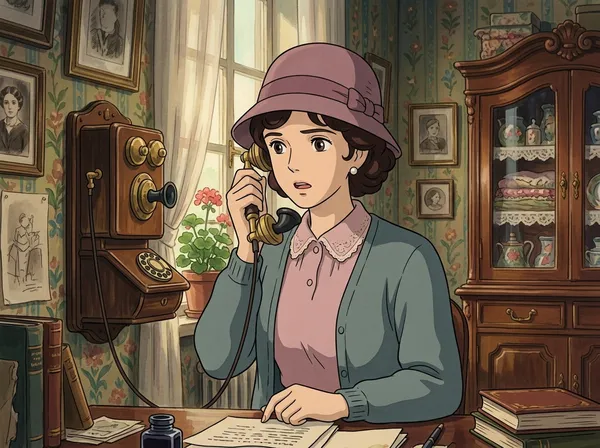
Lady on a Vintage Telephone
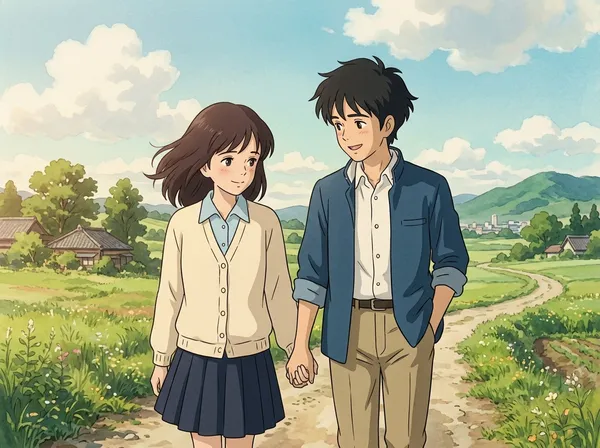
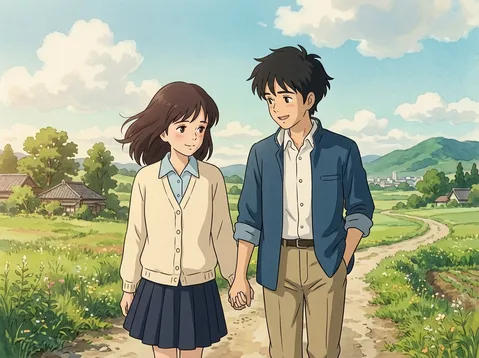
Youthful Romance Walk, Ghibli Style
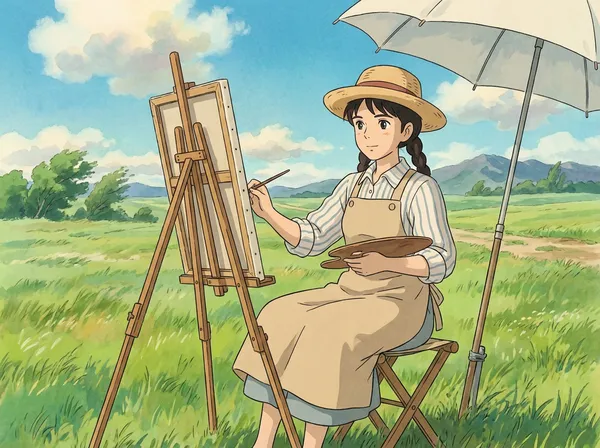
Meadow Painter, Ghibli Style
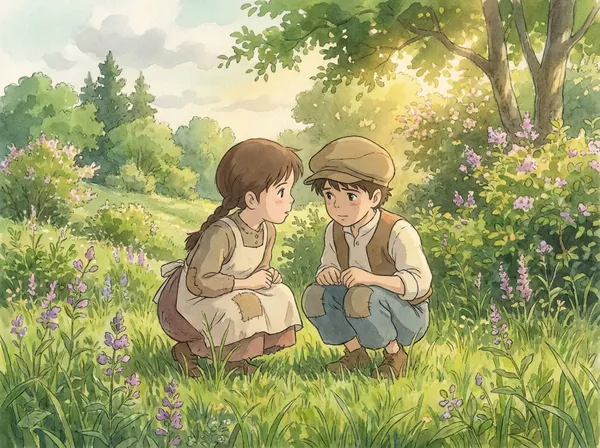
A Secret in the Wildflower Field
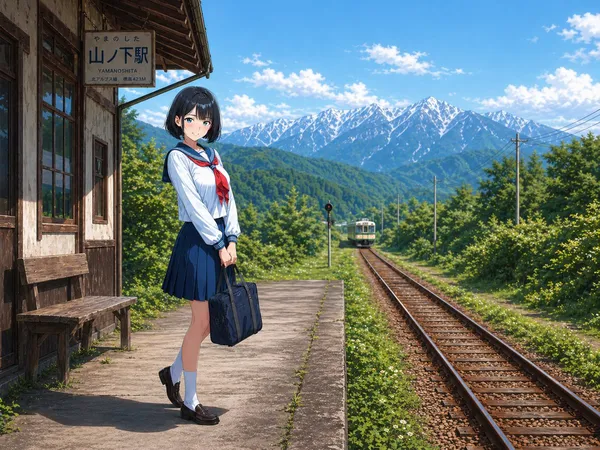
Cinematic Anime-style Illustration of a Quiet Rural Japanese Train Station in Early Summer
What Are Ghibli Style AI Prompts?
Ghibli style prompts are AI prompts for making a Ghibli-style scene from scratch or turning your photo into Ghibli style. Soft lines and warm watercolor tones are the signature. In Carat, you can create with models like GPT Image 2 or Nano Banana Pro, then refine with aspect-ratio changes, background removal, or upscaling.
Where You'll Use It
- Ghibli-style scenes of people and characters
- Landscape and nature Ghibli illustrations
- Fantasy and storybook-like scenes
- Ghibli images for profiles and social
- Your photo converted to Ghibli style
Why This Tag Is Useful
Ghibli style is about recreating a mood more than a simple filter. Adding soft coloring, warm light, and a storybook background brings out the signature Ghibli feel. Whether you create from scratch or convert a photo, minding the composition and facial expression improves the result. Check the tone and composition in the examples first.
Tips for Building Your Prompt
- For a new scene, describe the character, background, and mood; to convert, add your original photo as a reference image.
- Ask for watercolor tones, soft lines, and a storybook background.
- Add the mood you want (warm countryside, starry night, etc.) in one line.
- Spell out the facial expression and composition.
After generating, check that the face looks natural and the mood fits, then refine the ratio and quality in Carat.
Questions fréquentes
They suit converting a photo or drawing into a Studio Ghibli-style illustration. They're useful for turning portraits, landscapes, and pet photos into Ghibli style.
Yes. Add the original photo as a reference image to convert (i2i). Facial features and composition are kept.
Mostly, but it's good to adjust the conversion strength after seeing the result.
Yes. Not just people but landscapes, travel photos, and pets can be turned into Ghibli style.
Yes. Just add your original photo to the example prompt.
It's fine for personal and social use, but Studio Ghibli opposes AI conversion and there are style, copyright, and trademark concerns, so review commercial use carefully.
In Carat you can change the conversion strength, mood, or background and regenerate.