Hashtag Event Banner
Design clear social campaign banners that explain the required hashtag, entry steps, and reward.
2026.07.22
Fais « Hashtag Event Banner » exactement comme tu veuxCrée ton propre « Hashtag Event Banner »
Demande-le simplement — Carat génère pour toi des images et des vidéos optimisées.

Commence maintenant avec 100 crédits gratuits par jour
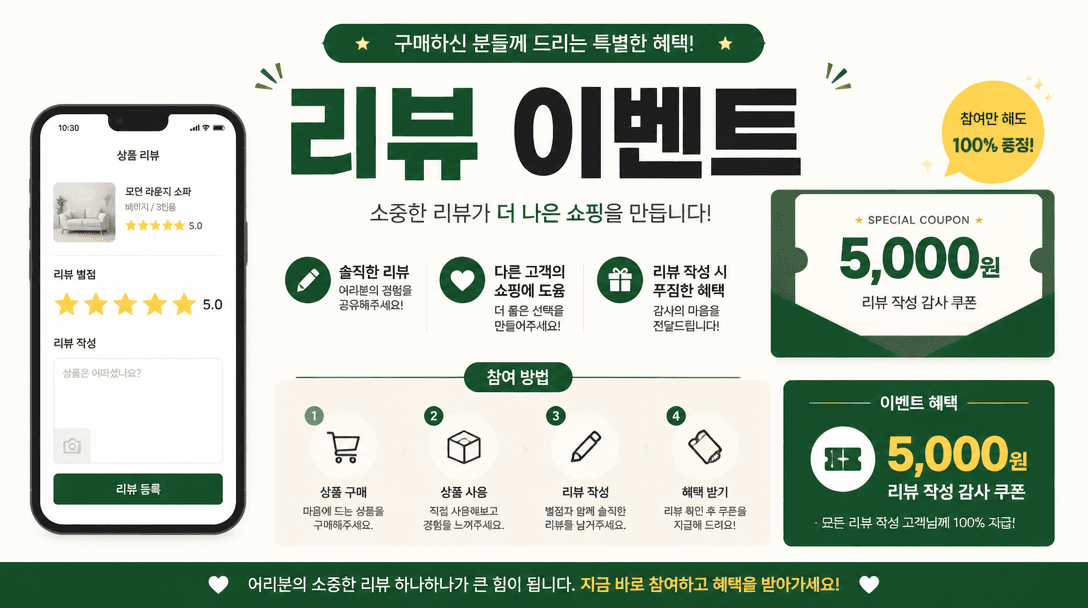
Review Event Banner
What are hashtag event banner prompts?
Hashtag event banner prompts are used to create social campaign graphics that encourage people to post with a required hashtag. They work for product reviews, visit-and-share campaigns, photo contests, launch events, and giveaway promotions. In this format, clarity matters more than decoration. The viewer should immediately understand the campaign name, the action to take, the exact hashtag, the deadline, and the reward or announcement date.
Information hierarchy
Place the campaign title and participation action first. Give the required hashtag its own high-contrast area so it can be read and copied without confusion. If the campaign requires a public account, a feed post, a story share, or a purchase review, state that condition briefly. A product or prize image can provide context, but it should not compete with the hashtag and deadline.
Layout for mobile screens
Social banners are often viewed quickly on a small screen. Use a large headline, generous spacing, and a restricted palette. A centered hashtag block can be surrounded by a camera frame, speech bubbles, product photography, or simple participation icons. Avoid busy backgrounds behind small type. Ask the prompt to keep important text inside a safe area so it remains visible in feed crops and story interfaces.
Adapting the campaign by brand
A café may ask customers to share a new drink, an apparel shop may request an outfit review, and an event organizer may collect venue photos. The same visual system can support each campaign, but the audience, platform, reward, date, and eligibility rules should be replaced explicitly. Spell the hashtag exactly, including capitalization and underscores, because a small typo can split campaign participation across multiple tags.
Operational review before posting
Check that the banner matches the actual campaign terms, prize quantity, announcement process, and privacy requirements. Generated lettering should be proofread and the final hashtag should be entered manually if necessary. After the event, the same layout can be adapted for a winner announcement or recap card, creating a consistent visual identity across the entire campaign.
Questions fréquentes
Include the event title, required hashtag, entry steps, campaign dates, reward or prize, and winner announcement date.
Yes, but clearly separate required and optional tags. Too many essential tags can make participation confusing.
Yes. Specify a vertical format and keep the headline and hashtag inside the interface safe areas.
No, but showing the prize or featured product helps viewers understand the incentive quickly.
You can copy and adapt the prompt. Actual image creation may use credits or a paid plan depending on the model and account.
Keep the graphic concise. Put detailed terms, exceptions, and privacy information in the caption or a linked page.
Verify the hashtag spelling, dates, reward, platform, account eligibility, winner announcement, and any privacy notice.