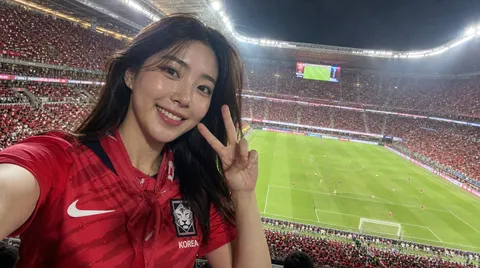
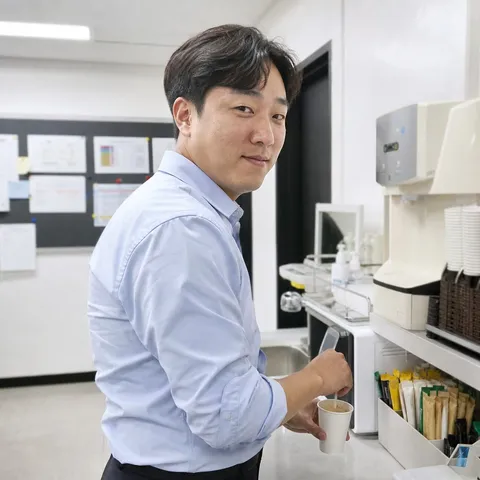
iPhone Snapshot
Candid iPhone snapshot AI prompts that capture everyday life as it is. Make crosswalk moments, cafe brunches, and neighborhood walks look like real phone photos.
2026.06.30
Fais « iPhone Snapshot » exactement comme tu veuxCrée ton propre « iPhone Snapshot »
Demande-le simplement — Carat génère pour toi des images et des vidéos optimisées.

Commence maintenant avec 100 crédits gratuits par jour
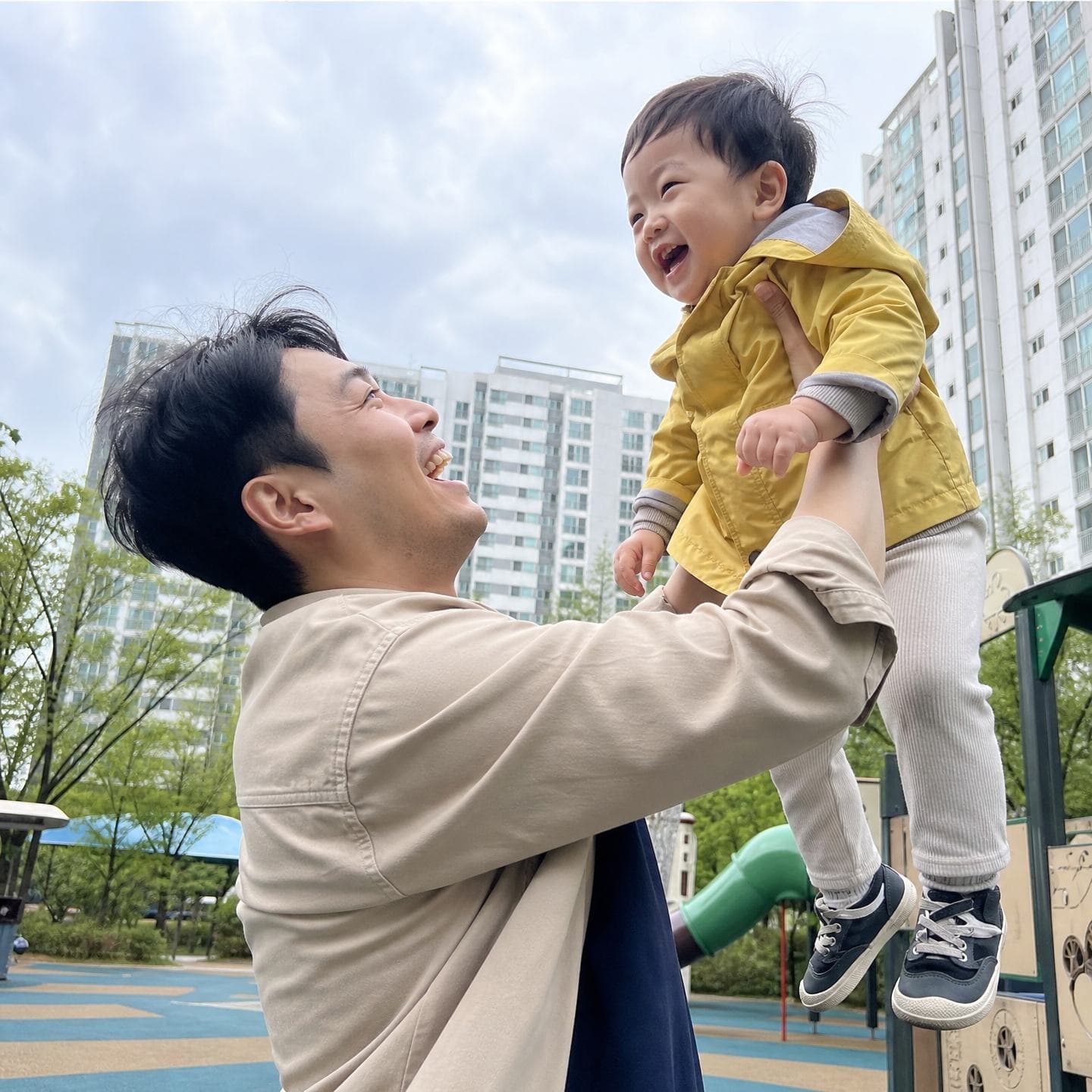
Dad Lifting His Child at the Playground
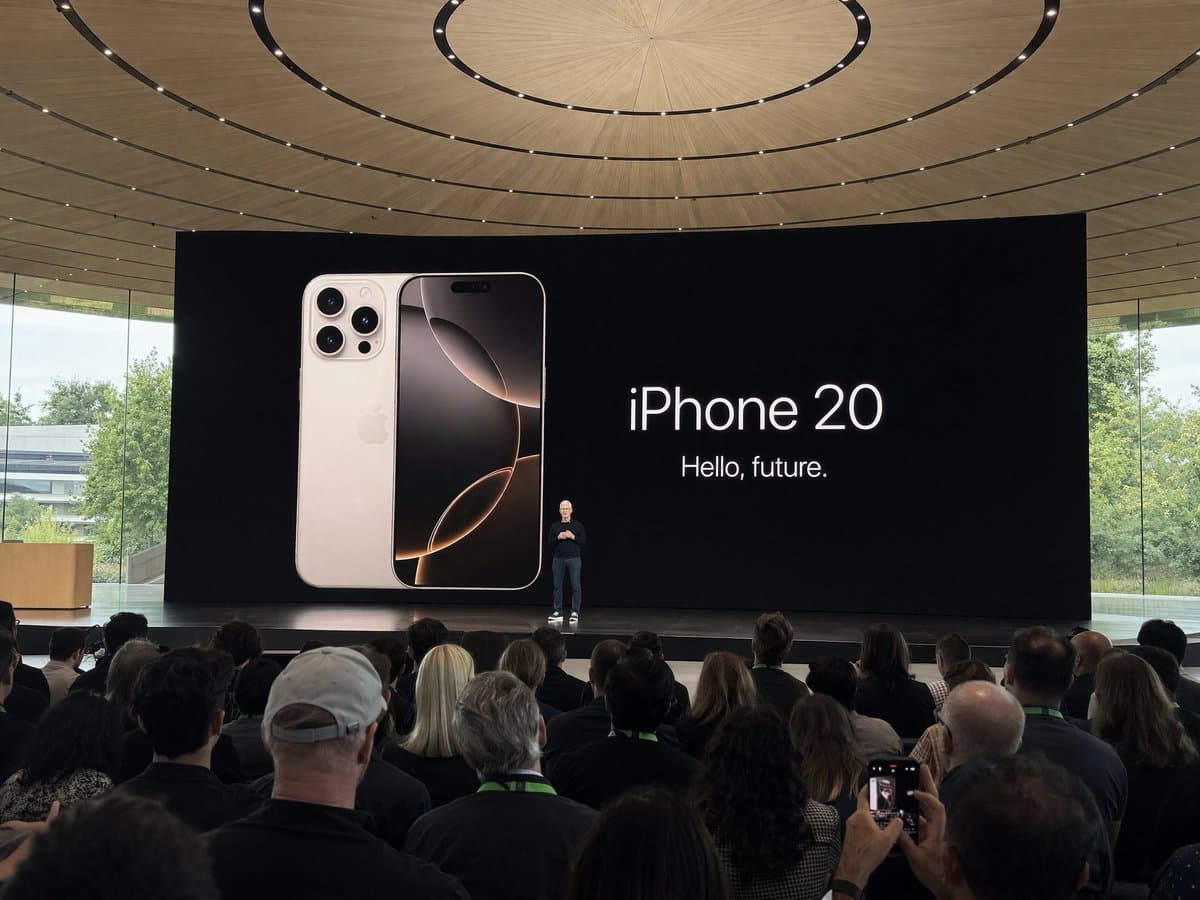
Amateur IPhone Photo at Apple Park During the IPhone 20 Keynote
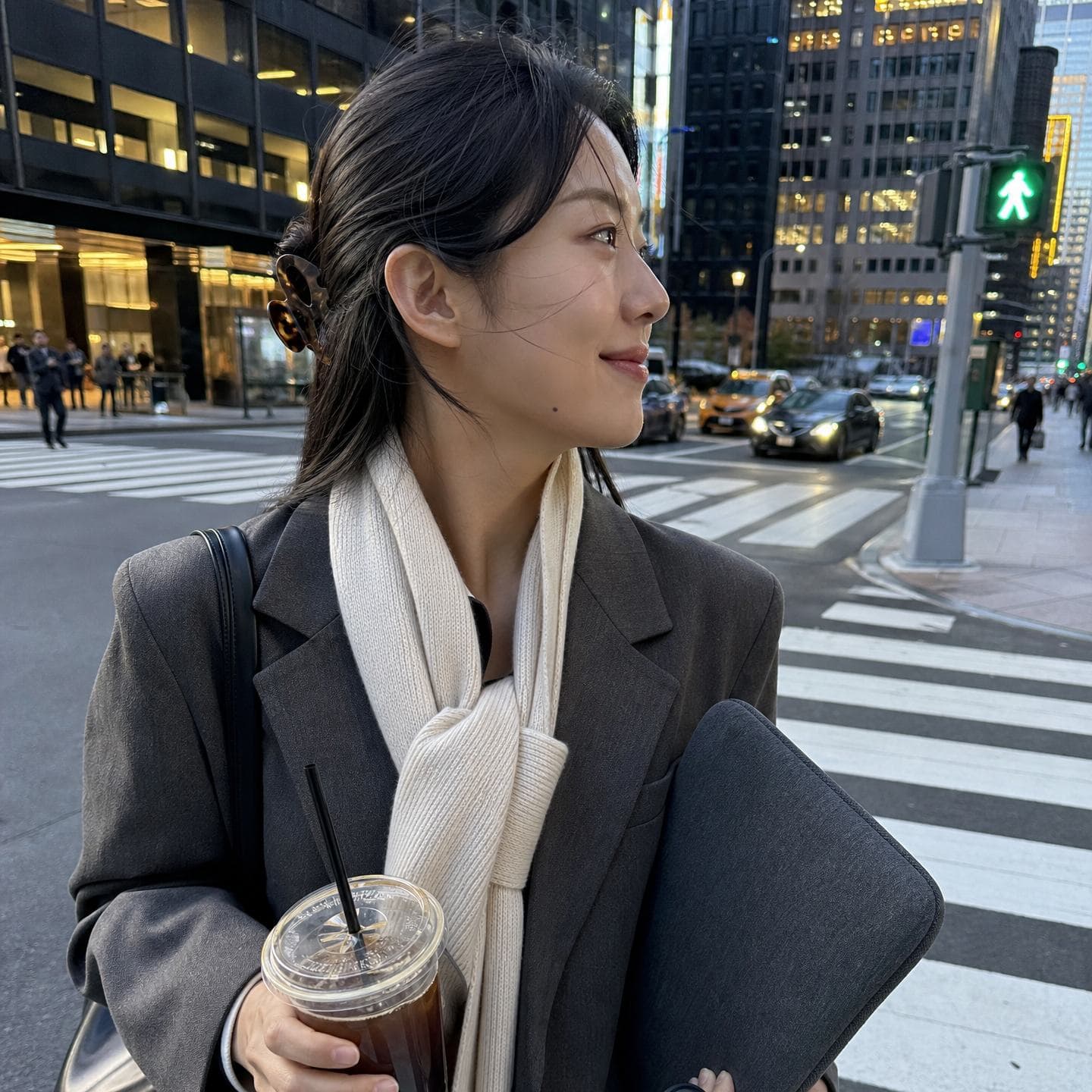
After-Work Crosswalk Snap

Tteokbokki Spill Moment
What Are iPhone Snapshot AI Prompts?
iPhone snapshot prompts create images that look like a casual photo a friend just took on their phone — no studio lighting, no heavy retouching. The key is the "slightly imperfect" details: subtle motion blur, uneven natural light, and that signature mobile HDR texture. Instead of a polished campaign shot, the result feels like something pulled straight from your camera roll. With GPT Image 2, you can keep a person's face intact while placing them naturally into everyday backdrops like a commute, a cafe, or a quiet street.
Where You'll Use It
- Candid everyday snaps at a crosswalk on the way home or by a bus window
- Cafe and brunch-table shots that look like a friend grabbed them
- Slice-of-life backdrops like a neighborhood bakery, a park, or a recycling area
- Effortless "undone" daily looks built for an Instagram feed
- Funny split-second moments, like reacting to a sauce spill at a snack spot
Why This Tag Is Useful
The photos that perform best on social today aren't perfectly staged editorials — they're the ones that look like they were just snapped on a phone. iPhone snapshot prompts lean into IMG filenames, 1:1 square framing, and faint phone noise to strip away the artificial AI look and boost realism. They cover portraits, selfies, and daily vlog thumbnails, making them a great fit for anyone who needs to fill a social feed quickly with believable content.
Related Prompts
- Selfie
- Portrait Photo
- Smartphone Photo
- Realistic Photo
- Pinterest Aesthetic Photo
- Instagram Feed
- Cafe Photo
Prompt Tips
- Lead with phrases like "realistic iPhone candid photo" or "IMG_0000.HEIC" to lock in that shot-on-a-phone original feel.
- Avoid heavy retouching and cinematic color grading; specify "natural light," "even exposure," and "subtle smartphone noise" to keep it real.
- Set the background to a concrete everyday location — a crosswalk, a cafe, a side street — to strengthen the candid effect.
- For portraits, add "keep the face from the uploaded photo intact" to preserve identity.
Combine these and you can quickly create scroll-stopping snaps that feel like genuine everyday life rather than an ad.
Questions fréquentes
Copying and pasting the prompts is free. Generating the actual images in Carat uses credits for the model.
Phrases like "realistic iPhone candid photo," "IMG_0000.HEIC," "natural light," and "subtle smartphone noise" give it that just-snapped-on-a-phone realism.
Yes. Upload a portrait and add "keep the face from the uploaded photo 100% intact" to the prompt to preserve identity while styling it as an everyday snap.
Prompts in this tag are mostly made with GPT Image 2, which is well suited for preserving identity and rendering natural everyday texture.
Perfectly staged shots tend to look AI-generated. A bit of motion blur and uneven lighting give that "shot on a real phone" feel and read more naturally on social media.
Yes. Specify a 1:1 square or 4:5 vertical ratio and you'll get dimensions ready to post straight to an Instagram feed or story.
The more specific and familiar the everyday setting — a cafe, a crosswalk, a neighborhood bakery — the stronger the candid snapshot feel.