carat

Prompt Gallery

/

카와이 일러스트

Login
Sign Up

카와이 일러스트

카와이 일러스트 제작에 바로 활용할 수 있는 AI 프롬프트와 구성 팁을 제공합니다.

2026.07.06

·
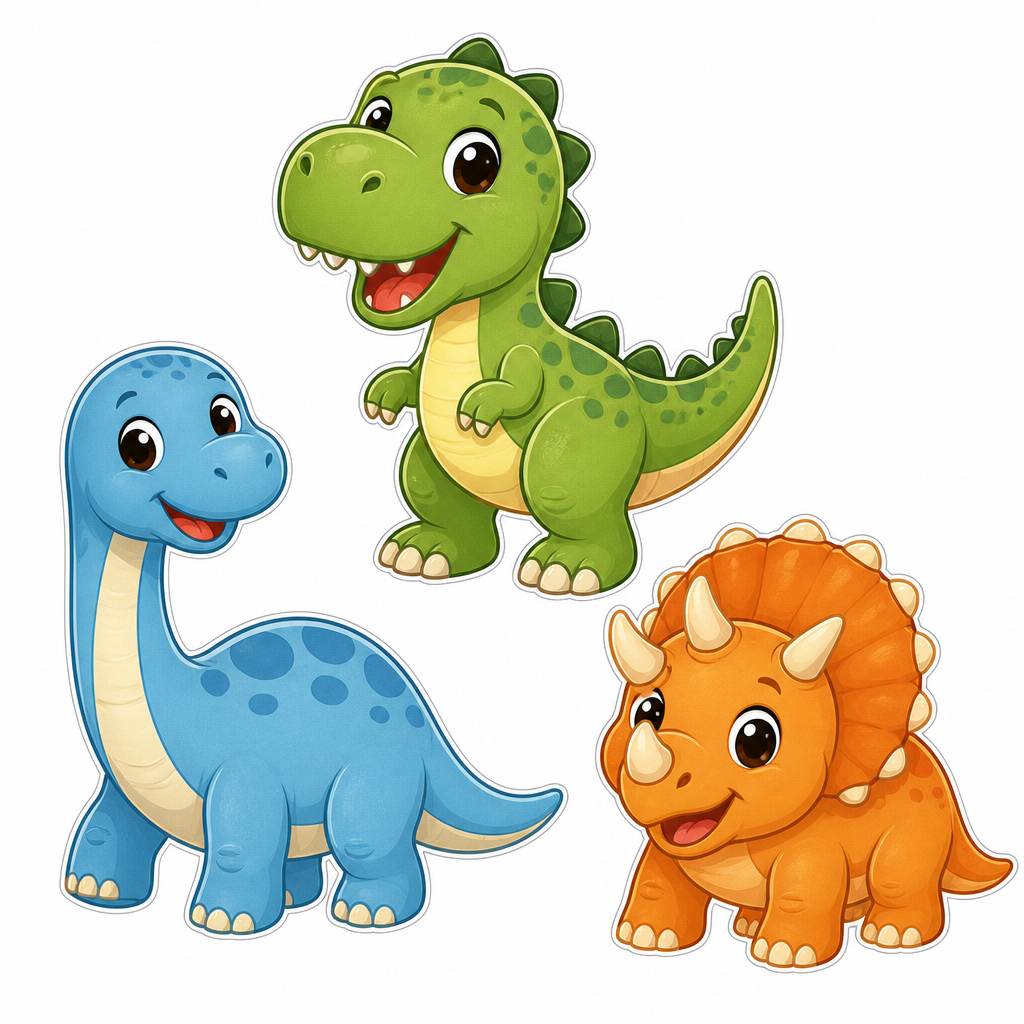
GPT 이미지 2로 생성한 귀여운 공룡 캐릭터 세트

귀여운 공룡 캐릭터 세트

GPT 이미지 2· Image
Create a cute dinosaur character illustration set on a clean white background: three friendly dinosaurs in different colors, rounded shapes, simple expressive faces, sticker-ready clean outlines, children book style, no text.
GPT 이미지 2로 생성한 곰 캐릭터 예시 2

곰 캐릭터 예시 2

GPT 이미지 2· Image
Kawaii bear character holding a honey jar, soft brown fur, rounded shapes, simple background, children book mascot style, no readable text.
GPT 이미지 2로 생성한 딸기 일러스트 예시 2

딸기 일러스트 예시 2

GPT 이미지 2· Image
Cute strawberry character illustration with a tiny smile and rounded body, sticker design, soft pink shadow, simple white background, cheerful kawaii mood, no text.
나노바나나 프로로 생성한 니들펠트 울 미니어처

니들펠트 울 미니어처

나노 바나나 프로· Image
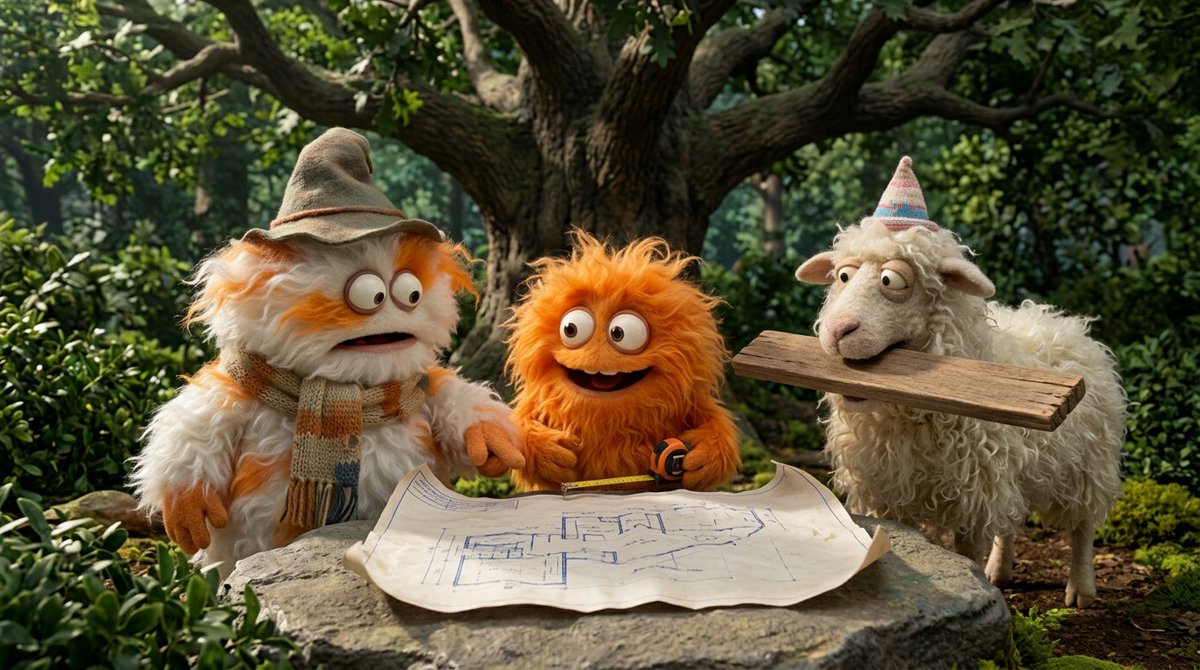
{   "target_style": "Handcrafted needle-felted wool miniature",   "texture_properties": {     "material": "organic roving wool, fuzzy fibers, soft tactile felt",     "details": "visible needle-punch textures, soft fuzzy surface, handcrafted seams",     "eyes": "small black bead eyes or simple felted circles"   },   "adaptation_rules": {     "proportions": "stylized, slightly oversized head, simplified limbs, cute aesthetic",     "color_palette": "retain original colors from source image but soften with wool texture",     "clothing": "simplified felt versions of the original outfits, tiny fabric buttons, stitched details",     "accessories": "replicate key items from source as miniature felted props"   },   "environment": {     "camera": "macro photography, close-up shot",     "lighting": "soft studio lighting, warm highlights, gentle shadows",     "background": "clean, out-of-focus bokeh background, neutral craft studio setting",     "depth_of_field": "shallow depth of field (f/2.8)"   },   "rendering_engine_hints": "high fidelity, 8k, photorealistic wool texture, Pixar-like character charm" }
@firatbilal
GPT 이미지로 생성한 egg 갸루 잡지 표지

egg 갸루 잡지 표지 만들기

GPT 이미지 2· Image
Search the web for egg magazine Japan gyaru logo or egg エッグ 雑誌 ロゴ to find the actual egg magazine masthead. Use it as visual reference for the logo design. Create a Japanese gyaru fashion magazine cover in the style of egg (エッグ) magazine. IMAGE ROLES: Image 1 is the SUBJECT PHOTO. Must appear EXACTLY as-is — preserve 100%, zero modifications to face, skin, hair, makeup, or clothing. EGG LOGO: Recreate the egg magazine masthead logo based on the web reference. Position: TOP-LEFT corner, large (~35-40% of cover width). White fill with thin black outline and subtle drop shadow. Slightly overlapping into the photo. COVER DESIGN: Subject photo as full-bleed background, completely unchanged. egg logo in top-left corner. Upper right: 2025年7月号 in small white text. Lower section large bold white text with magenta drop shadow (#E6007E): アガるコーデ、全部見せ♡. Left column in white: ♡今季最強メイク完全解剖 / ♡ギャルの夏コーデ100連発 / ♡最強GALたちのリアルな私服. Yellow starburst (#FFED00): 注目GAL特集!! Footer: egg | ¥680. Small hearts scattered throughout empty space. Color palette: Yellow #FFED00 / Magenta #E6007E / White #FFFFFF / Cyan #00ADEF. All text has outline or drop shadow. Text NEVER covers the subject face. ALL Japanese must be grammatically correct. Output: portrait 3:4 ratio.
GPT 이미지 2로 생성한 파스텔 3D 캐릭터

파스텔 3D 캐릭터

GPT 이미지 2· Image
A stylized 3D cartoon character of a [PERSON] with big expressive eyes and a slightly sad, pouty expression, standing against a solid pastel green background. He is wearing a soft white fuzzy beanie with ear flaps and matching white over-ear headphones. His hair is short, brown, and slightly messy, peeking out from under the cap. He wears an oversized light green t-shirt with a bold black graphic on the front, and his arms are crossed in a bored or annoyed pose. The lighting is soft, diffused studio lighting with smooth shadows, giving a clean aesthetic. Ultra-detailed, high-quality 3D render, Pixar-style, soft textures, shallow depth of field, centered composition, minimal background, vibrant but soft color palette. Negative prompt (optional): blurry, low quality, extra limbs, distorted face, harsh shadows, cluttered background, text artifacts, watermark
@Naiknelofar788
GPT 이미지로 생성한 마이멜로디 갸루 코스플레이 일러스트

마이멜로디 갸루 코스플레이 일러스트

GPT 이미지 2· Image
Transform the person in this photo into the Sanrio character My Melody. Keep the EXACT same outfit, accessories, and pose from the photo — replicate every detail: clothing items, colors, patterns, bag, jewelry, socks, shoes, and any charms or keyrings. Replace the person entirely with My Melody in her original Sanrio cartoon illustration style: cute 2D chibi proportions, soft pink hood covering her head with two small round ears, sweet round white face with tiny black dot eyes and a small pink nose, no visible mouth. Do NOT make her look realistic or like a person wearing a mascot costume — she should look like official Sanrio character art. Plain solid white background (#FFFFFF). Output in 3:4 portrait ratio.
GPT 이미지로 생성한 쿠로미 갸루 코스플레이 일러스트

쿠로미 갸루 코스플레이 일러스트

GPT 이미지 2· Image
Transform the person in this photo into the Sanrio character Kuromi. Keep the EXACT same outfit, accessories, and pose from the photo — replicate every detail: clothing items, colors, patterns, bag, jewelry, socks, shoes, and any charms or keyrings. Replace the person entirely with Kuromi in her original Sanrio cartoon illustration style: cute 2D chibi proportions, black jester hood with a pink skull on the forehead, expressive purple eyes, small white rabbit-like face, and a curly devil tail. Do NOT make her look realistic or like a person wearing a mascot costume — she should look like official Sanrio character art. Plain solid white background (#FFFFFF). Output in 3:4 portrait ratio.
GPT 이미지로 생성한 갸루 옷 입히기 스티커 시트

갸루 옷 입히기 스티커

GPT 이미지 2· Image
Create a 2000s Korean dress-up sticker sheet in the exact art style of early 2000s Korean flash dress-up games like Avatar Star Sue — flat cell-shaded coloring, thick clean rounded black outlines, simple soft gradient shading, glossy toy-like finish, highly saturated pastel colors. 2D cartoon style, NOT realistic, NOT 3D. BASE CHARACTER (center-left): A young woman standing in the same pose as the reference photo — one hand on hip, same arm/body angle. Chibi-adjacent anime proportions: oversized head, large expressive eyes, thin stylized body with elongated limbs. She wears a plain white short-sleeve t-shirt and short denim shorts as base outfit. Face based on the reference photo — round face, large brown eyes, soft features, gyaru makeup in 2D style (thick drawn eyelashes top and bottom, pink blush circles, glossy pink lips). Voluminous honey-blonde spiral curl perm with pink ribbon clip. CLOTHING ITEMS (arranged around the character, each shaped to fit the character's exact pose and body angle): CRITICAL: Each clothing item must be drawn to match the character's pose precisely — sleeves matching arm angles, torso matching body curve. Items have small paper-doll tabs for attaching. Pink leopard-print cropped cardigan, Mint green ruffle mini top with lace trim, Hot pink fur-trimmed cropped jacket, White lace camisole top, Leopard print mini skirt, Mint and white striped shorts with ribbon belt, Platform boots (white with pink hearts), Pink strappy high heels. ACCESSORIES (sized proportionally, designed as STICK-ON stickers): Pink flip phone with large character keyring/charm, Oversized heart-shaped pink sunglasses, Pearl necklace — U-shaped/crescent open at back, Rhinestone bracelet — C-shaped open, Pink mini handbag with bow, Tiara/crown hair accessory, Large hoop earrings (side-profile clip-on shape), Leopard print fuzzy bucket hat. TEXT: 갸루 옷 입히기 in bubbly, rounded, bold Korean typography at the top — hot pink gradient with sparkle/star decorations. 2000s playful font. BACKGROUND: Soft pastel pink background with subtle low-opacity leopard print pattern overlay. LAYOUT: Classic sticker sheet — base character on the left, tops arranged upper-right, bottoms middle-right, shoes lower area, accessories scattered around edges. No items overlapping.
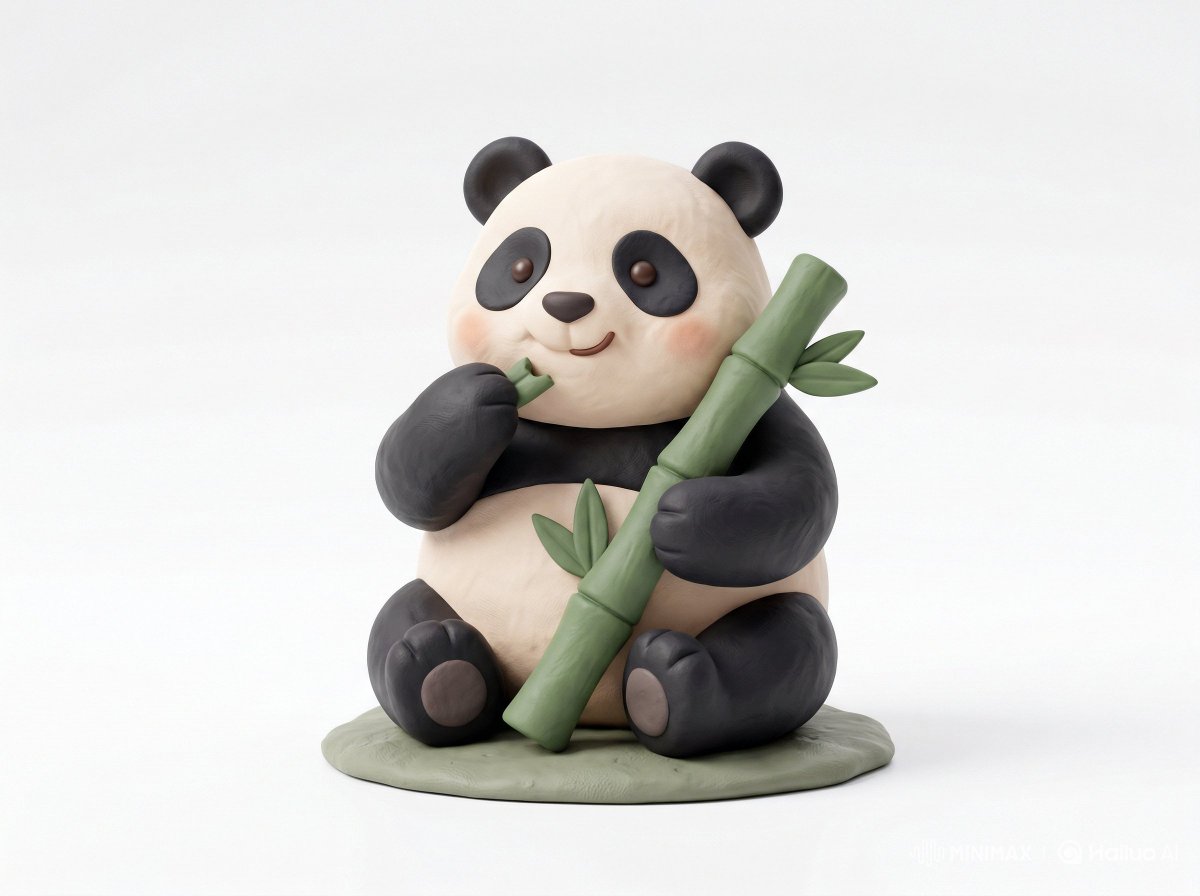
나노바나나 프로로 생성한 클레이 토이 아이콘

클레이 토이 아이콘

나노 바나나 프로· Image
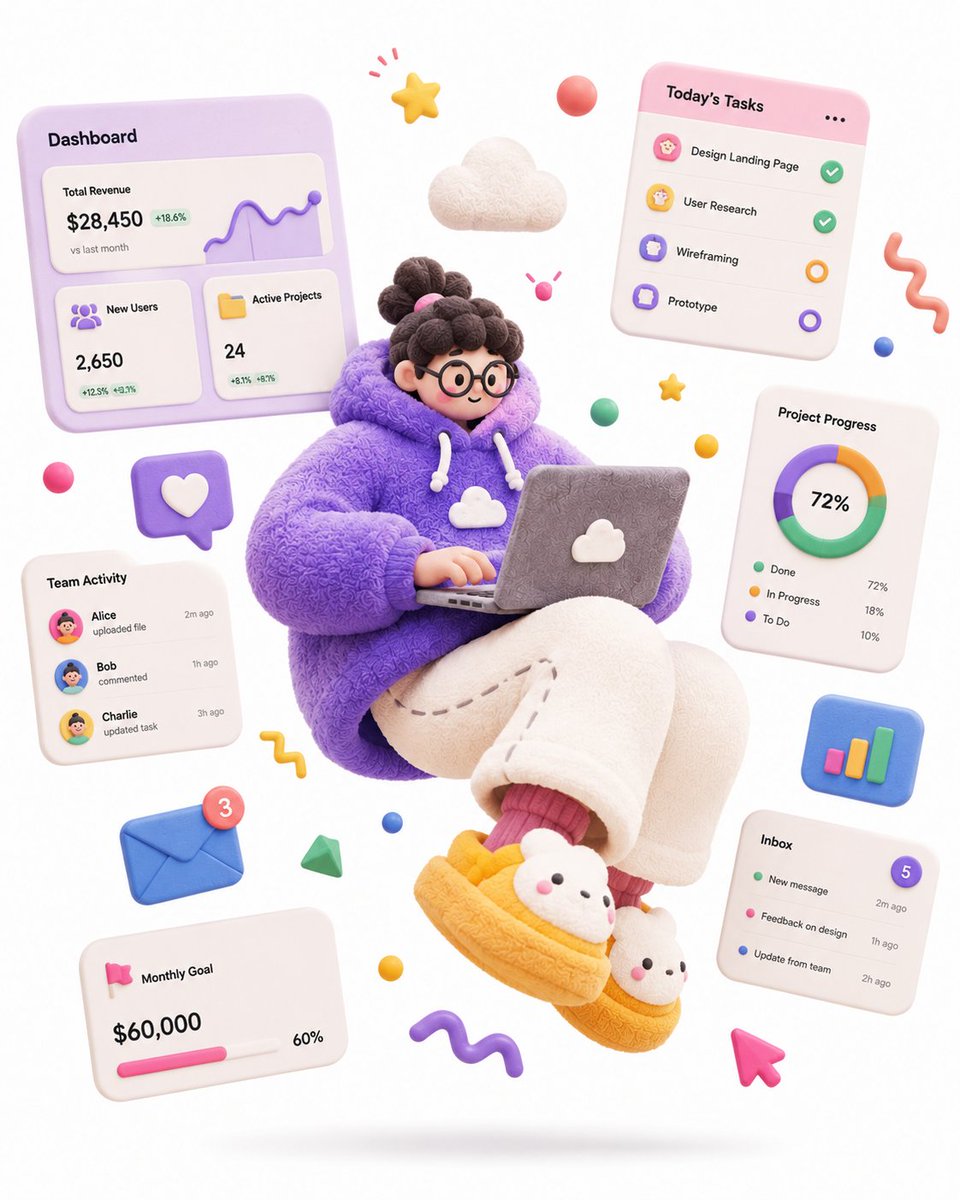
Cute 3D render of a [subject], matte surface, kneaded clay icon style, simple stylized design, [doing action], [emotion or mood], rounded proportions, soft sculpted details, playful body language, vibrant [color1], [color2], and [color3] accents, clean white background, minimal composition, soft ambient lighting, subtle shadow, charming character design, high-resolution, polished toy-like aesthetic
@Strength04_X
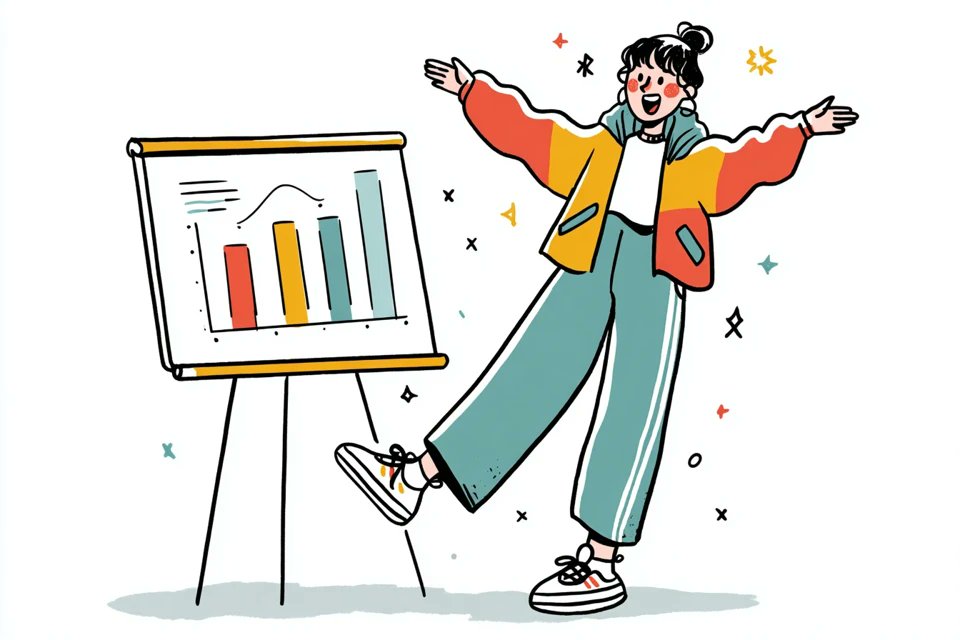
GPT 이미지 2로 생성한 감성 손그림 캐릭터 일러스트

감성 손그림 캐릭터 일러스트

GPT 이미지 2· Image
A simple illustration of a [subject] in [outfit], [doing action], with a [facial expression] expression, in the style of Gemma Correll, playful hand-drawn linework, quirky character design, minimal detail, expressive posture, clean white background, charming editorial illustration feel
@azed_ai
GPT 이미지 2로 생성한 플러시 인형 3D 모델

플러시 인형 3D 모델

GPT 이미지 2· Image
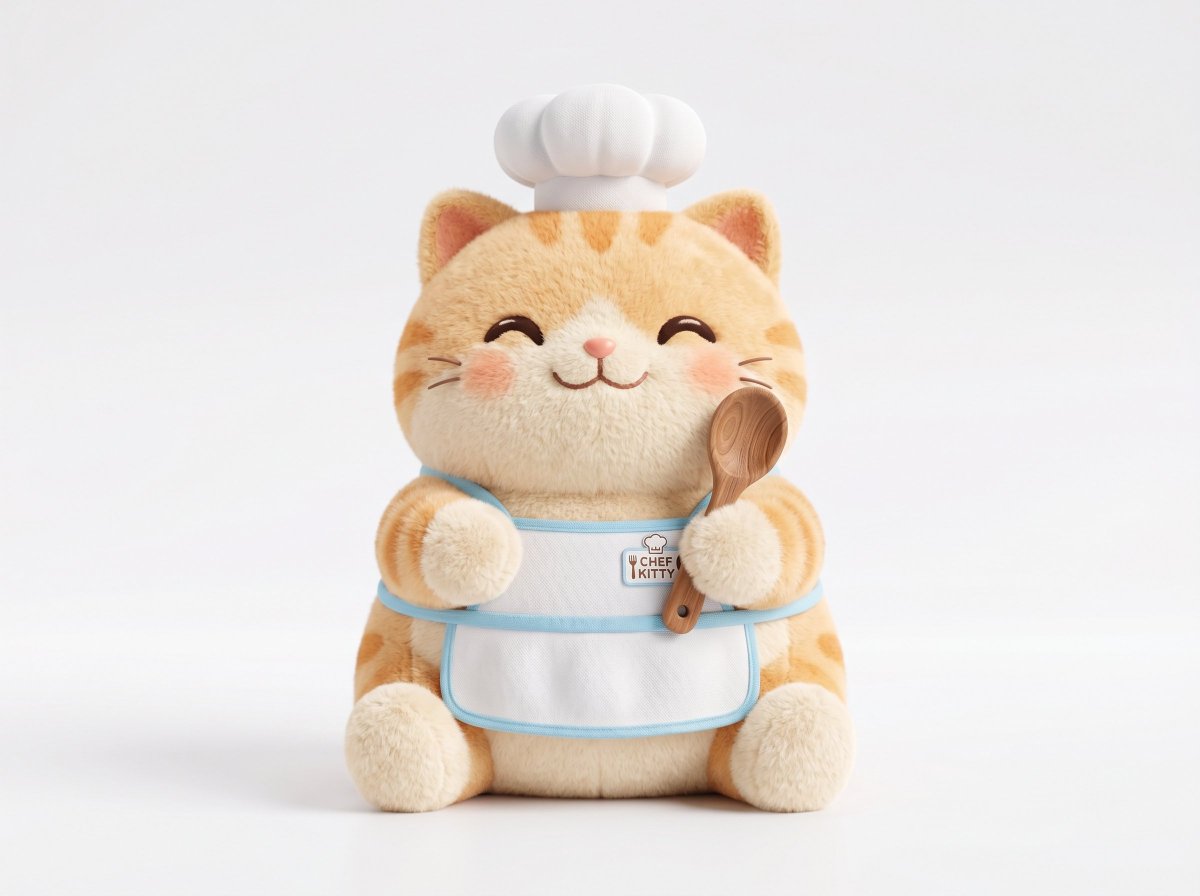
A soft plush 3D model of a [subject] with [key detail], rendered in a cute stylized aesthetic, velvety surface, squeezable toy-like form, rounded proportions, charming animated [object type] design, clean white background, centered composition, soft ambient lighting, pastel palette, subtle shadows, high-resolution 3D render, front-facing view, ultra clean, adorable collectible feel
@Strength04_X

카와이 일러스트 AI 프롬프트란?

카와이 일러스트 AI 프롬프트는 특정 장면이나 캐릭터, 스타일의 분위기를 일관성 있게 만들어내기 위한 세부 태그입니다. 단순히 대상 이름만 적는 것보다 조명, 카메라 거리, 색감, 소재, 배경 맥락을 함께 넣으면 결과가 훨씬 더 정교해집니다. 이 태그는 검색자가 바로 활용할 수 있는 프롬프트를 찾도록 돕고, 비슷한 주제 안에서도 카와이 일러스트만의 고유한 장면성을 분리해 줍니다. 특히 귀여운 캐릭터 굿즈, 다이어리 일러스트, SNS 프로필, 카드뉴스 아이콘, 스티커 세트 같은 목적에서 반복적으로 쓰기 좋습니다.

주요 활용 장면

  • 브랜드나 개인 프로젝트의 콘셉트 시안 만들기
  • 상세페이지, 카드뉴스, 릴스 커버, 숏폼 썸네일 제작
  • 캐릭터나 제품을 특정 공간과 분위기 안에 배치하기
  • 계절, 색감, 조명, 렌즈감을 바꿔 여러 방향 비교하기
  • 기존 이미지를 참고해 더 구체적인 스타일 버전 만들기

이 태그가 유용한 이유

카와이 일러스트은 결과물이 너무 넓게 퍼지는 문제를 줄여 줍니다. 예를 들어 프롬프트에 핵심 대상만 입력하면 생성 모델은 임의로 배경과 스타일을 정하지만, 이 태그를 사용하면 사용자가 원하는 검색 의도와 제작 목적이 더 분명해집니다. round shapes, pastel palette, sparkly eyes, soft blush, small body, simple background 같은 시각 단서를 함께 쓰면 장면의 밀도와 설득력이 올라갑니다. 또한 같은 주제라도 포스터형, 제품컷형, 라이프스타일형, 애니메이션형으로 나누어 테스트하기 좋습니다.

관련 프롬프트 더 보기

  • 일러스트
  • 캐릭터
  • 반려동물 일러스트
  • 반려동물 캐릭터
  • 어린이책
  • 아기 일러스트
  • 다이어리 스티커

프롬프트 구성 팁

  1. 대상과 공간을 먼저 적고, 그다음 조명과 색감을 구체화하세요.
  2. 카메라 거리, 렌즈, 구도, 화면비를 넣으면 결과가 더 안정적입니다.
  3. 사용할 매체가 광고, 카드뉴스, 숏폼, 상세페이지 중 무엇인지 적어 주세요.
  4. 피하고 싶은 요소를 negative prompt처럼 짧게 정리하면 후처리 시간이 줄어듭니다.
    카와이 일러스트 프롬프트는 작은 단서 차이로 결과가 크게 달라지는 주제이므로, 목적에 맞는 장면 단어와 스타일 단어를 함께 조합하는 것이 좋습니다.

Frequently Asked Questions

Related Prompts

카와이

카와이

48 prompts

캐릭터

캐릭터

143 prompts

일러스트

일러스트

300 prompts

치비 일러스트

치비 일러스트

24 prompts

Carat Prompt Gallery

Create trending AI prompts instantly

Prompts

  • Logo
  • PPT Design
  • Thumbnail
  • Poster
  • Web Novel Cover
  • ID Photo
  • Caricature
  • Product Detail Page
  • Banner

Models

  • GPT Image 2
  • Seedance 2.0
  • NanoBanana Pro
  • NanoBanana 2

Carat

  • Get started
  • About
  • Blog
  • Careers
  • Contact
  • Partnership
  • Terms
  • Privacy

© 2026 Paradot.Inc All rights reserved.