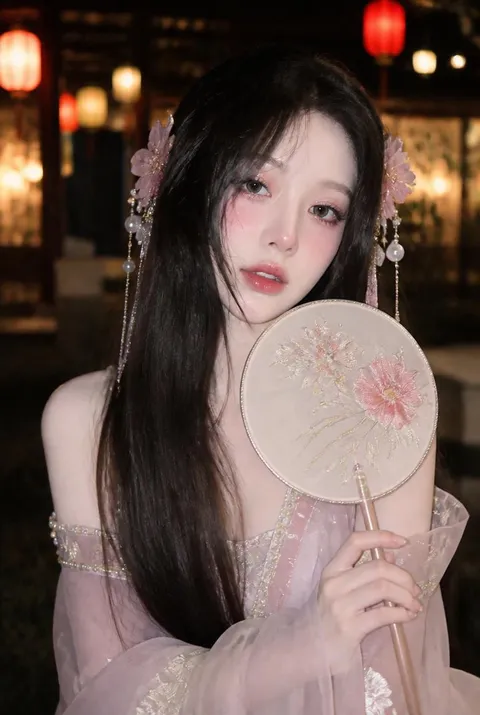
Lantern Scene
Check out the AI prompts for the lantern scene, which contains warm light and a fantastic night atmosphere.
2026.07.03
Fais « Lantern Scene » exactement comme tu veuxCrée ton propre « Lantern Scene »
Demande-le simplement — Carat génère pour toi des images et des vidéos optimisées.

Commence maintenant avec 100 crédits gratuits par jour
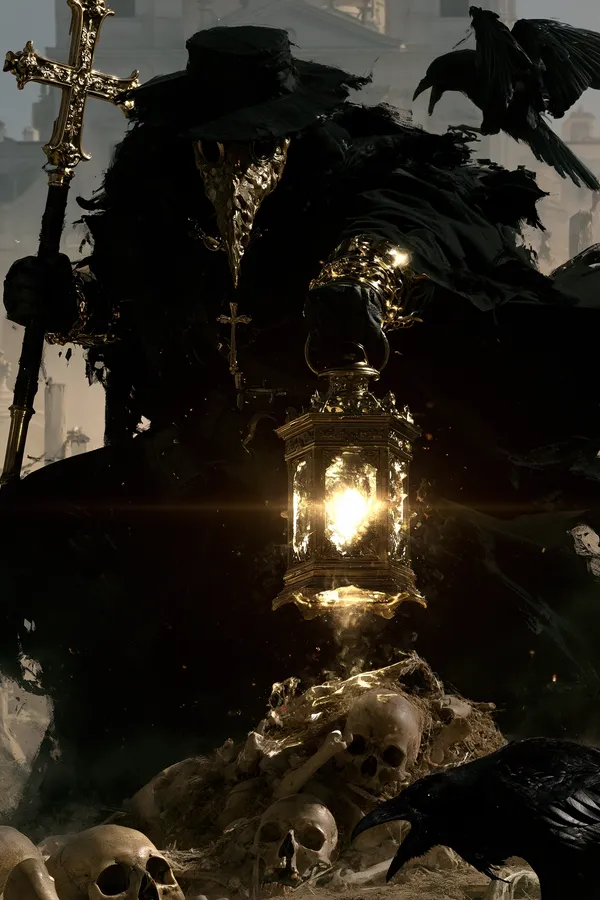
Plague Doctor in a Graveyard
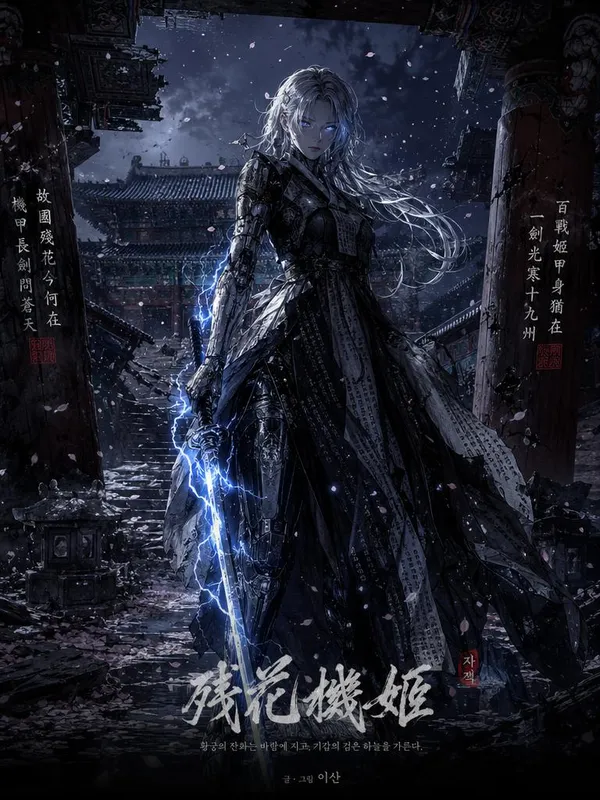
Dark Fantasy Korean Webtoon Key Art in a Ruined Traditional Korean Palace
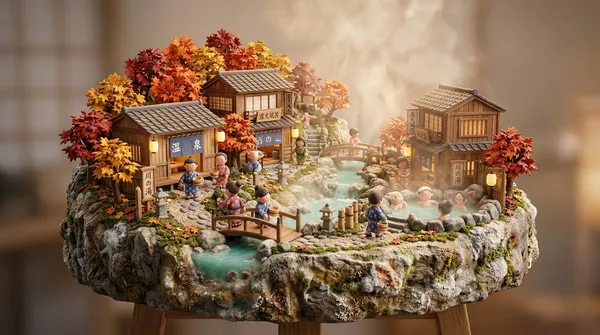
Japanese Onsen Village Miniature
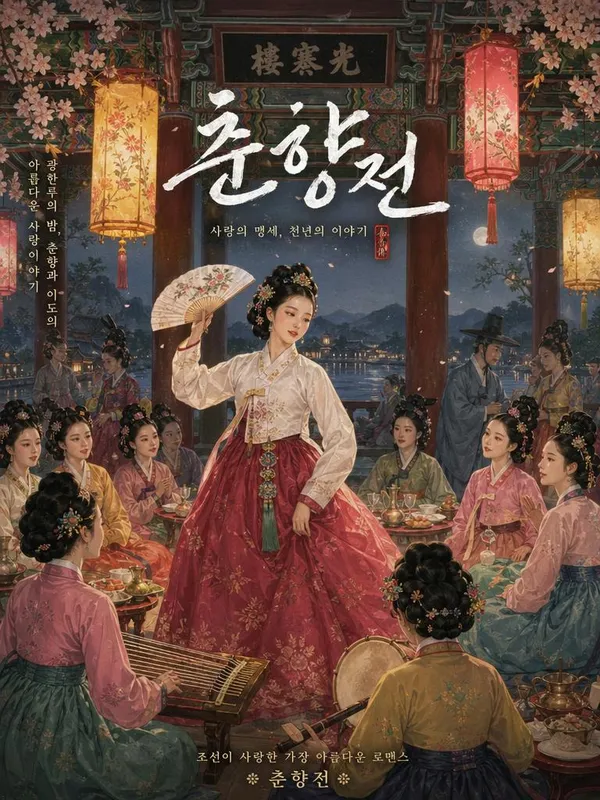
Korean Classic Tale Chunhyangjeon () Banquet Scene Poster
Tang Dynasty Chang'an City Lantern Festival Panorama
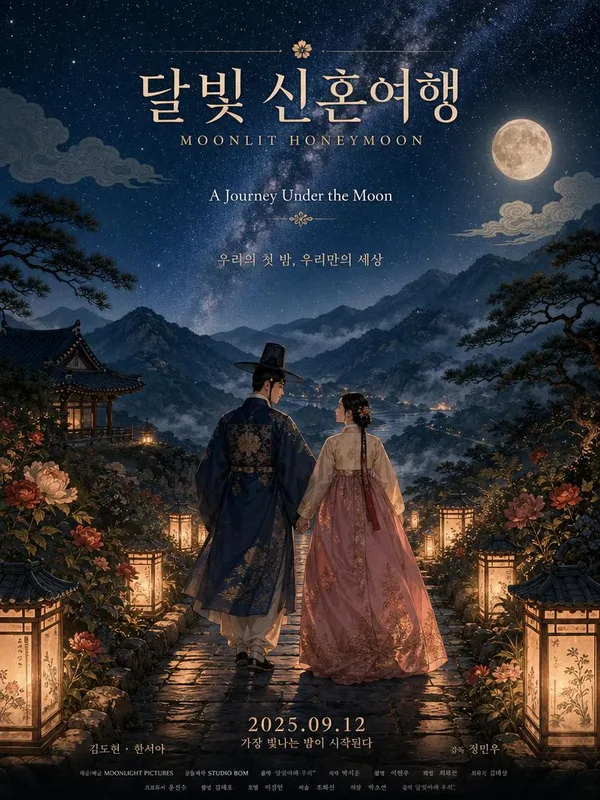
Romantic Anime Movie Poster for a Fictional Korean Honeymoon Travel Film Titled
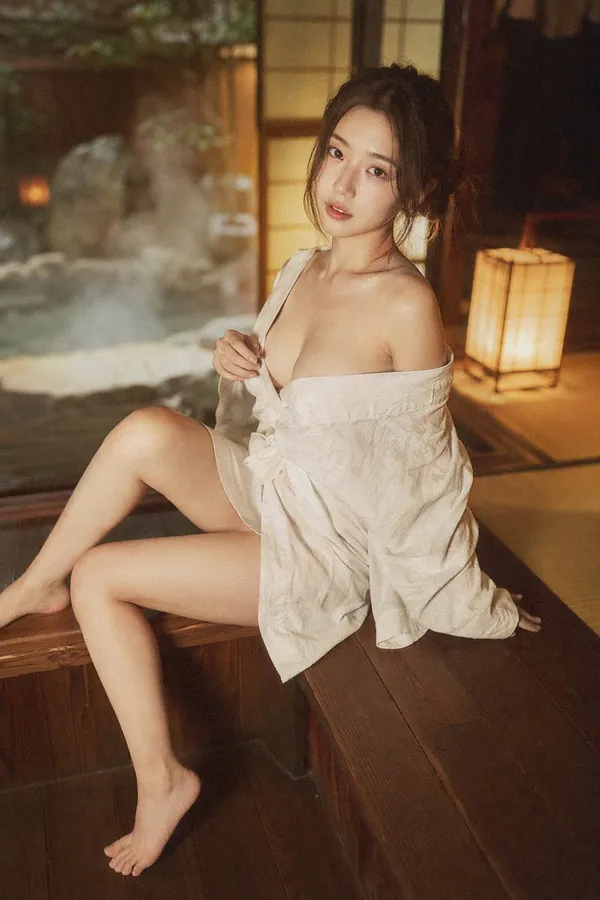
Japanese Onsen Ryokan Portrait
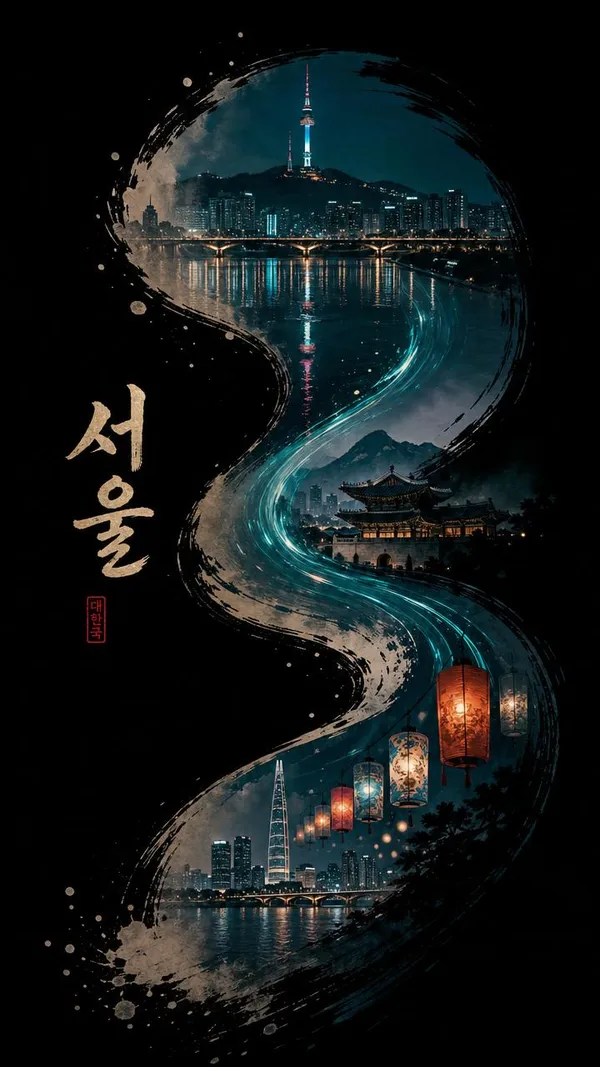
Pure Deep BLack Background
Lantern-Lit Song Dynasty Street in One Take
Rainy Watchtower Rescue Drama Scene
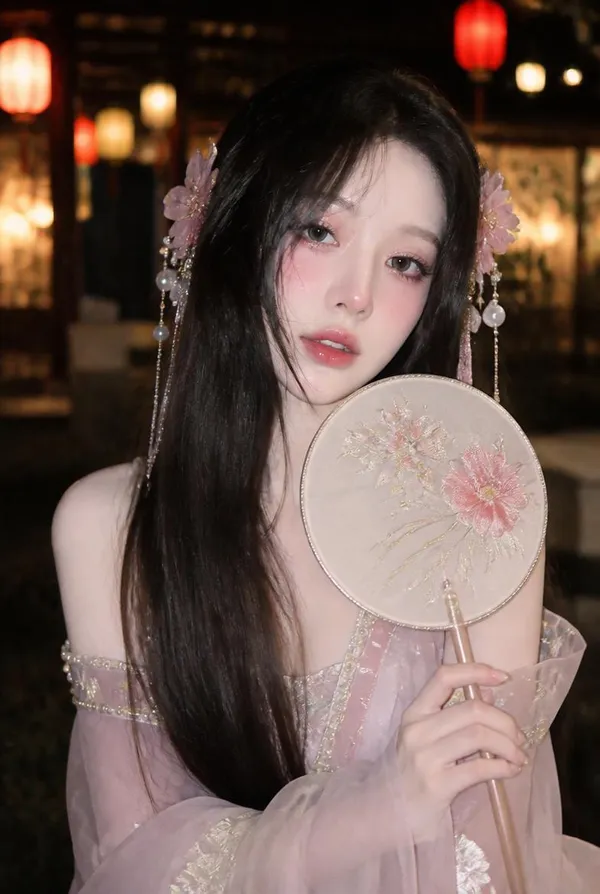
Night Lantern Wanghong Makeover Shot
What is a Lantern Scene AI Prompt?
A lantern scene AI prompt is a specialized creative instruction aimed at generating imagery that centers on the warm, evocative glow of lanterns within various environments. These prompts are meticulously crafted to handle the delicate balance of light and shadow, capturing how the soft illumination from a lantern interacts with its surroundings-whether it be reflecting off a tranquil river, casting long shadows in an ancient forest, or lighting up the faces of people at a traditional festival. From the floating sky lanterns of East Asian traditions to the rustic oil lamps of Victorian-era streets, these prompts provide the technical and artistic vocabulary needed to create scenes filled with nostalgia, mystery, and beauty.
Primary Usage Scenarios
- Creating promotional posters and social media visuals for night festivals, cultural events, or holiday celebrations.
- Designing immersive concept art for video games or tabletop RPGs set in oriental fantasy or historical worlds.
- Generating emotional background illustrations for romance novels, poetry books, or animated storytelling.
- Developing personalized digital greeting cards and messages for special occasions like the Lunar New Year or Mid-Autumn Festival.
- Producing calming and atmospheric visuals for meditation apps, lo-fi music videos, or digital art installations.
- Prototyping cinematic key frames for filmmakers and storyboard artists looking to capture a specific night-time mood.
Why This Tag is Useful
The beauty of a lantern scene lies in its atmospheric depth, which can be technically challenging for AI to render without specific guidance. This tag is essential because it offers a collection of prompts that understand 'global illumination' and 'volumetric lighting' in the context of small, warm light sources. It helps the AI avoid making the scene too dark or unnaturally bright, ensuring that the light fall-off is smooth and realistic. This consistency is particularly important when generating scenes with complex light sources, such as hundreds of lanterns released into the night sky or floating down a canal.
Culturally, lanterns carry a wealth of symbolism, representing hope, guidance, and celebration. By using this tag, creators can easily tap into these themes by specifying the type of lantern-be it a traditional Korean Cheongsachorong, a Japanese Chochin, or a classic Western lantern. This level of specificity allows for better world-building and more accurate cultural representation in digital art. Furthermore, the ability to control the color temperature of the light-from a cozy, flickering orange to a mystical, magical blue-gives artists complete control over the emotional weight of the image, making it a versatile tool for any visual project.
In addition to artistic merit, these prompts are highly functional for commercial designers. Capturing a perfect night shot with physical lanterns often requires expensive lighting equipment and precise timing. AI-generated lantern scenes provide a cost-effective and time-efficient alternative, allowing designers to experiment with countless compositions, light intensities, and background settings in minutes. This democratization of high-quality lighting effects empowers independent creators to produce world-class visuals that resonate deeply with their audience.
View More Related Prompts
- Night Scene
- Night Photo
- Festival Scene Photo
- Korean Folk Tale Scene
- Korean Poster
- Japan Travel
- Festival Video
Tips for Crafting Your Prompt
- Define the Lantern Variety: Be specific with terms like 'Floating sky lanterns', 'Ornate silk lanterns', 'Rustic wooden lamps', or 'Bioluminescent lanterns'.
- Control the Light Quality: Use keywords such as 'Warm amber glow', 'Soft diffused light', 'Flickering candlelight', or 'Inner radiance' to define the texture of the light.
- Elaborate on the Environment: Place your lanterns in a compelling setting like a 'Narrow cobblestone alley', 'Cherry blossom trees at night', or 'Ancient mountain temple'.
- Infuse Emotional Vibe: Add modifiers like 'Whimsical and magical', 'Serene and peaceful', 'Eerie and mysterious', or 'Nostalgic summer night' to set the mood.
By layering these elements, you can create a lantern scene that feels like a portal to another world. Pay attention to how the light hits nearby objects-for example, 'golden reflections on the water' or 'soft highlights on silk robes'-to add that final layer of professional polish to your AI-generated artwork. Experimenting with different art movements, such as 'Ukiyo-e style' or 'Modern cinematic realism', can also yield surprisingly unique and beautiful results.
Questions fréquentes
Yes, you are free to browse and copy any of the prompts in our gallery at no cost.
Use keywords like 'Floating in the air', 'Ascending to the sky', or 'Zero gravity lanterns' in your prompt.
Yes, specify colors like 'Ethereal blue glow', 'Mystical purple light', or 'Vibrant red illumination'.
Absolutely. You can add phrases like 'A young couple holding a lantern' or 'Crowds watching the festival'.
Keywords like 'Soft focus', 'Dreamy bokeh', 'Misty atmosphere', and 'Cinematic blur' work wonders for this effect.
Yes, you can specify the style using 'Hyper-realistic photography' or 'Hand-drawn watercolor illustration'.
AI can struggle with specific text, so it is often better to generate the lantern first and add specific calligraphy later using editing tools.