carat

Prompt Gallery

/

뉴스 자막 템플릿

Login
Sign Up

뉴스 자막 템플릿

뉴스 캡션 템플릿 이미지 제작에 바로 활용할 수 있는 AI 프롬프트와 구도, 조명, 디테일 작성 팁을 확인하세요.

2026.07.17

·
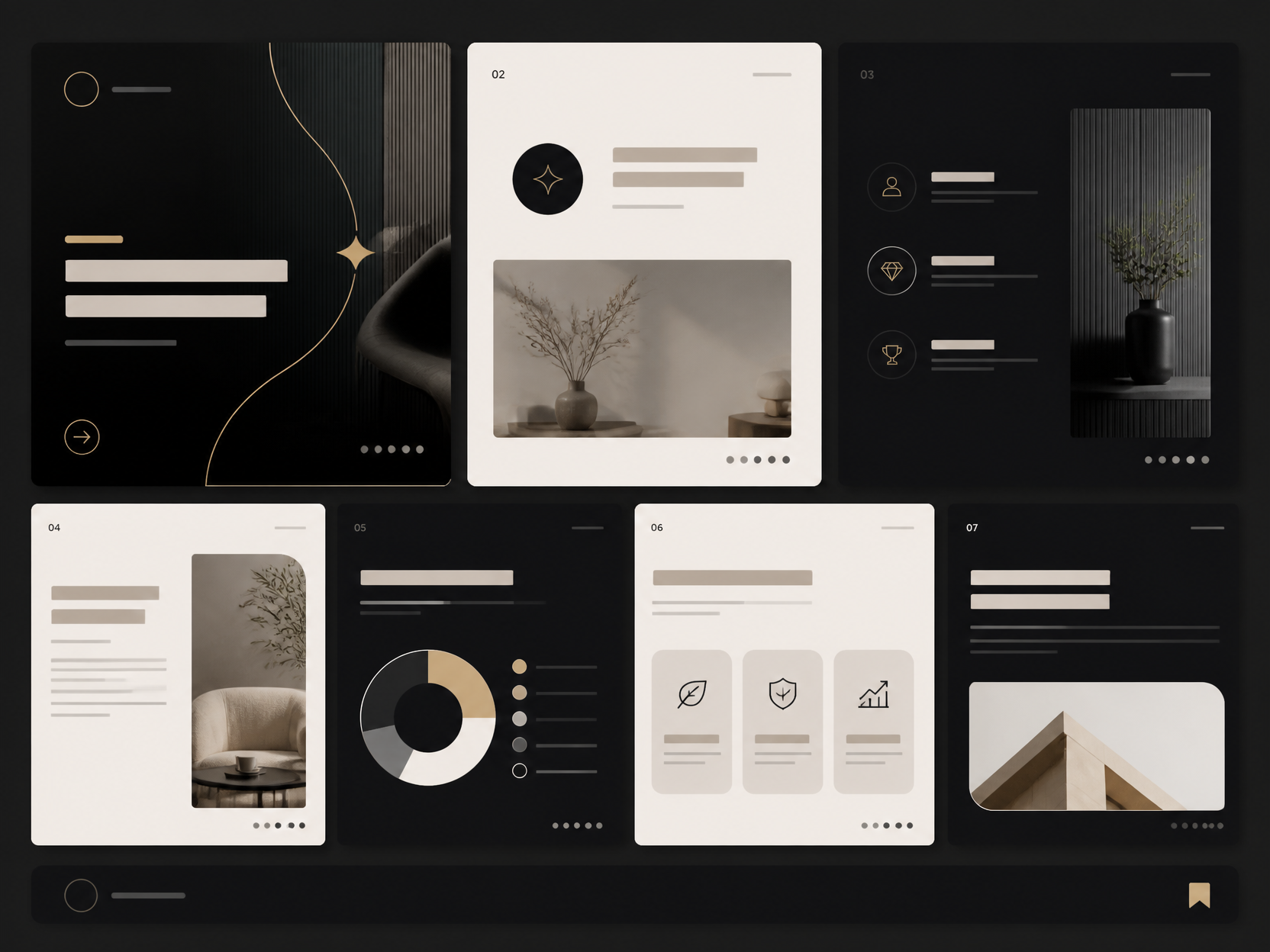
GPT 이미지 2로 생성한 인터뷰 카드뉴스

인터뷰 카드뉴스

GPT 이미지 2· Image
A polished social media interview card-news template with a portrait area, quotation block, speaker profile circle, chapter markers, and a consistent editorial grid. No readable text. clean commercial template design, product-friendly layout, clear content blocks, modern Korean design sensibility. three-quarter view with clear silhouette and subtle depth. limited 3-color palette with one accent. Make the subject immediately recognizable at thumbnail size. Use clean composition, purposeful details, and no watermark. Keep the layout organized, readable, and purposeful; avoid clutter and illegible typography.
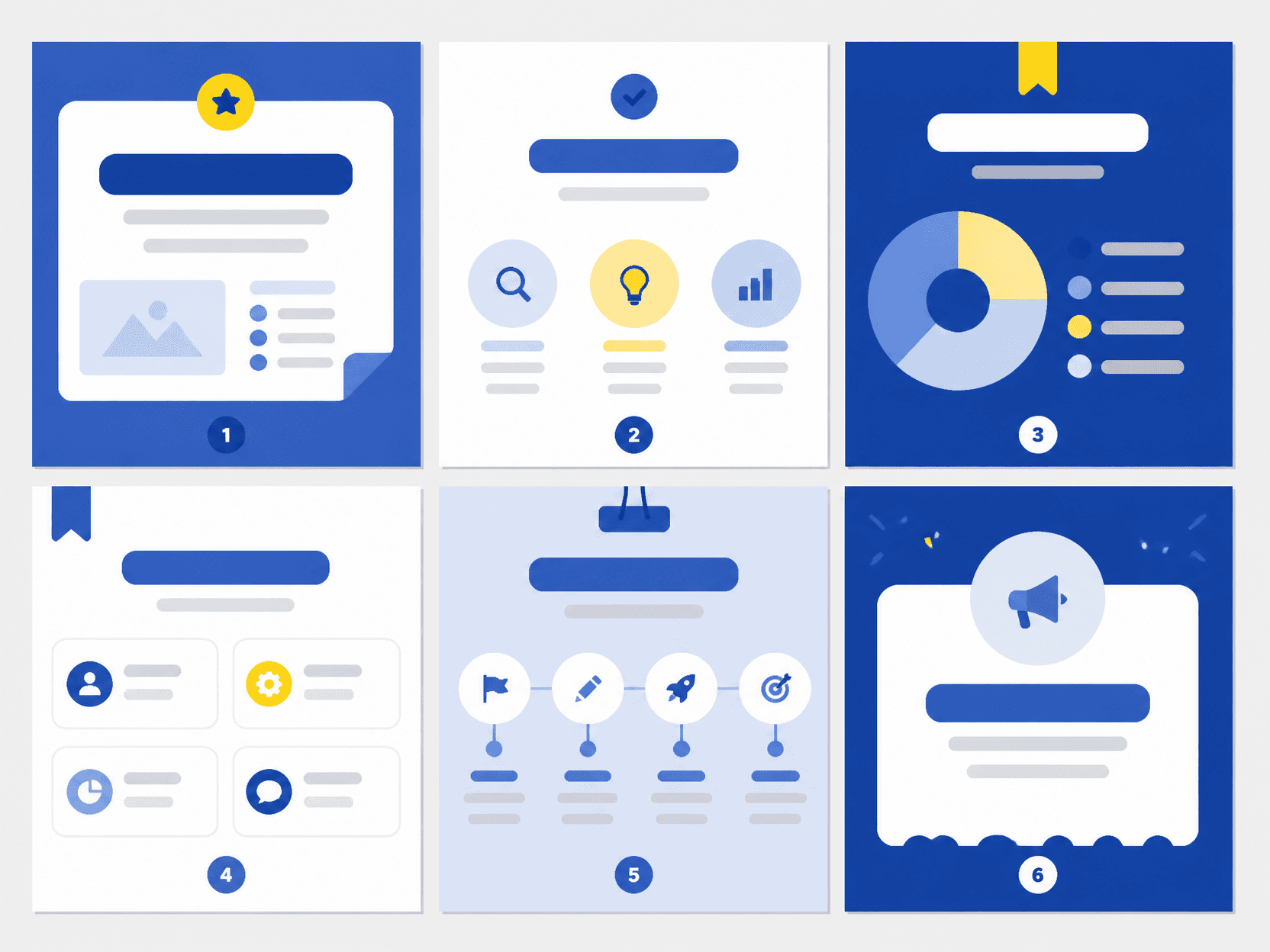
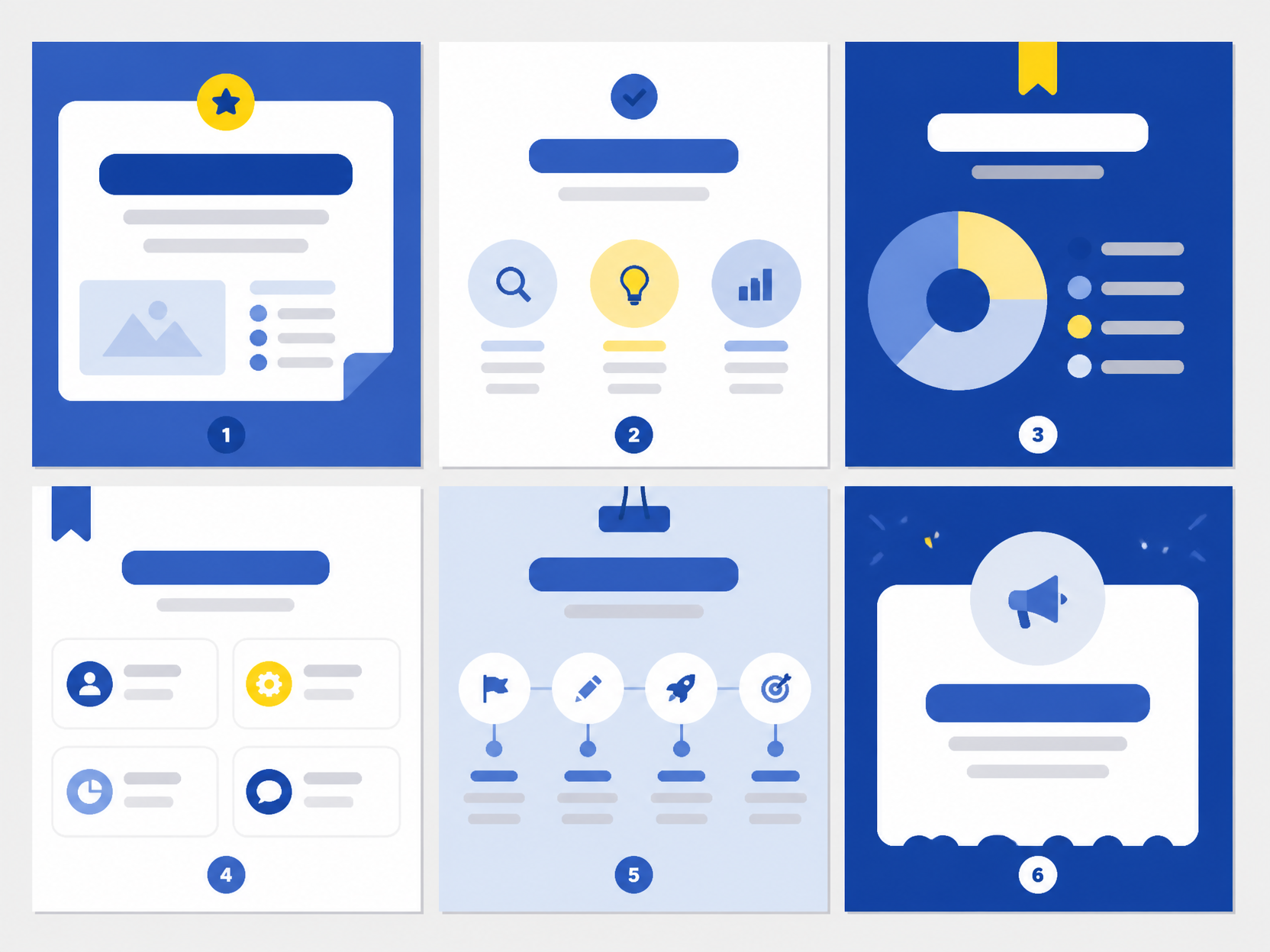
GPT 이미지 2로 생성한 정보형 카드뉴스 예시

정보형 카드뉴스 예시

GPT 이미지 2· Image
card news example design, 6 clean infographic slide thumbnails arranged as a carousel overview, Korean social media design style, bold blocks and icons, placeholder shapes only, no readable text
GPT 이미지 2로 생성한 뉴스 템플릿

뉴스 템플릿

GPT 이미지 2· Image
A modern news article social media template with a strong headline placeholder, image window, date strip, category badge, and modular editorial layout. No readable text. handmade paper-cut illustration, tactile layers, soft shadows, crafted visual rhythm. diagonal composition with one strong focal point. soft pastel palette with warm highlights. Make the subject immediately recognizable at thumbnail size. Use clean composition, purposeful details, and no watermark. Choose the medium intentionally; do not default to any single decorative style.

뉴스 캡션 템플릿 AI 프롬프트란?

뉴스 캡션 템플릿 AI 프롬프트는 뉴스 영상에 핵심 정보를 명확히 전달하는 캡션 디자인을 만들기 위한 구체적인 지시문입니다. 단순히 주제 이름만 입력하는 대신 헤드라인·하단 자막·시간 표시·색상·안전 여백처럼 화면에서 확인할 수 있는 요소를 지정하면 결과의 방향이 또렷해집니다. 사용 목적과 화면 비율, 시점, 배경까지 함께 적으면 여러 시안을 생성해도 핵심 특징을 안정적으로 유지할 수 있습니다.

주요 활용 장면

  • 쇼핑몰과 예약 페이지의 대표 이미지 제작
  • SNS 카드뉴스와 짧은 영상의 첫 장면 구성
  • 블로그 후기와 가이드 글의 설명용 비주얼 제작
  • 제안서와 무드보드에서 스타일 방향 비교
  • 동일한 주제로 구도와 색상 변형 시안 탐색

이 태그가 유용한 이유

뉴스 캡션 템플릿 이미지는 작은 디테일과 전체 구도가 동시에 설득력 있어야 합니다. 프롬프트에 재료, 색 배합, 표면 질감, 카메라 거리와 조명을 나누어 적으면 수정할 지점을 빠르게 찾을 수 있습니다. 같은 지시문에서 한두 요소만 바꿔 비교하면 원하는 스타일을 고르기 쉽고, 브랜드나 채널에 필요한 일관된 결과도 확보할 수 있습니다. 실제 인쇄나 게시를 염두에 둔다면 글자가 들어갈 여백과 최종 크롭 비율도 미리 지정하세요.

관련 프롬프트 더 보기

  • email-newsletter-template 프롬프트
  • presentation-background 프롬프트
  • streaming-chat-overlay 프롬프트
  • youtube-outro 프롬프트
  • process-diagram 프롬프트

프롬프트 구성 팁

  1. 핵심 피사체의 형태와 반드시 보여야 할 특징을 첫 문장에 씁니다.
  2. 헤드라인·하단 자막·시간 표시·색상·안전 여백 중 중요한 요소를 우선순위대로 추가합니다.
  3. 정면, 탑뷰, 45도 시점처럼 카메라 위치와 렌즈 느낌을 지정합니다.
  4. 부드러운 창가 빛, 확산광, 따뜻한 실내광처럼 조명과 색온도를 명시합니다.
  5. 세로형은 숏폼, 정사각형은 상품 카드, 가로형은 배너처럼 용도에 맞는 비율을 선택합니다.

마지막으로 불필요한 문자, 워터마크, 왜곡된 손이나 반복 오브젝트처럼 피하고 싶은 요소를 제외 조건에 적으세요. 첫 결과에서 피사체 크기와 배경 복잡도를 확인하고 한 항목씩 조정하면 뉴스 캡션 템플릿의 특징을 살리면서도 실제 활용에 적합한 이미지를 완성할 수 있습니다.

Frequently Asked Questions

Related Prompts

카드뉴스 예시

카드뉴스 예시

5 prompts

인터뷰 카드뉴스

인터뷰 카드뉴스

1 prompts

속보 화면 배너

속보 화면 배너

2 prompts

카드뉴스

카드뉴스

3 prompts

Carat Prompt Gallery

Create trending AI prompts instantly

Prompts

  • Logo
  • PPT Design
  • Thumbnail
  • Poster
  • Web Novel Cover
  • ID Photo
  • Caricature
  • Product Detail Page
  • Banner

Models

  • GPT Image 2
  • Seedance 2.0
  • NanoBanana Pro
  • NanoBanana 2

Carat

  • Get started
  • About
  • Blog
  • Careers
  • Contact
  • Partnership
  • Terms
  • Privacy

© 2026 Paradot.Inc All rights reserved.