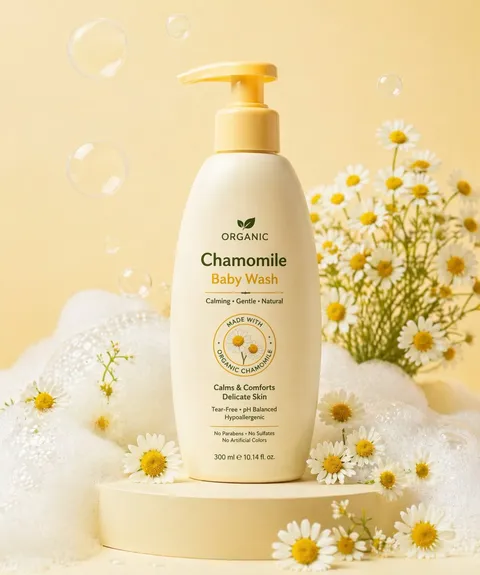
Perfume Ad
AI perfume ad prompts you can use right away to capture a fragrance's mood and bottle design in one shot. Quickly create luxury product shots, magazine visuals, and e-commerce ads.
2026.05.22
Fais « Perfume Ad » exactement comme tu veuxCrée ton propre « Perfume Ad »
Demande-le simplement — Carat génère pour toi des images et des vidéos optimisées.

Commence maintenant avec 100 crédits gratuits par jour
Luxury Perfume Bottle Cinematic B-Roll
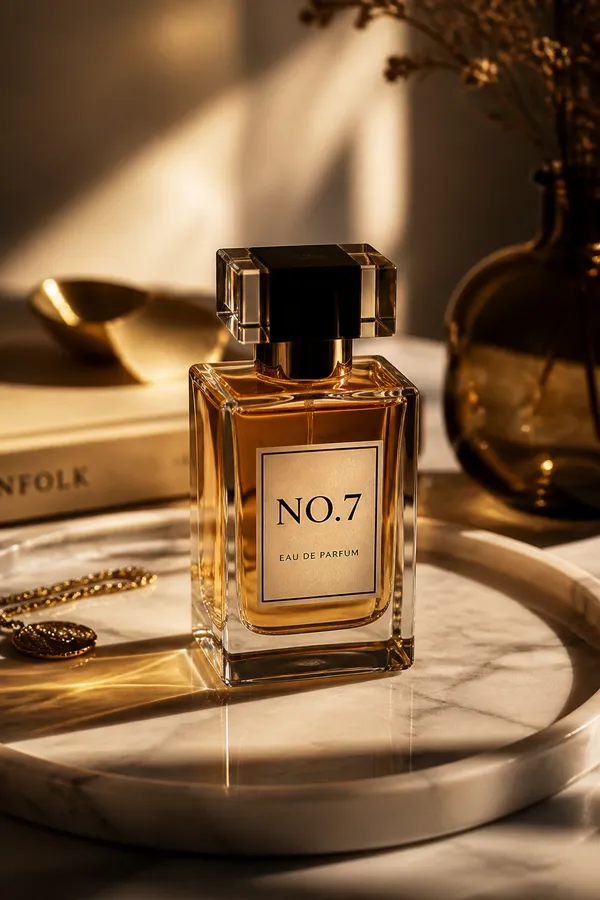
Perfume Lifestyle Product Photo
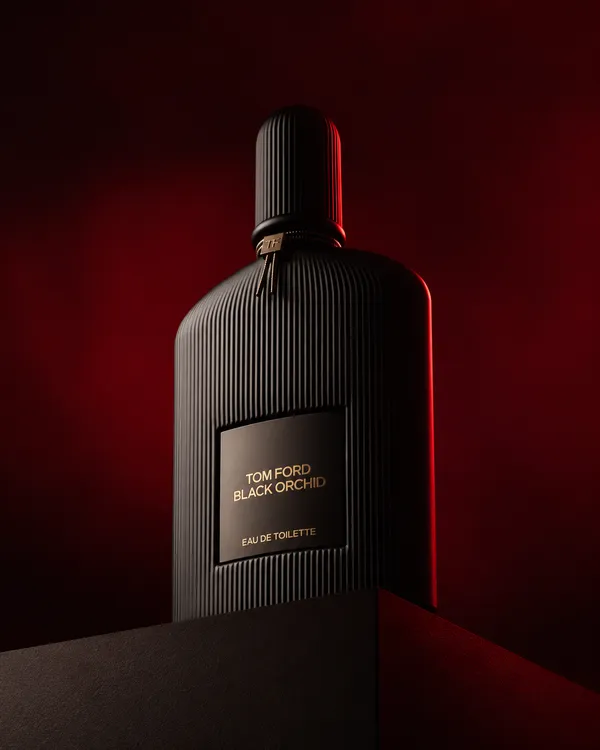
Luxury Black Perfume Bottle Product Photo
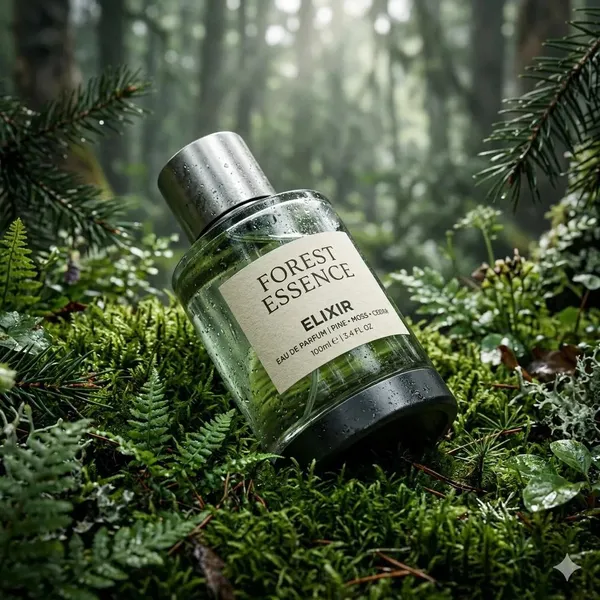
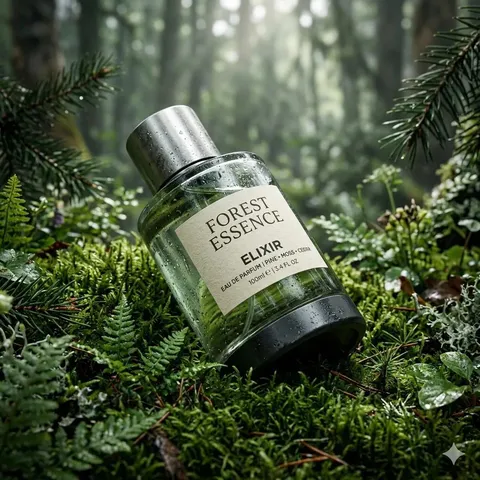
Forest Perfume Product Shot
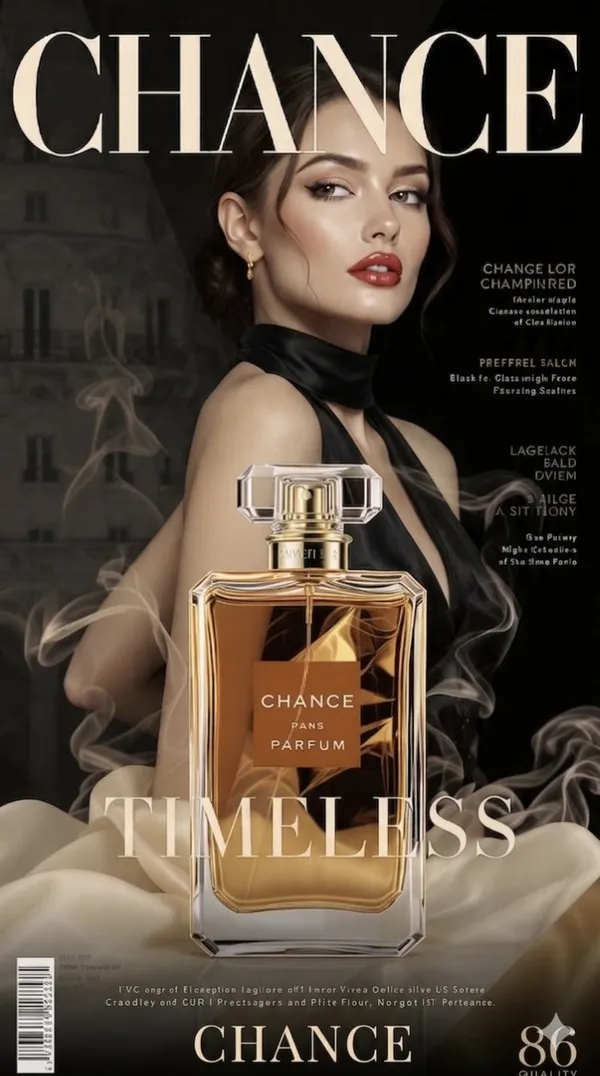
A glamorous woman in a black halter dress holds CHANCE perfume
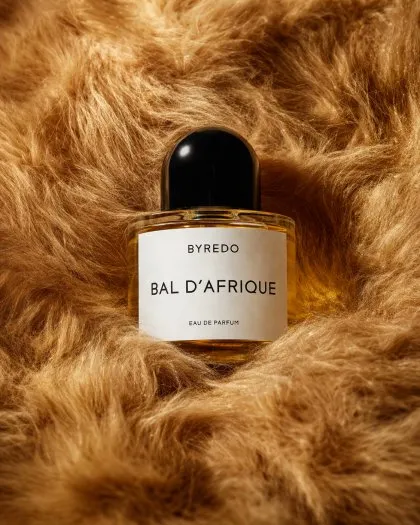
Editorial Perfume Bottle on Golden Fur
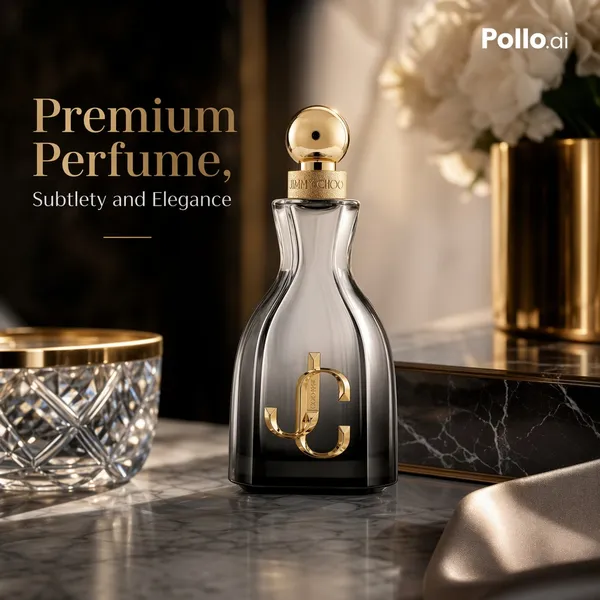
Luxury E-commerce Advertising Photo of a Premium Perfume Bottle on a Polished
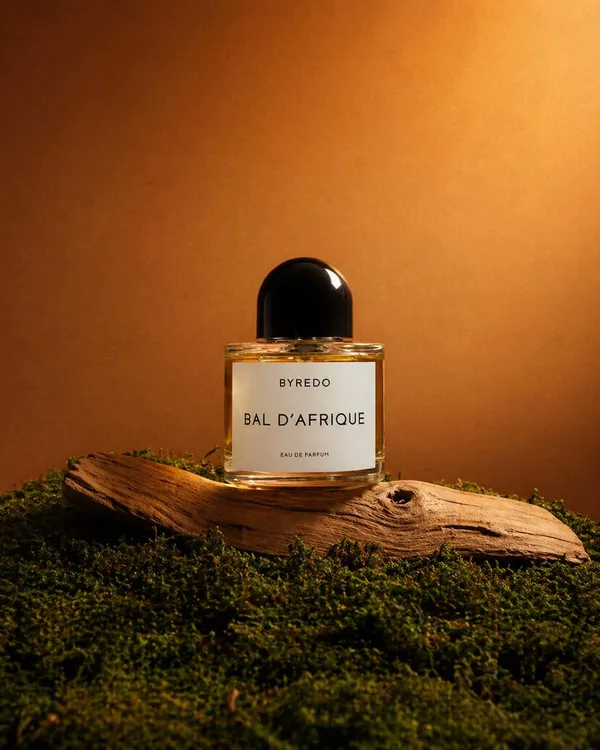
High-end Editorial Product Photograph of a Single Luxury Perfume Bottle Centered in a
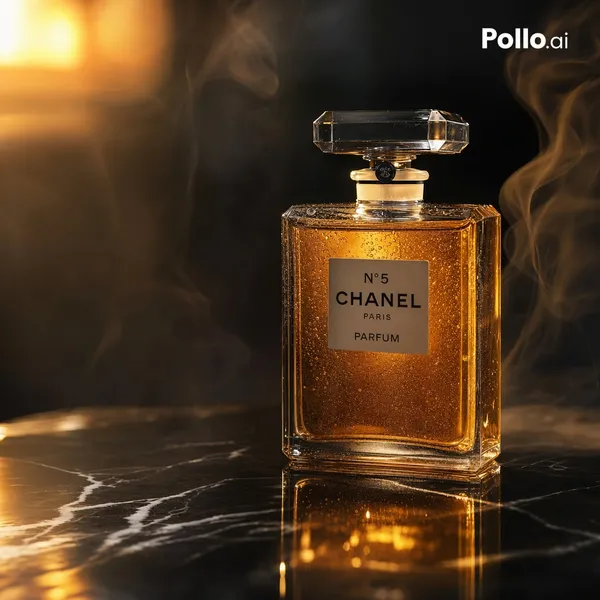
Luxury Amber Perfume Ad Image
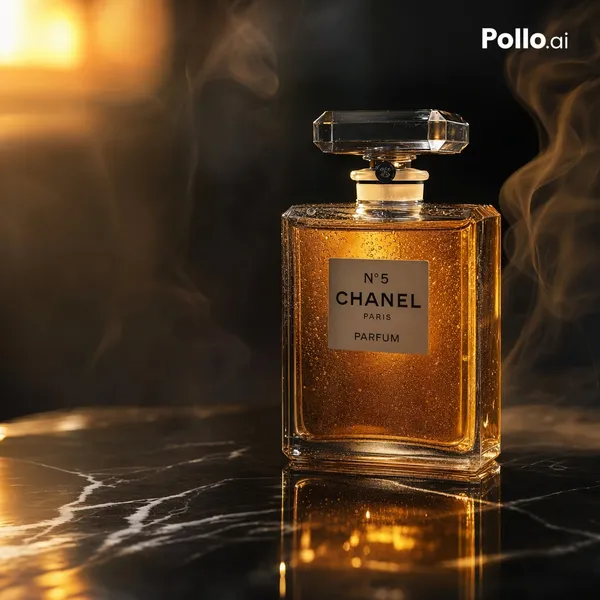
Luxury Amber Perfume E-Commerce Ad
Perfume Lifestyle Product Photo
What Are Perfume Ad AI Prompts?
Perfume ad prompts are AI prompts for quickly shaping luxury ad images that capture a fragrance's mood and bottle design in one shot. In Carat, you can generate images or video with models like GPT Image 2, then keep going with follow-up work such as editing the result, changing the aspect ratio, removing the background, upscaling, or converting to video.
Where You'll Use It
- Perfume bottle product shots
- Luxury perfume e-commerce ads
- Magazine-style fragrance visuals
- Seasonal fragrance campaigns
- Social ad assets
Why This Tag Is Useful
Perfume ad work is less about simply making something that looks good and more about its purpose. Since you can't show scent itself, conveying mood through the bottle's texture, light, and surrounding materials is key. Designing surfaces like marble, moss, or silk together with the lighting lets you express the impression of the fragrance visually. When choosing a prompt, look first for examples that show the subject, composition, style, text placement, and intended channel together.
Tips for Building Your Prompt
- Decide the channel and aspect ratio the result will be used in first.
- Spell out the key subject, background, lighting, and camera composition.
- If needed, separate out the brand name, product name, and color palette.
- After generating, check for text errors, logo accuracy, and product-shape distortion.
In Carat, once you run a prompt you can refine from the result you like, or continue with follow-up work like changing the aspect ratio, removing the background, or upscaling.
Questions fréquentes
Perfume ad prompts suit ads that capture a fragrance's mood and bottle design in one shot. They're useful for luxury product shots, magazine visuals, and e-commerce ads.
Yes. Enter the prompt in Carat to generate an image or video, then continue with follow-up work like editing the result, changing the aspect ratio, removing the background, or upscaling.
Yes. Run an example prompt as-is, then just swap in your own brand name, product, colors, and aspect ratio.
Using a reference image alongside makes it more stable. Always check logo and text accuracy after generating.
Yes. Make the ad shot first, then extend it into feature explanations, use scenes, and comparison cuts to use on a detail page.
It's well suited to practical content like ad images, social content, product detail pages, and thumbnails. That said, logos, real people, and copyrighted material need separate checks.
In Carat you can refine from the result, or change the background, ratio, text, or style and regenerate. Narrowing toward a direction you like works better than trying to nail it in one shot.