Posture Prompts
Practical posture prompts examples for consistent image creation.
2026.08.10
Fais « Posture Prompts » exactement comme tu veuxCrée ton propre « Posture Prompts »
Demande-le simplement — Carat génère pour toi des images et des vidéos optimisées.

Commence maintenant avec 100 crédits gratuits par jour
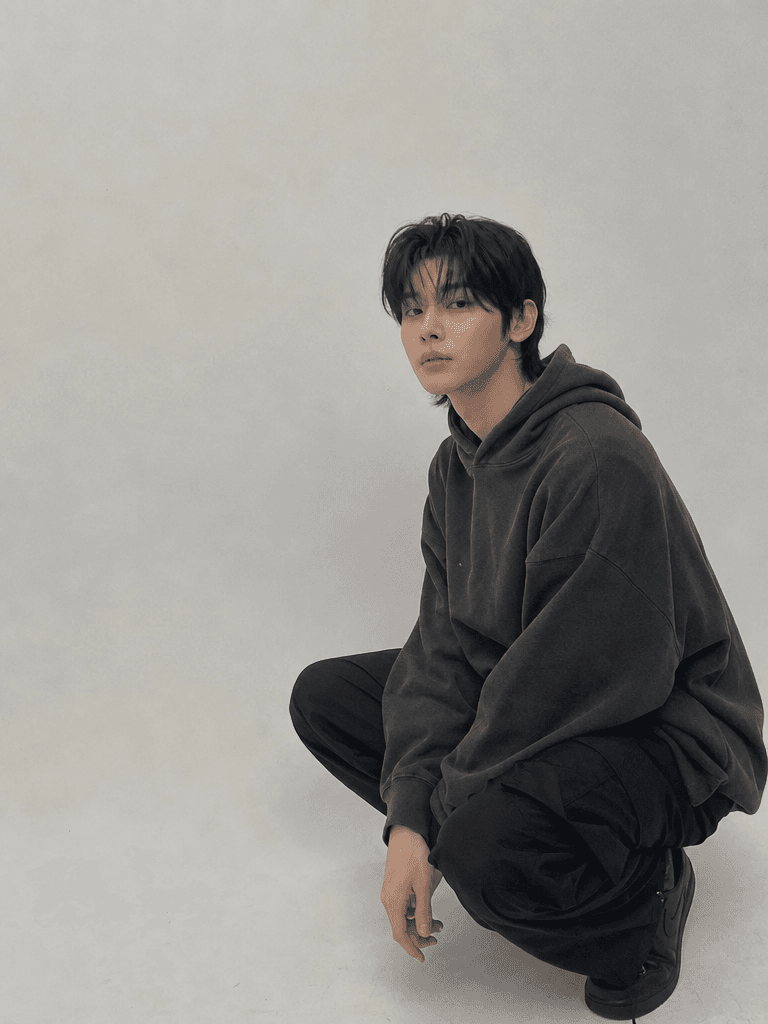
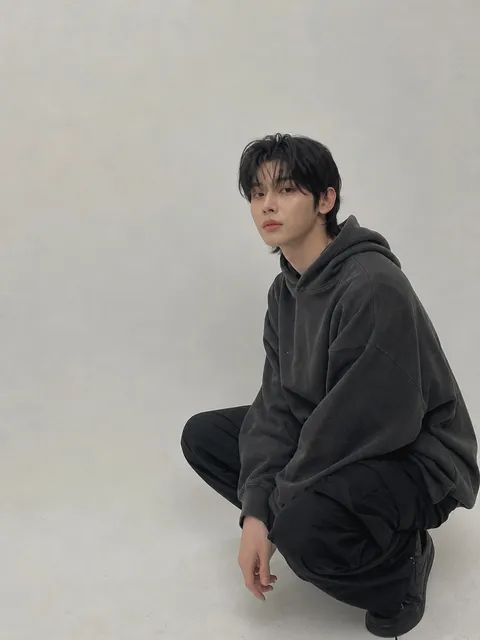
Squatting Pose Reference
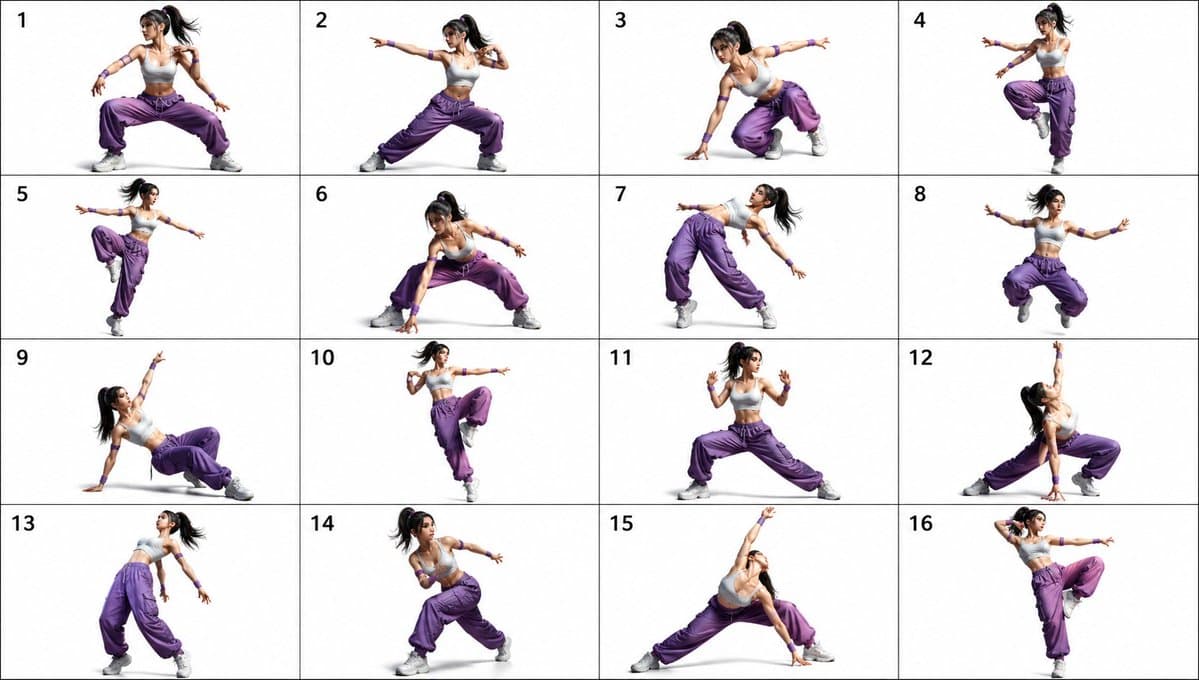
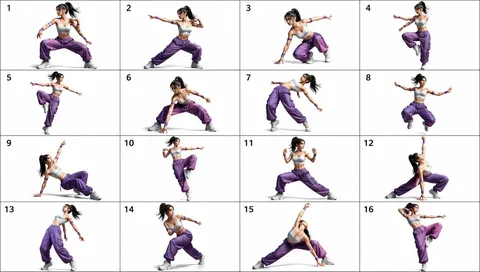
16-Pose Dance Fighting Reference Sheet
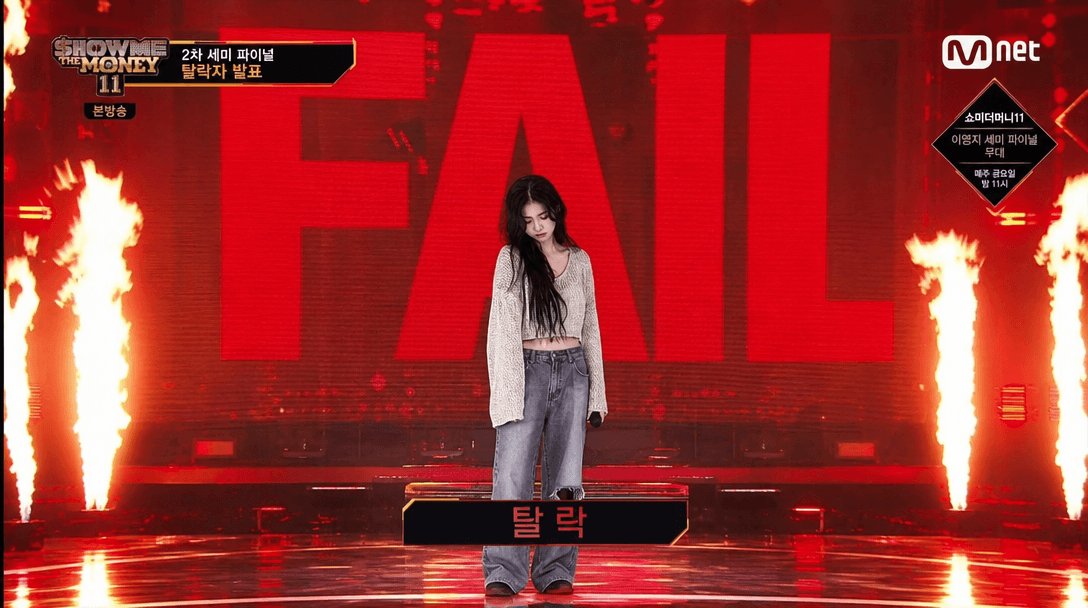
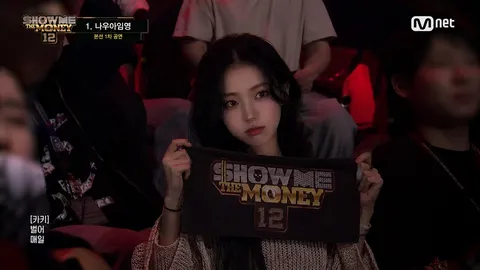
Show Me The Money Elimination Scene
Posture Prompts are structured prompts for defining the subject, visual details, composition, and context of an image. Instead of naming only a broad category, describe the visible attributes that should remain consistent: shape, material, color, pose, expression, lighting, camera distance, and background. For a realistic result, specify the light direction, lens perspective, depth of field, surface texture, and the relationship between the subject and its surroundings. For an illustration, define the line quality, palette, level of simplification, silhouette, and negative space. When creating a series, lock the identity and the main design language, then vary only the pose, setting, props, or season. A useful prompt separates the subject from the action and the camera from the styling so that changes can be tested one at a time. Mention the intended use, such as a profile image, poster, reference sheet, character design, or thumbnail, because the layout and safe margins differ. These examples can be adapted for repeated visual production while keeping the instructions concrete and easy to compare.
Questions fréquentes
It is a structured description that defines the subject, visual details, composition, and context for image creation.
Describe visible characteristics, lighting, camera position, and the action instead of relying on vague quality words.
Yes. Start with the subject and composition, then add material, color, pose, and background details step by step.
Separate fixed identity details from changeable variables and repeat the fixed details in every prompt.
Specify it when the image is intended for a profile, poster, card, thumbnail, or another fixed layout.
Write the exact wording, language, placement, and approximate size, then review the generated lettering.
The examples are free to reference, while image generation costs and limits depend on the tool you choose.