Tears Emoticon
Create cute crying emoticons and tearful character stickers with GPT Image 2 AI prompts. Perfect for messaging apps and social media reactions.
2026.07.07
Fais « Tears Emoticon » exactement comme tu veuxCrée ton propre « Tears Emoticon »
Demande-le simplement — Carat génère pour toi des images et des vidéos optimisées.

Commence maintenant avec 100 crédits gratuits par jour
Tearful Emoticon
What Is a Tears Emoticon AI Prompt?
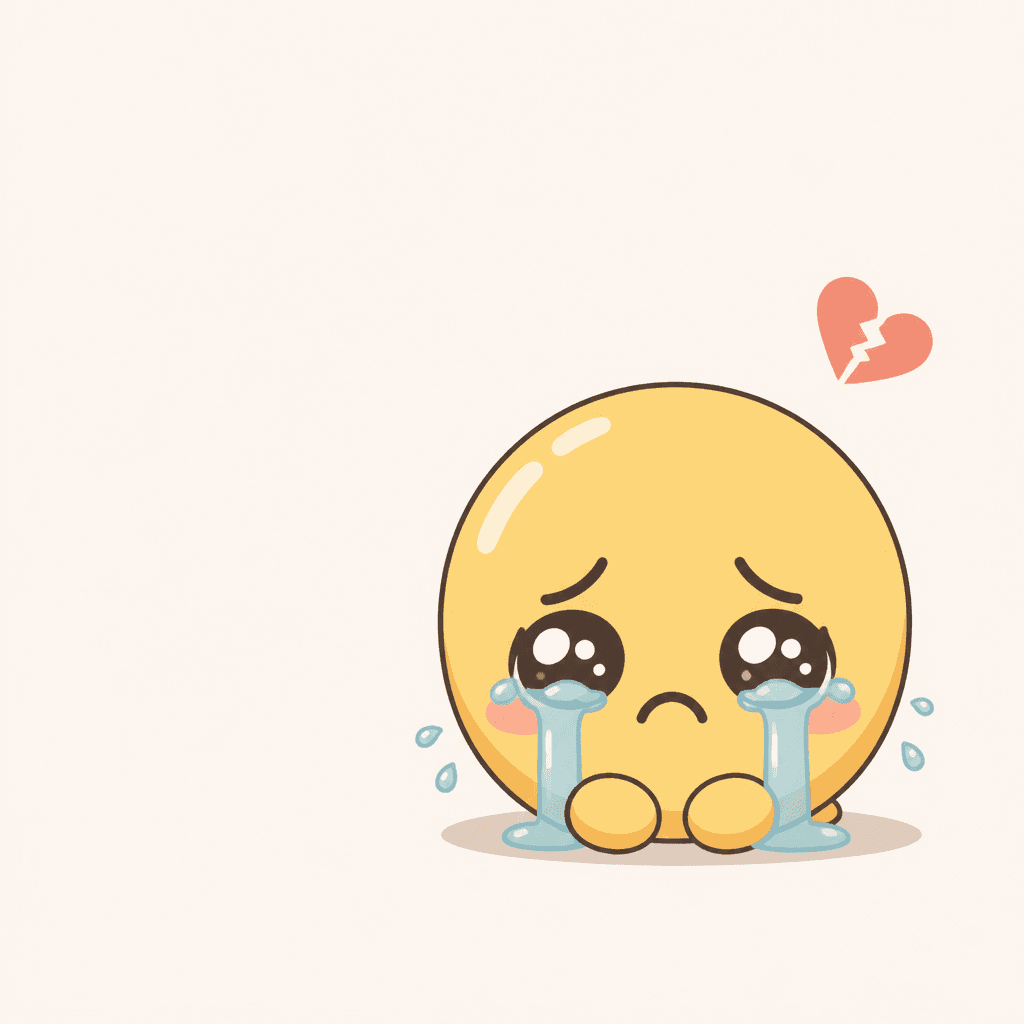
A tears emoticon AI prompt generates crying character stickers that express sadness, being moved, or feeling wronged. From single teardrops rolling down big eyes to characters swimming in puddles of their own tears, GPT Image 2 can create a range of emotional crying emoticons in chibi style. These stickers are commonly used in messaging apps and social media to convey vulnerability, humor, or empathy.
Common Use Cases
- Comfort-seeking or wronged reaction stickers for KakaoTalk and LINE
- Emotional expression stickers for moving videos or blog posts
- Reaction emoticons for YouTube Shorts and Instagram Reels
- Sadness series prototypes for sticker shop merchandise
- Emotion illustration assets for webtoons and manga
Why This Tag Is Useful
Sad-faced emoticons are in high demand for empathy, comfort, and self-deprecating humor. But balancing tear volume, expression intensity, and cuteness is trickier than it seems. Too sad feels depressing; too exaggerated feels childish. A tears emoticon AI prompt lets you precisely control emotional intensity through details like cute crying expression, round teardrops, or pouted lips, producing emoticons with the exact emotional tone you want.
Related Prompts
Prompt Crafting Tips
- Specify the type of tears. Single teardrop, continuous drops, or tear puddle - different tear descriptions produce different emotional intensity.
- Describe the expression in detail. Pouted lips, wide eyes, or crinkled eye corners help capture the exact texture of sadness you want.
- Maintain cuteness with chibi style, big head, and round eyes keywords. Even sad emoticons need the characteristic cute proportions to be versatile.
- Keep backgrounds simple. Generate on a white or solid background, then remove the background for a transparent sticker ready for messaging apps.
Creating multiple versions of the same character - from holding back tears to full-on sobbing - gives you a range of emoticons for different situations.
Questions fréquentes
Generate the image on a white background, then use a background removal tool to create a transparent PNG sticker. This makes it ready for messaging apps and social media.
Add keywords like cute sadness, exaggerated tears, and round teardrops. Specifying chibi style helps maintain the lovable proportions characteristic of emoticons, even with a sad expression.
Yes. For being moved, describe a smile with tears welling up in the eyes. For sadness, describe pouted lips with tears dripping down. Different facial elements convey different emotions.
Yes. Specify the character as a dog, cat, or other animal in the prompt. The same emotion control principles apply to animal character tears emoticons as to human ones.
Change the tear description in the prompt. Single teardrop, tears dripping from both eyes, or drowning in a tear puddle - each produces a different volume and intensity of tears.
Flat illustration, 3D render, and watercolor all work well. For a clean messenger look, try flat illustration. For a cute dimensional feel, try 3D render. Specify the style keyword in the prompt.
Commercial usage of generated images follows the model and platform's licensing policy. For sales purposes, check the terms of service for the model you use.