YouTube Thumbnail
AI prompts to instantly make click-worthy YouTube thumbnails. Create reaction, comparison, and bold-title thumbnails at 1280x720 and refine them fast.
2026.06.02
Fais « YouTube Thumbnail » exactement comme tu veuxCrée ton propre « YouTube Thumbnail »
Demande-le simplement — Carat génère pour toi des images et des vidéos optimisées.

Commence maintenant avec 100 crédits gratuits par jour
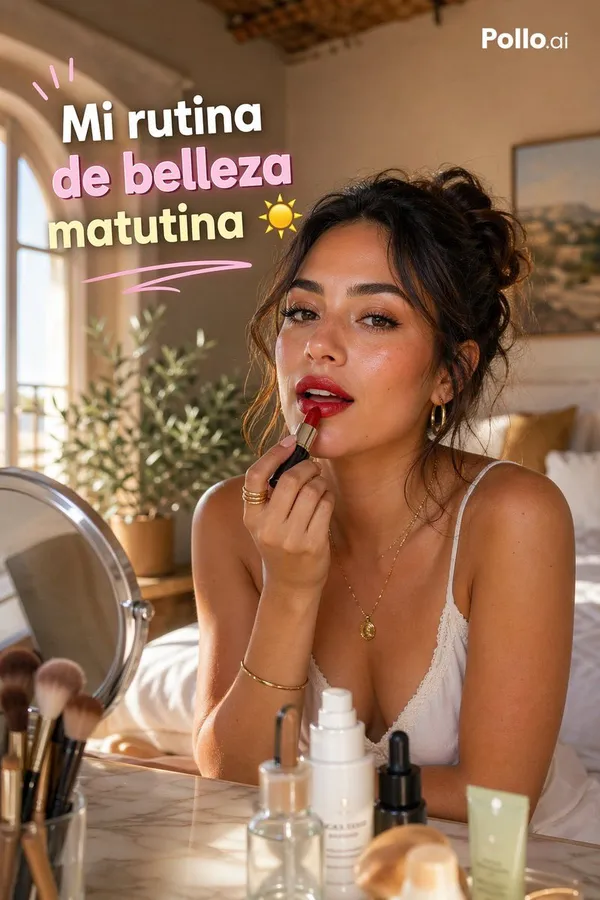
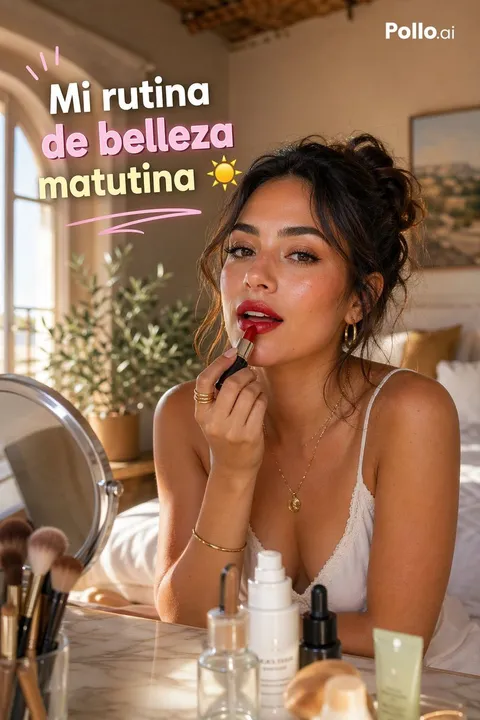
Vertical 9:16 TikTok-style GRWM Beauty Thumbnail Set in a Warm
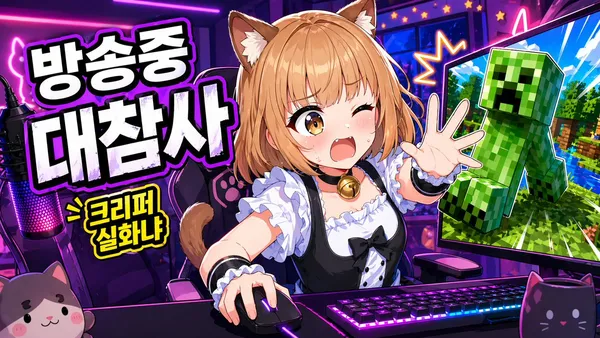
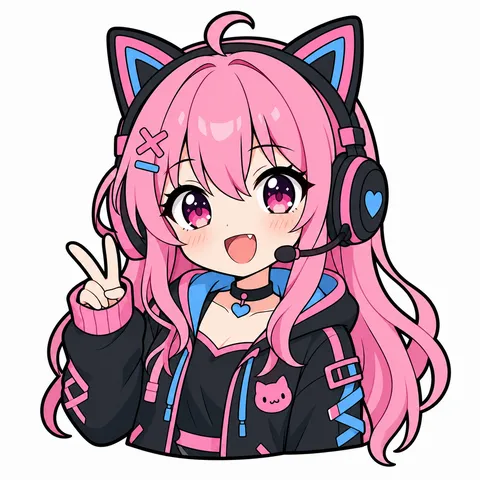
Vibrant Anime-style YouTube Thumbnail for a Livestream Gaming Broadcast
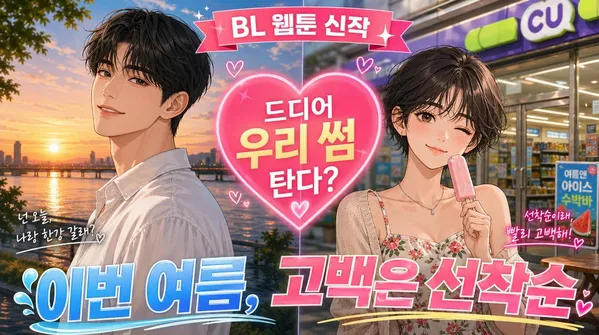
Korean Webtoon-style Summer Romance Promotional Thumbnail
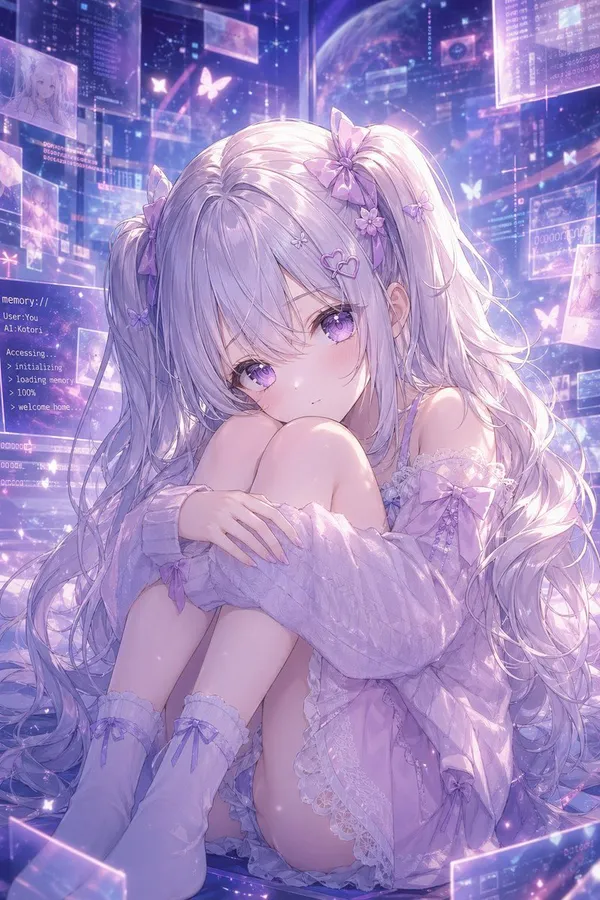
Lavender AI Girl in a Memory Space
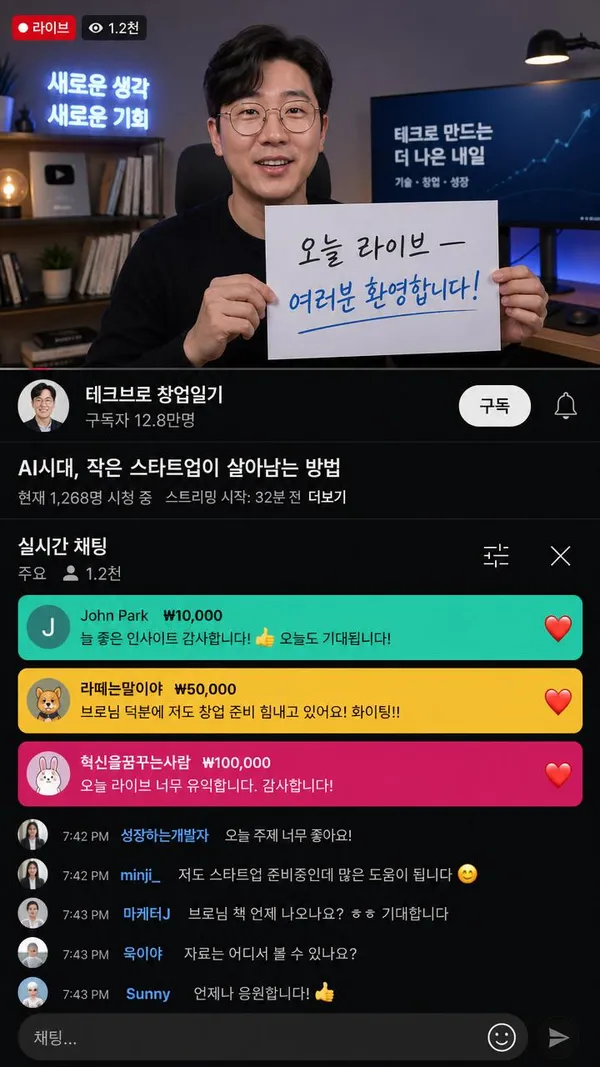
Korean Celebrity YouTube Live Screenshot
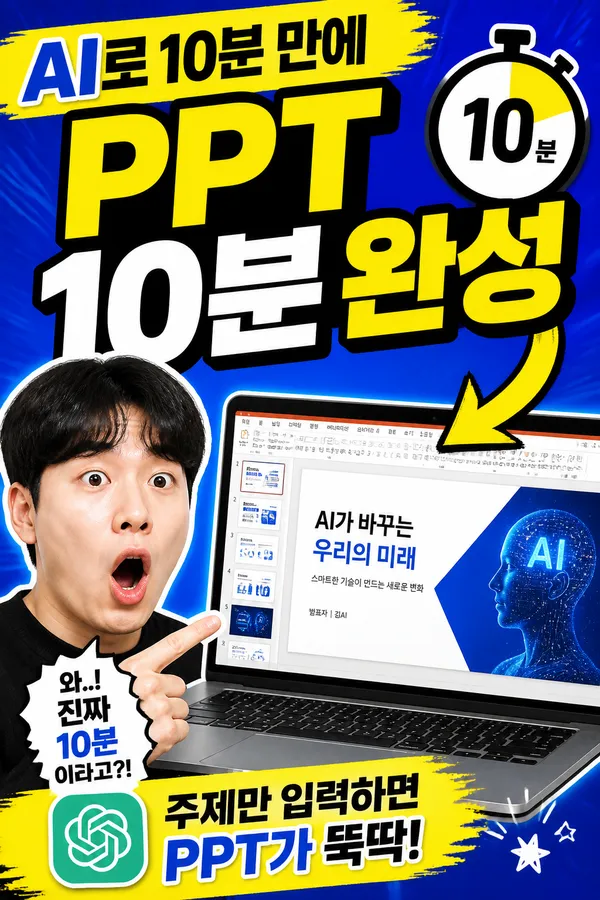
Informational Shorts Poster
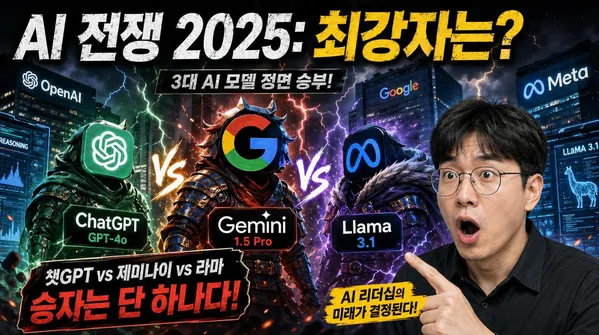
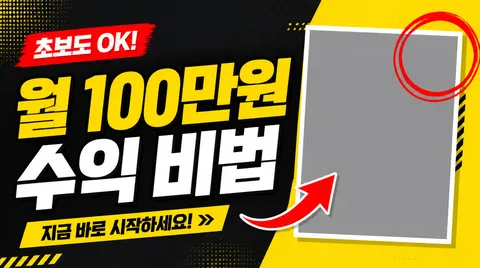
Bold Korean YouTube Thumbnail About AI Model Competition 2025, 16:9
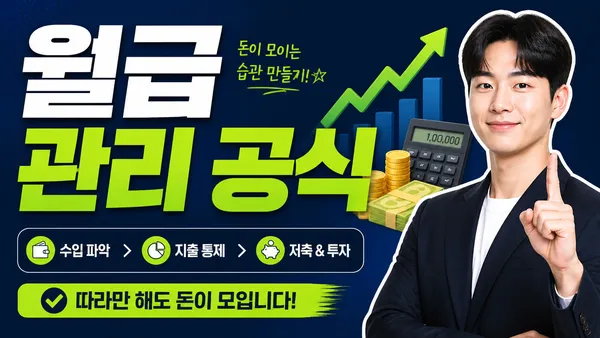
Finance Explainer Thumbnail
What Are YouTube Thumbnail AI Prompts?
YouTube thumbnail prompts are AI prompts for quickly making the cover image that earns the click. Unlike a drag-and-drop editor, you generate a visual matched to your topic, expression, and caption, then use it to fit your channel's tone. In Carat, you can generate with models like GPT Image 2, then refine with aspect-ratio changes, background removal, or text edits.
Where You'll Use It
- Tutorial and explainer thumbnails
- Comparison and review thumbnails
- Reaction-style thumbnails
- News and issue covers
- Shorts cover images
Why This Tag Is Useful
A thumbnail has to read its topic and emotion in half a second on a small screen. A strong expression, high-contrast background, one or two big words, and a clear before/after composition all help click-through. Check expression, caption placement, and color contrast in the examples first.
Tips for Building Your Prompt
- Set the 16:9 (1280x720) ratio first.
- Spell out the key person, expression, and background contrast.
- Specify one or two big caption words and their position.
- Lock the channel tone (color, font feel) to keep a series consistent.
After generating, check caption typos and readability, then refine the ratio and background in Carat.
Questions fréquentes
They suit tutorial, comparison, review, and reaction thumbnails, plus Shorts cover images.
No. It generates the thumbnail image from a prompt. You can swap the caption or colors yourself after generating.
Yes. Lock the channel colors, font feel, and composition to make consistent thumbnails across videos.
Usually, but check typos and readability after generating. Swapping the key caption in yourself is safest.
Yes. Run an example prompt, then change the topic, expression, and caption.
It's well suited to channel thumbnails, ads, and social content. Real people, logos, and copyrighted material need separate checks.
In Carat you can change the background, ratio, expression, or caption and regenerate.