carat

Galeri prompt

/

Retro Illustration

Masuk
Daftar

Retro Illustration

Explore practical AI prompts and prompt-building tips for retro illustration.

2026.07.06

Buat “Retro Illustration” persis seperti maumuBuat “Retro Illustration” versimu sendiri

Cukup minta pakai bahasamu sendiri — Carat membuatkan gambar dan video yang pas untukmu.

Mulai sekarang dengan 100 kredit gratis tiap hari
·
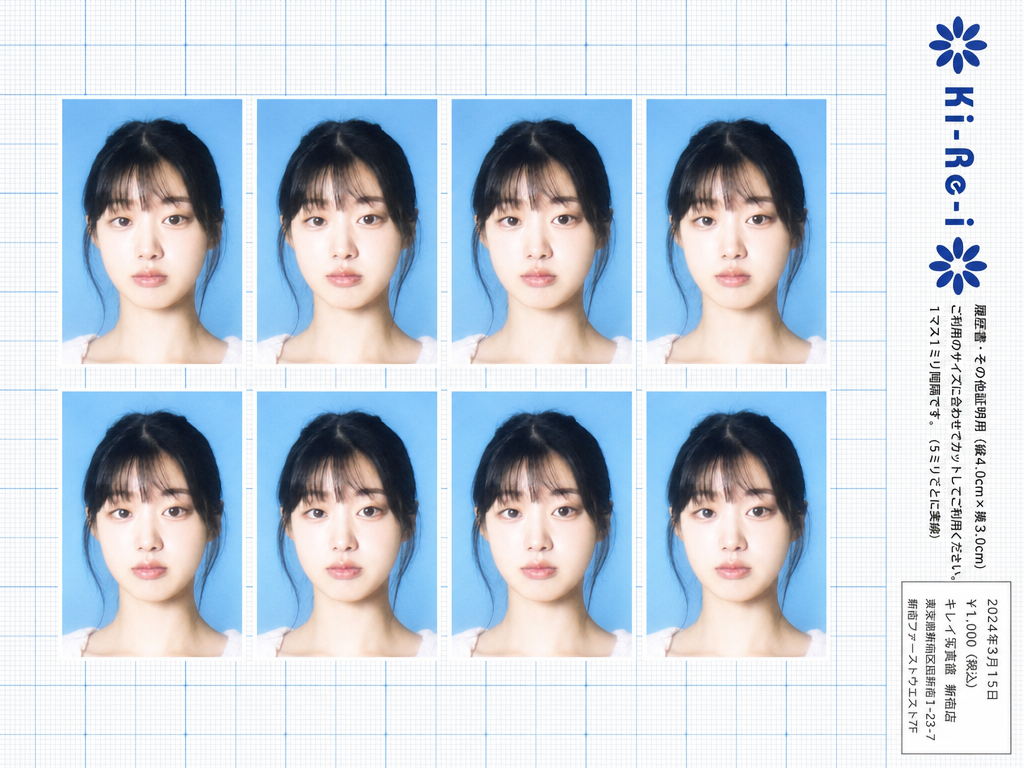
Ki-Re-i ID photo sheet generated with GPT Image 2

Ki-Re-i ID Photo Sheet

GPT Image 2· Gambar
Use the provided photo as the subject for all 8 ID photos. If the provided photo's aspect ratio does not match 3:4 (portrait), automatically crop it centered on the face — like a standard passport/ID photo crop — so it fits the 3:4 frame naturally. Do not stretch or distort. A Japanese Ki-Re-i (キレイ) ID photo booth print sheet in landscape orientation (wider than tall). BACKGROUND: White(#FFFFFF) graph paper. Fine thin blue(#214384) grid lines creating small squares, with slightly darker/thicker blue lines every 5 small squares — forming a 5×5 thin-grid pattern between each pair of thick lines. Japanese 方眼紙 (graph paper) style. PHOTO GRID: 8 identical ID passport-style photos arranged in a strict 2-row × 4-column grid, occupying the left ~82% of the sheet. Each photo has a 3:4 aspect ratio (portrait, taller than wide). Each photo shows the subject from the provided image: upper-body frontal portrait, neutral expression, soft studio flash lighting, blue(#1084EF) background — standard 証明写真 style. Thin white border around each photo. Evenly spaced on the graph paper. *Each photo has a slightly soft focus, gentle overexposure (+0.5 EV), and a luminous bloom glow — reminiscent of early 2000s Japanese digicam output: subtly blown highlights, slightly desaturated, muted color tones, creamy bright skin tones, and a hazy softness* RIGHT SIDE STRIP (rightmost ~18% of sheet): All text and logo elements are rotated 90° clockwise (letter tops point LEFT toward the left edge of the image; reading direction goes from BOTTOM of the image to TOP; viewer rotates paper 90° clockwise to read normally). KI-RE-I LOGO (upper area of right strip, rotated 90° CW): A branded logotype block stacked vertically top-to-bottom (all in navy blue): ① A solid navy blue 8-petal rosette icon with this exact geometry: 8 oval/elliptical petals radiating from the center at 45° intervals, each petal has exact geometry: 8 oval/elliptical petals radiating from the center at 45° intervals, each petal has a smooth rounded outer tip; all petals are solid navy blue fill; a small circular hollow (donut hole negative space) at the very center where petals meet — like a stylized chrysanthemum rosette. Overall silhouette is circular. Diameter ≈ one character height of the Ki-Re-i text. ② The exact brand name "Ki-Re-i" in navy blue rounded bold display/logotype font — spelled with hyphens exactly as Ki-Re-i. ③ An identical solid navy blue 8-petal rosette (mirror of ①). All three elements centered and evenly spaced. Absolutely NO person silhouette or human figure icon anywhere. BODY TEXT (placed directly below the Ki-Re-i logo, rotated 90° CW, black gothic/sans-serif): The Ki-Re-i logo block and the body text block are stacked VERTICALLY — logo on top, body text directly below it. Both are left-aligned to the same left edge of the strip. NO horizontal side-by-side placement between logo and body text. - 「履歴書・その他証明用(縦4.0cm×横3.0cm)」 - 「ご利用のサイズに合わせてカットしてご利用ください。1マス1ミリ間隔です。(5ミリごとに実線)」 If lines are too long, WRAP into 2 or more lines. Must NOT extend into or overlap the white receipt box area — clear gap required. WHITE RECEIPT BOX(lower portion of the right strip, seperate from logo and body text above): A solid white rectangle with a thin border, standing out clearly against the blue graph paper. Inside (rotated 90° CW, small monospaced Japanese font): date (2024年3月15日), price 「¥1,000(税込)」, store name and address. STYLE: Flat 2D scanned document. Functional administrative aesthetic. DNP Photo Imaging Japan style. No shadows, no 3D effects. Cool pale blue palette. Looks exactly like a real scanned Ki-Re-i photo booth output paper sheet.
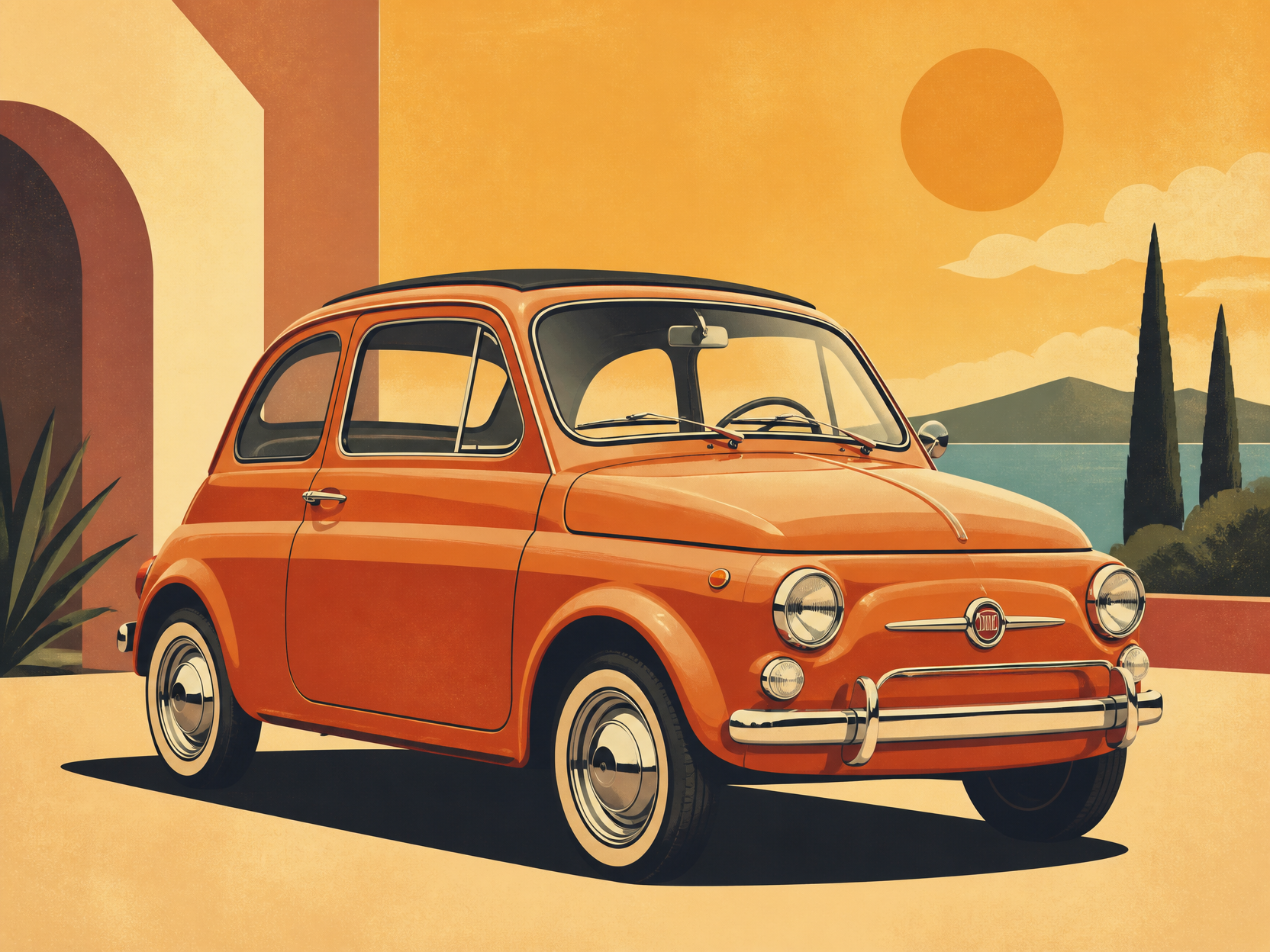
GPT 이미지 2로 생성한 레트로 자동차 일러스트

레트로 자동차 일러스트

GPT Image 2· Gambar
retro car illustration, vintage compact car, warm color palette, clean poster-like vector art, subtle grain texture, no text
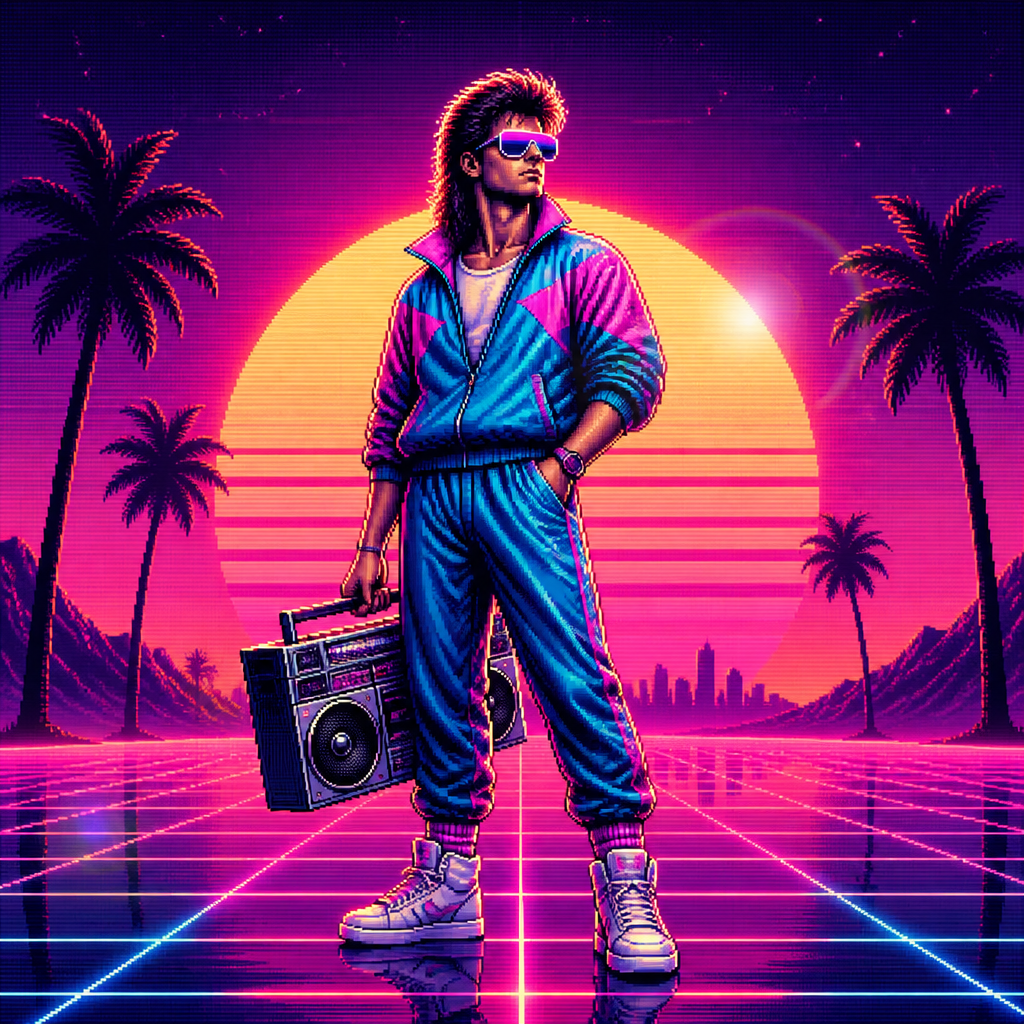
GPT 이미지 2로 생성한 레트로 캐릭터

레트로 캐릭터

GPT Image 2· Gambar
A stylized retro 80s character with big hair, neon sunglasses, vintage tracksuit, standing confidently with a cassette boombox, pixelated VHS aesthetic., 1980s retro digital illustration, synthwave aesthetic, sunset gradient glow, lens flare, nostalgic, bold, retro-futuristic mood, hot pink, electric blue, sunset orange, deep purple, centered with horizon-line symmetry or grid perspective, No text, no watermark.
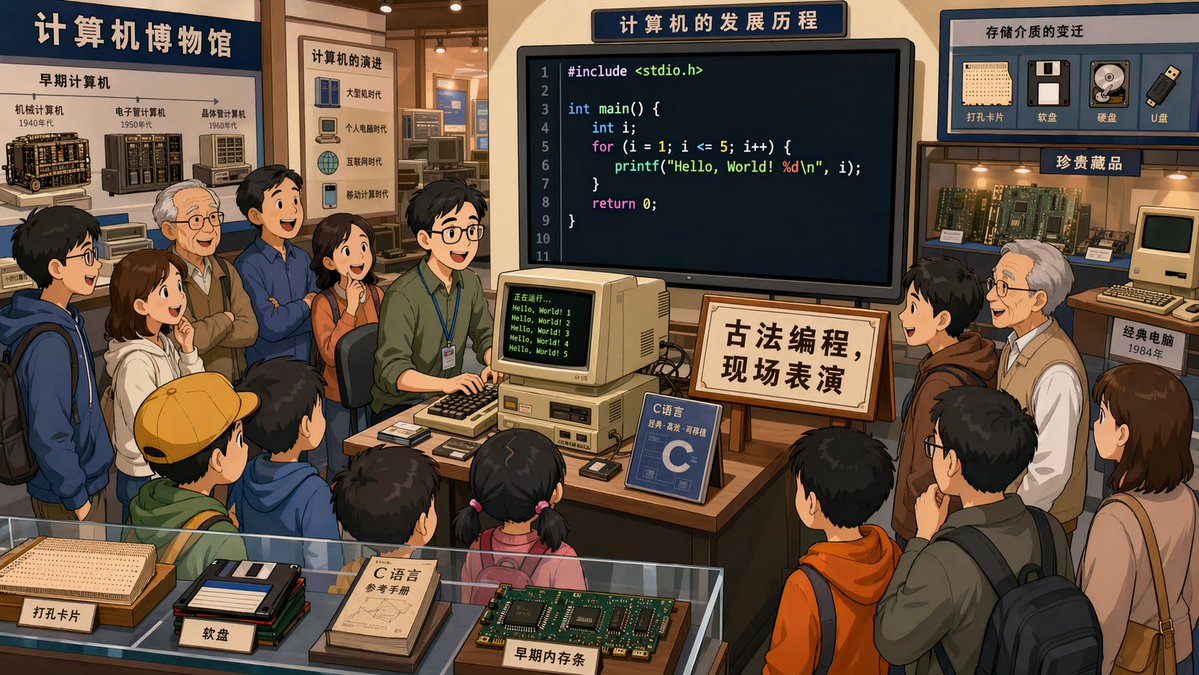
AI-generated In a Computer Museum made with GPT Image 2

In a Computer Museum

GPT Image 2· Gambar
In a computer museum, a programmer is in the center of the exhibition hall demonstrating C language programming, with many visitors gathered around watching. The code on the screen is clearly visible. A sign beside it reads: "Traditional Programming — Live Demonstration." 2D cartoon style, 16:9.
@XiaohuiAI666
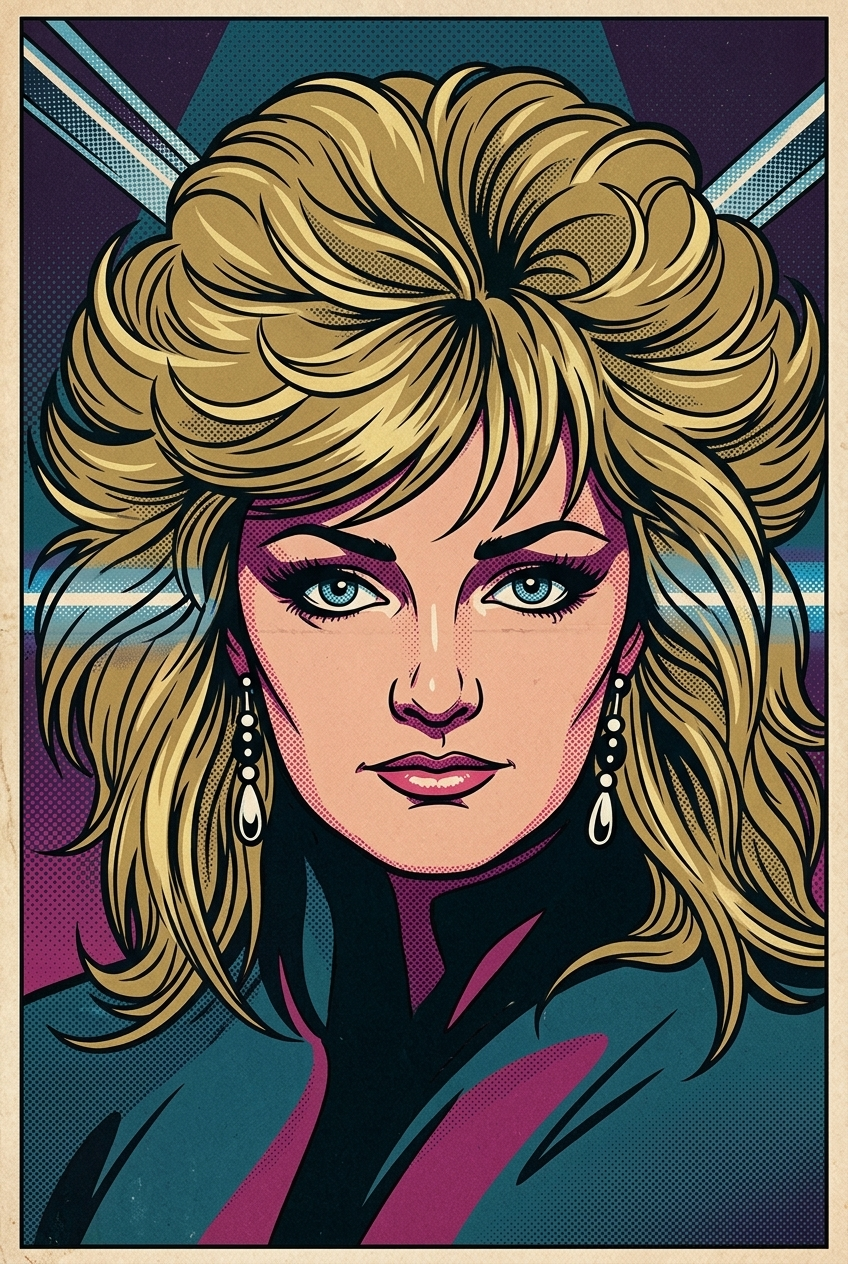
AI-generated 1960s Pop Art Transformation made with Nano Banana 2

1960s Pop Art Transformation

Nano Banana 2· Gambar
Transform the image into a 1960s comic-book Pop Art illustration. Use bold black contour lines, flat saturated colors, and dense halftone dot shading typical of vintage comic printing. The facial features should be expressive, stylized, and slightly exaggerated, as if captured in a dramatic single comic panel. The color palette should be carefully chosen to match the mood, atmosphere, and emotional tone of the subject, using harmonious and era-appropriate Pop Art colors rather than random primaries. Maintain a clean, graphic composition with strong Pop-Art energy and vintage print texture. Important: The artwork must contain no speech bubbles, no captions, no text, no words, and no letters of any kind. The image should be full-bleed (no borders) and composed as a 2:3 vertical format, with the subject clearly centered and visually prominent.
c1dc0d9816b4500003699e8c00ea43bc
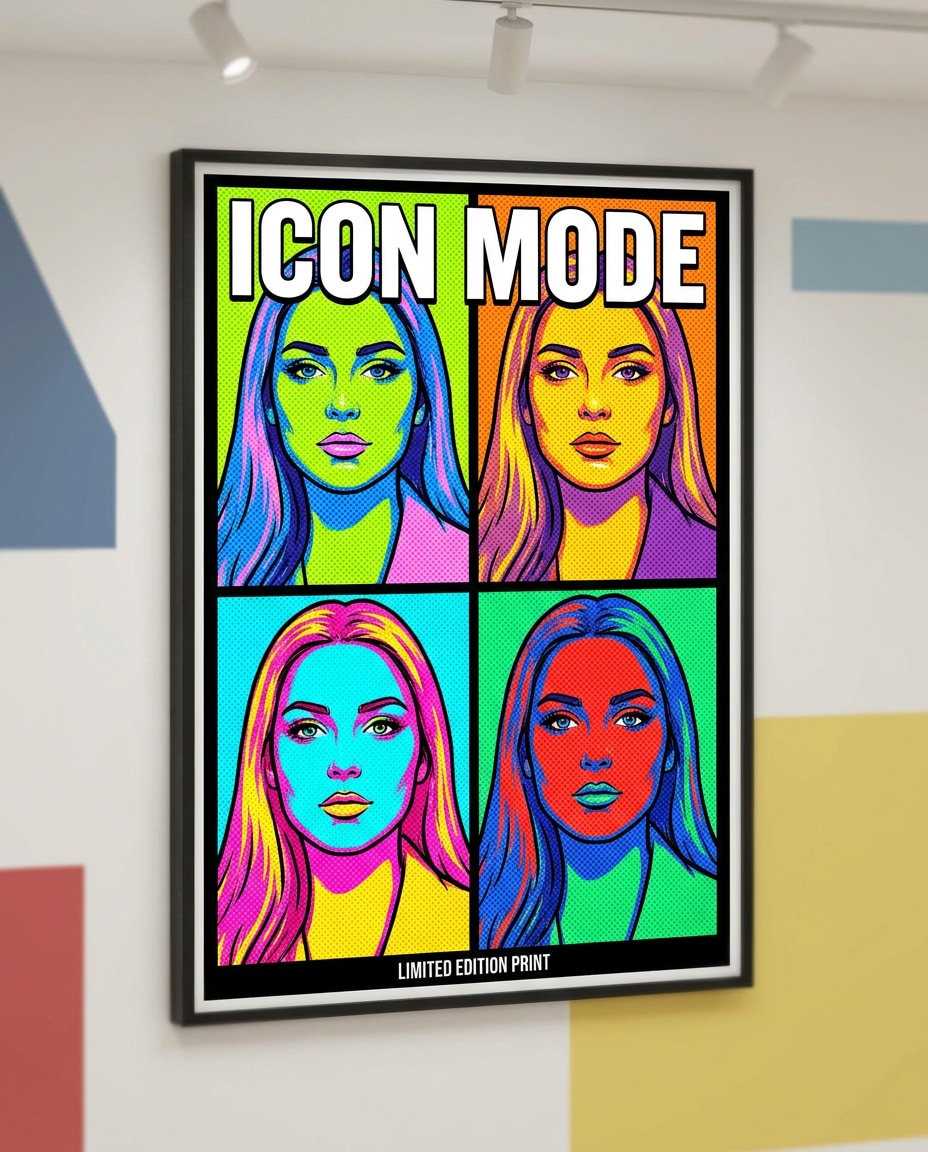
AI-generated Warhol-Style Four-Panel Pop Art Portrait made with Nano Banana Pro
Warhol-Style Four-Panel Pop Art Portrait

Nano Banana Pro· Gambar
Pop art style poster of a confident young woman, 4-panel grid layout with different neon colorways per panel, bold black outlines, heavy halftone dots, screenprint texture, high-contrast shadows, minimal flat background shapes, headline text: "ICON MODE", small caption line, gallery-ready composition, professional illustration quality, 85mm lens, shallow depth of field, soft cinematic lighting --ar 4:5
media.io:warhol-quad-portrait
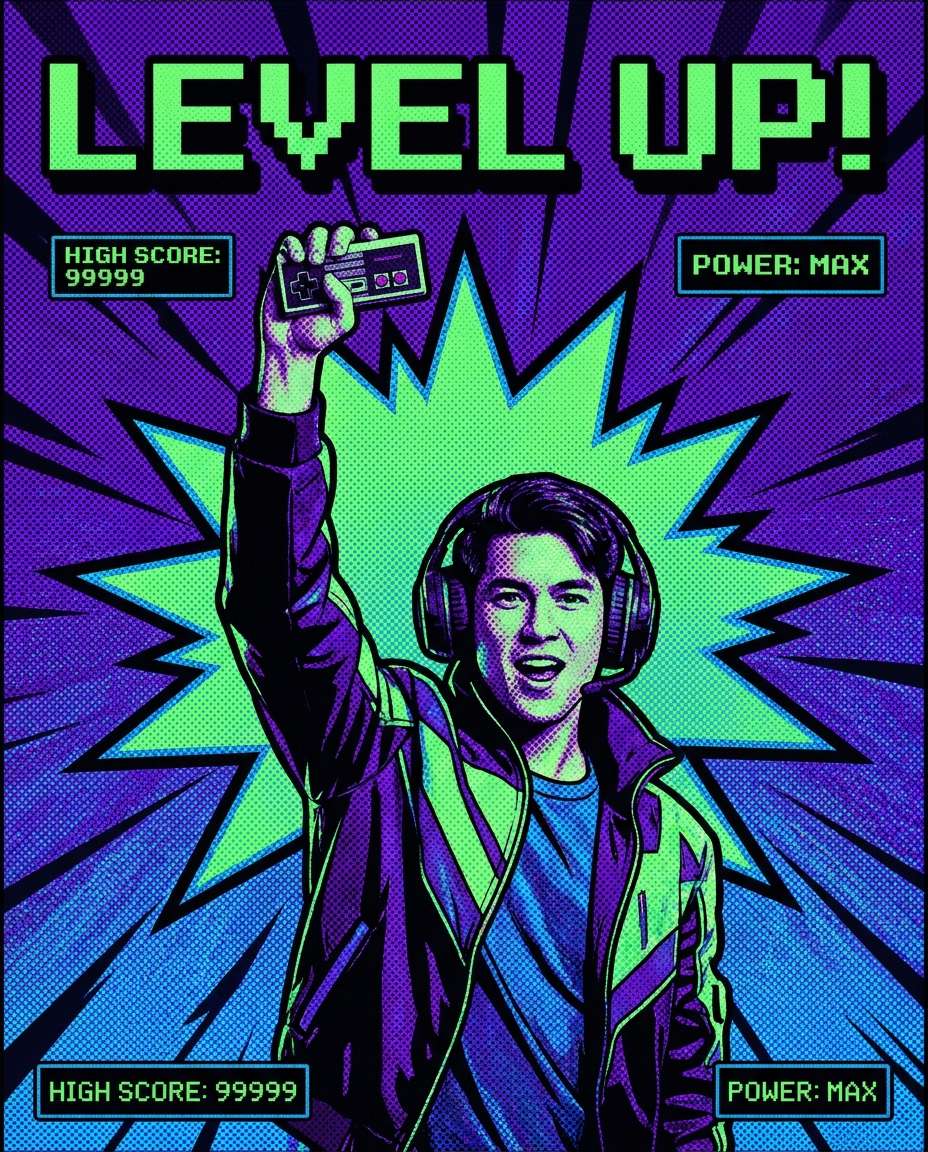
AI-generated Gamer Victory Screen Poster made with Nano Banana Pro

Gamer Victory Screen Poster

Nano Banana Pro· Gambar
Pop art style poster of a gamer holding a controller, celebratory pose, pixel-like halftone pattern, bold purple and neon green palette, thick outlines, explosive comic burst behind, big text: "LEVEL UP", small UI-style captions, screenprint texture, energetic layout, 85mm lens, shallow depth of field, soft cinematic lighting --ar 4:5
media.io:gamer-victory-screen
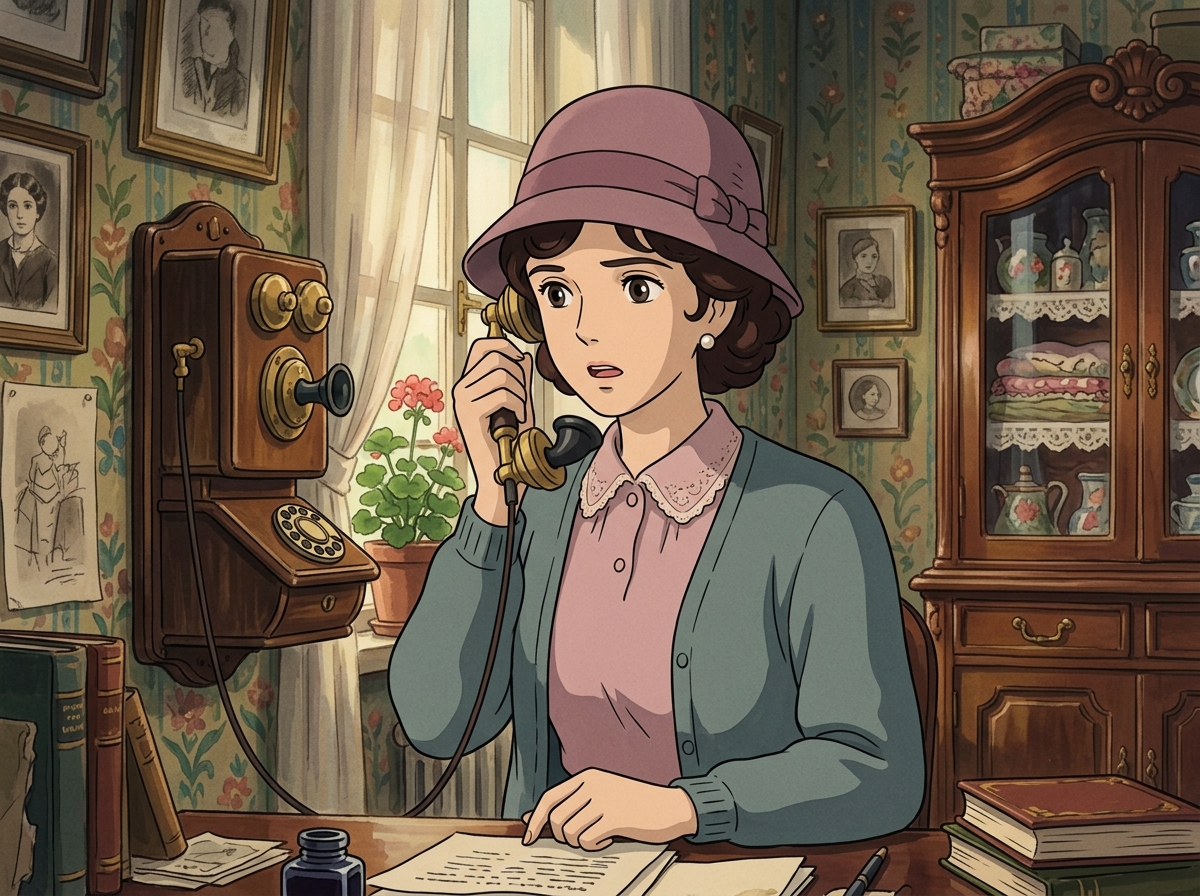
AI-generated Lady on a Vintage Telephone made with Nano Banana 2

Lady on a Vintage Telephone

Nano Banana 2· Gambar
Create a Studio Ghibli anime style scene strongly inspired by Howl’s Moving Castle. Make this look like a still frame from a classic Studio Ghibli movie. An elegant vintage woman is speaking on an antique telephone, wearing a 1920s-inspired cloche hat, softly curled hair, pearl earrings, and a refined pastel outfit. Background: cozy old-fashioned European interior, framed pictures, patterned wallpaper, wooden table, antique telephone receiver in hand. Studio Ghibli style, Howl’s Moving Castle atmosphere, hand-painted background, soft cel shading, pastel color palette, delicate retro linework, romantic mysterious mood. Strongly match the look of official Studio Ghibli film stills: soft hand-drawn anime faces, painterly watercolor backgrounds, warm nostalgic lighting, expressive eyes, simple but emotional character acting, 1980s–1990s Japanese animation texture, no photorealism, no 3D render. No brand logos, no readable text.
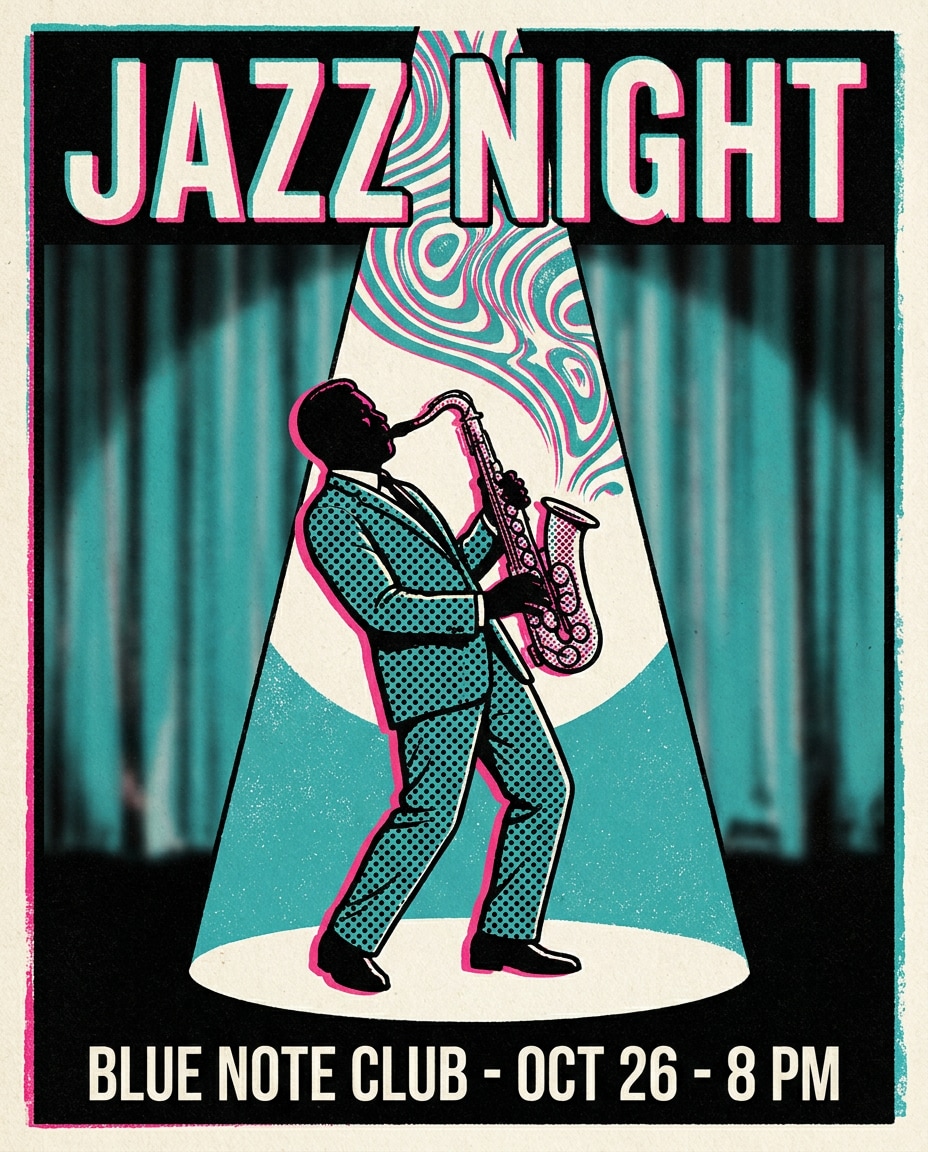
AI-generated Jazz Club Saxophone Poster made with Nano Banana Pro

Jazz Club Saxophone Poster

Nano Banana Pro· Gambar
Pop art style poster of a saxophone player under a stage spotlight, swirling sound-wave shapes, halftone dots across suit and instrument, bold teal and hot pink palette, thick outlines, headline text: "JAZZ NIGHT", minimal venue info lines, classy yet punchy layout, screenprint texture, 85mm lens, shallow depth of field --ar 4:5
media.io:jazz-club-spotlight
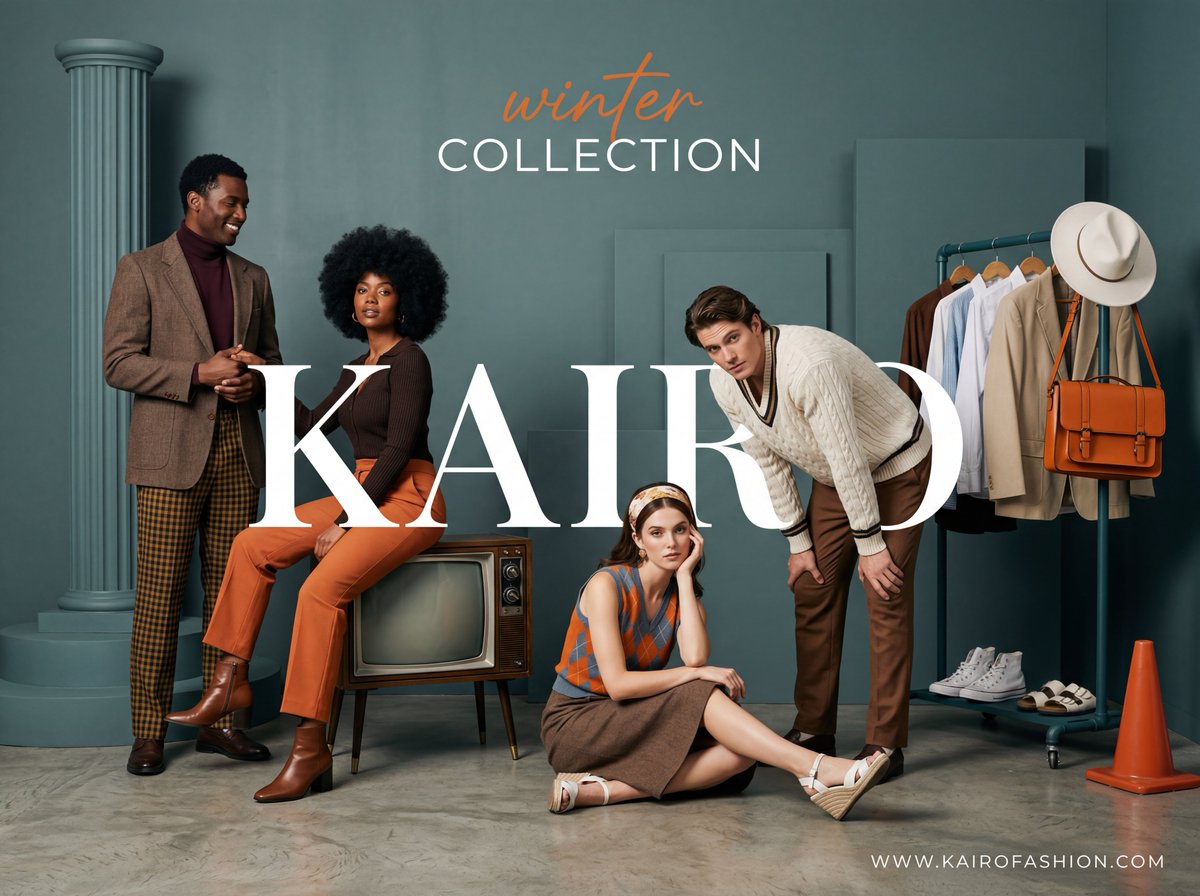
Example image of Retro Modern Fashion Advertisement generated with Nano Banana 2

Retro Modern Fashion Advertisement

Nano Banana 2· Gambar
A wide-angle, studio fashion advertisement with a sophisticated retro-modern aesthetic. The scene is set against a monochromatic teal-grey (#506D6D) architectural backdrop featuring minimalist geometric props, including a fluted column and stepped circular platforms. The lighting is professionally diffused studio light, creating soft, graduated shadows that provide depth without harshness. The Subjects: Four models are posed in a cohesive, stylish group dynamic: A Black man on the far left, standing tall in a brown tweed blazer, a deep burgundy turtleneck, and dark yellow-and-brown checkered trousers. He is smiling and warmly holding the hand of the woman next to him. A Black woman with a voluminous afro, sitting sideways on a vintage 1950s wooden television set. She wears a dark brown knit top and vibrant burnt orange (#E88D4D) trousers with sleek brown leather boots. A White woman sitting on the floor in the center, leaning forward with her hand to her face. she wears a vintage-style headband, an argyle-patterned sleeveless top in orange and slate blue, a brown wool skirt, and white wedge sandals. A White man leaning into the frame from the center-right, hands on his knees. He wears a heavy cream-colored cable-knit sweater with dark trim and tailored brown trousers. Furniture & Props: To the right stands a minimalist dark teal industrial clothing rack. It displays curated garments including hanging shirts, a wide-brimmed white fedora, and a prominent structured orange leather messenger bag. At the base of the rack are white high-top sneakers and sandals. A single, truncated orange cone prop sits in the foreground. Primary Text: A massive, high-contrast white serif font (Bodoni-style) reading "KAIRO" is overlaid across the center-left, partially occluding the models to create a layered, 3D effect. Header: At the top center, the words "winter" (in orange cursive script) and "COLLECTION" (in white clean sans-serif) are centered. Footer: The URL "http://KAIROFASHION. COM" is printed in small, wide-tracked white sans-serif in the bottom right corner. Color Palette: A sophisticated mix of Teal-Grey, Burnt Orange, Chocolate Brown, and Crisp White, creating a warm yet muted autumnal atmosphere.
@rovvmut_
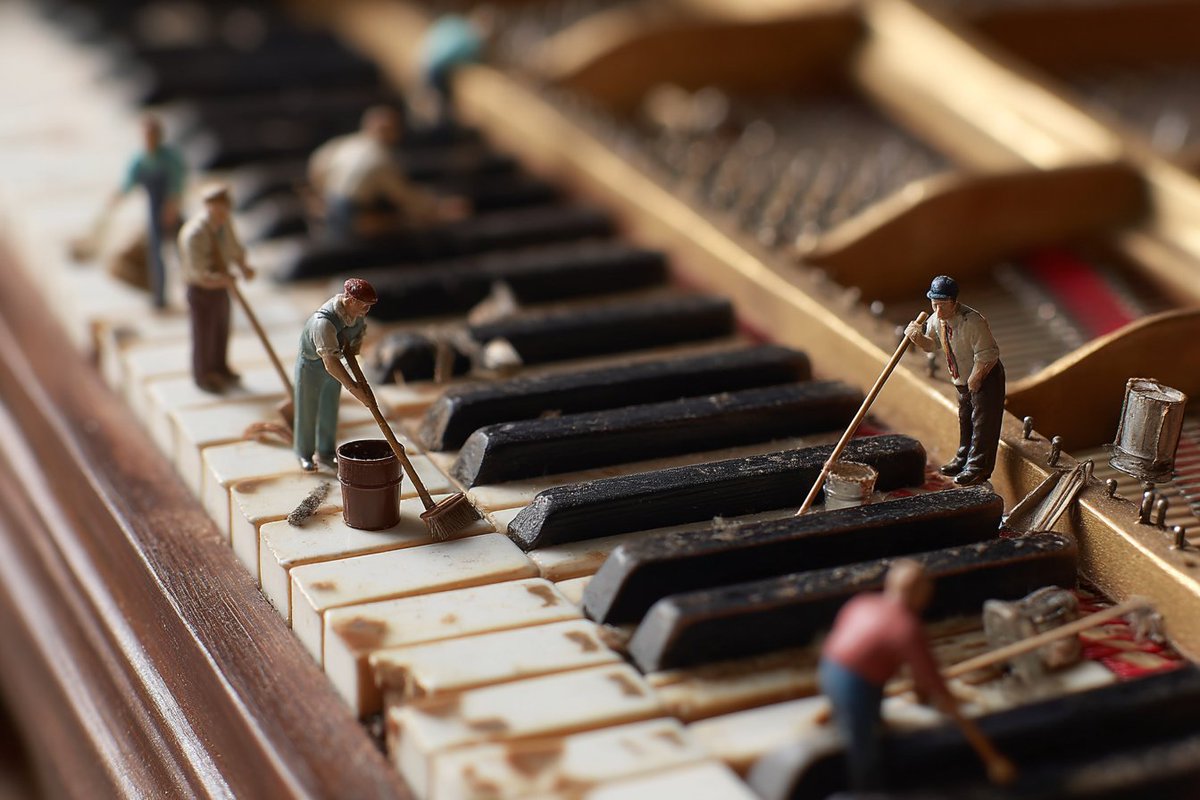
Example image of Miniature Workers Cleaning Piano Keys generated with Nano Banana Pro
Miniature Workers Cleaning Piano Keys

Nano Banana Pro· Gambar
tilt-shift photo of a grand piano keyboard, side view from the left looking along the keys to the right, shallow depth of field, tiny human figures cleaning the piano keys with brushes, cloths, and buckets, whimsical and surreal scene, soft lighting, hyper-detailed, high realism --ar 3:2
@BeanieBlossom
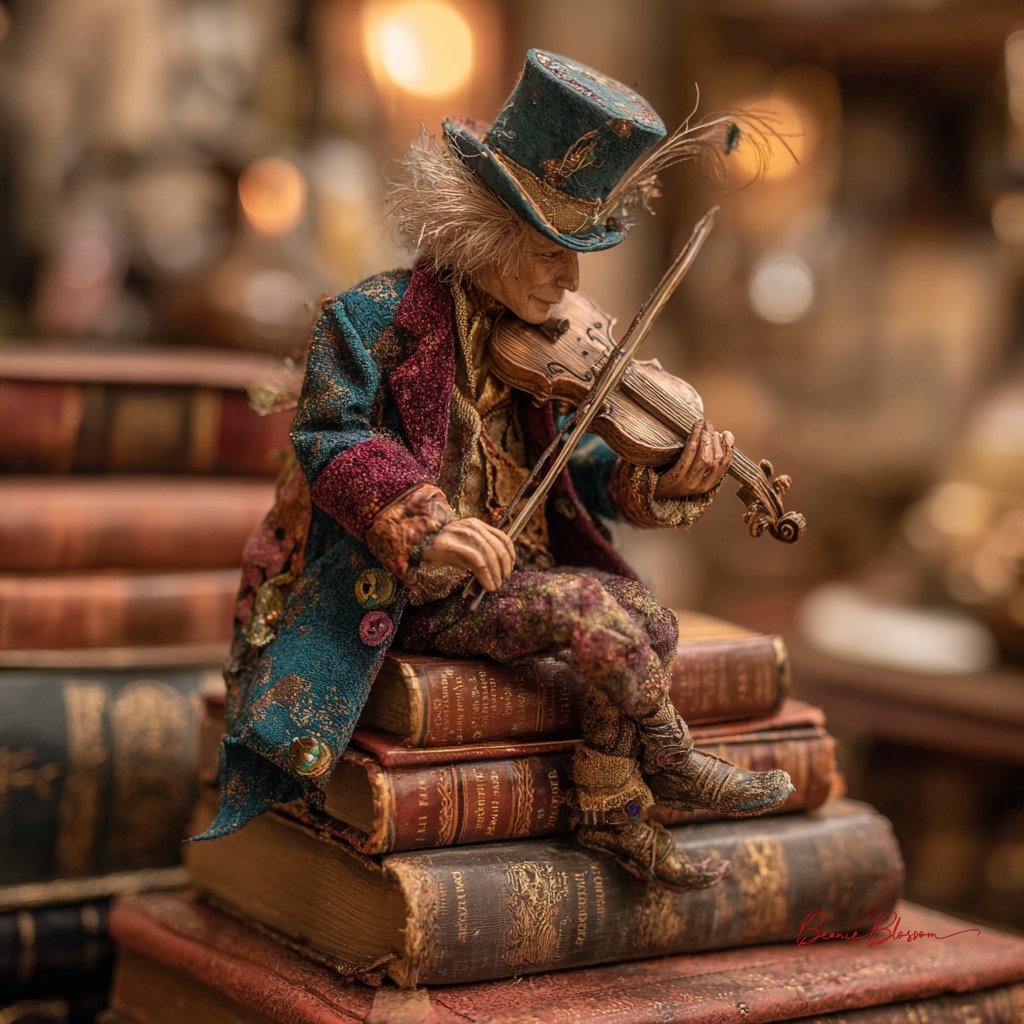
Example image of Miniature Street Musician on Books generated with Nano Banana Pro

Miniature Street Musician on Books

Nano Banana Pro· Gambar
a diminutive street musician, no taller than a wine bottle, performing atop a stack of vintage leather-bound books in a cozy Parisian bookshop. The tiny violinist wears a patchwork coat of jewel-toned velvet scraps and miniature brass buttons, their wild silver hair crowned with a thimble-sized top hat adorned with peacock feathers. Golden afternoon light streams through dust motes, in the warm, honey-colored atmosphere.
@BeanieBlossom

What Are Retro Illustration AI Prompts?

Retro Illustration AI prompts are focused prompt patterns for generating a specific scene, character mood, or stylistic direction with clearer intent than a broad generic tag. Instead of asking an AI model for a simple subject, this tag helps you define the role of the scene, the visual mood, the camera distance, the lighting, the material cues, and the final publishing context. It is especially useful when you need prompts for 복고 캐릭터, 레트로 포스터, 80년대 감성, 빈티지 패키지, 클래식 자동차. A strong prompt in this category usually combines a clear subject with production details, such as background context, composition, atmosphere, color palette, lens behavior, and the format where the output will be used.

Best Use Cases

  • Building visual concepts for brand campaigns, landing pages, social posts, or editorial layouts
  • Creating prompt variations for thumbnails, carousel covers, posters, product pages, and short-form content
  • Placing characters, products, or objects inside a scene that feels purposeful rather than random
  • Testing multiple art directions by changing lighting, season, color palette, lens type, or material texture
  • Turning a rough idea into a repeatable production prompt that can be reused across a campaign

Why This Tag Works

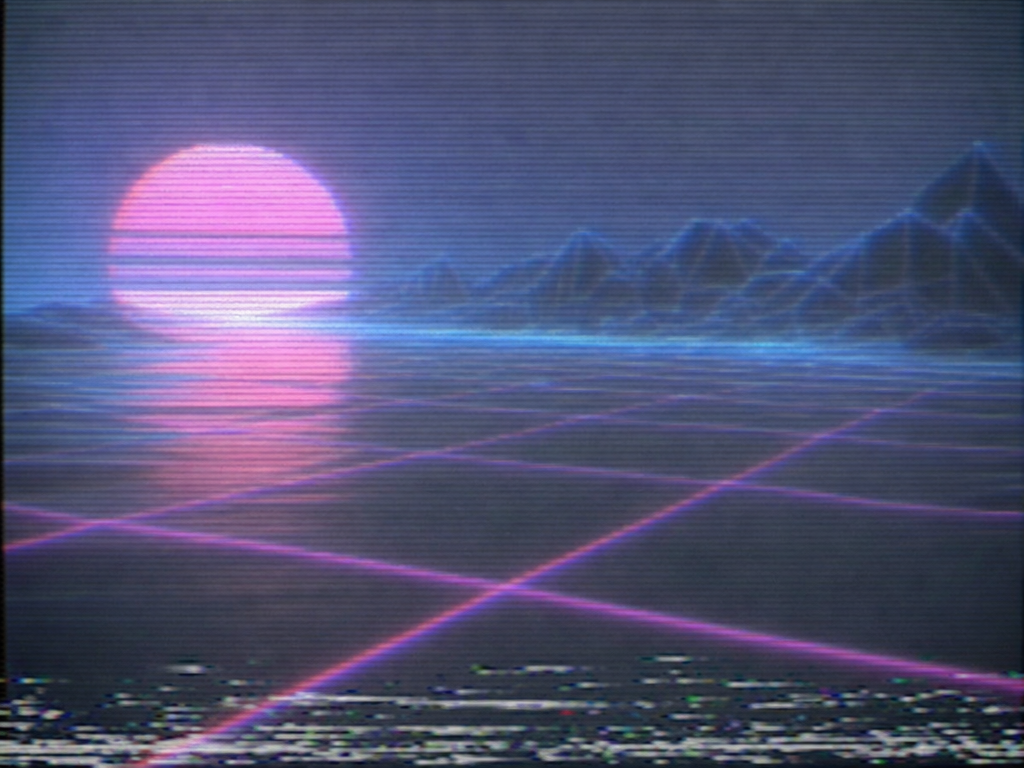
Retro Illustration works because it narrows the model's decision space. When a prompt only includes a broad subject, the model has to guess the setting, the framing, the style, and the emotional tone. This tag gives the prompt a more concrete search intent and a clearer production target. Details such as muted palette, halftone texture, old paper, vintage typography, faded color, 80s gradient help the model understand what should be visible on screen, what should be emphasized, and what should remain secondary. The result is usually more consistent, easier to compare, and more useful for real creative workflows. You can adapt the same prompt for realistic photography, illustration, cinematic video, anime-inspired visuals, packaging previews, or social-first design systems by changing the medium and camera instructions.

Explore Related Prompts

  • Illustration
  • Poster
  • Character
  • Anime Style
  • Oil Painting Style
  • Watercolor Style
  • Pixel Art

Prompt Building Tips

  1. Start with the subject and setting, then add the intended use case so the model understands the output goal.
  2. Specify camera distance, aspect ratio, lens style, lighting direction, and color palette to reduce random composition choices.
  3. Add material cues, environmental details, and secondary objects only when they support the main idea.
  4. Include a short negative instruction for unwanted artifacts, clutter, incorrect text, extra limbs, or mismatched branding.
    Retro Illustration prompts perform best when the scene is specific enough to guide the model but still flexible enough to allow rich visual interpretation. Keep the core idea clear, then iterate through style, lighting, and composition variations until the output matches your publishing context.
Pertanyaan umum

Prompt terkait

Nostalgic Design

Nostalgic Design

43 prompt

Vintage Design

Vintage Design

103 prompt

Retro

Retro

68 prompt

Illustration

Illustration

788 prompt

Galeri Prompt Carat

Buat prompt AI yang lagi tren dalam sekejap

Prompt

  • Logo
  • Desain presentasi
  • Thumbnail
  • Poster
  • Sampul novel web
  • Pasfoto
  • Karikatur
  • Halaman detail produk
  • Banner

Model

  • GPT Image 2
  • Seedance 2.0
  • Nano Banana Pro
  • Nano Banana 2

Carat

  • Mulai
  • Tentang
  • Blog
  • Karier
  • Kontak
  • Kemitraan
  • Ketentuan
  • Privasi

© 2026 Paradot.Inc All rights reserved.